
Discover the Best Remodeling Design Software with Sunvega: Transform Your Home Effortlessly
In the ever-evolving world of home design, finding the right tools to bring your vision to life can be a game-changer. Enter Sunvega, an AI remodeling software and home-design mobile app that is revolutionizing how homeowners and professionals approach interior design. With its comprehensive suite o
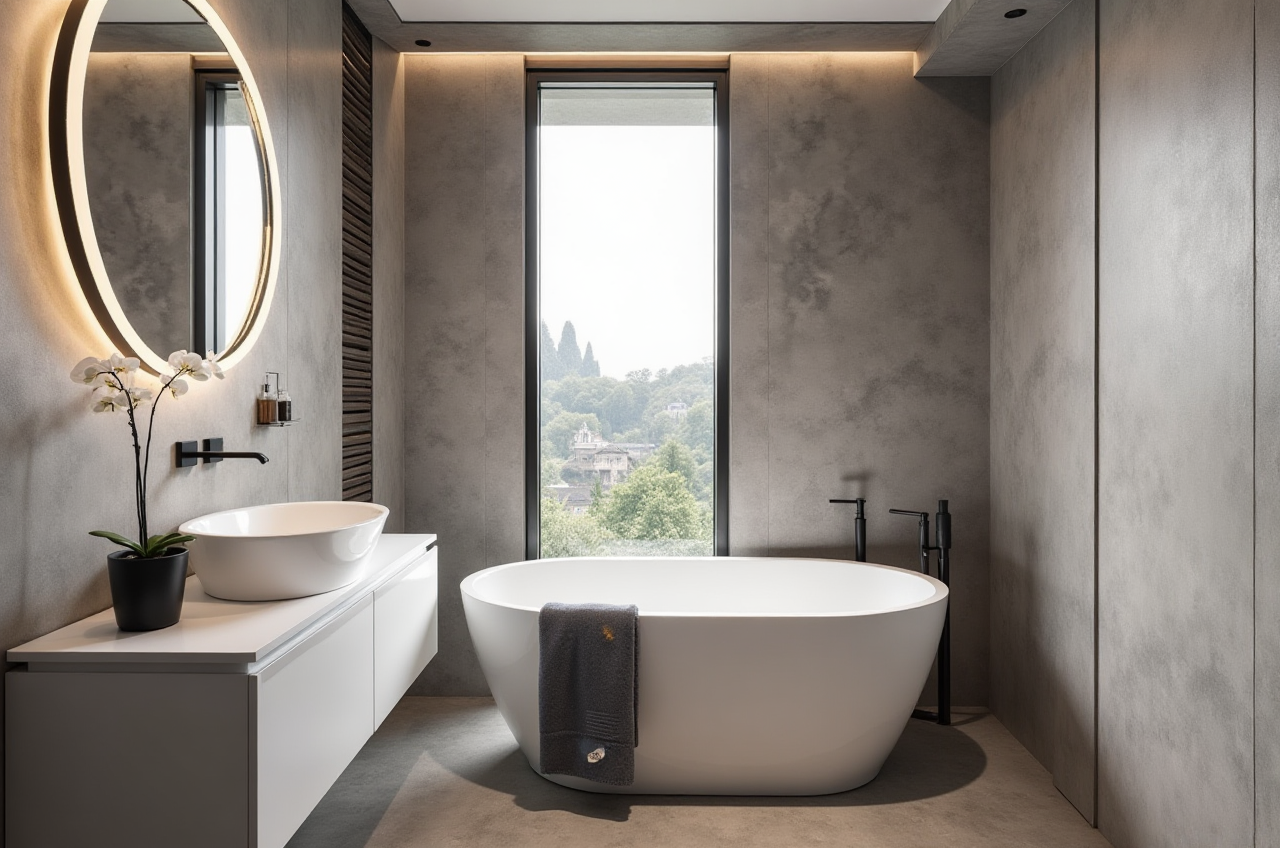
In the ever-evolving world of home design, finding the right tools to bring your vision to life can be a game-changer. Enter Sunvega, an AI remodeling software and home-design mobile app that is revolutionizing how homeowners and professionals approach interior design. With its comprehensive suite of features, including AI one-click 3D rendering, floor-plan design, doors-and-windows design, and house-remodeling design, Sunvega stands out as a powerful ally in creating beautiful, functional spaces.
Why Choose Sunvega for Your Next Project?
1. AI-Powered 3D Modeling and Rendering
Sunvega's core strength lies in its advanced AI technology, which accelerates the transformation of physical products into high-precision digital twins. This means you can start from a single image and manage massive SKU catalogs, making it incredibly efficient to update and maintain your 3D libraries. The AI-accelerated rendering engine produces photorealistic visuals in the cloud within minutes, streamlining the creation of high-end content for an immersive experience.
Practical Tip: Utilize Sunvega's AI-powered 3D modeling to quickly visualize different furniture or decor options in your space before making a purchase. This can save both time and money by avoiding costly mistakes.
2. Real-Time Spatial Design and Floor-Plan Creation
Creating accurate 3D floor plans has never been easier. Sunvega’s portable 3D scanner, powered by advanced AI algorithms, generates precise 3D floor plans in real-time. This feature is particularly useful for DIY enthusiasts and professionals alike, providing a seamless transition from concept to reality.
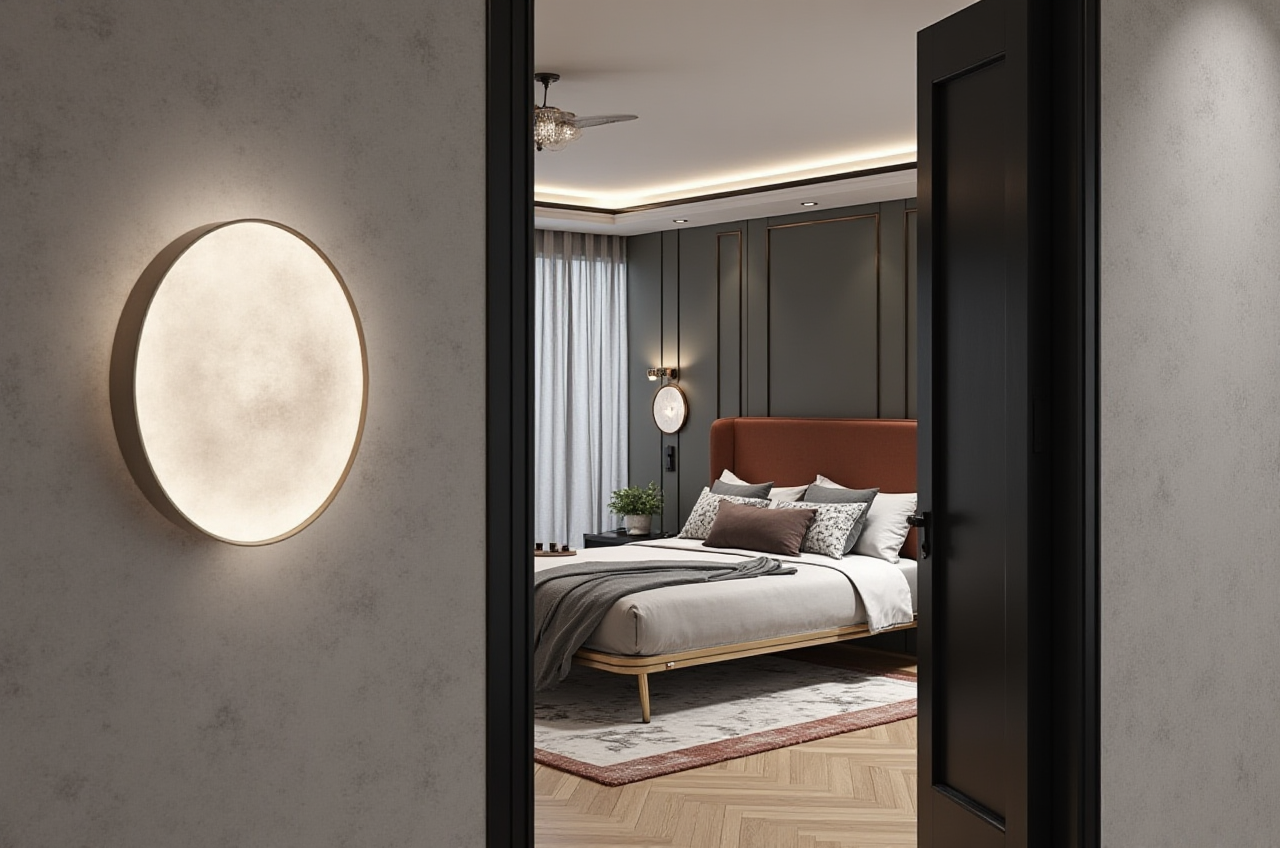
Practical Tip: For those embarking on a renovation, start by scanning your existing space to create an accurate 3D model. This will serve as a solid foundation for planning and visualizing changes.
3. User-Friendly Interface and Accessibility
Sunvega offers a user-friendly interface that caters to both beginners and experienced users. The intuitive design ensures that even those with no prior design experience can navigate the platform effortlessly. Additionally, the software supports 18 languages, making it accessible to a global audience.
Practical Tip: Take advantage of the tutorials and resources available on the Sunvega website to familiarize yourself with the software. The more you explore, the more you'll discover about what this tool can do.
4. Versatile Design Capabilities
From minimalist to retro, light luxury to American and Chinese classical, Sunvega supports a wide range of design aesthetics. This versatility allows users to experiment with various styles, ensuring that the final design reflects their unique taste and preferences.
Practical Tip: Explore the different style templates offered by Sunvega to find inspiration. You can also customize these templates to match your personal style, giving your project a truly unique touch.
Comparing Sunvega with Other Leading Design Tools
When it comes to choosing the best remodeling design software, it's important to consider several key factors, such as ease of use, quality of 3D rendering, and the breadth of design capabilities. Here, we compare Sunvega with other leading design tools like ReHouse, VisionHome, and Live Home 3D.
Ease of Use and Learning Curve
Sunvega: Offers a user-friendly interface with a gentle learning curve, suitable for both novices and professionals.ReHouse (Vulcan Labs Company Limited): Designed specifically for iPhone, it provides a straightforward and intuitive experience but may have limitations for non-iPhone users.
VisionHome (LEADSUP L.L.C-FZ): Known for its quick and easy-to-use interface, especially when it comes to applying styles to photos.
Live Home 3D (Belight Software, ltd): While powerful, it may require more time to master due to its extensive feature set.
Quality of 3D Rendering
Sunvega: Excels in producing photorealistic visuals through its AI-accelerated rendering engine, delivering results in minutes.ReHouse: Provides good-quality 3D designs, though not as detailed or realistic as Sunvega.
VisionHome: Specializes in photorealistic redesigns, making it a strong competitor in this area.
Live Home 3D: Known for its high-quality 3D renderings, though the free version includes watermarks.
Design Capabilities and Versatility
Sunvega: Supports a wide array of design styles and customization options, catering to diverse aesthetic preferences.ReHouse: Offers a variety of iconic design styles but may lack the depth of customization found in Sunvega.
VisionHome: Focuses on a broad range of styles, including the ability to extract and apply styles from reference images.
Live Home 3D: Highly versatile, with a vast library of objects and materials, but may be more suited to professional designers due to its complexity.
User Case Studies and Testimonials
Case Study 1: A Modern Minimalist Makeover
A young couple in New York City used Sunvega to transform their small apartment into a modern, minimalist haven. By leveraging the AI-powered 3D modeling and rendering, they were able to visualize and refine their design choices, resulting in a space that felt both spacious and stylish. The couple reported a 30% reduction in overall project costs and a significant improvement in their living experience.
Testimonial 1: "Sunvega made our dream home a reality." - Sarah, Interior Designer
Sarah, a professional interior designer, praised Sunvega for its efficiency and accuracy. She noted that the AI-driven spatial design and real-time 3D floor plan generation saved her countless hours of manual work, allowing her to focus more on creative aspects and client communication.
Case Study 2: A Vintage Revival
In another case, a family in London used Sunvega to give their 1920s home a vintage revival. The software's support for a wide range of design aesthetics, including retro, allowed them to blend classic elements with modern functionality. The result was a beautifully restored home that honored its historical roots while meeting the needs of contemporary living.
Testimonial 2: "The perfect blend of old and new." - James, Homeowner
James, the homeowner, was thrilled with the outcome. He mentioned that Sunvega's versatility and user-friendly interface made it easy for him to experiment with different design ideas, ultimately achieving the perfect balance between vintage charm and modern comfort.
Q&A: Addressing Common Questions
Q1: Is Sunvega suitable for DIY enthusiasts?
A1: Absolutely! Sunvega is designed to be user-friendly, with a gentle learning curve. The intuitive interface and comprehensive tutorials make it easy for DIY enthusiasts to get started and achieve professional-looking results.
Q2: Can I use Sunvega for commercial projects?
A2: Yes, Sunvega is well-suited for both residential and commercial projects. Its advanced features, including AI-powered 3D modeling and photorealistic rendering, are ideal for professionals looking to deliver high-quality designs to clients.
Q3: How does Sunvega handle large-scale projects?
A3: Sunvega excels in managing large-scale projects thanks to its robust AI technology and cloud-based infrastructure. It can handle massive SKU catalogs and generate high-precision 3D models, making it a reliable choice for complex and extensive projects.
Conclusion
Sunvega stands out as a top-tier remodeling design software, offering a unique blend of AI-powered 3D modeling, real-time spatial design, and user-friendly accessibility. Whether you're a DIY enthusiast or a professional designer, Sunvega provides the tools and flexibility needed to bring your vision to life. Visit Sunvega's website to learn more and start transforming your home today.