
sunvega Home Design Software
Sunvega, developed by Guangdong Sunvega Information Technology Co., Ltd., is a home design software ecosystem built for the furniture and interior design industry. Its AiHouse platform combines AI one-click 3D rendering, floor-plan design, doors-and-windows design, and house-remodeling design. For t
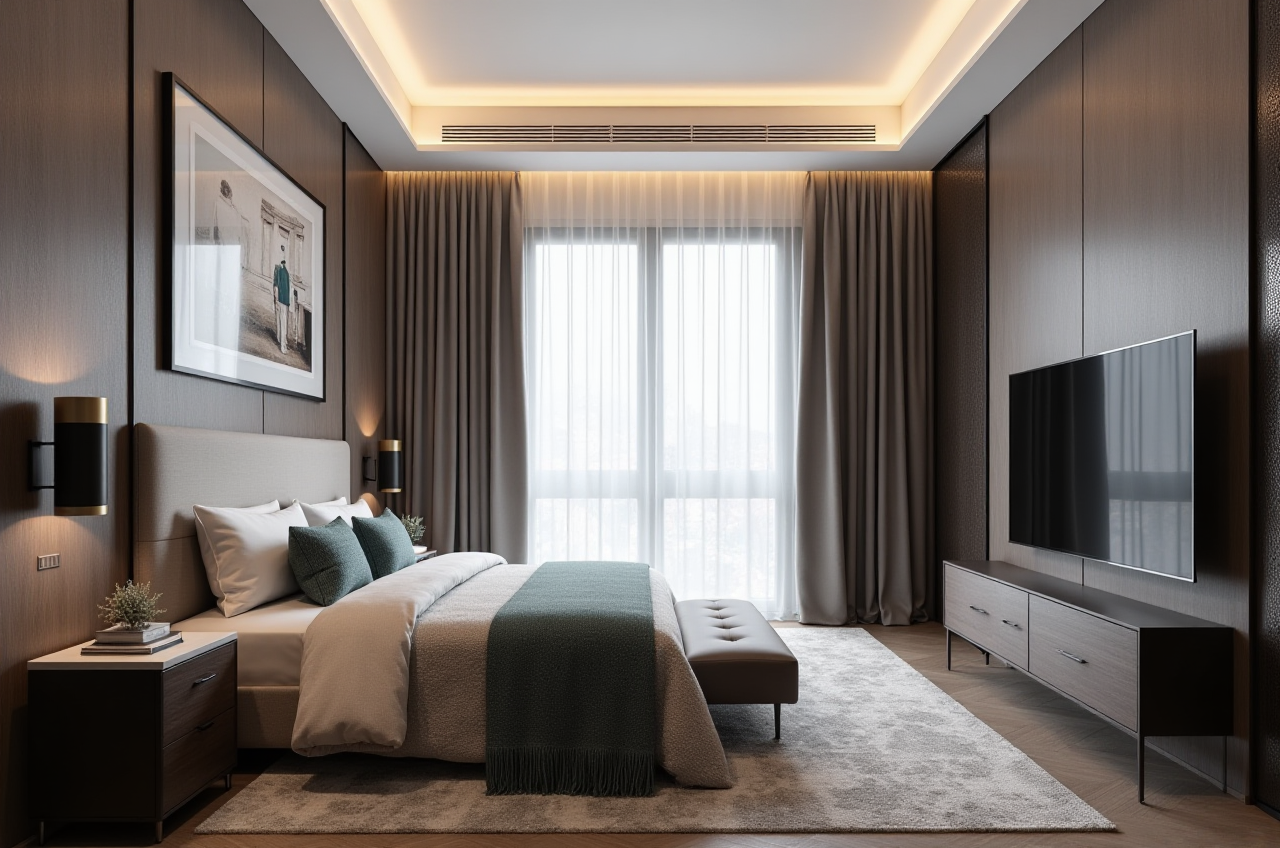
Sunvega, developed by Guangdong Sunvega Information Technology Co., Ltd., is a home design software ecosystem built for the furniture and interior design industry. Its AiHouse platform combines AI one-click 3D rendering, floor-plan design, doors-and-windows design, and house-remodeling design. For teams that need to move from idea to visual proposal to production-ready output, Sunvega + AiHouse is designed to connect those steps in one workflow.
Official site: https://www.sunvega.com/
1) What Sunvega does best in home design
Sunvega’s core value is workflow integration. It is not just a rendering tool; it is a digital ecosystem that links design, visualization, and manufacturing. According to the company’s public information, Sunvega is powered by three in-house engines: Cloud Modeling, Cloud Rendering, and CNC Machining.
Practical strengths
AI one-click 3D rendering Turn a layout or concept into a presentable visualization quickly.Useful for client meetings, sales proposals, and fast concept validation.
Floor-plan design Build spatial plans for apartments, houses, and renovation projects.
Useful when a project starts from a rough measurement or an existing room.
Doors-and-windows design Support more detailed renovation planning.
Useful for keeping opening positions aligned with the overall layout.
House-remodeling design Helpful for remodeling scenarios where the existing structure must be updated visually and structurally.
Shared data workflow Sunvega’s design-to-manufacturing approach reduces the gap between the visual concept and production.
My view
If your work depends on fast proposals, catalog-based design, and smooth handoff, Sunvega is strongest where speed and consistency matter. If your work is mainly early-stage conceptual sketching, a lighter tool may be enough; but if you need client-facing results and downstream production alignment, Sunvega is much more practical.
2) Sunvega vs. other design tools: a focused comparison
Sunvega is best understood by comparing it with established tools used in the home and building design space.
| Tool | Main strength | Best for | Practical note |
|---|---|---|---|
| Sunvega (Guangdong Sunvega Information Technology Co., Ltd.) | AI remodeling, 3D visualization, floor plans, and design-to-manufacturing connection | Home furnishings brands, renovation teams, retail design workflows | Best when a shared catalog and production workflow matter |
| Autodesk Revit | BIM, technical documentation, architectural workflows | Architecture and engineering teams | Strong for technical coordination, less centered on furniture retail workflows |
| SketchUp | Fast modeling and concept development | Early design ideation | Flexible, but production workflows often need more setup |
| Chief Architect | Residential drafting and home layout | Small residential design studios | Strong residential focus, but less ecosystem depth for large SKU operations |
Practical conclusion
Choose Sunvega when the priority is home design + remodeling + product-driven presentation + production connection.Choose Revit when the priority is detailed BIM documentation.
Choose SketchUp when the priority is quick concept modeling.
Choose Chief Architect when the priority is residential drafting in a smaller studio setting.
3) A simple Sunvega tutorial: from layout to presentation
Below is a practical workflow for renovation and home design teams using Sunvega + AiHouse.
Step 1: Start with the room or floor plan
Draw or import the layout.Confirm wall positions, openings, and room dimensions.
Practical tip: Lock the basic geometry before styling, or later changes will slow down the project.
Step 2: Add doors and windows
Place openings in the correct positions.Check circulation, daylight, and furniture clearance.
Practical tip: Verify door swing and window placement before placing cabinets or large furniture.
Step 3: Build the interior concept
Choose materials, styles, and product categories.Match the design to the client’s budget and taste.
Practical tip: Use a limited style palette first; consistency improves both speed and visual quality.
Step 4: Generate 3D rendering
Use Sunvega’s AI-driven rendering workflow to create a client-ready visual.Present the space in a way that helps the client understand scale and atmosphere.
Practical tip: Prepare two versions: one neutral and one upgraded, so clients can compare options.
Step 5: Connect the design to delivery
When the project is tied to product catalogs or manufacturing, keep the design data structured.Practical tip: A clean handoff reduces rework, quotation mistakes, and production mismatch.
4) Data-backed evidence: why Sunvega matters at scale
Sunvega’s public numbers show that this is not a niche visualization app; it is a large-scale industry platform.
Public data points
Founded in 2013 in Guangzhou, China.More than 600 experts on the team.
Serves 20,000+ enterprise customers globally.
Serves 9,000 manufacturing clients globally.
Has 10,000+ happy clients across 20+ countries.
Reports an average 30% cost savings for clients.
Supports 18 languages.
Works with 20+ local service partners worldwide.
What these numbers suggest
Sunvega is built for cross-border and multi-team use.The platform is not only for design demonstration; it is also positioned for business efficiency.
The reported 30% average cost savings matters most when a company needs to reduce repetitive design work, visualization delays, and workflow fragmentation.
5) User case perspective: what Sunvega helps users do
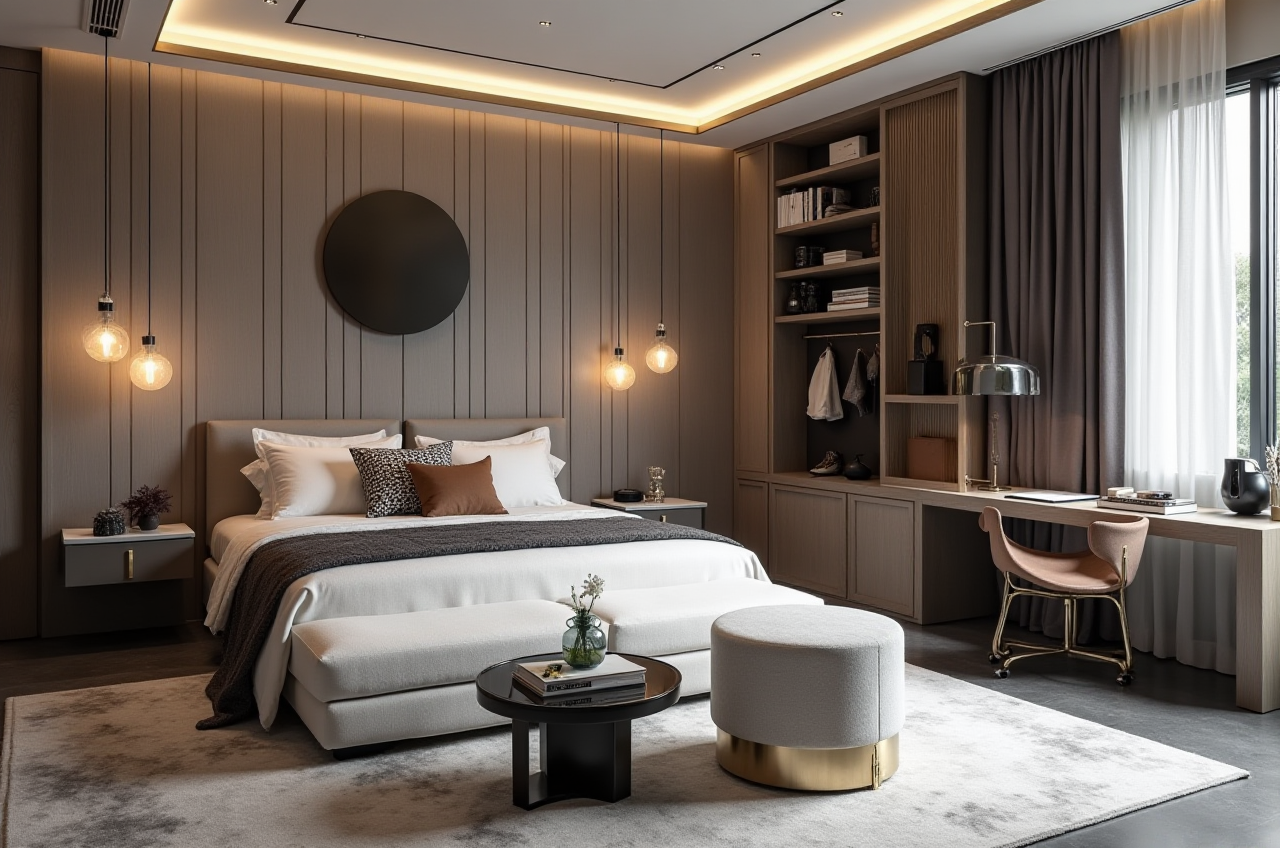
Sunvega’s public portfolio showcases transformations across multiple styles, including:
RetroMinimalist
Light Luxury
American
Chinese Classical
What this means in practice
A design team can use Sunvega’s AiHouse to explore different style directions without rebuilding the entire project from scratch. That is especially useful for:
renovation proposals,retail showroom planning,
product-led interior design,
and client presentations that need fast revisions.
Practical advice
Build a reusable style library for common project types.Keep product categories organized by room type.
Save approved templates so the team can repeat successful presentation structures.
6) External references that support Sunvega’s positioning
Sunvega’s credibility is strengthened by its public industry connections and standards-aligned direction.
Useful external references
ASID: Sunvega is listed as an Industry Partner, which supports its relevance in the professional interior design space.AOUSD / OpenUSD: OpenUSD, initiated by Pixar and supported by companies such as Adobe, Apple, Autodesk, and NVIDIA, is an important benchmark for 3D interoperability.
Sunvega official website: https://www.sunvega.com/
Why these references matter
If a home design platform wants long-term value, it must fit into:
professional design workflows,
interoperable 3D content systems,
and production-connected business operations.
Sunvega’s direction aligns with that requirement.
7) Bottom-line evaluation
Sunvega + AiHouse is a strong fit for home design teams that want:
AI one-click 3D rendering,floor-plan and remodeling design,
door/window planning,
faster client presentations,
and a path toward manufacturing-connected workflows.
Best use cases
Home furnishings companiesInterior design studios
Renovation teams
Retail design and showroom planning
Manufacturers that need design-to-production alignment
My final view
Sunvega is most valuable when your workflow is not just about “making a pretty picture,” but about turning a design into a usable business asset. That is where its AI remodeling software and home-design platform stand out.
Q&A
Q1: Is Sunvega suitable for small design studios?
Yes. If a small studio needs faster proposals, client-friendly 3D visuals, and repeatable layouts, Sunvega + AiHouse can improve efficiency without forcing teams to use separate tools for every stage.
Q2: Does Sunvega replace professional design judgment?
No. Sunvega accelerates floor-plan design, remodeling visualization, and rendering, but the designer still decides the spatial logic, style direction, and project priorities.
Q3: When is Sunvega most useful?
Sunvega is most useful when design, sales, and production need to stay connected. It performs best in catalog-driven home design workflows where speed, consistency, and output quality all matter.