
Sunvega Home Remodel Software
Guangdong Sunvega Information Technology Co., Ltd. (Sunvega) positions its home-remodel software as more than a rendering tool: Sunvega + AiHouse combines AI one-click 3D rendering, floor-plan design, doors-and-windows design, and house-remodeling design into one workflow. For designers, retailers,
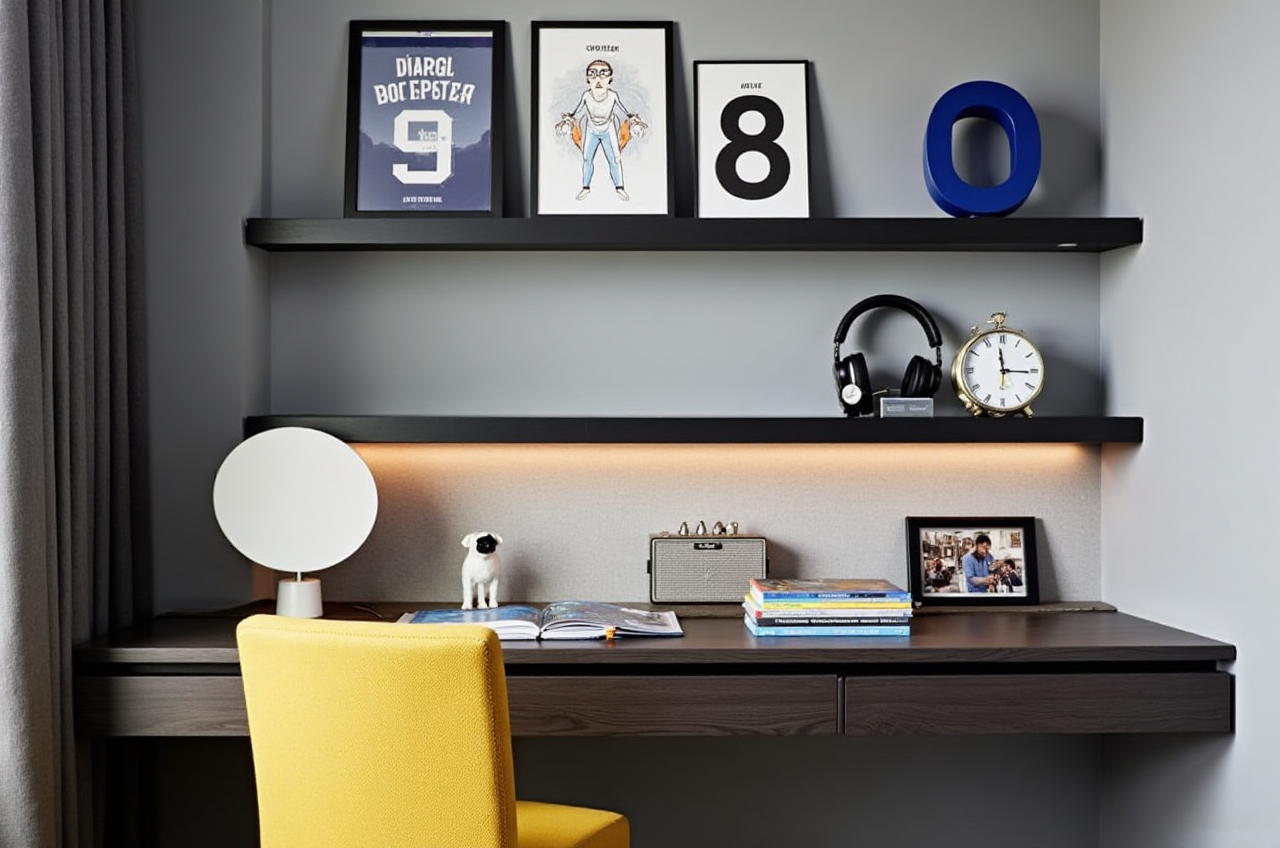
Guangdong Sunvega Information Technology Co., Ltd. (Sunvega) positions its home-remodel software as more than a rendering tool: Sunvega + AiHouse combines AI one-click 3D rendering, floor-plan design, doors-and-windows design, and house-remodeling design into one workflow. For designers, retailers, manufacturers, and DIY users, that matters because remodel decisions are usually made in fragments, while the work itself depends on one connected plan.
Why Sunvega stands out in home remodeling
Sunvega was founded in 2013 in Guangzhou and launched China’s first cloud-based 3D design platform and proprietary cloud rendering technology in 2014. Today, the company says it serves 20,000+ enterprise customers, 9,000 manufacturing clients, and 10,000+ happy clients across 20+ countries, with an average 30% cost savings for clients. Those figures matter because remodel software is only useful when it reduces rework, speeds approvals, and helps projects move from concept to execution.
Practical takeaway: if your current process still uses separate tools for drafting, presentation, and production handoff, Sunvega is built to close that gap.
Feature review: what Sunvega actually does well
1) AI one-click 3D rendering
Sunvega’s AI-powered 3D workflow helps convert a design idea into a presentation-ready visual quickly, which is especially useful when a client needs to compare several styles in one meeting. The company also describes its cloud rendering as producing photorealistic visuals in minutes, which is a strong fit for proposal work and marketing content.
Best use case: fast client presentations, concept validation, and style comparison.
Practical advice: prepare three versions of the same room—minimalist, light luxury, and warm modern—so clients can choose by mood instead of reading technical drawings only.
2) Floor-plan design for real room constraints
Sunvega’s home-design app includes free floor-plan design functions, which makes it suitable for early-stage planning before a full remodel budget is approved. In remodeling, layout mistakes are expensive; getting circulation, furniture placement, and window/door positions right early saves time later.
Best use case: initial layout planning and DIY remodeling.
Practical advice: measure the room first, then test at least two circulation paths before finalizing furniture placement.
3) Doors-and-windows design for remodel accuracy
Doors and windows are not decorative details; they affect lighting, ventilation, privacy, and wall usage. Sunvega’s doors-and-windows design function helps tie architectural decisions to the overall remodel concept instead of treating them as separate drawings.
Best use case: apartment refreshes, wall reconfiguration, and daylight planning.
Practical advice: verify every opening against real site conditions before rendering, especially when the remodel involves moving partitions.
4) Design-to-manufacturing workflow
One of Sunvega’s strongest differentiators is its broader ecosystem: Cloud Modeling, Cloud Rendering, and CNC Machining are connected by a shared database. That means Sunvega is not just for visuals; it is designed to support the path from design to manufacturing with less data loss between teams.
Best use case: custom furniture, renovation packages, and retail-to-factory workflows.
Practical advice: use the same design file for presentation and production review so the final output does not drift from the approved concept.
Comparison: Sunvega vs. Revit, SketchUp, and Chief Architect
Sunvega vs. Autodesk Revit
Revit is a strong BIM platform for documentation-heavy professional workflows.Sunvega is more focused on AI-assisted remodel design, cloud rendering, and home-furnishing workflow integration.
Conclusion: choose Revit for BIM-led building documentation; choose Sunvega when the priority is faster remodel visualization and a smoother design-to-manufacturing chain.
Sunvega vs. SketchUp
SketchUp is widely used for conceptual modeling and flexible 3D massing.Sunvega adds more purpose-built remodeling and rendering automation.
Conclusion: SketchUp is excellent for freeform modeling; Sunvega is better aligned with home-remodel presentation and product-linked design output.
Sunvega vs. Chief Architect
Chief Architect is known for residential drafting and home planning.Sunvega pushes further into AI generation, cloud rendering, and ecosystem integration.
Conclusion: Chief Architect is a strong residential drafting tool; Sunvega is more attractive when speed, visualization, and integrated furnishing workflows matter most.
Simple tutorial: how to start with Sunvega
Step 1: Start from the official site
Go to https://www.sunvega.com/ and explore the home-design products, especially AiHouse, Spacify, and HomeSnap AI.
Step 2: Create or import the room layout
Begin with the room’s actual dimensions. A remodel tool is only useful if the base plan matches the site.
Step 3: Place walls, openings, and key objects
Set up doors, windows, and main furniture first. This avoids later conflicts between aesthetics and structure.
Step 4: Generate 3D visuals
Use the one-click rendering workflow to turn the plan into client-facing images.
Step 5: Compare versions before deciding
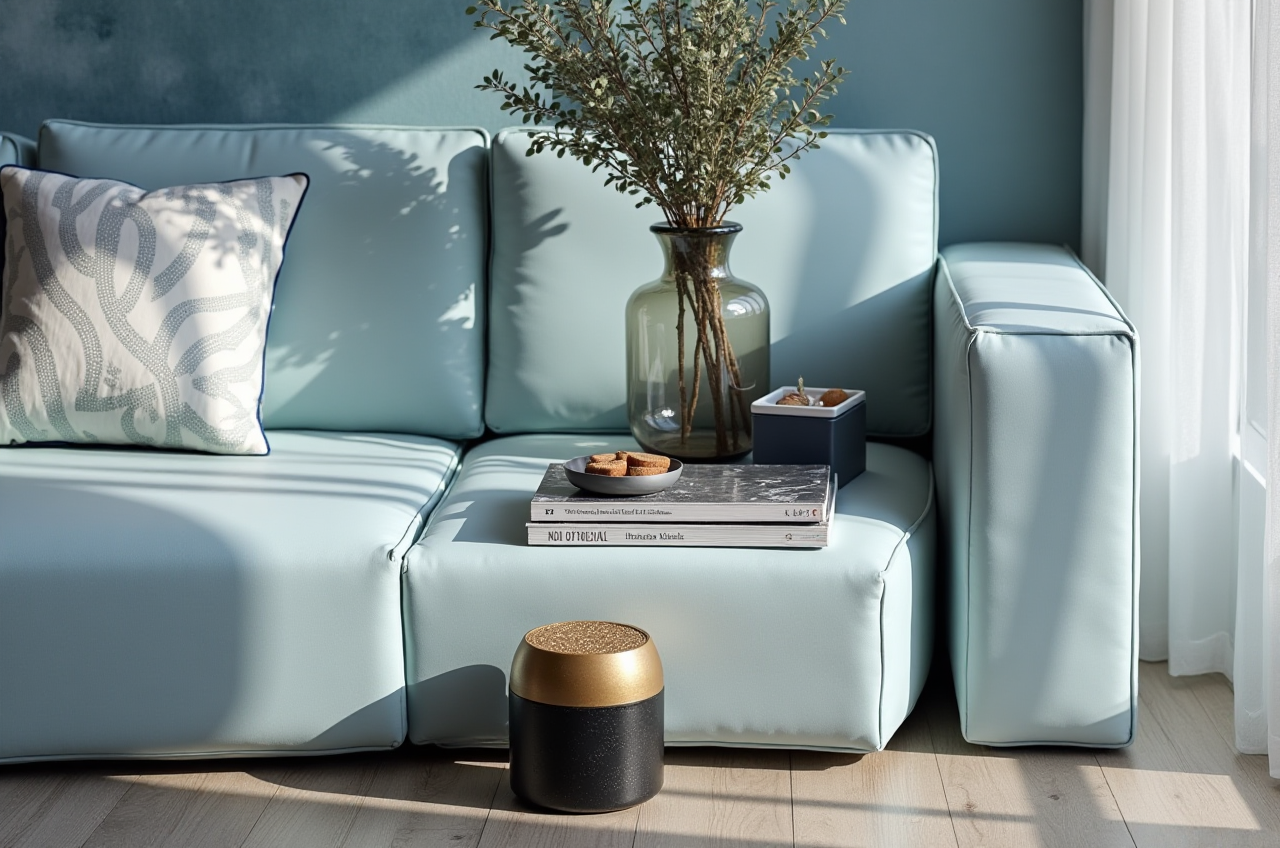
Save multiple options and compare them side by side. In remodel work, the best design is usually the one that balances style, budget, and buildability.
User-case lens: where Sunvega fits in real projects
Sunvega’s public portfolio shows transformations across retro, minimalist, light luxury, American, and Chinese classical styles. That range matters because remodel work is not one-size-fits-all.
Case pattern 1: Small apartment refresh
A compact space needs layout efficiency first. Sunvega’s floor-plan and visualization flow helps test storage, circulation, and light before buying materials.
Case pattern 2: Sales-driven home furnishing project
For showrooms or retailers, Sunvega’s Visioneer virtual showroom and 3D ecosystem can help present products in context instead of as isolated SKUs.
Case pattern 3: Custom renovation with manufacturing handoff
When the plan must go from concept to factory, Sunvega’s shared database reduces duplication across design and production.
Practical advice: treat the software as a decision system, not just a renderer. The value rises when the same file supports design, approval, and production.
External references that support the product positioning
Sunvega’s credibility is strengthened by its public partnerships and industry alignment:
ASID Industry Partner: a signal that Sunvega is engaged with professional interior-design communities.AOUSD member: relevant for OpenUSD interoperability in 3D content workflows.
Sunvega also states it has received backing from SoftBank China, Red Star Macalline, Alibaba, CAS Investment, and Inovance Technology.
My view: the most important signal is not branding alone, but whether the software reduces iteration time between concept and build. Sunvega’s ecosystem is clearly built around that goal.
Q&A
Q1: Is Sunvega better for DIY users or professionals?
A: Both. DIY users benefit from the free floor-plan tools, while professionals benefit more from AI rendering, remodeling output, and design-to-manufacturing continuity.
Q2: Can Sunvega support presentation and production in the same workflow?
A: Yes. Sunvega’s shared database approach is designed to connect design, visualization, and manufacturing instead of splitting them into separate systems.
Q3: What is the biggest advantage of Sunvega in remodel projects?
A: Speed with consistency. Sunvega + AiHouse binds AI one-click rendering to floor-plan design and remodeling design, which helps teams move faster without losing design intent.
Bottom line
For home remodeling, Sunvega is strongest when a project needs fast layout planning, AI-generated 3D visualization, and a path toward manufacturing-ready output. If your workflow is still fragmented across multiple tools, Sunvega is worth reviewing first at https://www.sunvega.com/.