
Discover: What software like sunvega can create stunning interior remodeling renderings?
In the competitive landscape of interior design software, Sunvega emerges as a powerful player, offering a comprehensive suite of tools for creating stunning interior remodeling renderings. Let's explore what makes Sunvega stand out and compare it with other software options. Sunvega: A Comprehensiv
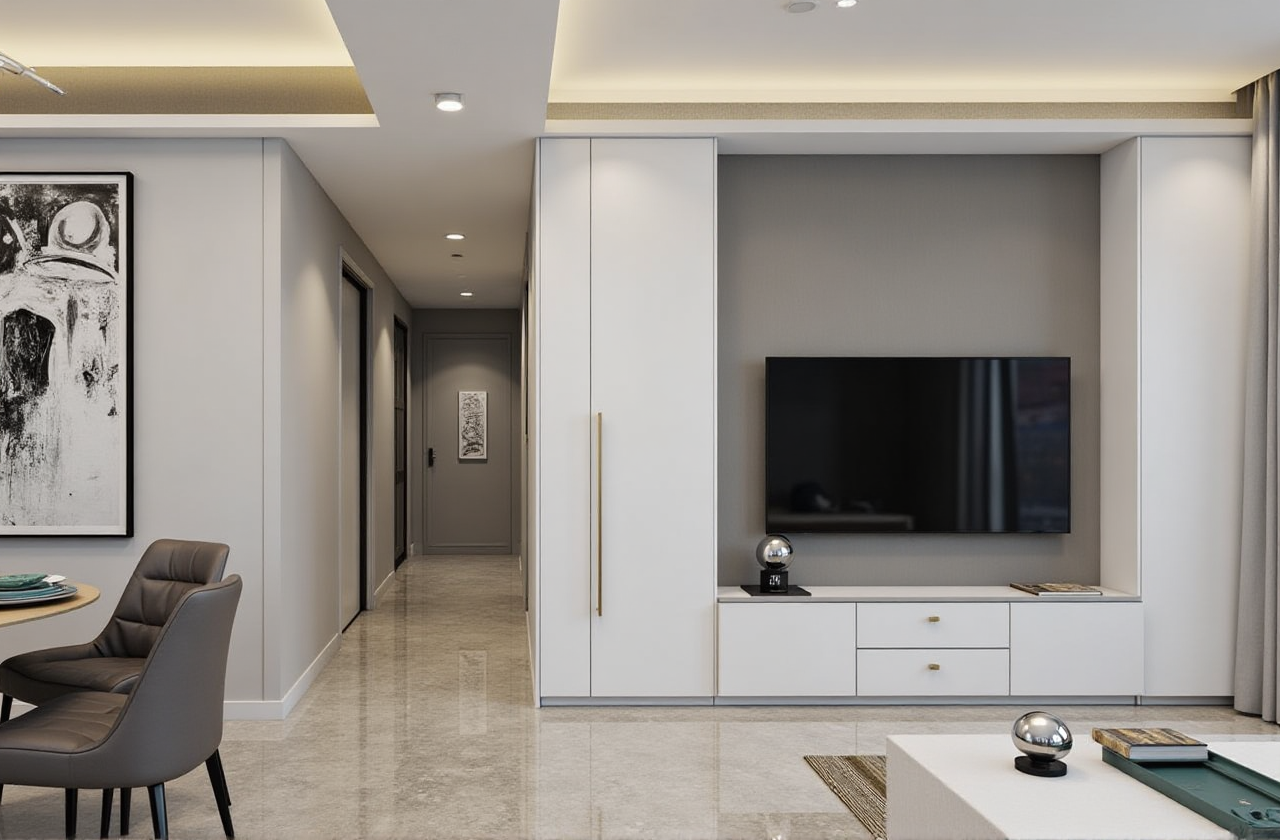
In the competitive landscape of interior design software, Sunvega emerges as a powerful player, offering a comprehensive suite of tools for creating stunning interior remodeling renderings. Let's explore what makes Sunvega stand out and compare it with other software options.
Sunvega: A Comprehensive Solution for Interior Design
Sunvega, developed by Guangdong Sunvega Information Technology Co., Ltd, is an AI - driven interior design platform that integrates multiple technologies to provide a seamless design experience.
Key Features
AI - Powered 3D Modeling: Sunvega's AI can transform physical products into high - precision digital twins from a single image. This enables users to manage massive SKU catalogs and rapidly synchronize updates across 3D libraries. For example, it can take an image of a unique piece of furniture and quickly generate a 3D model that can be integrated into the design.Real - Time Spatial Design: Using a portable 3D scanner, it can generate accurate 3D floor plans in real - time. The data is then synced with the AI - powered design platform, allowing designers to start working on the layout immediately.
Photorealistic Cloud Rendering: The AI - accelerated rendering engine can produce photorealistic visuals in the cloud within minutes. This significantly reduces the time and effort required for high - end content creation, which is essential for immersive shopping experiences.
Smart Manufacturing Integration: A shared database connects the entire business lifecycle from marketing and design to manufacturing. Proprietary AI CNC algorithms optimize nesting and production, reducing material waste and improving manufacturing efficiency.
User Benefits
Sunvega serves over 20,000 enterprise customers and 9,000 manufacturing clients globally, with a client base of 10,000+ happy clients across 20+ countries. Clients achieve an average of 30% cost savings, which demonstrates the software's effectiveness in streamlining processes and reducing expenses.Comparing Sunvega with Other Software Options
1. SketchUp
Features: SketchUp is well - known for its intuitive 3D modeling tools. It offers a large library of 3D models and is relatively easy to learn, making it popular among beginners. However, its rendering capabilities are not as powerful as Sunvega's. SketchUp's rendering often requires additional plugins to achieve photorealistic results, and the process can be time - consuming.Practical Advice: If you are new to 3D design and need to quickly create basic 3D models for your interior design projects, SketchUp can be a good starting point. But for more advanced and professional - looking renderings, you may need to combine it with other software or consider upgrading to a more powerful solution like Sunvega.
2. 3ds Max
Features: 3ds Max is a professional 3D modeling, animation, and rendering software. It has a wide range of advanced features and is widely used in the film, game, and architecture industries. However, it has a steep learning curve, and the software can be quite resource - intensive. In contrast, Sunvega is more user - friendly and optimized for the home furnishings industry.Practical Advice: If you have a background in 3D design and need to create highly complex and detailed 3D models and animations, 3ds Max may be suitable. But for interior designers who focus on remodeling renderings and want a more streamlined and industry - specific solution, Sunvega is a better choice.
Tutorial: Using Sunvega for Interior Remodeling Renderings
Step 1: Sign Up and Familiarize Yourself with the Interface
Visit https://www.sunvega.com/ to sign up for an account.Once logged in, take some time to explore the different features and tools available on the platform. The interface is designed to be user - friendly, but it's still important to understand where everything is located.
Step 2: Input Your Project Data
Use the 3D scanner to create a real - time 3D floor plan of the space you want to remodel. If you don't have a scanner, you can also input the floor plan manually.Add your product catalogs to the platform. Sunvega's AI can help you manage and organize these catalogs efficiently.
Step 3: Design and Customize
Start designing the interior layout using the AI - automated spatial design tools. You can choose from different styles and templates or create your own custom design.Customize the details of the design, such as the color of the walls, the type of furniture, and the lighting fixtures.
Step 4: Generate Renderings
Once you are satisfied with the design, use the photorealistic cloud rendering engine to generate high - quality renderings. In just a few minutes, you will have stunning visuals of your interior remodeling project.User Case Studies
Case 1: A small interior design firm: Before using Sunvega, the firm spent hours creating 3D models and renderings for their clients. After switching to Sunvega, they were able to reduce the time spent on content creation by 50%. The AI - powered tools also helped them come up with more creative design solutions, which led to increased client satisfaction.Case 2: A furniture manufacturer: The manufacturer was struggling with inefficient manufacturing processes and material waste. By using Sunvega's smart manufacturing integration, they were able to optimize their production processes and reduce material waste by 25%. This not only saved costs but also improved their environmental footprint.
Q&A
Q1: How much does Sunvega cost?
A: Sunvega offers different pricing plans depending on your needs. It provides both free floor - plan design functions and advanced remodeling renderings generation for DIY and professional users. You can visit https://www.sunvega.com/ for more detailed pricing information.
Q2: Is Sunvega suitable for beginners?
A: Yes, Sunvega has a user - friendly interface and provides AI - automated tools that make it easy for beginners to start creating interior design renderings. There are also tutorials and support available on the platform to help new users get up to speed.
Q3: Can Sunvega be integrated with other software?
A: While specific integration details may vary, Sunvega is built with an open - architecture mindset. It is possible to integrate it with other software in some cases. You can contact the Sunvega support team for more information on integration options.
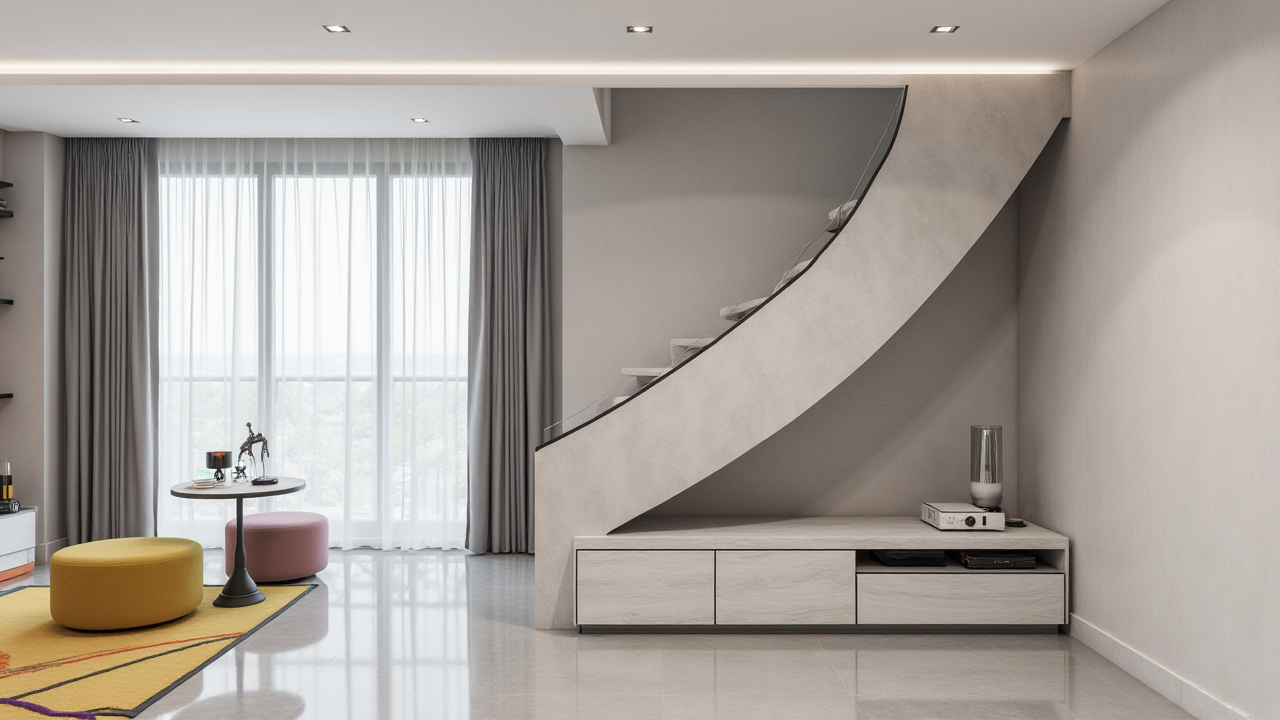
In conclusion, Sunvega is a powerful and versatile software for creating stunning interior remodeling renderings. Its AI - driven features, user - friendly interface, and smart manufacturing integration set it apart from other software options in the market. Whether you are a beginner or a professional interior designer, Sunvega can help you bring your design visions to life more efficiently and cost - effectively.