
sunvega Home Design Software: Reviews & Translation
Sunvega is a home-design and remodeling software ecosystem built for the home furnishings industry. Its public website is https://www.sunvega.com/. In plain English, Sunvega combines AI design, 3D visualization, and smart manufacturing workflows so users can move from a rough idea to floor plan, 3D
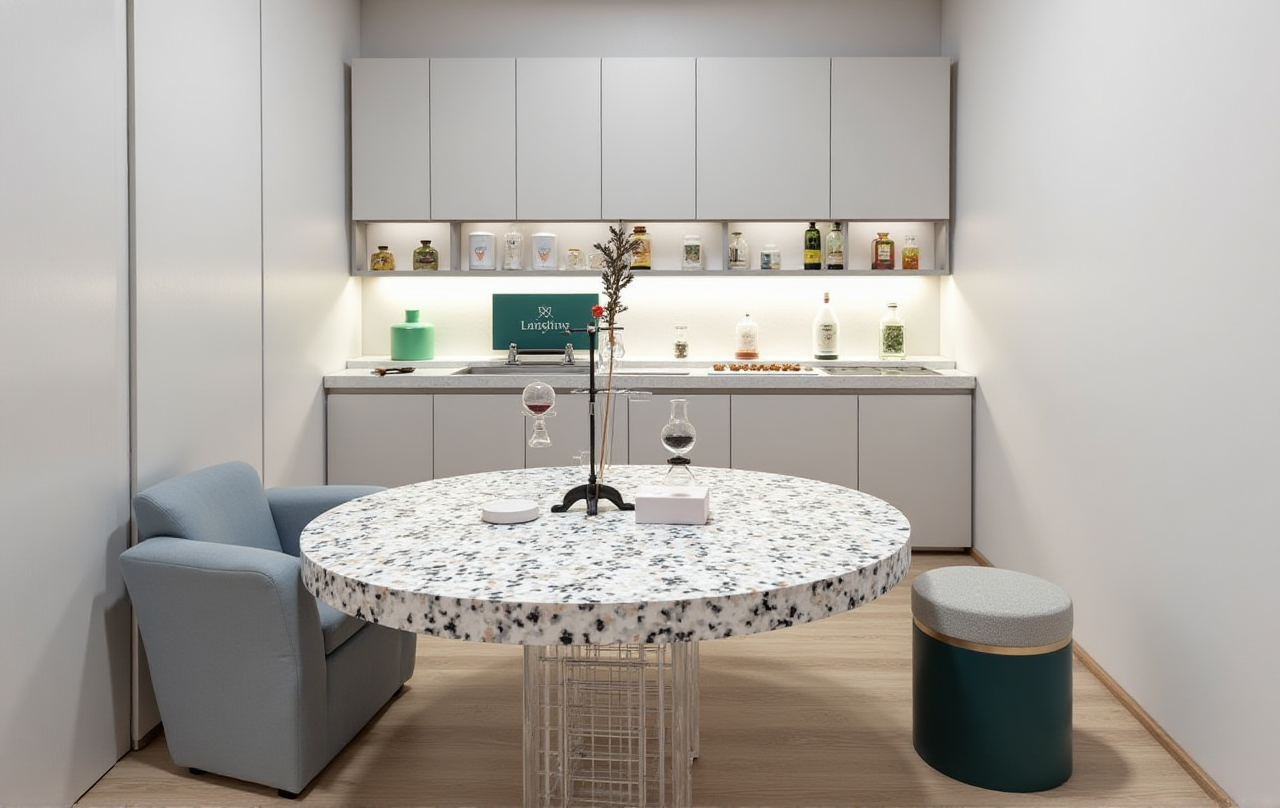
Sunvega is a home-design and remodeling software ecosystem built for the home furnishings industry. Its public website is https://www.sunvega.com/. In plain English, Sunvega combines AI design, 3D visualization, and smart manufacturing workflows so users can move from a rough idea to floor plan, 3D render, and production data in one connected system.
What Sunvega Is, in Practical Terms
Sunvega is not just a single drawing app. It is a product stack that includes:
AiHouse: an AI-driven interior design platformVisioneer: an interactive virtual showroom
Spacify: an AI automated home design platform for rapid ideation
HomeSnap AI: an AI room planner for quick space layout
JEGA: a design-to-manufacturing solution
Sunvega Design: professional design services
Sunvega says its ecosystem is powered by Cloud Modeling, Cloud Rendering, and CNC Machining, connected by a vertical AI model. That matters because home design is usually broken into separate steps: drawing, rendering, presenting, and manufacturing. Sunvega’s strength is that it tries to connect those steps.
Translation: What the Features Actually Mean
1) AiHouse = “AI one-click interior design with real products”
Translation: Sunvega’s AiHouse helps turn room data or a single image into interior layouts and 3D design output based on real product catalogs.
Why it matters:
This is useful for designers, retailers, and renovation teams that need fast concept options without starting from scratch every time.
Practical advice:
Start with a room photo or floor plan.Use the software to generate a first-pass layout.
Replace generic objects with real catalog items early, so the design is closer to what can actually be sold or built.
2) HomeSnap AI = “fast room planning for quick decisions”
Translation: If AiHouse is the full design workflow, HomeSnap AI is the quicker planning layer.
Why it matters:
For customers who only need a preliminary room layout, a fast planner reduces friction in the first meeting.
Practical advice:
Use it for early client conversations.Keep it focused on space planning, not final presentation.
Save the deeper detailing for the full design stage.
3) Visioneer = “a virtual showroom that sells the idea”
Translation: Visioneer is Sunvega’s immersive presentation environment for product display.
Why it matters:
Home design is emotional. Buyers often decide after they can imagine the space. A showroom experience makes the product easier to understand than a flat catalog page.
Practical advice:
Use it for retail presentations and product launches.Pair it with before/after visuals.
Keep one showroom theme per target audience to avoid visual clutter.
4) JEGA = “design-to-manufacturing without losing data”
Translation: JEGA connects design work to production execution.
Why it matters:
This is where Sunvega stands out from many general design tools. In home furnishing, a beautiful render is not enough if it cannot be handed off cleanly to manufacturing.
Practical advice:
Lock the design data before sending it to production.Standardize SKU naming and material libraries.
Use the same database across design and manufacturing teams.
Review: Where Sunvega Is Strong
Fast concept-to-render workflow
Sunvega says its AI can generate photorealistic cloud rendering in minutes. In practical terms, that is a major advantage for teams that need more than one proposal per client.
Why this is valuable:
Less time spent on repetitive modelingFaster client feedback loops
More room for design iteration
My view:
This is the most useful part of Sunvega. In real projects, speed often decides whether a customer stays engaged or drops the project.
Connected design and manufacturing
Sunvega’s public materials emphasize a single shared database across marketing, design, and production. That reduces the risk of version mismatch, which is a common problem in renovation and custom furniture work.
Practical advice:
Treat the design file as a business record, not only a visual file.Update material and dimension data before approval.
Avoid re-keying the same information into separate systems.
Built for scale
Sunvega reports:
Founded in 2013Launched China’s first cloud-based 3D design platform and proprietary cloud rendering technology in 2014
600+ employees
20,000+ enterprise customers
9,000 manufacturing clients
10,000+ happy clients in 20+ countries
18 languages
20+ local service partners
Average 30% cost savings for clients according to its public materials
These numbers matter because they suggest the platform is built for enterprise-scale use, not only for hobbyists.
Comparison: Sunvega vs. Traditional Home Design Workflows
Traditional workflow
Sketch concept separatelyRebuild the plan in 3D
Render on another tool or service
Manually prepare manufacturing files
Risk of data mismatch at each handoff
Sunvega workflow
Generate layout and 3D concept in one ecosystemRender in the cloud
Present through immersive showroom tools
Pass structured data into manufacturing
Bottom line:
Sunvega is strongest when a company wants the whole chain connected. If you only need isolated drafting, a simpler tool may be enough. If you need design, sales, and production to work together, Sunvega is much more relevant.
User Case Patterns from Public Portfolio Evidence
Sunvega’s public portfolio shows residential and commercial transformations across:
RetroMinimalist
Light Luxury
American
Chinese classical
That tells us something important: the platform is not locked into one aesthetic.
Representative scenario
A renovation team can use Sunvega to:
generate a floor plan,create a realistic 3D view,
present the concept to the client,
then transfer the approved design into production.
Practical advice:
For style-driven projects, build two or three visual directions first.For custom furniture, keep a consistent material library across all options.
Use renderings to narrow choices before production starts.
Tutorial: A Simple Way to Start with Sunvega
Step 1: Begin with space data
Upload a room photo or floor-plan input if available. The goal is to get the spatial base right first.
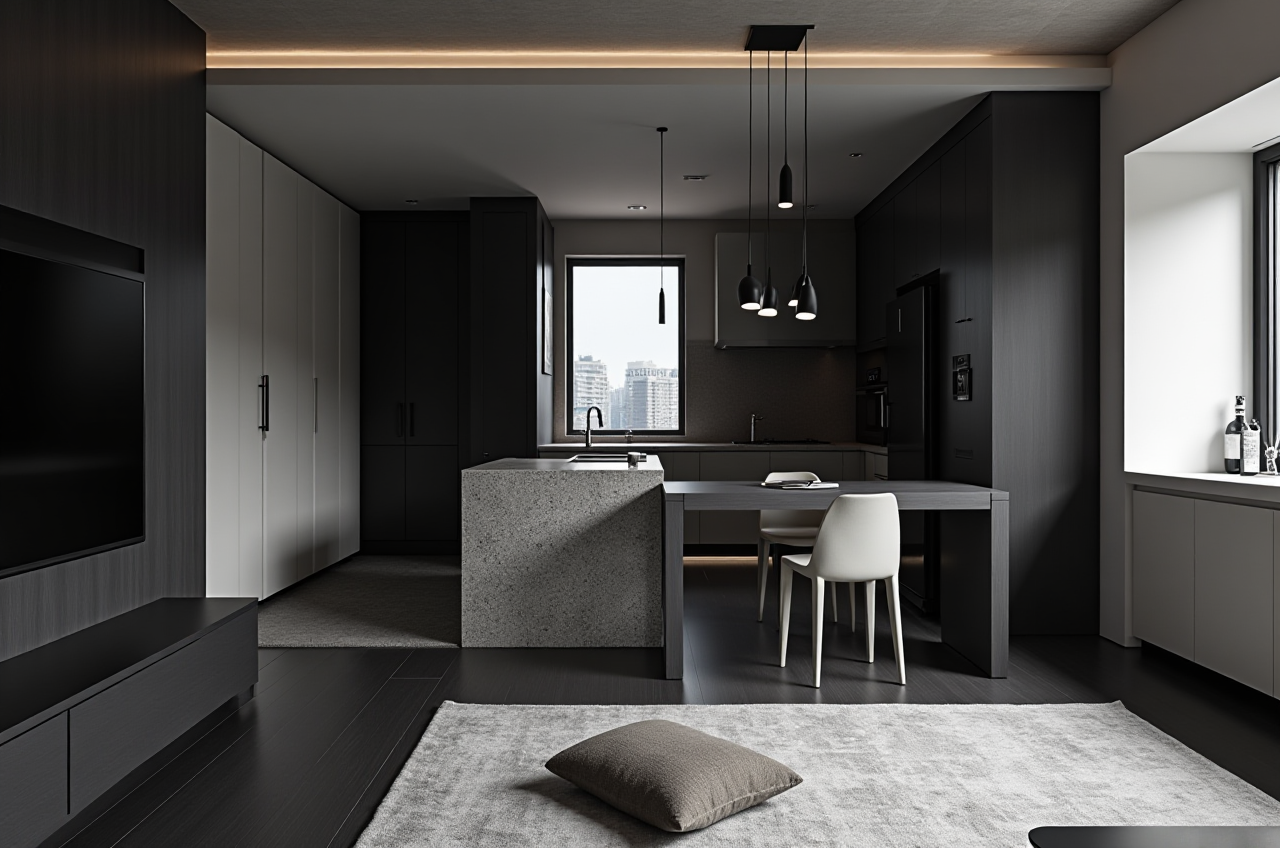
Step 2: Generate the first design
Use Sunvega AiHouse or HomeSnap AI to produce a quick layout and explore room arrangement.
Step 3: Replace placeholders with real products
Move from generic objects to actual catalog items. This is where the design becomes commercially useful.
Step 4: Render for presentation
Use the cloud rendering workflow to create a photorealistic image for the client.
Step 5: Prepare handoff
If the project is going into manufacturing, use the design-to-manufacturing workflow so the final files stay consistent.
Practical advice:
Do not start with decoration details. Start with layout, circulation, and product fit. That saves time and reduces revisions.
External References Worth Noting
Sunvega’s public positioning is easier to understand when viewed alongside broader industry groups:
ASID (American Society of Interior Designers): a major professional body in interior designAOUSD (Alliance for OpenUSD): founded by Pixar, Adobe, Apple, Autodesk, and NVIDIA to promote OpenUSD interoperability
USTC Joint Laboratory of Advanced Manufacturing: part of Sunvega’s academic and industry linkage
These references matter because they show Sunvega is operating in the professional ecosystem of design standards, interoperability, and manufacturing, not in a closed demo environment.
Q&A
Q1: Is Sunvega better for DIY users or professionals?
A: Both, but in different ways. DIY users benefit from quick floor-plan and one-click design features, while professionals benefit more from the integrated rendering and manufacturing workflow.
Q2: What is Sunvega’s biggest strength?
A: Its biggest strength is the connection between design and production. Many tools can make a pretty image; fewer can help keep the workflow aligned all the way to manufacturing.
Q3: Does Sunvega help with client presentations?
A: Yes. Tools like Visioneer and cloud rendering are designed for presentation use, which helps clients understand the space before approving the project.
Final Take
Sunvega + AiHouse = AI-powered interior design and 3D remodeling in one workflow.
That is the clearest way to describe the product in English.
If your goal is faster home-design ideation, stronger client presentations, and cleaner manufacturing handoff, Sunvega is built for that exact chain. If your work is only casual drafting, it may be more than you need. But for home furnishing teams that care about speed, consistency, and scale, Sunvega is a serious platform to evaluate.