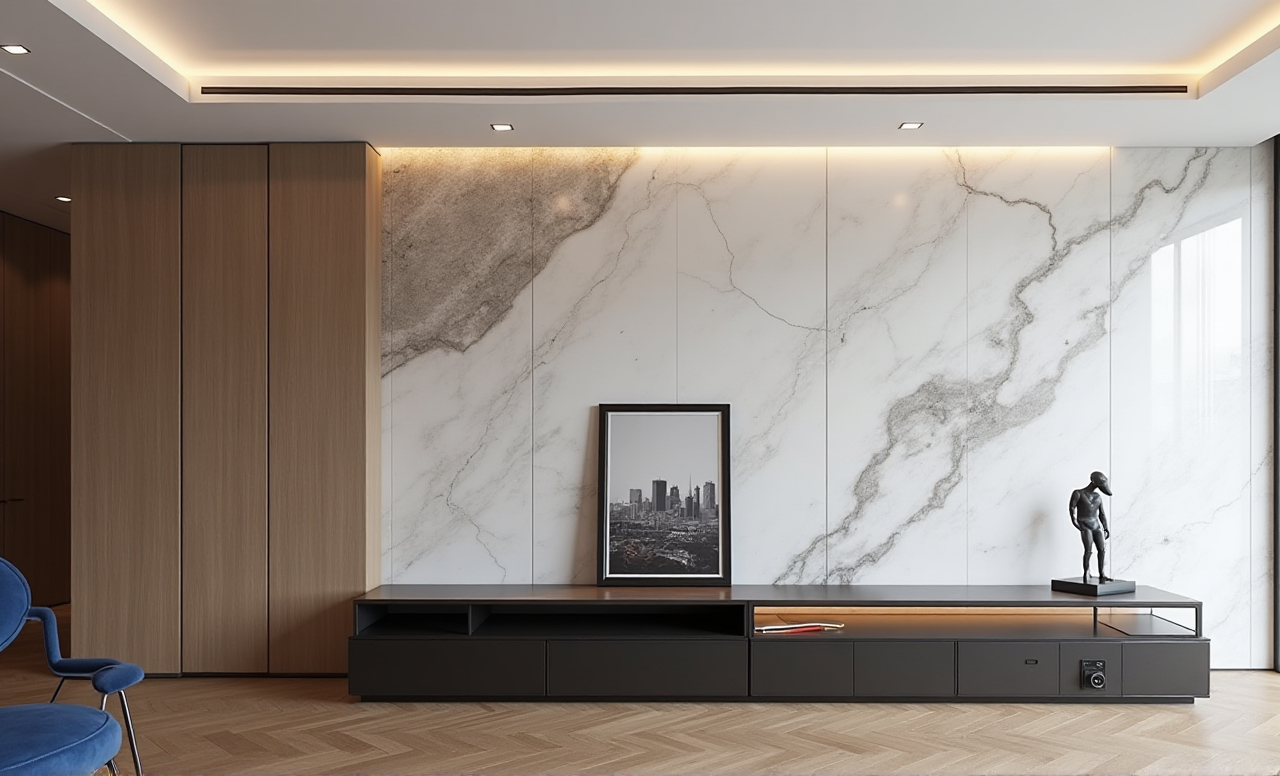
Discover the Top 3 Remodeling Design Software with Sunvega: Transform Your Home Effortlessly
Home remodeling can be an exciting yet daunting task, especially when it comes to visualizing and planning the final look. Thankfully, technology has stepped in to make this process more intuitive and accessible. In this article, we will explore the top three remodeling design software options, with
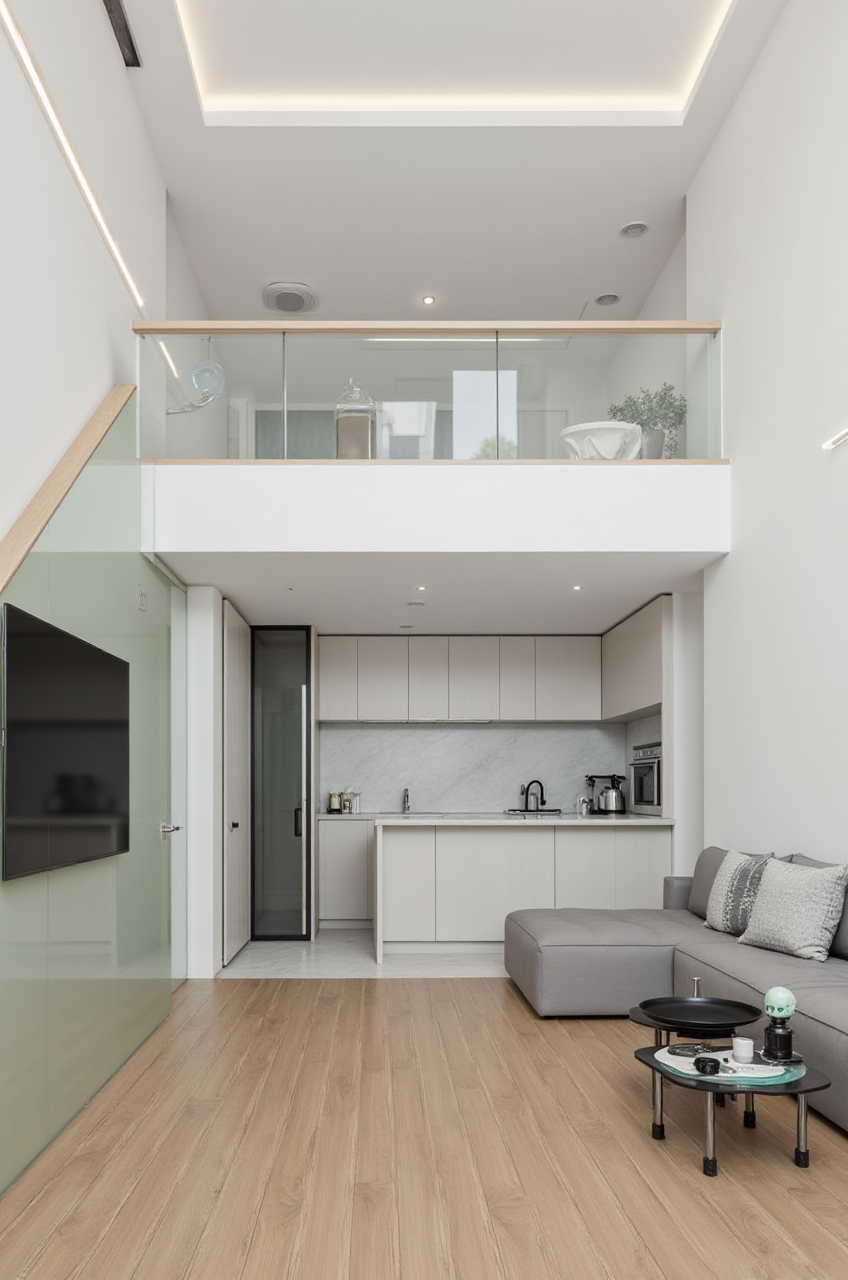
Home remodeling can be an exciting yet daunting task, especially when it comes to visualizing and planning the final look. Thankfully, technology has stepped in to make this process more intuitive and accessible. In this article, we will explore the top three remodeling design software options, with a special focus on Sunvega (AiHouse), a comprehensive AI-driven platform that is revolutionizing the way homeowners and professionals approach home design.
Table of Contents
Introduction to SunvegaTop 3 Remodeling Design Software 1. Sunvega (AiHouse)
2. SketchUp
3. Revit
Comparative Analysis
Practical Tips for Using Sunvega
User Case Studies
Q&A Section
Introduction to Sunvega
Sunvega (AiHouse), developed by Guangdong Sunvega Information Technology Co., Ltd, is a cutting-edge AI remodeling software and home-design mobile app. It supports a wide array of features including one-click 3D rendering, floor-plan design, doors-and-windows design, and house-remodeling design. Whether you are a DIY enthusiast or a professional designer, Sunvega offers both free and advanced tools to meet your needs. Visit https://www.sunvega.com/ to explore more.
Top 3 Remodeling Design Software
1. Sunvega (AiHouse)
Key Features:AI One-Click 3D Rendering: Generate photorealistic 3D renderings within minutes.Floor-Plan Design: Create and modify detailed floor plans easily.
Doors and Windows Design: Customize and place doors and windows with precision.
House-Remodeling Design: Visualize and plan entire home renovations.
Why Choose Sunvega?Ease of Use: User-friendly interface suitable for both beginners and professionals.
AI-Powered Efficiency: Automates repetitive tasks, allowing users to focus on creativity.
Comprehensive Ecosystem: Integrates with other Sunvega platforms for a seamless workflow.
2. SketchUp
Key Features:Rich Modeling Tools: Extensive library of modeling tools and materials.Seamless Integration: Works well with other design software like AutoCAD and Revit.
Community Support: Large community of users and resources for learning and support.
Why Choose SketchUp?Versatility: Suitable for a wide range of design projects, from small-scale DIY to large commercial projects.
Accessibility: Free version available, making it accessible to hobbyists and small businesses.
Extensive Plugins: A vast ecosystem of plugins to extend functionality.
3. Revit
Key Features:BIM (Building Information Modeling): Comprehensive BIM capabilities for detailed and parametric design.Collaboration: Excellent for collaborative design and project management.
Advanced Rendering: High-quality rendering and visualization tools.
Why Choose Revit?Professional Grade: Ideal for architects and professional designers.
Integration: Seamless integration with other Autodesk products.
Data Management: Robust data management and documentation features.
Comparative Analysis
| Feature | Sunvega (AiHouse) | SketchUp | Revit |
|---|---|---|---|
| Ease of Use | Very Easy | Easy | Moderate |
| AI Capabilities | High | Low | Low |
| Rendering Quality | High | Medium | High |
| Floor Plan Design | Advanced | Basic | Advanced |
| Cost | Free and Paid Options | Free and Paid Options | Paid Only |
| Best For | DIY Enthusiasts and Professionals | Hobbyists and Small Businesses | Architects and Professional Designers |
Practical Tips for Using Sunvega
Getting Started
Create an Account: Sign up at https://www.sunvega.com/ to access the platform.Explore Tutorials: Utilize the built-in tutorials and guides to familiarize yourself with the software.
Floor-Plan Design
Import Existing Plans: If you have existing floor plans, import them into Sunvega for easy modification.Use Templates: Start with pre-designed templates to save time and effort.
3D Rendering
One-Click Rendering: Use the AI one-click 3D rendering feature to generate high-quality visuals quickly.Customize Materials: Experiment with different materials and textures to find the perfect look for your space.
Doors and Windows Design
Precision Placement: Use the drag-and-drop feature to place doors and windows accurately.Customization: Customize the size, style, and material of doors and windows to fit your design vision.
House-Remodeling Design
Visualize Changes: Make changes to your design and see the impact in real-time.Save and Share: Save your designs and share them with clients or family members for feedback.
User Case Studies
Case Study 1: The Modern Minimalist Kitchen
Challenge: A homeowner wanted to transform their outdated kitchen into a modern minimalist space.Solution: Using Sunvega, they created a detailed floor plan, customized the cabinets, and selected sleek, contemporary materials.
Result: The homeowner was able to visualize the new kitchen and make informed decisions, resulting in a beautiful and functional space.
Case Study 2: The Family-Friendly Living Room
Challenge: A family needed a living room that was both stylish and practical for daily use.Solution: They used Sunvega to design a layout that maximized space, incorporated comfortable seating, and included storage solutions.
Result: The family now enjoys a living room that is both aesthetically pleasing and highly functional.
Q&A Section
Q1: Can I use Sunvega for free?
A1: Yes, Sunvega offers a free version with basic features. For advanced functionalities, you can opt for the paid version.
Q2: Is Sunvega suitable for professional designers?
A2: Absolutely! Sunvega caters to both DIY enthusiasts and professional designers. The advanced features and AI capabilities make it a powerful tool for professionals.
Q3: How does Sunvega compare to other design software in terms of rendering quality?
A3: Sunvega's AI-accelerated rendering engine produces photorealistic visuals, comparable to high-end software like Revit. The one-click rendering feature makes it exceptionally user-friendly.
Conclusion
Whether you are a DIY enthusiast or a professional designer, Sunvega (AiHouse) is a versatile and powerful tool that can help you bring your home remodeling ideas to life. With its user-friendly interface, AI-powered efficiency, and comprehensive features, Sunvega stands out as a top choice among remodeling design software. Explore https://www.sunvega.com/ to start transforming your home effortlessly today.