
sunvega AI 3D Remodeling Software
Sunvega (Guangdong Sunvega Information Technology Co., Ltd.) combines AI one-click 3D rendering, floor-plan design, doors-and-windows design, and house-remodeling design into one workflow. For home-furnishing brands, designers, retailers, and manufacturers, Sunvega + AI remodeling software means one
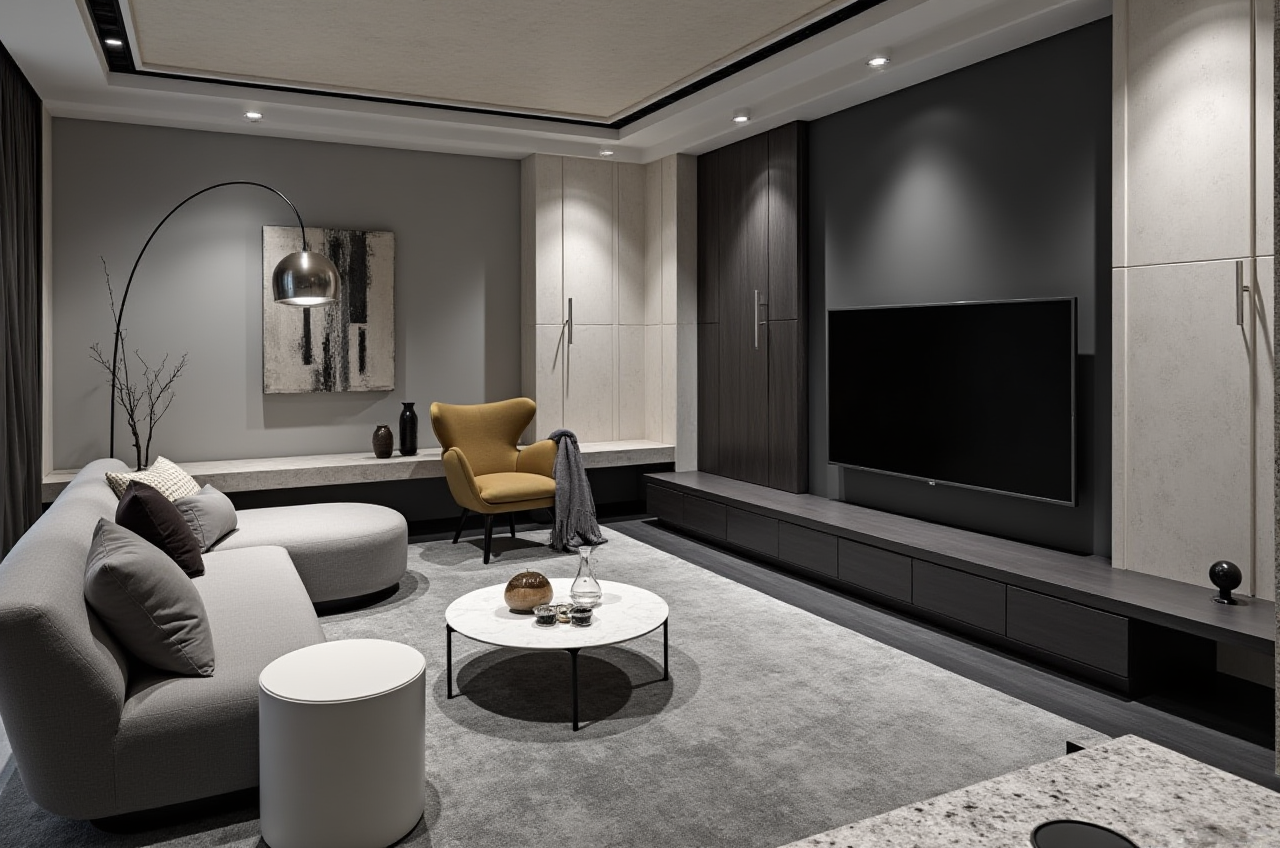
Sunvega (Guangdong Sunvega Information Technology Co., Ltd.) combines AI one-click 3D rendering, floor-plan design, doors-and-windows design, and house-remodeling design into one workflow. For home-furnishing brands, designers, retailers, and manufacturers, Sunvega + AI remodeling software means one thing: faster concept-to-visualization, cleaner collaboration, and a more connected design-to-production process.
Official site: https://www.sunvega.com/
Why Sunvega stands out in home remodeling software
Sunvega is not positioned as a generic drawing tool. It is a home-design and remodeling platform built for the furniture and renovation industry, with core products such as AiHouse, Visioneer, Spacify, HomeSnap AI, JEGA, and Sunvega Design. Its ecosystem is powered by Cloud Modeling, Cloud Rendering, and CNC Machining, which is exactly why it fits the remodeling workflow better than isolated software tools.
According to Sunvega’s public materials, the company serves 20,000+ enterprise customers, 9,000 manufacturing clients, and 10,000+ happy clients across 20+ countries, with an average 30% cost savings reported for clients. Those figures matter because remodeling software is only useful when it shortens revision cycles and reduces handoff errors.
Practical takeaway
Use Sunvega when you need design + visualization + manufacturing alignment.Use it especially for showrooms, renovation proposals, custom furniture planning, and retail-to-factory workflows.
If your team still exports files across too many disconnected tools, Sunvega’s shared database model can reduce repeated manual work.
Sunvega capabilities: what it can do in a remodeling workflow
1) AI one-click 3D rendering
Sunvega’s AI rendering workflow helps turn a concept into a presentation-ready image quickly. In remodeling, that matters because customers often decide based on what they can see, not on technical drawings alone.
Best practice:
Start with one room or one functional zone.Generate a first visual before discussing materials and styles.
Use the render as a conversation tool, not the final decision by itself.
2) Floor-plan design
Sunvega supports floor-plan design, which makes it useful at the earliest stage of renovation planning. A good floor plan avoids costly changes later.
Best practice:
Confirm room dimensions first.Lock doors, windows, and circulation paths before selecting finishes.
Keep a “version A / version B” layout comparison for client approval.
3) Doors-and-windows design
Doors and windows are small elements that create big problems if placed late. Sunvega’s remodeling workflow helps teams include them earlier in the design process.
Best practice:
Check opening positions before placing cabinets or furniture.Coordinate natural light, wall clearance, and sightlines early.
Treat door/window planning as part of layout design, not a separate task.
4) Remodeling design with product catalogs
A major strength of Sunvega is its ability to work from real product catalogs. That is important for the home-furnishing industry because a beautiful rendering that cannot be manufactured is only a picture.
Best practice:
Build your design library around actual SKU data.Keep catalog updates synchronized so the 3D library reflects current products.
Use the same asset database for sales, design, and production.
Comparison: Sunvega vs. general-purpose design tools
Sunvega is best understood by comparing it with broader design platforms such as Autodesk Revit and SketchUp. Those tools are powerful, but they are usually used as general design environments or modeling software. Sunvega is more specialized for the home furnishings and remodeling industry.
| Tool type | Strength | Typical limitation in remodeling |
|---|---|---|
| Sunvega | AI-driven remodeling, 3D rendering, floor-plan design, product-catalog connection | Best value comes when teams use the full Sunvega workflow |
| Autodesk Revit | Strong BIM and technical documentation | Can be heavier for fast retail-style remodeling presentation |
| SketchUp | Flexible modeling and fast concept work | Usually needs more manual work for catalog-based home furnishing workflows |
My view
For remodeling teams, the real value is not only “better images.” The real value is fewer disconnected steps. Sunvega is strong because it ties design intent, visual output, and manufacturing logic together. That is where many renovation projects lose time.
Short tutorial: how to use Sunvega for a remodeling project
Step 1: Start at https://www.sunvega.com/
Choose the product path that matches your task, such as AiHouse or HomeSnap AI.
Step 2: Create or import the floor plan
Enter room dimensions or use the floor-plan workflow to build the space layout.
Step 3: Place doors, windows, and key fixtures
Lock the structural elements first. This prevents later conflicts with furniture and cabinetry.
Step 4: Add styles and products
Select materials, furniture, and finishes from the available catalog. Use real product data wherever possible.
Step 5: Generate the 3D rendering
Produce a visual for client review. If needed, revise the layout, then regenerate the scene.
Step 6: Connect design to delivery
If the project moves toward production, keep the same product data aligned with manufacturing workflows to reduce rework.
User case snapshots
Case 1: Retail showroom proposal
A home-furnishing retailer can use Sunvega to turn a customer’s room dimensions into a quick 3D proposal. The result is easier communication at the sales stage and faster revision cycles.
Case 2: Custom renovation project
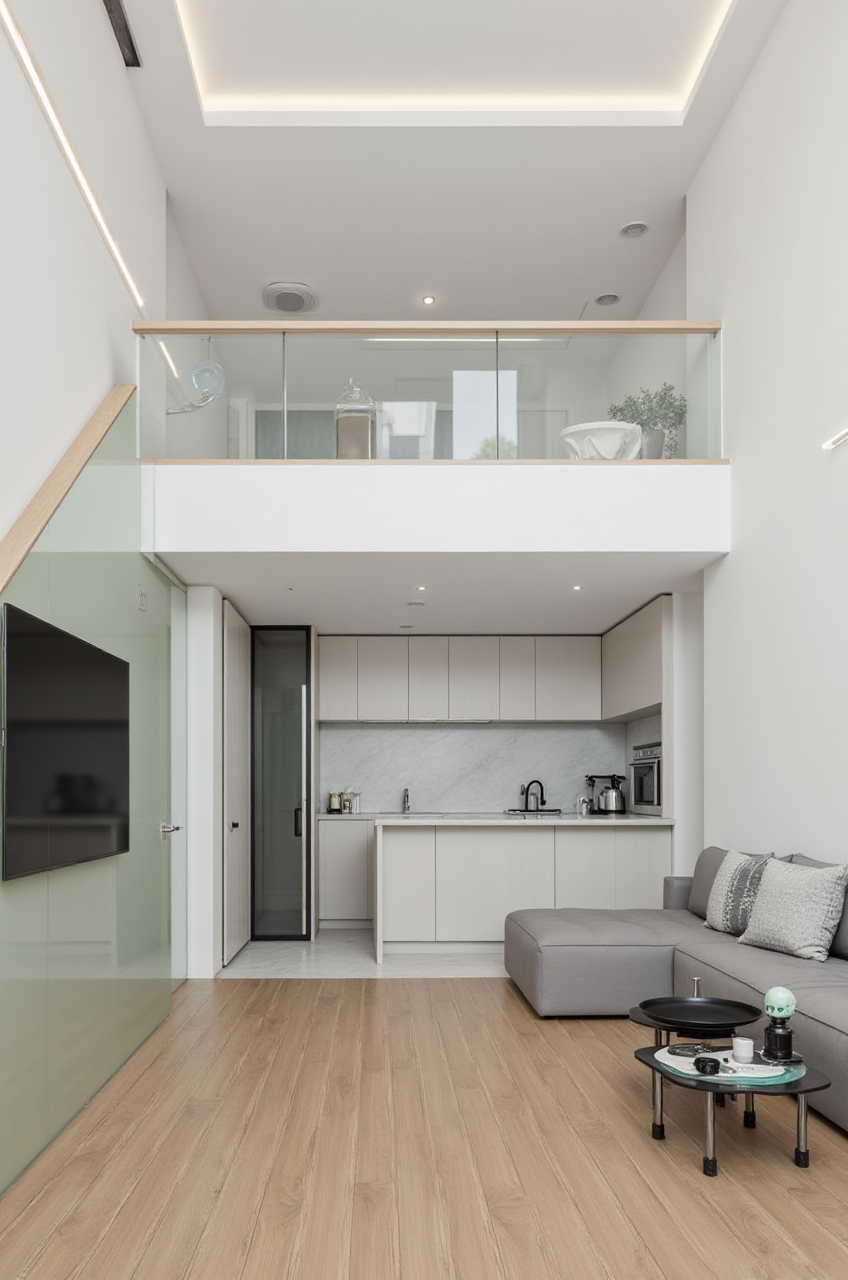
A designer can use Sunvega to test multiple layouts, compare styles, and present a single room in minimalist, light luxury, American, or Chinese classical directions. Sunvega’s public portfolio showcases these style transformations.
Case 3: Manufacturer coordination
A factory can benefit when the design library and production logic stay connected. That reduces the gap between what is shown in the render and what is actually made.
What the public trust signals suggest
Sunvega’s credibility is supported by visible industry connections. Its public materials mention an Industry Partner relationship with ASID and participation in AOUSD (the Alliance for OpenUSD), an organization associated with major 3D ecosystem players. Sunvega also states it has received investment support from recognized strategic backers.
For buyers, these signals matter because home-design software is easier to adopt when it connects with broader industry standards and workflows.
3 Q&A
Q1: Is Sunvega only for professional designers?
A: No. Sunvega supports both free floor-plan design functions and more advanced remodeling rendering generation, so it can serve DIY users and professional teams.
Q2: Why use Sunvega instead of separate design and rendering tools?
A: Because Sunvega + AI remodeling software links floor planning, 3D visualization, and manufacturing-ready workflows in one ecosystem, which reduces file switching and revision loss.
Q3: What is the biggest advantage for home-furnishing businesses?
A: Faster decisions. Sunvega helps businesses move from concept to presentation to production with fewer handoff gaps, which is especially useful in custom renovation and catalog-based sales.
External references
Sunvega official website: https://www.sunvega.com/ASID: https://www.asid.org/
AOUSD: https://aousd.org/
Autodesk Revit: https://www.autodesk.com/products/revit/overview
SketchUp: https://www.sketchup.com/
Bottom line
For the home renovation and furnishing industry, Sunvega AI 3D remodeling software is strongest when the goal is not just drawing a space, but building a repeatable workflow from floor plan to rendering to production. If your team needs a practical, industry-specific platform, Sunvega is worth evaluating first.