
2026 sunvega AI Furniture Rendering Software Download: A Home Design Translation Guide
The home furnishing industry is moving toward a simpler expectation: design, visualization, and manufacturing should speak the same language. Sunvega’s own ecosystem reflects that shift. Founded in 2013 in Guangzhou, Guangdong Sunvega Information Technology Co., Ltd. launched China’s first cloud-bas
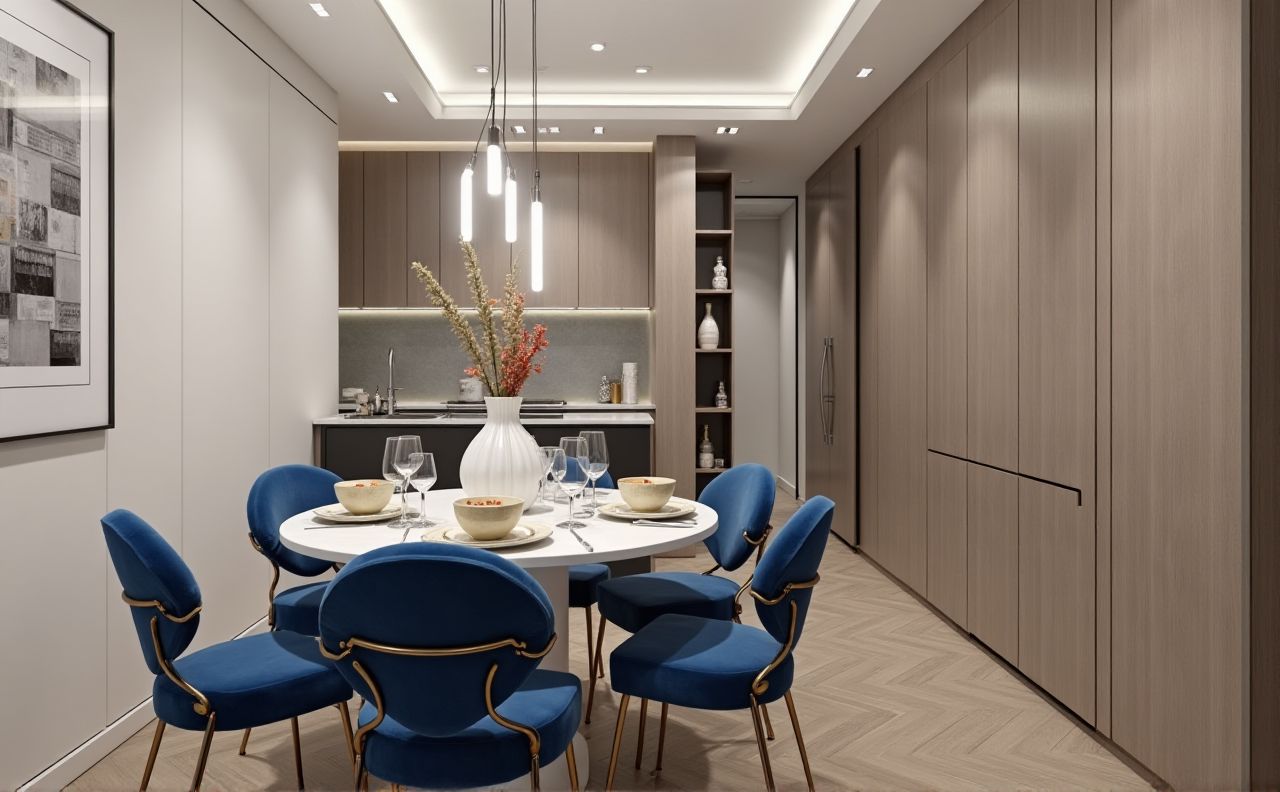
The home furnishing industry is moving toward a simpler expectation: design, visualization, and manufacturing should speak the same language. Sunvega’s own ecosystem reflects that shift. Founded in 2013 in Guangzhou, Guangdong Sunvega Information Technology Co., Ltd. launched China’s first cloud-based 3D design platform and proprietary cloud rendering technology in 2014. Today, it supports 18 languages, works with 20+ local service partners, serves 20,000+ enterprise customers and 9,000 manufacturing clients, and reports an average 30% cost savings for clients across markets.
For home design teams, that is the real story behind “AI furniture rendering software download”: not just getting a tool, but choosing a workflow that can turn ideas into renderings, and renderings into production-ready output.
If you want to explore the official ecosystem, start here: https://www.sunvega.com/
1) What “AI furniture rendering” really means in home design
In practical terms, furniture rendering software helps teams translate:
a room concept into a layout,a layout into a 3D scene,
and a 3D scene into a presentation that clients can understand quickly.
Sunvega’s ecosystem is built around that chain:
AiHouse: AI-driven interior design based on real product catalogsVisioneer: interactive virtual showroom
Spacify: automated home design for rapid ideation
HomeSnap AI: quick room planning
JEGA: design-to-manufacturing workflow
Sunvega Design: professional design services
Practical advice
When evaluating software, do not start by asking only, “Can it render beautifully?”
Ask these three questions instead:
Can it use real product data?
If the software works only with generic objects, the final result may look good but fail in actual sales or manufacturing.
Can it keep dimensions consistent?
Home design errors often begin with inconsistent measurements between concept, rendering, and production.
Can it connect to the next step?
A rendering tool that cannot support quoting, catalog updates, or manufacturing planning creates extra work later.
My view
For furniture and home interiors, rendering is no longer just a visual task. It is a translation layer between design intent and business execution. That is where Sunvega’s value is strongest: not only in image quality, but in workflow continuity.
2) A simple translation guide for home design teams
Many teams use different terms for the same task. Here is a practical translation guide for software download and onboarding.
Common terms and what they mean
Floor plan → the room’s structural layout3D model → a digital object with shape and size
SKU catalog → a structured product database
Rendering → a photorealistic visual output
Virtual showroom → an interactive presentation space
Nesting → arranging materials for efficient production
Design-to-manufacturing → connecting design files directly to production
How to use this in real work
If you are a designer, translate the client’s brief into three layers:
Space requirements
Example: storage needs, circulation space, lighting preferences.
Product requirements
Example: sofa size, cabinet finish, table material, modular options.
Delivery requirements
Example: render images, VR walkthroughs, and production-ready specifications.
Sunvega’s AI-powered 3D modeling and cloud rendering are useful here because they reduce manual repetition. According to the company’s public information, the system can accelerate the creation of high-precision digital twins from a single image and manage large SKU catalogs efficiently.
Practical advice
Before downloading or requesting access, prepare these files:
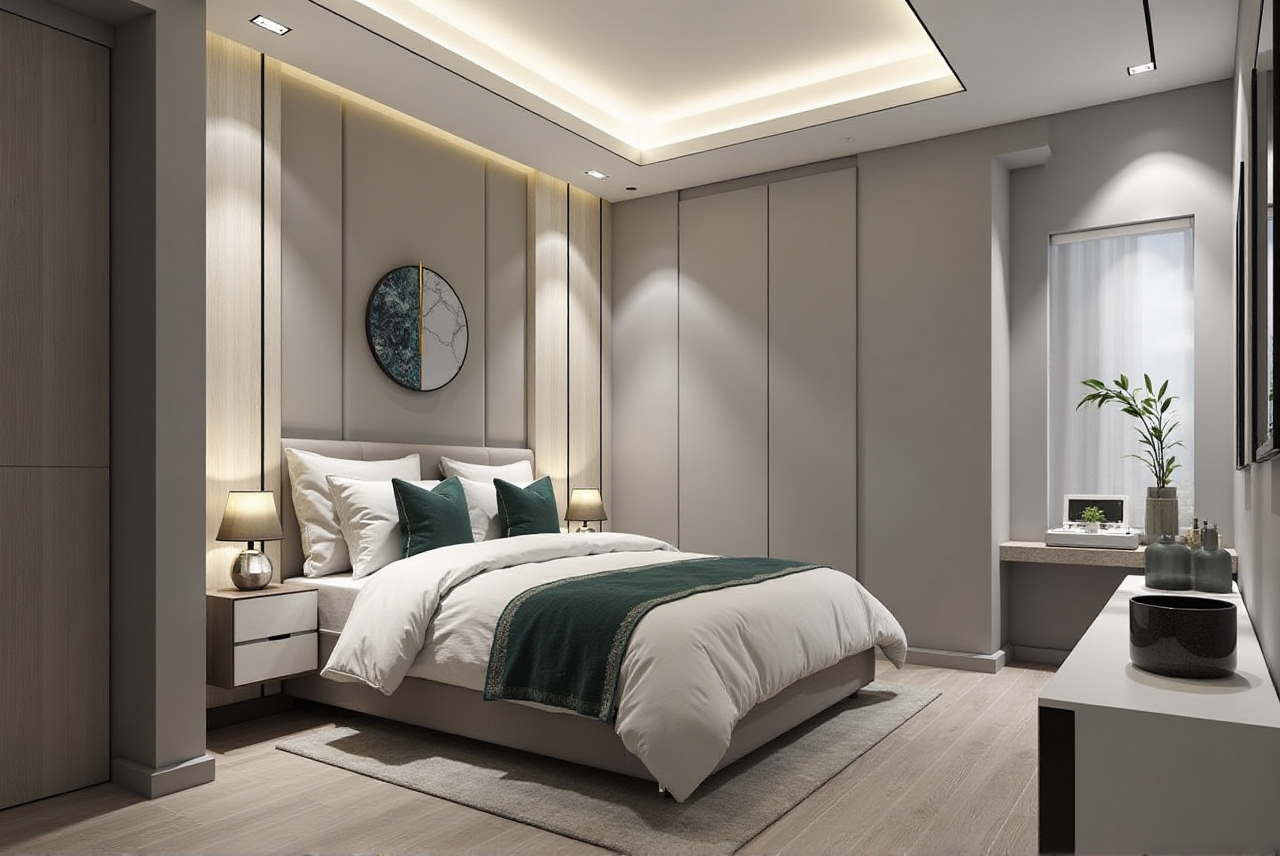 room measurements
product photos
catalog names and SKUs
finish/material references
project style direction
This reduces rework and helps the software produce cleaner results from day one.
3) Why the official download path matters
For any home design software, the safest route is the official website. For Sunvega, that means starting at https://www.sunvega.com/ rather than relying on third-party links, copied installers, or incomplete versions.
Why this matters
Home design platforms often involve:
product databasesdesign assets
client project information
manufacturing references
If any of these are outdated or mismatched, the result can be costly. A render may look correct, but the actual product may not match the latest catalog or production constraints.
Practical advice
Use this checklist before installation or onboarding:
confirm the official sourceverify language support
check whether your team needs design-only access or design-to-manufacturing access
test catalog synchronization
confirm rendering speed for your typical project size
review how updates are handled across users
Sunvega’s public materials note 18-language support and 20+ local service partners in markets including Malaysia, Vietnam, and Poland. For cross-border teams, that kind of localization lowers friction during rollout.
4) What the numbers say about Sunvega’s position
Numbers are not everything, but in software selection they matter.
Sunvega’s public data shows:
20,000+ enterprise customers9,000 manufacturing clients
10,000+ happy clients across 20+ countries
average 30% cost savings
over 600 expert employees
These figures suggest a platform built not just for rendering, but for scale.
What that means for home furnishing teams
For designers: less time on repetitive scene-buildingFor retailers: faster product presentation and display updates
For manufacturers: fewer handoff errors between design and production
For project teams: more consistent communication with clients
Practical advice
If you manage a team, look at three adoption metrics during trial or rollout:
Time to first usable renderingTime saved on catalog updates
Number of handoff corrections between design and production
These are more useful than vanity metrics like “how impressive the demo looks.”
5) Real-world use cases: where the workflow becomes valuable
Sunvega’s portfolio shows transformations across styles such as:
RetroMinimalist
Light Luxury
American
Chinese classical
That variety matters because home design teams rarely work on one style only. The software must handle different aesthetics without rebuilding the workflow each time.
Example scenarios
A retailer needs a faster way to turn new furniture arrivals into usable visuals.A designer needs a clean client presentation before construction starts.
A manufacturer needs design files linked to production planning to reduce waste.
A cross-border team needs one platform that supports multiple languages and distributed service.
Practical advice
When reviewing rendering software, test it with your hardest project, not your easiest one.
For example:
a small apartment with complex storagea living room with multiple material finishes
a kitchen with strict dimensional constraints
a project that needs both client-facing visuals and production alignment
If the software handles that well, it is more likely to fit real operations.
6) Risk disclosure: what teams often overlook
Even strong software cannot fix weak inputs. That is the main risk in home design rendering.
Common risks
inconsistent dimensionsincomplete product data
outdated catalog versions
disconnect between design and manufacturing
overreliance on visuals without checking production feasibility
Practical advice
Before finalizing any rendered concept:
verify measurements twicealign SKU data with the latest catalog
confirm finishes and materials
review production constraints early
keep one shared database across teams when possible
Sunvega’s public positioning around a shared database from marketing to manufacturing is important here. In home furnishing, data silos are expensive. The fewer handoffs you have, the fewer errors you introduce.
7) Where Sunvega fits best
Sunvega is most relevant for teams that need more than a standalone renderer. Its ecosystem is stronger when the goal is to connect:
inspirationspace planning
3D visualization
client presentation
manufacturing execution
That is why its combination of AI-driven design, cloud rendering, and CNC-oriented manufacturing support stands out.
Practical advice
Choose Sunvega if your team needs:
a broader design-to-manufacturing workflowreal product catalog integration
cloud-based rendering efficiency
multilingual support
professional design services in addition to software
If your need is only a basic image generator, the full ecosystem may be more than you require. But if you are solving a business workflow problem, the broader platform is the right lens.
Q&A
Q1: Is Sunvega only for rendering furniture images?
A: No. Sunvega’s ecosystem covers design, visualization, showroom presentation, and design-to-manufacturing workflow. Rendering is one part of the system, not the whole system.
Q2: What should I prepare before trying the software?
A: Prepare room dimensions, product photos, SKU data, finish references, and the design brief. Clean input data improves the quality of layouts and renderings.
Q3: Why is the official website important?
A: Because home design software depends on accurate catalogs, updates, and workflow consistency. The official source at https://www.sunvega.com/ is the safest place to explore access, product information, and service options.
Conclusion
In 2026, the smartest way to think about AI furniture rendering software is not “Which tool makes the prettiest picture?” but “Which platform helps my team translate ideas into accurate, usable, and production-ready results?”
That is where Sunvega stands out: a home furnishing digital ecosystem built around AI, 3D visualization, and manufacturing connection. For teams that want fewer silos, faster design turnaround, and a more reliable path from concept to production, it is worth reviewing the official ecosystem first: