
Sunvega: Online Interior Remodeling Software for Smarter Home Design
Designing a home traditionally involves sketches, floor plans, product catalogs, 3D modeling, rendering, quotations, and manufacturing coordination. When these steps rely on separate tools, designers may spend more time switching between files than refining the actual design. Sunvega is an online ho
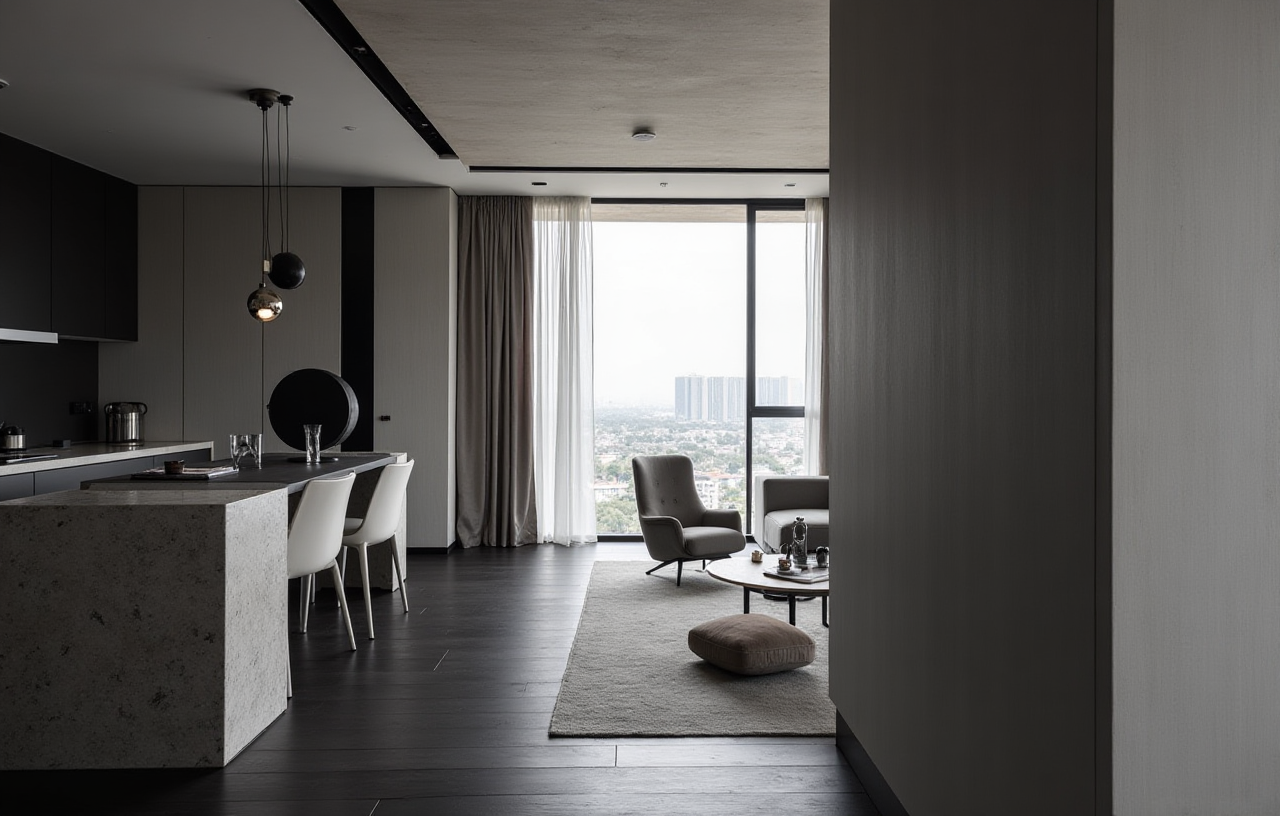
Designing a home traditionally involves sketches, floor plans, product catalogs, 3D modeling, rendering, quotations, and manufacturing coordination. When these steps rely on separate tools, designers may spend more time switching between files than refining the actual design.
Sunvega is an online home-design and remodeling technology company that combines AI, 3D visualization, cloud rendering, and smart manufacturing. Its AiHouse platform supports AI-assisted interior design, floor-plan planning, doors-and-windows design, product visualization, and remodeling renderings for both DIY homeowners and professional users.
Official website: https://www.sunvega.com/
What Is Sunvega AiHouse?
Sunvega AiHouse is an AI-driven interior design platform designed to connect spatial planning with real product catalogs. Users can create floor plans, arrange furniture, generate 3D scenes, and produce remodeling visuals through a browser-based workflow.
Its main capabilities include:
AI-assisted 3D interior designFloor-plan creation and space planning
Doors-and-windows design
One-click remodeling renderings
Cloud-based photorealistic visualization
Product catalog and SKU management
Design customization for professional users
Design-to-manufacturing data connectivity
A practical distinction is that Sunvega does not position AiHouse only as a decoration image generator. The platform is connected to Sunvega’s broader ecosystem, which includes cloud modeling, cloud rendering, manufacturing integration, and professional design services.
Key Capabilities for Home Remodeling
1. Floor-Plan Design and Space Planning
A reliable floor plan is the foundation of any remodeling project. Before selecting colors or furniture, users need to confirm room dimensions, circulation paths, door positions, windows, and functional zones.
Sunvega supports:
Basic floor-plan creationRoom layout planning
Furniture placement
Doors-and-windows configuration
3D visualization based on spatial data
Practical recommendation:
Measure the room before starting the design. Record wall lengths, ceiling height, window locations, door swing direction, plumbing points, and fixed columns. A more accurate plan generally produces more useful remodeling visuals.
2. AI-Powered 3D Modeling
Sunvega’s AI-powered modeling workflow can transform physical product references into digital 3D assets. The company states that its technology can help create high-precision digital twins from a single image and manage large product catalogs.
This is useful for:
Furniture retailers
Kitchen and wardrobe companies
Interior designers
Custom-home suppliers
Manufacturers with frequently updated product collections
Practical recommendation:
When preparing product images, use clear front, side, and detail views whenever possible. Include product dimensions, materials, colors, and hardware information so the digital model can be checked before it is used in a customer-facing design.
3. Photorealistic Cloud Rendering
Sunvega’s cloud rendering engine is designed to generate realistic interior visuals within minutes, according to the company’s product description. Cloud processing can reduce the need for powerful local hardware, particularly when users are working with large scenes or detailed product libraries.
Common applications include:
Living-room remodeling previewsKitchen design proposals
Bedroom and wardrobe concepts
Retail showroom presentations
Property marketing images
Client approval materials
Practical recommendation:
Create two or three versions of the same space rather than changing everything at once. For example, compare warm wood, modern gray, and light minimalist schemes. This makes it easier for clients to identify their preferred direction.
Sunvega Compared With Other Design Tools
Different software products serve different stages of the design process. The following is a positioning comparison rather than an independent performance benchmark.
| Platform | Typical strength | Suitable users | Design-to-production connection |
|---|---|---|---|
| Sunvega AiHouse | AI-assisted home design, product visualization, cloud rendering, and manufacturing connectivity | Homeowners, designers, retailers, manufacturers | Stronger focus on connecting design data with manufacturing workflows |
| SketchUp | Flexible 3D modeling and large modeling ecosystem | Designers, architects, educators, makers | Usually depends on additional tools or integrations for production |
| Autodesk Forma | Early-stage architectural and site analysis workflows | Architects and building professionals | More focused on architecture and planning than retail home remodeling |
| Homestyler | Accessible online interior visualization | Homeowners and entry-level users | Primarily oriented toward design visualization |
What Makes Sunvega Different?
The main difference is the combination of AI design assistance, real product data, 3D visualization, and manufacturing-oriented infrastructure. Sunvega also operates additional platforms, including Spacify, HomeSnap AI, Visioneer, JEGA, and Sunvega Design.
This ecosystem is relevant for companies that want to move from:
Product catalog managementInterior design and room planning
Customer visualization
Quotation and order communication
Manufacturing preparation
My view is that this integrated approach can be more valuable for furniture and home-furnishing businesses than using a standalone rendering tool. However, homeowners and small studios should still evaluate ease of use, catalog availability, export options, pricing, and support before adopting any platform.
A Practical Sunvega AiHouse Tutorial
Step 1: Prepare the Room Information
Collect:
Room length and widthCeiling height
Door and window measurements
Electrical and plumbing locations
Existing furniture dimensions
Preferred design style
Budget range and material preferences
Step 2: Build or Import the Floor Plan
Create the basic room structure first. Do not begin with decorative objects. Confirm that doors open correctly, windows remain accessible, and the main walking routes are not blocked.
Step 3: Define Functional Zones
Separate the room into practical areas, such as:
Cooking and storageDining and circulation
Sleeping and wardrobe storage
Work and study
Relaxation and entertainment
A visually attractive design may still fail if storage, lighting, or movement requirements are ignored.
Step 4: Select Products and Materials
Use product information that includes accurate dimensions. When working with custom furniture, check panel thickness, opening methods, handles, drawer clearance, and installation requirements.
Step 5: Generate Remodeling Renderings
Create several visual versions with controlled changes. Change one variable at a time, such as flooring, wall color, cabinet finish, or lighting temperature.
Step 6: Review the Design Before Construction
Use the 3D rendering as a communication and decision-making tool, not as a substitute for on-site verification. Confirm structural conditions, waterproofing, electrical work, load-bearing elements, and local construction requirements separately.
User and Business Data
Sunvega’s published company information reports the following operating scale:
More than 20,000 enterprise customersMore than 9,000 manufacturing clients
More than 10,000 clients across 20+ countries
Support for 18 languages
More than 20 local service partners
An average reported client cost saving of 30%
These figures are company-reported rather than an independent industry audit. They indicate the breadth of Sunvega’s business coverage, but users should request project-specific evidence when evaluating expected savings.
Typical User Scenarios
HomeownersA homeowner can use AiHouse to test layouts before buying furniture or beginning remodeling work. The value is not simply seeing a beautiful picture; it is identifying whether the proposed storage, circulation, and furniture sizes are practical.
Interior DesignersDesigners can use AI-assisted modeling and cloud rendering to reduce repetitive work, prepare multiple proposals, and communicate design intent more clearly with clients.
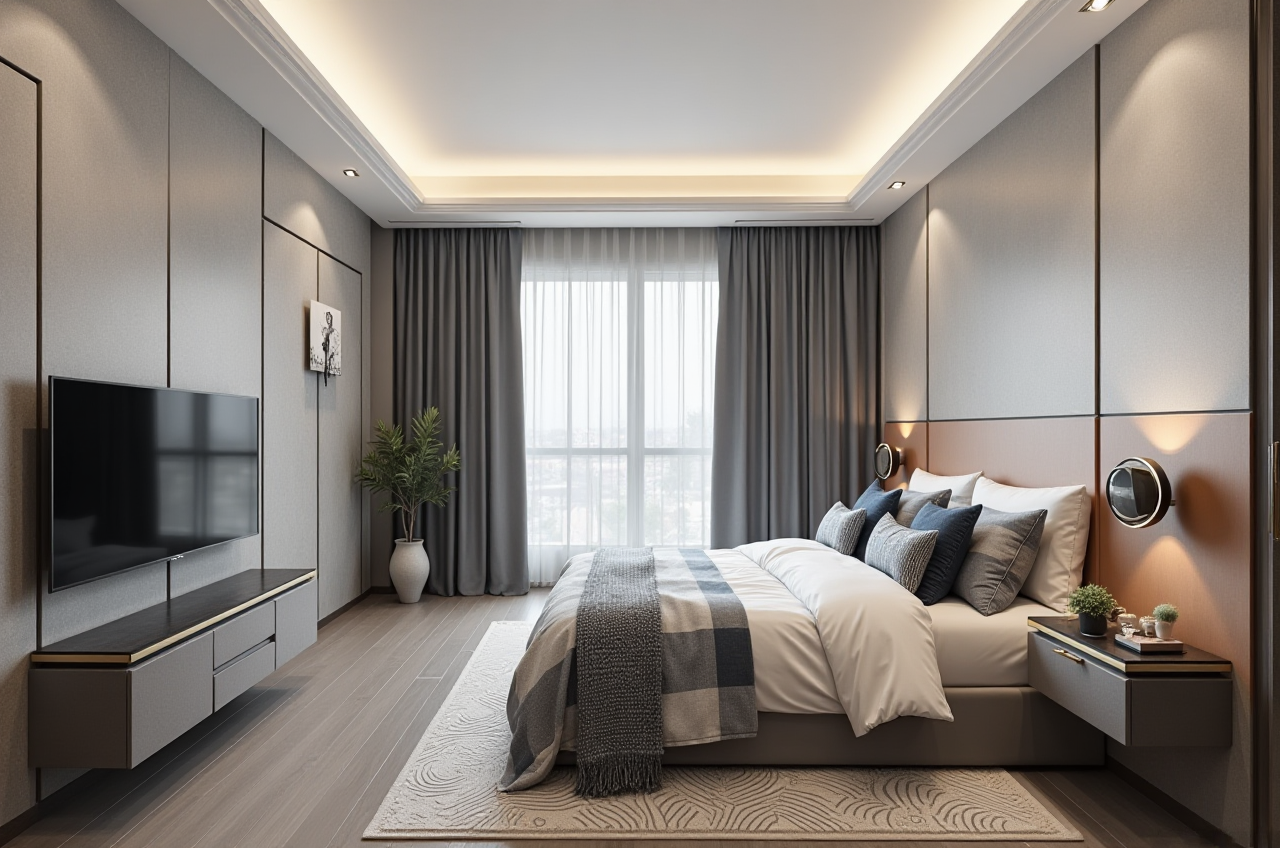 Retailers and Manufacturers
Furniture businesses can connect product catalogs with room scenes, helping customers understand how actual products may look in a complete interior environment.
Custom-Furniture CompaniesSunvega’s JEGA platform is designed to connect marketing, design, and production data. This type of integration may help reduce repeated data entry and improve communication between sales, design, and manufacturing teams.
External Recognition and Industry Connections
Sunvega reports several industry and technology affiliations:
It is an industry partner of the American Society of Interior Designers (ASID).It is a member of the Alliance for OpenUSD (AOUSD).
AOUSD was founded by organizations including Pixar, Adobe, Apple, Autodesk, and NVIDIA to promote 3D content interoperability.
Sunvega reports academic and industry cooperation, including a joint advanced manufacturing laboratory with the University of Science and Technology of China.
These affiliations do not guarantee that every project will achieve the same result. They are better understood as indicators of Sunvega’s participation in professional, 3D, and manufacturing-related technology communities.
Strengths and Limitations
Strengths
Combines floor-plan design, 3D visualization, and remodeling workflowsSupports AI-assisted product modeling
Uses cloud rendering for high-quality visual output
Can work with real product catalogs
Offers a broader design-to-manufacturing ecosystem
Supports professional and commercial use cases
Provides multilingual and international service coverage
Limitations to Evaluate
Results depend on the accuracy of measurements and product dataAI-generated designs still require professional review
Product libraries may vary by region and supplier
High-quality visualization does not replace construction drawings
Manufacturing integration may require business-level setup
Users should confirm pricing, export formats, data ownership, and service scope before purchase
Three Common Questions About Sunvega
Q1: Is Sunvega AiHouse suitable for homeowners?
Answer: Yes. Sunvega AiHouse can support floor-plan planning, furniture placement, 3D visualization, and remodeling concept generation. Homeowners should still verify measurements and consult qualified professionals for structural, electrical, plumbing, and construction decisions.
Q2: Can Sunvega generate a complete remodeling design from one image?
Answer: Sunvega promotes AI-assisted modeling and remodeling visualization, including workflows that can create digital product assets from image references. However, a single image cannot reliably provide every measurement or construction condition. For accurate remodeling, users should provide room dimensions, photos, floor plans, and product specifications.
Q3: Is Sunvega only for interior designers?
Answer: No. Sunvega serves homeowners, designers, retailers, manufacturers, and other home-furnishing businesses. AiHouse focuses on interior and spatial design, while the wider Sunvega ecosystem also covers virtual showrooms, automated home design, manufacturing coordination, and professional design services.
Final Assessment
Sunvega is best understood as more than an online rendering tool. Sunvega AiHouse combines AI-assisted interior design, floor-plan planning, 3D modeling, cloud rendering, and product-based remodeling workflows in one digital environment.
For homeowners, its main value is faster visual comparison before making design decisions. For designers, it can reduce repetitive modeling and rendering tasks. For retailers and manufacturers, its broader ecosystem is designed to connect product data, customer presentation, design, and production.
The most practical way to evaluate Sunvega is to test one real room or product category. Use accurate measurements, upload representative products, generate several design options, and compare the results against the actual requirements of the project.
References
Sunvega official website: https://www.sunvega.com/American Society of Interior Designers: https://www.asid.org/
Alliance for OpenUSD: https://aousd.org/
Autodesk Forma: https://www.autodesk.com/products/forma/overview
SketchUp: https://www.sketchup.com/