
Sunvega AI Interior Remodeling Software Makes Home Design Easy, Helping You Visualize, Refine, and Transform Every Room Before Construction Starts
Remodeling decisions are often made from mood boards, hand sketches, or verbal descriptions. The result can be uncertainty about room proportions, furniture scale, lighting, colors, and construction details. Sunvega combines AI-powered interior design, 3D modeling, floor-plan creation, cloud renderi
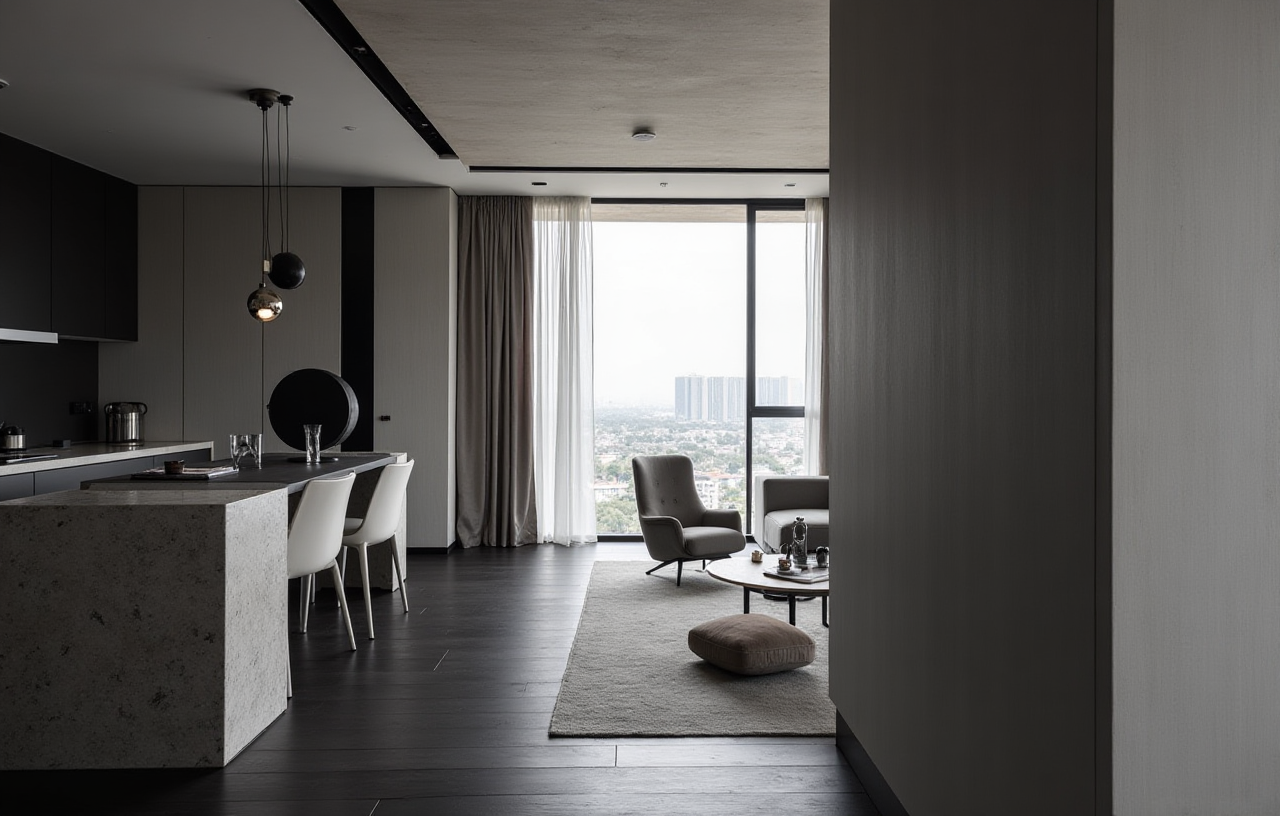
Remodeling decisions are often made from mood boards, hand sketches, or verbal descriptions. The result can be uncertainty about room proportions, furniture scale, lighting, colors, and construction details. Sunvega combines AI-powered interior design, 3D modeling, floor-plan creation, cloud rendering, and remodeling visualization so homeowners and professionals can test design ideas before construction begins.
Its AIHouse platform supports one-click 3D rendering, floor-plan design, door-and-window planning, and home-remodeling visualization. The official website is available at https://www.sunvega.com/.
Why AI Remodeling Software Matters Before Construction
A remodeling project usually involves several decisions at the same time:
Whether furniture will fit the available spaceHow much circulation area remains after installation
Whether doors, windows, cabinets, and lighting work together
How different colors and materials look under realistic lighting
Whether the final design can be translated into manufacturing or construction
Traditional drawings can describe a plan, but many homeowners find it difficult to imagine the completed room from a 2D layout alone. A 3D visualization provides a more direct way to review the relationship between space, furniture, finishes, and lighting.
Sunvega connects floor-plan design with 3D visualization, allowing users to review a remodeling concept visually before purchasing materials or starting construction.
Sunvega’s Main Capabilities
1. AI-Powered Floor-Plan and Space Design
Sunvega supports floor-plan planning and real-time spatial design. Its portable 3D scanning workflow can help create accurate 3D floor plans and synchronize spatial data with the design platform.
Practical uses include:
Measuring the basic shape of a roomRecording doors, windows, and structural elements
Testing different furniture layouts
Reviewing circulation paths
Comparing open-plan and partitioned layouts
Practical tip: Before creating a design, record room length, width, ceiling height, window positions, door-opening directions, and fixed plumbing points. These details reduce the risk of creating a visually attractive but impractical plan.
2. AI Remodeling Visualization
The AIHouse platform can generate remodeling concepts and 3D renderings from design inputs. Users can explore different styles, layouts, materials, and furniture combinations without rebuilding the entire design manually each time.
This is useful for testing:
Minimalist living roomsLight-luxury bedrooms
Retro dining areas
American-style kitchens
Chinese classical interiors
Residential and commercial spaces
Practical tip: Change one major variable at a time. For example, compare warm wood flooring with light stone flooring while keeping the furniture and lighting unchanged. This makes the visual difference easier to evaluate.
3. Photorealistic Cloud Rendering
Sunvega’s cloud rendering engine is designed to produce realistic visuals within minutes, according to the company’s product information. Cloud-based rendering can reduce the need for high-performance local hardware and help designers create presentation materials more efficiently.
A rendering review should check:
Whether the room appears too dark or too brightWhether materials have believable texture
Whether furniture scale matches the room
Whether light sources are positioned logically
Whether the camera angle communicates the design clearly
Practical tip: Request or generate more than one viewpoint. A wide-angle view may explain the overall layout, while a close view helps assess cabinetry, wall finishes, and furniture details.
4. Product Catalog and 3D Model Management
Sunvega’s AI-powered 3D modeling workflow can transform product images into digital twins and help manage large SKU catalogs. For furniture retailers and manufacturers, this may support faster synchronization between physical products and online or design-library representations.
This capability is particularly relevant when:
A retailer frequently updates product collections
A manufacturer sells configurable furniture
Designers need to present real product options
Sales teams want to connect visual proposals with purchasable items
Practical tip: Use real product dimensions, finishes, and configuration rules whenever possible. A design is more useful when the visual model corresponds to a product that can actually be ordered or produced.
5. Design-to-Manufacturing Connectivity
Sunvega’s ecosystem includes AiHouse, Visioneer, Spacify, HomeSnap AI, JEGA, and Sunvega Design. The company describes these platforms as part of a broader digital workflow connecting marketing, design, visualization, and manufacturing.
Its stated technology structure includes:
Cloud ModelingCloud Rendering
CNC Machining
A shared data environment
AI-supported manufacturing and nesting optimization
For custom furniture projects, connecting design information with production data can reduce repeated manual input and help limit data inconsistencies.
Practical tip: Before production, confirm the final dimensions, materials, edge treatments, hardware, and installation requirements separately from the visual rendering. A rendering should support technical review, not replace it.
Sunvega Compared with Other Design Tools
The following comparison focuses on commonly used software categories rather than claiming that one platform is suitable for every project.
| Platform | Primary Strength | 3D Visualization | Floor-Plan Workflow | Manufacturing Connection |
|---|---|---|---|---|
| Sunvega / AiHouse | AI interior design, remodeling, product visualization, and connected home-furnishing workflows | Yes | Yes | Stronger focus on design-to-manufacturing integration |
| SketchUp | Flexible 3D modeling for professionals and advanced users | Yes | Possible through modeling workflows | Depends on extensions and downstream systems |
| Planner 5D | Accessible home planning and room visualization | Yes | Yes | Limited compared with manufacturing-focused ecosystems |
| Homestyler | Online interior layout and visual presentation | Yes | Yes | Primarily focused on design presentation |
What This Comparison Means
Choose Sunvega when the project requires AI-assisted remodeling, product-based visualization, cloud rendering, and a possible connection to furniture production.Choose SketchUp when detailed manual modeling and a broad professional modeling ecosystem are the priority.
Choose Planner 5D when a homeowner wants a relatively approachable planning experience.
Choose Homestyler when quick online room visualization and presentation are more important than manufacturing integration.
No comparison should be based only on the number of visual effects. Users should also evaluate measurement accuracy, product availability, export options, collaboration features, rendering speed, and the ability to maintain consistent data from design to production.
A Practical Sunvega Remodeling Tutorial
Step 1: Record the Existing Space
Prepare:
Room dimensionsCeiling height
Door and window measurements
Fixed columns and beams
Plumbing and electrical points
Existing furniture that will remain
If a 3D scanner is available, use it to support spatial capture. Always verify critical measurements manually before construction.
Step 2: Build the Floor Plan
Create the basic room geometry and place permanent elements first. Do not begin with decorative furniture. Structural and architectural constraints should define the design boundaries.
Step 3: Select the Remodeling Direction
Define the project in simple terms, such as:
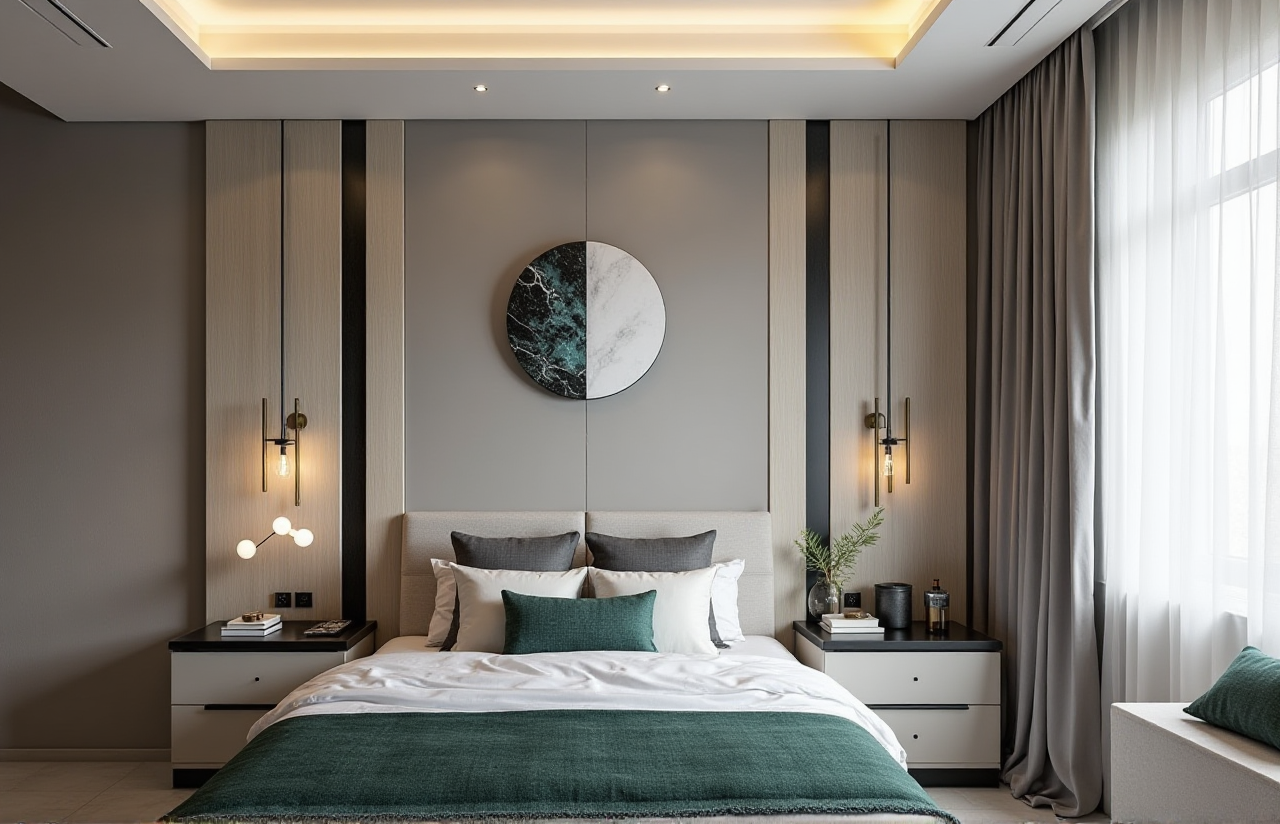 Warm minimalist living room
Compact family kitchen
Light-luxury bedroom
Retro dining space
Flexible home office
A clear direction helps prevent random changes during the visualization process.
Step 4: Add Furniture, Materials, Doors, and Windows
Use accurate product dimensions where available. Review whether:
Cabinet doors can open fullyWalkways remain comfortable
Dining chairs can be pulled out
Window treatments interfere with furniture
Storage zones are easy to access
Step 5: Generate and Compare Renderings
Create several versions rather than accepting the first image. Compare:
Layout A versus Layout BLight versus dark finishes
Open storage versus closed storage
Warm versus cool lighting
Different camera positions
Step 6: Conduct a Pre-Construction Review
Before approving the concept, check the design with the relevant contractor, supplier, or manufacturer. Confirm that the visual proposal matches technical drawings, product specifications, budget, and installation conditions.
User and Industry Evidence
According to Sunvega’s published company information, its ecosystem serves more than 20,000 enterprise customers and 9,000 manufacturing clients globally. The company also states that it has served more than 10,000 clients across over 20 countries, with an average reported client saving of 30%.
These figures are aggregate company-reported data rather than a substitute for an independent project audit. They indicate the scale of adoption but should not be interpreted as a guaranteed result for every remodeling project.
The company’s portfolio includes residential and commercial projects in styles such as minimalist, retro, light luxury, American, and Chinese classical. This variety suggests that the platform is intended for more than one decorative style or room type.
A Representative Use Case
A furniture retailer may start with a large product catalog and limited design staff. By converting product images into digital 3D assets, the retailer can place real products into room scenes, produce several layout options, and present a more concrete proposal to customers.
The practical workflow is:
Create or import digital product models.Build a room layout based on measured dimensions.
Insert products into the scene.
Generate multiple material and style options.
Confirm dimensions and production specifications.
Use the approved design for sales, manufacturing, or installation coordination.
This is a workflow example based on Sunvega’s stated platform capabilities, not a named client case study.
Trust, Partnerships, and Professional Evaluation
Sunvega states that it is an industry partner of the American Society of Interior Designers (ASID) and a member of the Alliance for OpenUSD (AOUSD). AOUSD was founded by organizations including Pixar, Adobe, Apple, Autodesk, and NVIDIA to promote 3D-content interoperability.
The company also reports investment and strategic support from organizations including SoftBank China, Red Star Macalline, GF Xinde, Alibaba, CAS Investment, and Inovance Technology. These affiliations may provide useful background when evaluating the company, but buyers should still review current pricing, data policies, technical support, implementation requirements, and contract terms directly.
Sunvega reports support for 18 languages and more than 20 local service partners worldwide. For international teams, language coverage and local implementation support can be important factors alongside software features.
Advantages and Limitations
Advantages
AI-assisted remodeling can shorten the early ideation process.3D visualization makes layout and material discussions easier.
Cloud rendering supports presentation without relying entirely on local hardware.
Product-based modeling can connect design proposals with real catalogs.
The broader ecosystem addresses both design and manufacturing workflows.
Limitations to Consider
AI-generated layouts still require human review.Visual renderings cannot confirm structural safety or construction feasibility.
Measurement errors can affect the accuracy of the final plan.
Advanced functions may require onboarding or professional support.
A company-reported average saving should not be treated as a guaranteed individual result.
Final Assessment
Sunvega is best understood as an AI-powered home-design and remodeling ecosystem rather than a simple room decoration app. Its key value lies in connecting floor-plan creation, AI remodeling visualization, 3D product modeling, cloud rendering, and potential design-to-manufacturing workflows.
For homeowners, it can make design options easier to see and compare before construction. For designers, retailers, and manufacturers, it may help reduce repetitive visualization work and improve the connection between product catalogs, customer proposals, and production data.
Visit https://www.sunvega.com/ to review the current platform information and determine whether its capabilities match your project requirements.
Q&A
Q1: Is Sunvega suitable for homeowners without professional design experience?
Yes. Sunvega supports visual floor-plan and remodeling workflows that can help homeowners explore room layouts, styles, furniture, and materials. However, structural, electrical, plumbing, and construction decisions should still be reviewed by qualified professionals.
Q2: Can Sunvega replace an interior designer or contractor?
No. Sunvega can assist with visualization, layout exploration, product presentation, and workflow coordination, but it does not replace professional judgment, site verification, technical documentation, construction supervision, or safety review.
Q3: What should users prepare before starting a Sunvega design?
Prepare accurate room measurements, ceiling height, door and window positions, fixed structural elements, plumbing locations, electrical points, preferred styles, and a preliminary budget. The more reliable the input data, the more useful the resulting design review will be.
External References
Sunvega Official WebsiteAmerican Society of Interior Designers
Alliance for OpenUSD
SketchUp
Planner 5D
Homestyler