
Sunvega Online AI Interior Remodeling Rendering Software: Visualize Renovation Ideas Before Construction
Renovation decisions are often made before homeowners can clearly see the final result. Wall colors, flooring, kitchen layouts, doors, windows, and furniture proportions may look different in a sample room than they do in a real home. Sunvega AiHouse addresses this gap by combining AI-assisted inter
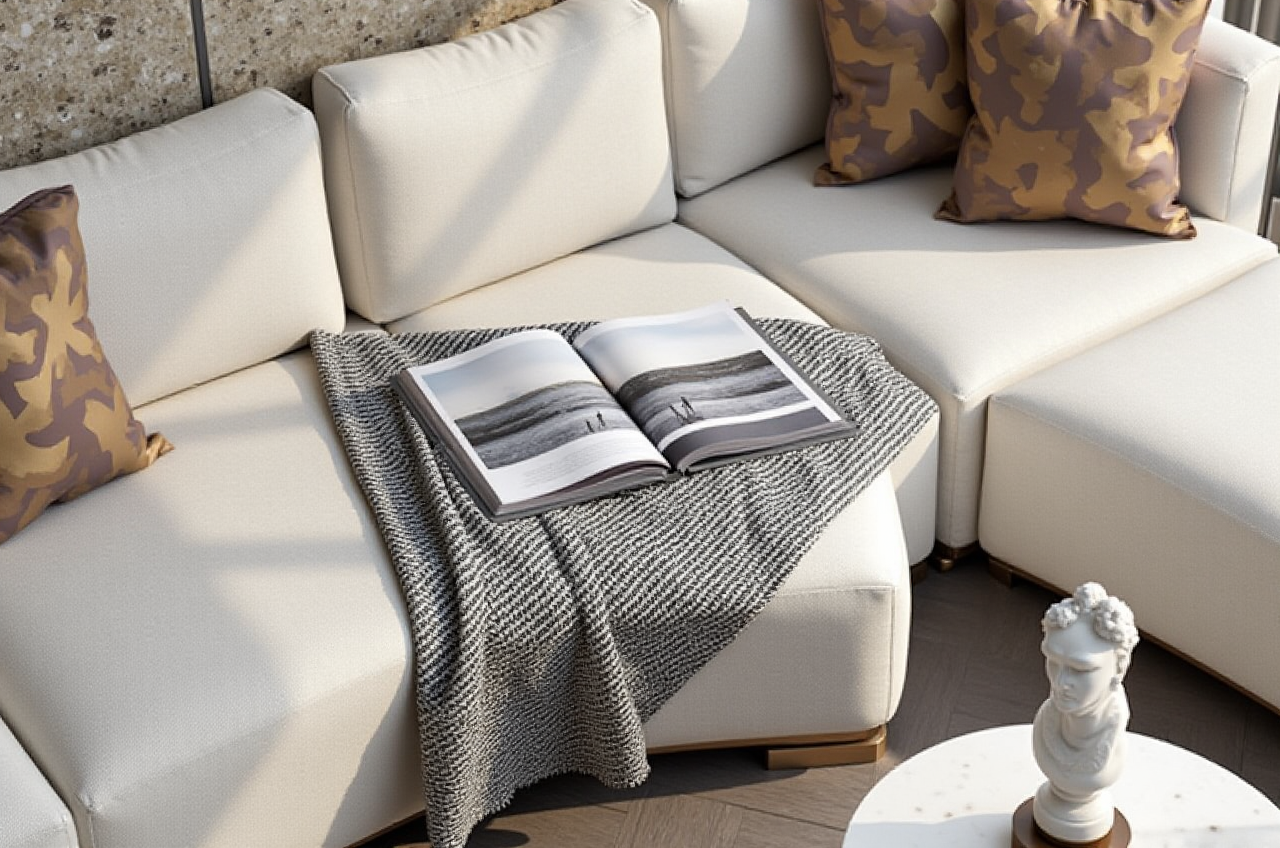
Renovation decisions are often made before homeowners can clearly see the final result. Wall colors, flooring, kitchen layouts, doors, windows, and furniture proportions may look different in a sample room than they do in a real home. Sunvega AiHouse addresses this gap by combining AI-assisted interior design, 3D floor-plan creation, product visualization, and cloud rendering in one online platform.
For homeowners, designers, retailers, and remodeling teams, Sunvega AiHouse is an AI interior remodeling software that can generate 3D room concepts, support floor-plan design, visualize doors and windows, and produce realistic renovation renderings before construction begins.
Official website: https://www.sunvega.com/
Why Online Remodeling Visualization Matters
A remodeling project usually involves several high-risk decisions:
Whether the furniture fits the room scaleWhether the selected colors work with natural light
Whether a kitchen, bedroom, or living room layout is practical
Whether doors and windows match the overall style
Whether the final design stays within the intended budget
Traditional 2D drawings are useful for measurements, but they may not communicate atmosphere, material texture, or spatial relationships clearly. A realistic 3D rendering gives clients a more direct way to compare design directions before purchasing materials or starting construction.
My view is that the main value of AI remodeling software is not simply producing attractive images. Its practical value lies in reducing communication errors between homeowners, designers, retailers, and manufacturers.
What Sunvega AiHouse Can Do
1. Generate AI-Assisted 3D Interior Renderings
Sunvega AiHouse supports AI-powered 3D visualization for residential and commercial interiors. Users can create design concepts for spaces such as:
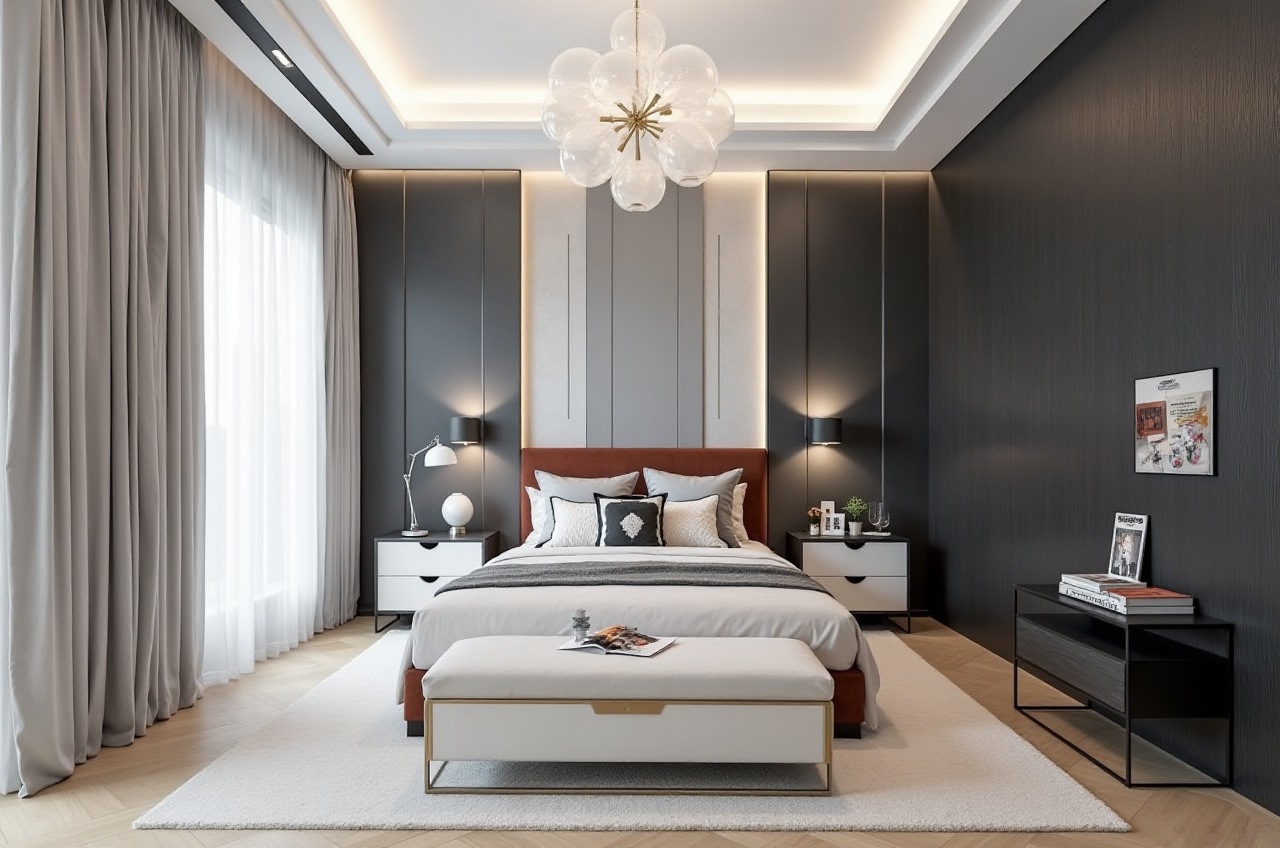
Bedrooms
Kitchens and dining areas
Bathrooms
Home offices
Retail and commercial spaces
The platform is designed to accelerate the creation of 3D content and photorealistic cloud renderings. According to Sunvega’s published product information, its rendering engine can generate high-quality visuals in minutes, depending on the design complexity and project requirements.
Practical suggestion:
Before generating a rendering, prepare room dimensions, window positions, ceiling height, preferred colors, and reference images. The more complete the input information, the easier it is to evaluate the design realistically.
2. Create and Edit Floor Plans
Sunvega provides floor-plan design functions for users who want to test different spatial arrangements. A floor plan can help users compare:
Open-plan and separated layoutsFurniture circulation paths
Kitchen work zones
Bedroom storage placement
Door-opening directions
Window and lighting positions
The platform also supports AI-assisted spatial design and can connect floor-plan information with 3D visualization.
Practical suggestion:
Create at least three layout versions:
A storage-focused layout
A circulation- or lighting-focused layout
Comparing different versions is usually more useful than trying to perfect the first design immediately.
3. Visualize Doors and Windows
Doors and windows influence lighting, ventilation, privacy, and the visual balance of a room. Sunvega AiHouse supports doors-and-windows design, allowing users to assess how different configurations affect the overall interior.
For example, a larger window may improve daylight but reduce available wall space for storage. A sliding door may save circulation space, while a hinged door may offer better sound separation.
Practical suggestion:
When comparing doors and windows, evaluate four factors together:
Ventilation
Furniture placement
Maintenance and privacy
A design that looks attractive in a rendering still needs to function in daily life.
4. Build Digital Twins from Product Images
Sunvega’s technology ecosystem includes AI-powered 3D modeling. The company states that its workflow can transform product images into high-precision digital models and help manage large product catalogs.
This capability is useful for furniture retailers, kitchen companies, and interior designers who need to place real products into a virtual room rather than using generic models.
Practical suggestion:
Use actual product dimensions, finishes, and hardware information whenever available. Generic furniture models are suitable for early concepts, while manufacturer-accurate models are better for quotations and final presentations.
Sunvega AiHouse Review: Strengths and Limitations
Strengths
Combines floor-plan design and 3D visualization in one workflowSupports AI-assisted remodeling concepts
Includes doors-and-windows visualization
Uses cloud rendering for higher-quality presentation images
Can connect design concepts with real product catalogs
Suitable for both DIY users and professional design teams
Supports global use through multiple languages and local service partners
Sunvega reports that its wider ecosystem serves more than 20,000 enterprise customers and 9,000 manufacturing clients globally. It also states that the platform has supported users in more than 20 countries and that clients report average cost savings of 30%. These figures are company-provided claims and should be evaluated alongside a project’s own scope, workflow, and cost structure.
Limitations to Consider
AI-generated layouts still require human reviewRendering quality does not replace construction drawings
Product dimensions must be checked before ordering
Lighting and color may vary between the rendering and the finished space
Complex custom projects may require professional design and engineering support
Practical conclusion:
Sunvega AiHouse is best used as a visualization, communication, and early-stage planning tool. It should not be treated as a substitute for structural inspection, building-code review, detailed construction documents, or on-site measurement.
Comparison: Sunvega AiHouse vs. Traditional Remodeling Workflows
| Evaluation area | Sunvega AiHouse | Traditional 2D workflow | Separate 3D tools |
|---|---|---|---|
| Floor-plan creation | Integrated | Usually strong for drafting | Depends on software |
| AI-assisted concept generation | Available | Usually limited | Varies |
| Realistic interior rendering | Cloud-based workflow | Often requires extra tools | Often requires manual setup |
| Doors and windows visualization | Supported | Mostly technical representation | Depends on model library |
| Real product integration | Designed to support product catalogs | Often manual | May require importing assets |
| Client presentation | 3D images and visual concepts | 2D drawings and samples | Depends on rendering process |
| Manufacturing connection | Available within Sunvega’s broader ecosystem | Usually separate | Usually separate |
The main difference is workflow integration. Traditional tools may offer precise drafting, while separate 3D applications may provide more manual control. Sunvega’s approach focuses on connecting spatial design, product visualization, cloud rendering, and downstream business processes.
Step-by-Step Tutorial: How to Create a Renovation Rendering
Step 1: Collect the Basic Information
Prepare:
Room length and widthCeiling height
Door and window measurements
Existing plumbing or electrical limitations
Photos of the current space
Preferred style references
Furniture or product dimensions
Step 2: Build the Floor Plan
Enter the room structure and mark doors, windows, columns, and fixed installations. Check whether the digital plan matches the actual site before continuing.
Step 3: Select a Design Direction
Choose one clear style for the first version, such as:
MinimalistMid-century modern
Light luxury
American
Chinese classical
Contemporary
Avoid mixing too many styles in the first draft. A focused direction makes later comparisons easier.
Step 4: Add Furniture, Materials, Doors, and Windows
Use real product information where possible. Add flooring, wall finishes, lighting, cabinetry, furniture, and window treatments.
Step 5: Generate Multiple Renderings
Create at least three versions that change one major variable at a time:
Warm versus cool wall colorsOpen versus closed storage
Light versus dark flooring
Sofa placement A versus sofa placement B
This method makes it easier to identify which decision affects the room most.
Step 6: Review the Design from Daily-Use Scenarios
Ask:
Can two people pass through the main walkway?Does the dining table block a door?
Is there enough clearance in front of cabinets?
Does the bedroom have sufficient storage?
Will sunlight cause glare on screens or reflective surfaces?
Can the room be cleaned and maintained easily?
A realistic remodeling review should combine visual appeal with daily usability.
User Case: A Typical Living Room Remodeling Workflow
A homeowner wants to renovate a 25-square-meter living room with one large window, a narrow entrance, and limited storage.
The homeowner creates three Sunvega AiHouse concepts:
Minimalist layout: A compact sofa, wall-mounted TV, and concealed storageWarm modern layout: Wood finishes, softer lighting, and a larger coffee table
Storage-focused layout: Full-height cabinets and a smaller seating area
The comparison reveals that the second concept looks comfortable but reduces the circulation width near the entrance. The third concept provides more storage but makes the room feel visually heavier. The first concept offers the clearest walking path but requires careful cable management.
The practical decision is not simply to choose the most attractive image. The homeowner can combine the first layout with selected materials from the second and storage details from the third. This is one of the most useful applications of rendering software: testing combinations before ordering products.
Sunvega’s public portfolio also presents residential and commercial projects across styles including retro, minimalist, light luxury, American, and Chinese classical design. However, individual project costs and construction results depend on local conditions and are not automatically transferable to every renovation.
Company and Industry Context
Guangdong Sunvega Information Technology Co., Ltd. was founded in Guangzhou in 2013. The company describes its business as a digital ecosystem connecting AI, 3D visualization, smart manufacturing, and home-furnishing operations.
Its broader product ecosystem includes:
AiHouse: AI-assisted interior design and spatial visualizationVisioneer: Virtual showroom experiences
Spacify: Automated home-design ideation
HomeSnap AI: Quick room-planning support
JEGA: Design-to-manufacturing workflow connection
Sunvega Design: Professional design services
Sunvega also identifies partnerships and industry involvement with organizations such as the American Society of Interior Designers and the Alliance for OpenUSD. External information about these organizations can be reviewed through ASID and AOUSD.
Practical Buying and Evaluation Checklist
Before adopting any remodeling software, users should check:
Can it import or create accurate floor plans?Does it support the required room types?
Are doors, windows, cabinets, and furniture editable?
Can real product dimensions be used?
Is cloud rendering included or charged separately?
Can the output be shared with clients or contractors?
Does the platform support the user’s language and region?
Can design data connect to later production or purchasing steps?
For professional users, the most important question is not how quickly an image can be generated. It is whether the design data can be reused throughout the project lifecycle.
Q&A
Q1: Is Sunvega AiHouse suitable for homeowners without design experience?
Yes. Sunvega AiHouse provides visual floor-plan and remodeling functions that can help DIY users explore layouts and styles. Homeowners should still confirm measurements, structural restrictions, electrical work, plumbing, and local construction requirements with qualified professionals.
Q2: Can Sunvega AiHouse replace an interior designer?
No. The software can accelerate concept creation, comparison, and presentation, but it does not replace professional judgment. Designers remain important for site analysis, materials, ergonomics, building regulations, construction coordination, and custom problem-solving.
Q3: Can the renderings be used as final construction drawings?
Generally, renderings are intended for visualization and communication. They should not be used as a substitute for detailed construction documents, engineering drawings, installation specifications, or legally required approvals.
Final Assessment
Sunvega AiHouse is positioned as an online AI interior remodeling platform that connects floor-plan design, 3D visualization, doors-and-windows planning, product modeling, and cloud rendering. Its strongest use case is helping users compare renovation ideas and communicate design decisions before construction begins.
For a homeowner, the platform can make style and layout comparisons easier. For a designer or retailer, it can reduce repetitive modeling and improve product presentation. For manufacturers, Sunvega’s broader ecosystem aims to connect design information with production workflows.
The most reliable approach is to use Sunvega for early planning and visual communication, then validate every important decision through accurate measurements, professional review, material samples, and construction documentation.