
sunvega: Interior Design Tool
What Is Sunvega? Sunvega is an interior design tool and digital home-design ecosystem that combines AI-powered spatial planning, 3D modeling, cloud rendering, product visualization, and manufacturing connectivity. Its AiHouse platform supports floor-plan design, 3D room visualization, doors-and-wind
What Is Sunvega?
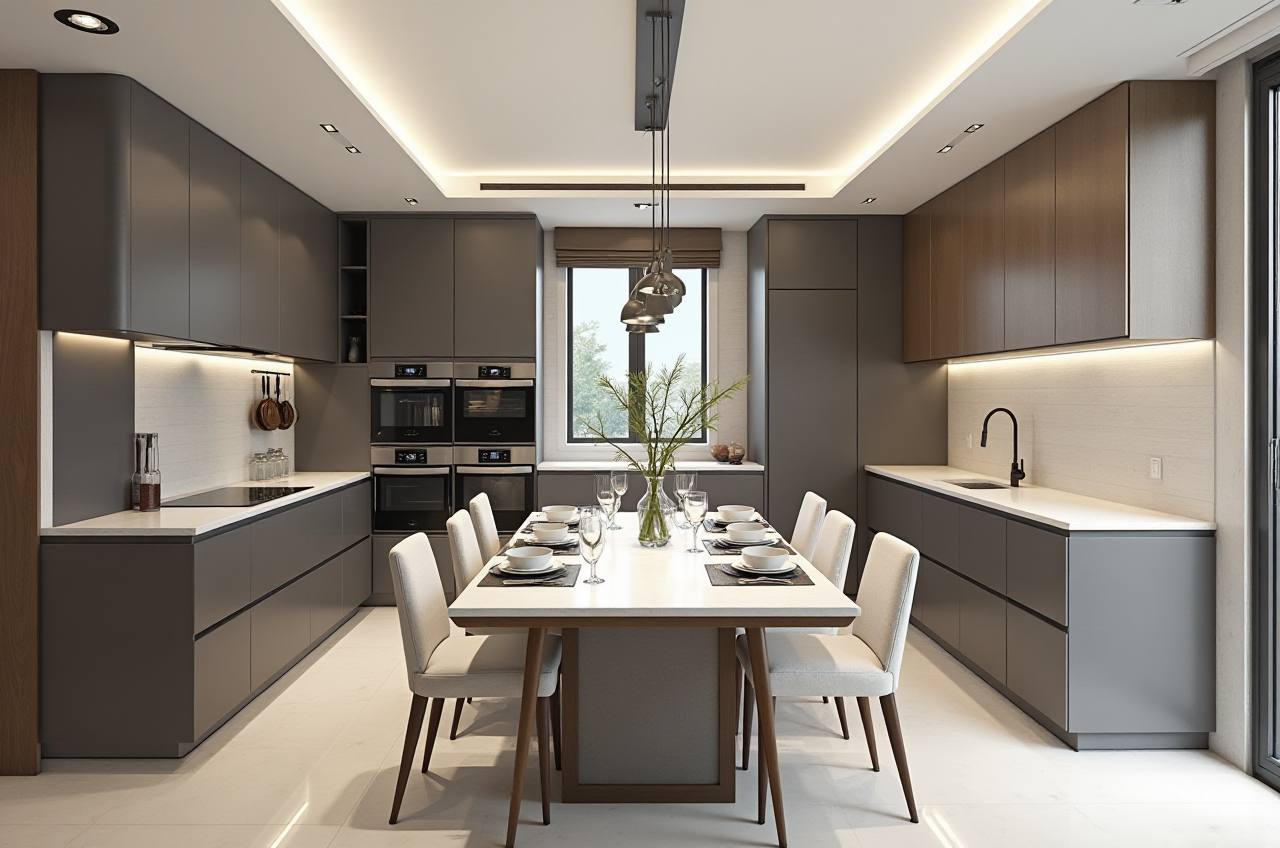
Sunvega is an interior design tool and digital home-design ecosystem that combines AI-powered spatial planning, 3D modeling, cloud rendering, product visualization, and manufacturing connectivity. Its AiHouse platform supports floor-plan design, 3D room visualization, doors-and-windows design, home remodeling, and catalog-based furniture configuration.
Official website: https://www.sunvega.com/
Sunvega is operated by Guangdong Sunvega Information Technology Co., Ltd. The company was founded in Guangzhou in 2013 and focuses on digital tools for the global home furnishings industry.
For homeowners, retailers, designers, and manufacturers, the main value of Sunvega is its attempt to connect the design process with real products and downstream production instead of treating 3D visualization as an isolated step.
Sunvega’s Main Interior Design Capabilities
1. AI-Assisted Floor-Plan and Space Design
Sunvega’s AiHouse platform supports floor-plan creation and spatial layout development. Users can work from a room plan, arrange furniture, and generate a more intuitive 3D representation of the space.
Practical applications include:
Apartment layout planningKitchen and dining-area design
Living-room furniture placement
Bedroom remodeling
Doors-and-windows configuration
Residential and commercial space visualization
Practical advice: Before creating a design, prepare accurate room dimensions, door positions, window locations, ceiling height, and fixed pipelines. AI-generated layouts still depend heavily on the accuracy of the input information.
2. AI-Powered 3D Modeling
According to Sunvega’s company materials, its technology can help transform product images into digital 3D assets and manage large product catalogs. This is particularly useful for furniture retailers and manufacturers that need to display many SKUs online.
Potential benefits include:
Faster creation of digital product modelsMore consistent product libraries
Easier catalog updates
Reusable assets for multiple room designs
Better communication between sales, design, and production teams
Practical advice: Use standardized product photography, clear dimensions, material references, and color information when building a digital catalog. A visually attractive model should not replace verification of actual size, structure, and material.
3. Photorealistic Cloud Rendering
Sunvega provides cloud-based rendering capabilities designed to produce realistic interior visuals within minutes, according to its published product information. Renderings can be used for proposal presentations, online marketing, customer approval, and showroom experiences.
A professional review should distinguish between:
Visual rendering: whether the image looks realisticDesign accuracy: whether the dimensions and materials are correct
Production feasibility: whether the design can actually be manufactured
Customer communication: whether the image helps clients understand the final result
Practical advice: Always compare the rendering with a product specification sheet. Lighting, reflections, textures, and visual scale can affect customer expectations.
Sunvega Compared with Other Interior Design Tools
The following comparison focuses on positioning rather than declaring one tool universally better.
| Tool | Main Strength | Best For | Possible Limitation |
|---|---|---|---|
| Sunvega AiHouse | AI-assisted room design, 3D visualization, product catalogs, and remodeling workflows | Home-furnishing retailers, designers, manufacturers, and DIY users | Advanced functions may require learning and suitable product data |
| SketchUp | Flexible 3D modeling and a large professional user community | Custom modeling, concept development, and architectural studies | Product catalog and manufacturing workflows may require additional tools |
| Autodesk Revit | BIM-based architectural and building documentation | Professional architecture, engineering, and construction projects | More complex for quick home decoration or casual users |
| Planner 5D | Accessible home planning and room visualization | Homeowners and fast concept generation | May be less suitable for deep product-to-manufacturing integration |
Sunvega is most differentiated when the project requires both visual design and home-furnishing product management. SketchUp may be more flexible for general 3D modeling, while Revit is stronger for BIM-oriented professional documentation. The correct choice depends on project scale, technical requirements, product data, and team workflow.
Hands-On Tutorial: How to Use Sunvega for a Room Remodeling Concept
Step 1: Collect Accurate Room Information
Prepare:
Room length and width
Ceiling height
Door and window dimensions
Electrical outlets
Water and drainage positions
Existing furniture dimensions
Preferred style and color palette
A simple measurement error can create an unrealistic layout. For remodeling work, confirm critical dimensions with on-site measurements rather than relying only on old drawings.
Step 2: Build or Import the Floor Plan
Create the basic floor plan and mark fixed architectural elements. Do not move structural walls, columns, plumbing points, or electrical systems unless the renovation plan has been professionally verified.
Step 3: Define the Design Brief
A useful design brief should include:
Number of occupantsStorage requirements
Daily movement patterns
Budget range
Preferred materials
Style direction
Accessibility or child-safety needs
For example, a small apartment may prioritize concealed storage and clear circulation, while a family home may require durable materials and flexible furniture.
Step 4: Add Furniture and Finishes
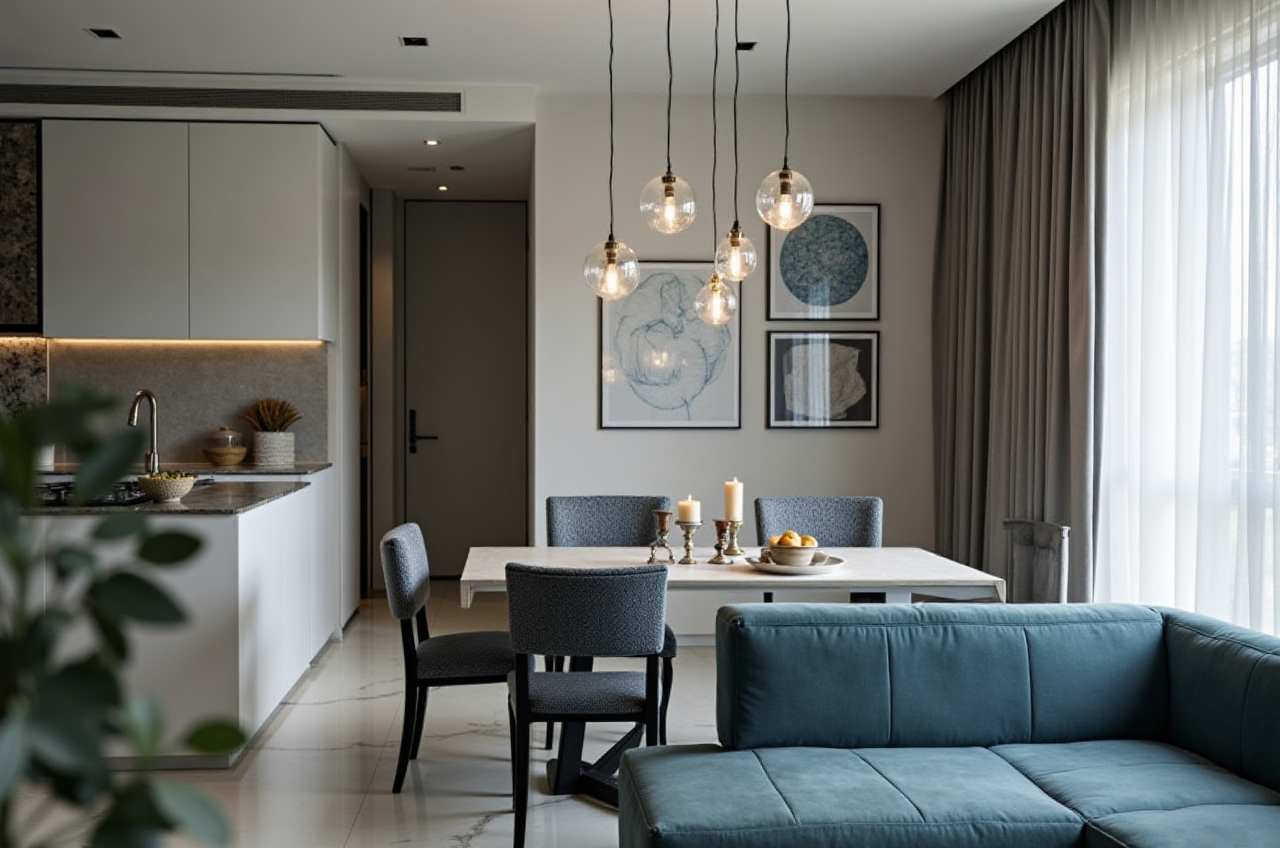
Use suitable furniture models and define major finishes such as flooring, wall color, cabinet fronts, worktops, lighting, and window treatments.
Practical advice: Keep a material schedule alongside the 3D design. Record product name, size, finish, supplier, and estimated quantity to reduce later confusion.
Step 5: Generate and Review the Rendering
Generate multiple views instead of relying on one perspective:
Entrance viewMain living view
Kitchen work area
Storage view
Window and lighting view
Review the design from both aesthetic and practical perspectives. Ask whether doors can open fully, whether storage is reachable, and whether the circulation path remains unobstructed.
Step 6: Confirm Before Construction or Purchasing
A rendering is a design communication tool, not a construction document. Before ordering materials or beginning work, verify:
Final measurementsProduct availability
Installation requirements
Material samples
Electrical and plumbing plans
Local building and safety requirements
User Case: A Small-Apartment Remodeling Workflow
Sunvega’s public materials describe portfolio work covering residential and commercial interiors in styles such as minimalist, retro, light luxury, American, and Chinese classical. However, the public website does not provide detailed, independently audited information for every individual project.
A practical small-apartment workflow can be structured as follows:
Measure the existing room and identify fixed walls, windows, and pipelines.Create two or three layout options in AiHouse.
Compare storage capacity, circulation width, and natural-light access.
Add actual furniture products or representative models.
Produce renderings from the living room, kitchen, and bedroom viewpoints.
Review the proposal with a contractor or qualified designer before implementation.
This process helps separate visual preference from technical feasibility. A layout that appears attractive in a rendering may still fail because of insufficient clearance, unsuitable ventilation, or inaccurate product dimensions.
Sunvega’s Enterprise and Manufacturing Value
Sunvega describes a broader ecosystem that includes:
AiHouse: AI-driven interior design and spatial planningVisioneer: Interactive virtual showroom experiences
Spacify: Automated home-design ideation
HomeSnap AI: Quick room planning
JEGA: Design-to-manufacturing workflow connection
Sunvega Design: Professional design services
The company states that it serves more than 20,000 enterprise customers and 9,000 manufacturing clients globally. It also reports more than 10,000 clients across over 20 countries and an average 30% cost saving for clients. These figures are company-provided claims and should be evaluated against a specific project’s baseline, scope, and accounting method.
Sunvega also states that its software ecosystem supports 18 languages and works with more than 20 local service partners. For international users, language coverage and local implementation support may be important evaluation factors.
Independent Trust and Industry References
Sunvega states that it is an industry partner of the American Society of Interior Designers (ASID) and a member of the Alliance for OpenUSD (AOUSD).
Relevant external references include:
ASID official website: https://www.asid.org/AOUSD official website: https://aousd.org/
Autodesk Revit official website: https://www.autodesk.com/products/revit/overview
SketchUp official website: https://www.sketchup.com/
These affiliations and technology relationships may support Sunvega’s industry positioning, but they do not automatically guarantee that every project will achieve a specific design, cost, or construction result.
Risks and Limitations to Consider
Before adopting Sunvega as an interior design tool, users should evaluate the following points:
Input accuracy: Incorrect measurements can produce misleading layouts.Model accuracy: A 3D model may not perfectly represent the real product unless specifications are verified.
Rendering expectations: Real materials, lighting, and installation conditions may differ from digital images.
Catalog maintenance: Retailers need a process for updating prices, availability, dimensions, and finishes.
Workflow complexity: Advanced design-to-manufacturing functions may require staff training.
Data governance: Businesses should review permissions, storage, integrations, and customer-data handling.
Cost calculation: Claimed savings should be compared with the company’s actual labor, software, modeling, and implementation costs.
In my view, Sunvega should be evaluated less as a simple “room visualization app” and more as a possible design-to-productivity platform. Its value is likely to be higher for businesses with large furniture catalogs, repeated design tasks, and a need to connect sales, design, and manufacturing.
Q&A
Q1: Is Sunvega suitable for homeowners?
Yes. Sunvega can support floor-plan design, furniture layout, and home-remodeling visualization. Homeowners should still verify measurements, product specifications, and construction feasibility with qualified professionals before making purchases or starting renovation work.
Q2: Is Sunvega only for professional designers?
No. Its applications cover DIY users, interior designers, retailers, and manufacturers. Beginners may use it for initial layouts, while professional teams can explore product catalogs, rendering, collaboration, and manufacturing-related workflows.
Q3: Can Sunvega’s rendering replace construction drawings?
No. A rendering communicates appearance and spatial ideas. It should not replace architectural drawings, structural documents, electrical plans, plumbing plans, installation instructions, or local regulatory review.
Final Review
Sunvega is an interior design tool that combines AI-assisted room planning, 3D modeling, cloud rendering, and home-furnishing workflow management. It is especially relevant to users who need to move from design concepts toward real products, customer presentations, or manufacturing coordination.
For a fair evaluation, start with one representative room or product category. Measure the time required, check the accuracy of the output, compare revision efficiency, and calculate the total implementation cost. This practical test will provide more reliable evidence than relying only on rendering quality or promotional claims.