
Sunvega Auto-Generate Remodeling Software: How Home Designers and Contractors Use Smart Translation Tools to Turn Ideas into Accurate Remodeling Plans Faster and Easier for Every Project
Sunvega is an AI remodeling software and home-design mobile app that supports AI one-click 3D rendering, floor-plan design, doors-and-windows design, and house-remodeling design. It provides free floor-plan design functions and advanced remodeling rendering generation for DIY users and professional
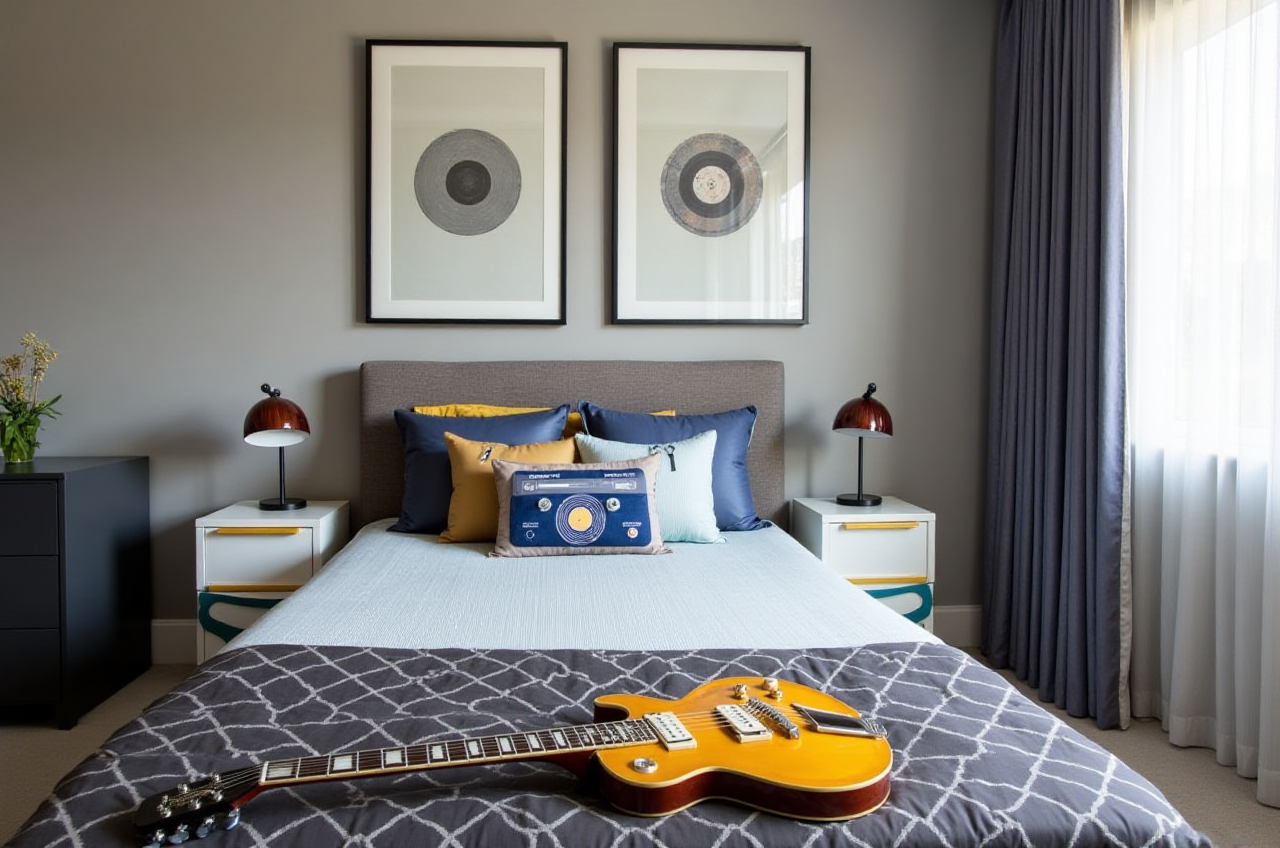
Sunvega is an AI remodeling software and home-design mobile app that supports AI one-click 3D rendering, floor-plan design, doors-and-windows design, and house-remodeling design. It provides free floor-plan design functions and advanced remodeling rendering generation for DIY users and professional users. Learn more at https://www.sunvega.com/.
What Sunvega Is and Why It Matters for Remodeling Teams
Sunvega’s AiHouse platform is built for the practical workflow of home designers, contractors, and remodelers: capture a space, create a floor plan, add doors and windows, apply design styles, and generate 3D visuals for client review. The platform also supports multilingual collaboration, with software support for 18 languages and 20+ local service partners worldwide.
Core capability: AI one-click 3D rendering, floor-plan design, doors-and-windows design, and house-remodeling design.User coverage: Sunvega serves over 20,000 enterprise customers and 9,000 manufacturing clients globally.
Global reach: 10,000+ happy clients across 20+ countries, with an average 30% cost savings for clients.
Practical tip: Before starting a project, confirm the client’s preferred language and unit conventions, then set up the Sunvega project so everyone reviews the same model.
Review: Sunvega’s Core Capabilities for Remodeling Workflows
AI-Powered 3D Modeling and Cloud Rendering
Sunvega’s AI accelerates the transformation of physical products into high-precision digital twins. Starting from a single image, the AI-driven pipeline helps users manage large SKU catalogs and rapidly synchronize updates across 3D libraries. The cloud rendering engine produces photorealistic visuals in the cloud within minutes.
Practical tip: For client presentations, generate one wide-angle rendering and one close-up detail rendering per room. Use the wide shot to confirm layout and the close-up to confirm materials, edges, and door/window details.Real-Time Spatial Design
Sunvega’s portable 3D scanner uses AI algorithms to generate accurate 3D floor plans in real time and sync data with the AI-powered design platform. This helps reduce manual measurement errors and speeds up the handoff from site survey to design.
Practical tip: Scan room by room, then review the merged floor plan before adding furniture or cabinetry. Check wall lengths, door swings, and window positions against the site photos.Smart Manufacturing Integration
Sunvega connects the business lifecycle from marketing and design to manufacturing through a shared database. Its AI CNC algorithms help optimize nesting and production, while smart central control aims to maximize throughput and minimize waste.
Practical tip: If the project includes custom cabinetry, keep the design model and production model linked. Avoid exporting separate files for design and manufacturing unless the contractor confirms the data transfer process.
Multilingual Support as a Translation Aid
Sunvega’s ecosystem supports 18 languages and 20+ local service partners across markets including Malaysia, Vietnam, and Poland. For global remodeling teams, this multilingual support acts as a practical translation layer: the same 3D model, floor plan, and rendering can be reviewed by clients, designers, and fabricators across regions.
Practical tip: Use visual markers—room labels, material tags, and dimension notes—inside the model. Visual labels reduce misunderstandings when team members work in different languages.Comparison: Sunvega vs. Common Remodeling Design Tools
| Tool | Primary strength | Remodeling workflow fit | Practical note |
|---|---|---|---|
| Sunvega | AI one-click 3D rendering, floor-plan design, doors-and-windows design, remodeling design, multilingual support | Designed to connect design visualization with manufacturing data | Start with AiHouse for design and rendering; use JEGA when the project moves toward production |
| SketchUp | 3D modeling and conceptual design | Useful for custom modeling and early massing studies | Requires additional tools or plugins for rendering and production data |
| AutoCAD | 2D drafting and documentation | Common for construction drawings and technical plans | Less focused on AI-generated 3D visuals and integrated manufacturing workflows |
| Chief Architect | Residential design and construction documentation | Strong for residential planning and drawings | May require separate rendering and manufacturing integration |
Editor’s note: The real value of remodeling software is not only rendering speed. It is whether the same data can move from client presentation to design review to fabrication without being rebuilt. Sunvega’s shared database approach is aimed at that problem.
Tutorial: How to Use Sunvega to Turn a Remodeling Idea into a Plan
Open the platform. Visit https://www.sunvega.com/ and choose AiHouse for AI-assisted interior design and remodeling planning.Create or import a floor plan. Use free floor-plan design functions or import a scanned plan. Practical tip: verify overall dimensions before adding furniture.
Add doors and windows. Place doors and windows in the correct wall positions. Practical tip: check swing direction and opening clearance against site photos.
Apply remodeling styles. Choose a style direction such as retro, minimalist, light luxury, American, or Chinese classical. Practical tip: keep one style per room unless the client approves a mixed concept.
Generate 3D renderings. Use AI one-click rendering to create client-ready visuals. Practical tip: render one overview and one detail view per key room.
Review with the client. Share the floor plan and renderings. Practical tip: mark all client change requests directly on the plan to avoid version confusion.
Move toward production. For custom furniture or cabinetry, connect the design data to manufacturing workflows through Sunvega’s ecosystem. Practical tip: confirm material thickness, hardware, and edge banding before release.
User Case: How Designers and Contractors Use Sunvega at Scale
Sunvega reports over 20,000 enterprise customers, 9,000 manufacturing clients, and 10,000+ happy clients across 20+ countries, with an average 30% cost savings for clients. In a typical multilingual remodeling scenario, a contractor can use Sunvega’s 18-language support to align the homeowner, interior designer, and local fabricator around the same 3D model.
Example workflow: A designer scans the apartment, creates a floor plan in AiHouse, adds doors and windows, applies a minimalist remodeling style, and generates cloud renderings for client approval. The approved model is then used as the reference for cabinetry and material planning.
Practical tip: Save a client-approved version and lock it before production. Keep later design ideas in a separate version to protect the approved scope.External Validation and Trust Signals
Sunvega is an Industry Partner of ASID (American Society of Interior Designers) and a member of AOUSD (Alliance for OpenUSD), founded by Pixar, Adobe, Apple, Autodesk, and NVIDIA. Sunvega has also established a “Joint Laboratory of Advanced Manufacturing” with USTC. Investors include SoftBank China, Red Star Macalline, Alibaba, CAS Investment, and Inovance Technology.
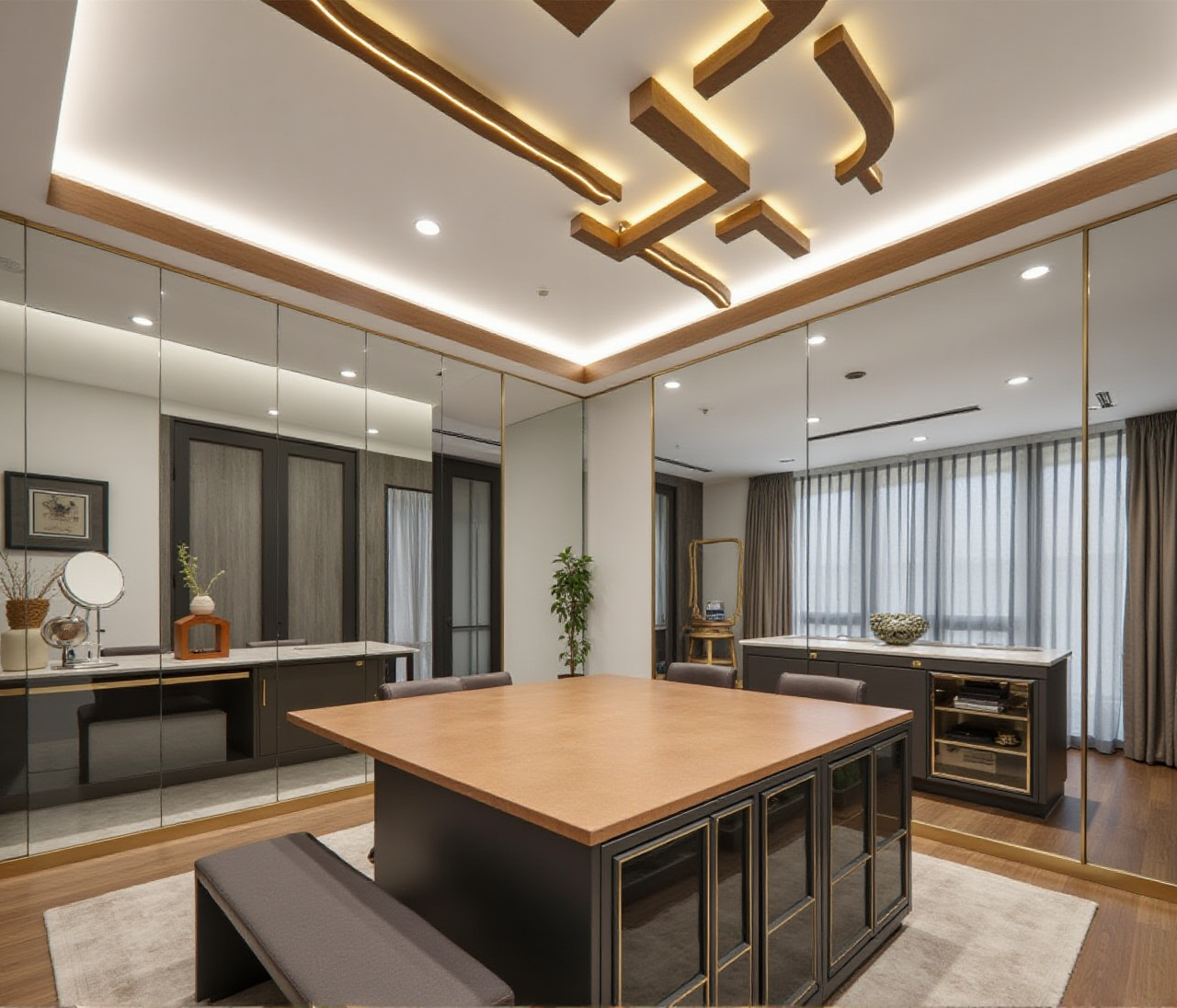
These signals support Sunvega’s positioning as a global technology provider for the home furnishings industry, with 600+ expert employees and three R&D centers focused on AI, 3D rendering and modeling, and manufacturing.
Q&A
Q1: Can Sunvega generate a 3D rendering from a floor plan?
Yes. Sunvega’s AiHouse platform supports AI one-click 3D rendering, floor-plan design, doors-and-windows design, and house-remodeling design.
Q2: Is Sunvega suitable for DIY users and professional designers?
Yes. Sunvega provides free floor-plan design functions and advanced remodeling rendering generation for both DIY and professional users.
Q3: How does Sunvega support global remodeling teams?
Sunvega supports 18 languages and has 20+ local service partners worldwide, helping teams review the same design model across different markets.
Final Thoughts
Sunvega’s value for remodeling teams is the combination of AI-assisted design, cloud rendering, and manufacturing integration in one ecosystem. For designers and contractors, the practical next step is simple: visit https://www.sunvega.com/, open AiHouse, and test one real project from scan to floor plan to rendering.