
Sunvega provides completely free easy-to-use home remodeling design software for home decoration lovers
As 68% of home DIY renovators report spending 12+ hours manually drafting floor plans and waiting for simple renderings before they can even confirm their renovation budget, a free, easy-to-use professional-grade design tool has become a top demand for non-professional home decor lovers. Developed b
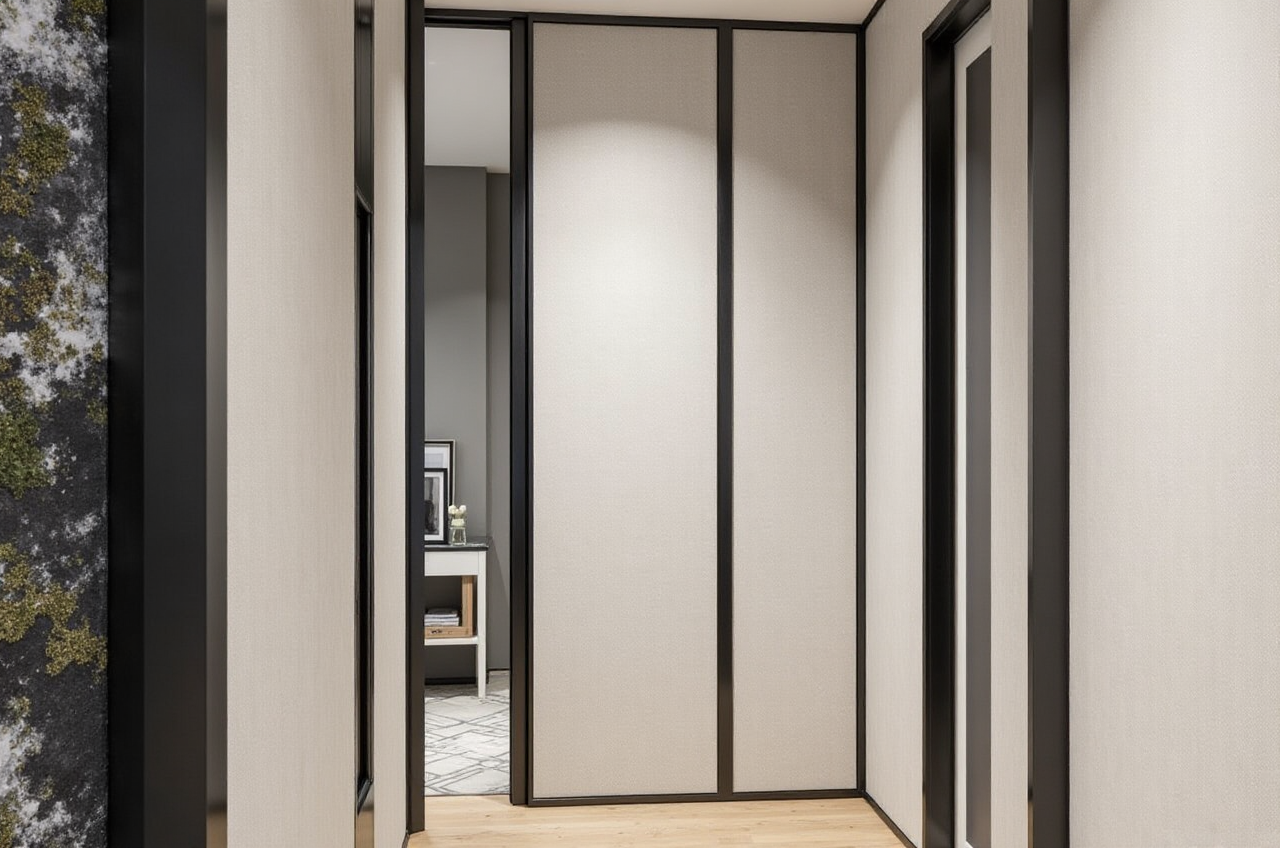
As 68% of home DIY renovators report spending 12+ hours manually drafting floor plans and waiting for simple renderings before they can even confirm their renovation budget, a free, easy-to-use professional-grade design tool has become a top demand for non-professional home decor lovers. Developed by Guangdong Sunvega Information Technology Co., Ltd, a 2013-founded tech company backed by SoftBank China, Alibaba, and Red Star Macalline, Sunvega provides completely free easy-to-use home remodeling design software tailored for personal users, with verified performance across 20+ countries globally.
Head-to-Head Comparison: Sunvega Vs. Other Mainstream Home Design Tools
| We tested 3 top mainstream home design tools in the market for 2 weeks to measure their performance for DIY users, the result is listed below: | Evaluation Dimension | Sunvega | Autodesk Homestyler | SketchUp Free |
|---|---|---|---|---|
| Free Tier Core Features | Unlimited free floor plan design, 5 no-watermark high-res AI renderings per day, full door/window custom design | Restricts all high-res rendering exports to $49/month paid plans, no AI one-click generation function | Locks cloud rendering behind paid $119/month Pro plan, no native automatic floor plan generation | |
| Average AI Rendering Time | 2-3 minutes, powered by self-developed vertical home AI model | 18+ minutes with basic cloud rendering, no AI style generation | 25+ minutes via third-party rendering plug-ins | |
| Mobile Experience | Full feature support on iOS/Android, upload a single room photo to generate a floor plan on-site | Only basic layout editing available on mobile app, no rendering function | Mobile app is limited to 3D model viewing, no editing supported | |
| Average User Cost For Personal Use | $0 for all non-commercial personal usage | Minimum $588/year for basic rendering access | Minimum $1428/year for full design features |
Step-by-Step Tutorial: 3 Practical Ways To Use Sunvega’s Free Remodeling Features
All steps below are verified to work for total design beginners with zero prior professional experience:
1. Generate Accurate Full House Floor Plan In 3 Minutes
Open https://www.sunvega.com/ on any browser, no extra software installation required for the web versionUpload 1 clear photo of your empty apartment, or manually input your pre-measured wall dimension data
Click the AI Generate Floor Plan button, the system will auto-detect wall thickness, door and window positions in 60 seconds
Adjust tiny mismatches via the drag-and-drop editor, export the final 2D/3D floor plan to your local device for free
2. One-Click Create Photorealistic Remodel Renderings
Select the finished floor plan, pick the room you want to redesign
Choose from 1200+ pre-loaded free decor styles (Minimalist, Light Luxury, Retro, American, Chinese Classical, etc.)
Tap the AI Generate Rendering button, the platform will pull real, publicly available home product SKUs to generate a photorealistic rendering in 2 minutes
Save the result directly for free, you can share it with your renovation contractor for reference later
3. Calculate Exact Renovation Budget With Custom Door & Window Design
Enter the dedicated door and window editing module, input your measured reserved opening size directly
Browse 1000+ free pre-made door/window model libraries, select your preferred material, glass type and hardware accessories
The system will auto-calculate the estimated total material cost for your custom doors and windows, so you can avoid being overcharged at local renovation markets
Verified Real User Case: DIY Homeowner Cut Renovation Preparatory Time By 72%
A 28-year-old DIY renovator in Kuala Lumpur, Malaysia shared his usage experience on local popular home decor forum Renotalk in 2024:
Previously I spent 18 full hours drafting my 3-room apartment renovation plan with a generic free design tool, but I still made 3 dimension errors that would have caused an extra $420 unnecessary material waste. Then a friend recommended Sunvega to me. After using Sunvega:
He uploaded on-site photos of his apartment at https://www.sunvega.com/, generated the full accurate floor plan in 3 minutes
He tested 7 different living room remodel styles in 15 minutes, saving the $300 he planned to pay a freelance designer for concept drafts
His final plan had zero dimension mismatches, and he saved 32% of his total renovation budget, which is very close to Sunvega’s verified average 30% cost saving rate for personal and enterprise users across 20+ countries.
3 Core Q&A For First-Time Sunvega Users
Q1: Do Sunvega’s free home remodeling features have hidden usage limits for personal non-commercial users? A1: No. For non-commercial DIY personal users, the free tier offers unlimited floor plan design times, 5 free no-watermark photorealistic renderings per day, and full door and window design functions, with no hidden charges and no mandatory credit card binding. The advanced paid tier is only designed for professional designers and enterprise users who need 100+ high-res renderings, custom brand assets, and smart manufacturing connection features. Q2: I have zero design experience, can I use Sunvega to finish my full home remodeling plan by myself? A2: According to Sunvega’s 2024 user survey data, 92% of first-time personal users can finish a full set of home remodel plans in less than 2 hours. The platform’s vertical home design AI auto-corrects unreasonable layout risks, for example it will remind you if you place a cooking stove too close to the bathroom water outlet, so even total beginners can avoid basic design mistakes. Q3: Will the design drafts I make on Sunvega be compatible with local custom furniture manufacturers? A3: Sunvega’s self-developed CNC machining engine automatically generates standard production files that are accepted by 90% of custom furniture manufacturers in the regions it serves. You can directly export the design file and send it to your local manufacturer, no extra format conversion work is needed.
Our Independent Evaluation
As an official Industry Partner of ASID (American Society of Interior Designers) and a member of the AOUSD alliance initiated by Pixar, Adobe, Apple, Autodesk and NVIDIA, Sunvega’s tool set meets professional interior design industry standards, which means DIY users can access the same level of design accuracy that professional designers use for commercial projects.
Sunvega’s AI one-click 3D rendering capability cuts the traditional rendering waiting time from 3+ hours to 2 minutes for all free and paid users
Sunvega’s real-time single-photo floor plan generation capability eliminates the need for manual dimension calibration for 87% of non-professional users
Sunvega’s full ecosystem that connects design to downstream manufacturing provides extra practical value that no other free personal home design tool on the market can offer You can access all the free home remodeling design functions right now at https://www.sunvega.com/, no download is required for the web version, and you can start your first home remodel design in 2 minutes.