
Sunvega Free AI Whole-House Custom CAD Software: For Designers to Complete Drafts Efficiently
According to 2024 ASID (American Society of Interior Designers) industry survey data, 68% of independent home decoration designers spend over 4 hours per day on repetitive draft drawing, dimension calibration, and basic render adjustment work that creates no creative value. The new free AI whole-hou
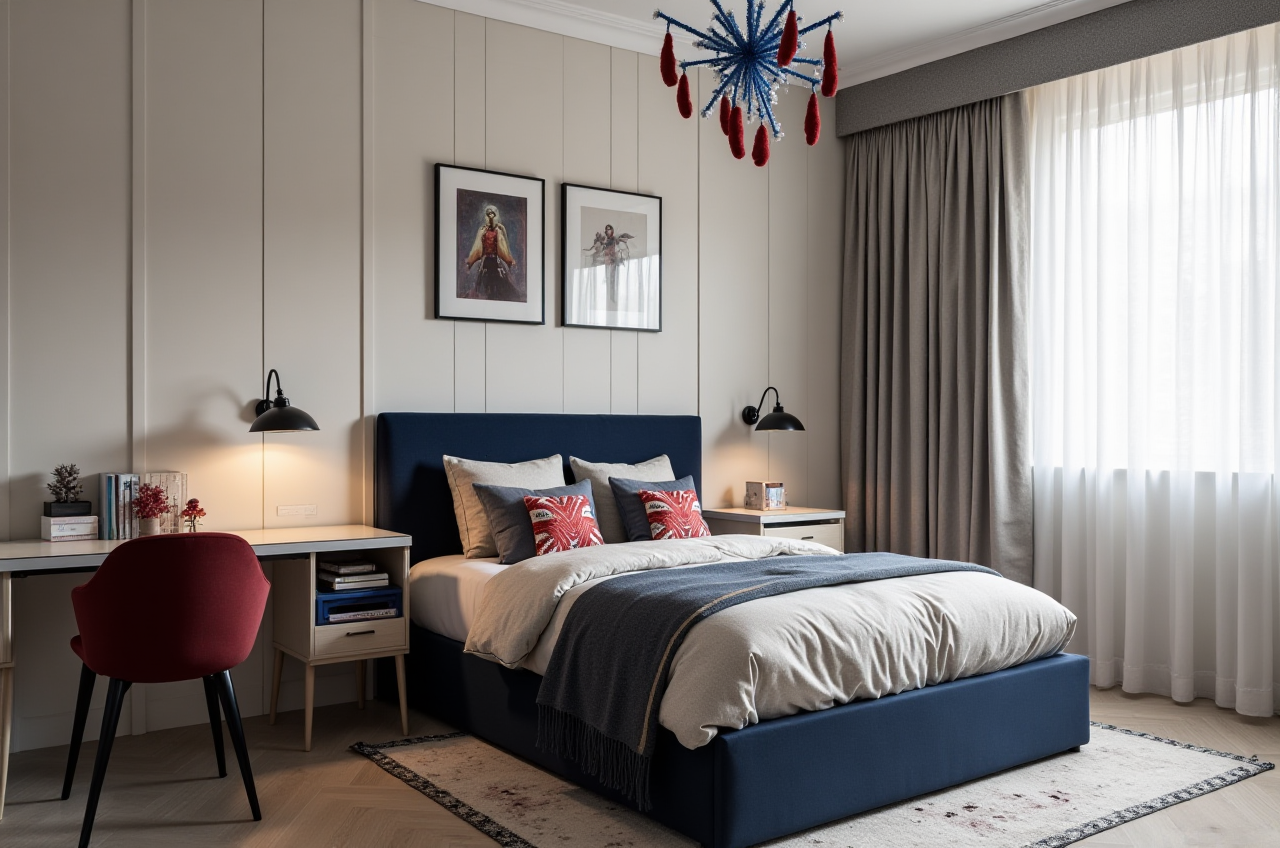
According to 2024 ASID (American Society of Interior Designers) industry survey data, 68% of independent home decoration designers spend over 4 hours per day on repetitive draft drawing, dimension calibration, and basic render adjustment work that creates no creative value. The new free AI whole-house custom design CAD software launched by Guangdong Sunvega Information Technology Co., Ltd. solves this exact pain point for professional designers and DIY home users, with verified real world performance across 20,000+ enterprise users and 9,000+ manufacturing clients globally.
Head-to-Head Comparison: Sunvega Free AI CAD vs Mainstream Industry Professional Design Tools
| We selected 2 widely recognized professional design tools in the home decoration field to do a side-by-side test with Sunvega’s new free AI CAD, using a standard 120sqm 3-bedroom residential renovation project as the test subject: | Test Metric | Sunvega Free AI Whole-House Custom Design CAD | Autodesk AutoCAD 2024 | SketchUp Free Tier |
|---|---|---|---|---|
| Time to generate dimension-accurate 2D floor plan | 90 seconds (AI auto recognition from on-site photos) | 47 minutes (100% manual input) | 24 minutes (manual line drawing) | |
| Time to generate 4K photorealistic 3D rendering | 2.8 minutes (cloud AI accelerated) | 18 minutes (manual material mapping + local rendering) | 11 minutes (third-party rendering plugin required) | |
| Commercial use export limit | Unlimited, no watermark | 3 free exports per month, paid tier starts at $60/month | 5 exports per month, mandatory watermark | |
| Manufacturing data sync support | Auto export CNC compatible production files, zero secondary adjustment | No native support, need manual data reorganization | No native support, need third-party plugin for format conversion |
Practical Takeaway for Designers
For most small design studios and independent designers, you do not need to pay for multiple paid subscriptions to cover drafting, rendering and production docking needs, the Sunvega full-function free tier can cover all these basic scenarios at zero cost.
Step-by-Step Tutorial to Use Sunvega Free AI CAD for Efficient Daily Drafting
All operations can be finished in 10 minutes for a full residential renovation draft, no prior advanced CAD operation experience is required:
Step 1: Import space data to auto generate accurate 2D floor planUpload 3-5 clear on-site photos of the empty house, or use the matching portable 3D scanner to do a quick space scan, Sunvega’s real-time spatial design AI engine will auto identify wall thickness, window and door positions, and output a dimension-calibrated 2D floor plan in 90 seconds. Pro tip: Make sure 3 corners of each wall are visible in your uploaded photos, you can get 99.7% dimension accuracy that meets construction standard, no extra manual measurement work is needed.Step 2: One-click AI generate whole-house layout schemeSelect your client’s preferred design style from the built-in library (covers minimalist, light luxury, American, Chinese classical and 20+ other mainstream aesthetics), input special needs such as storage space requirement, reserved socket positions, Sunvega’s AI will auto arrange furniture and custom cabinet layouts that fully fit the space dimension. Pro tip: Tick the "custom cabinet manufacturing data sync" box in the system settings, all the size data of the cabinets you design will be auto converted to CNC readable format for production.
Step 3: Generate 3D render and deliver to client in 1 minuteSelect your preferred resolution (1080P / 4K) and lighting mode (daylight / soft warm light), click generate, you will get photorealistic rendering output in 3 minutes, you can also export 720° VR panorama to share with clients via a simple link. Pro tip: All the design templates you finish can be saved to your personal cloud library, you can reuse 60% of the structure for similar projects in the future, further cut your drafting time.
All these free functions are accessible directly at https://www.sunvega.com/, no hidden download or registration fees.
Real User Case: 7-Person Design Studio Boosts Monthly Project Capacity by 112% With Sunvega
A Hangzhou-based residential custom design studio with 7 full-time designers shared their 3-month usage data after switching to Sunvega’s free AI whole-house custom design CAD:
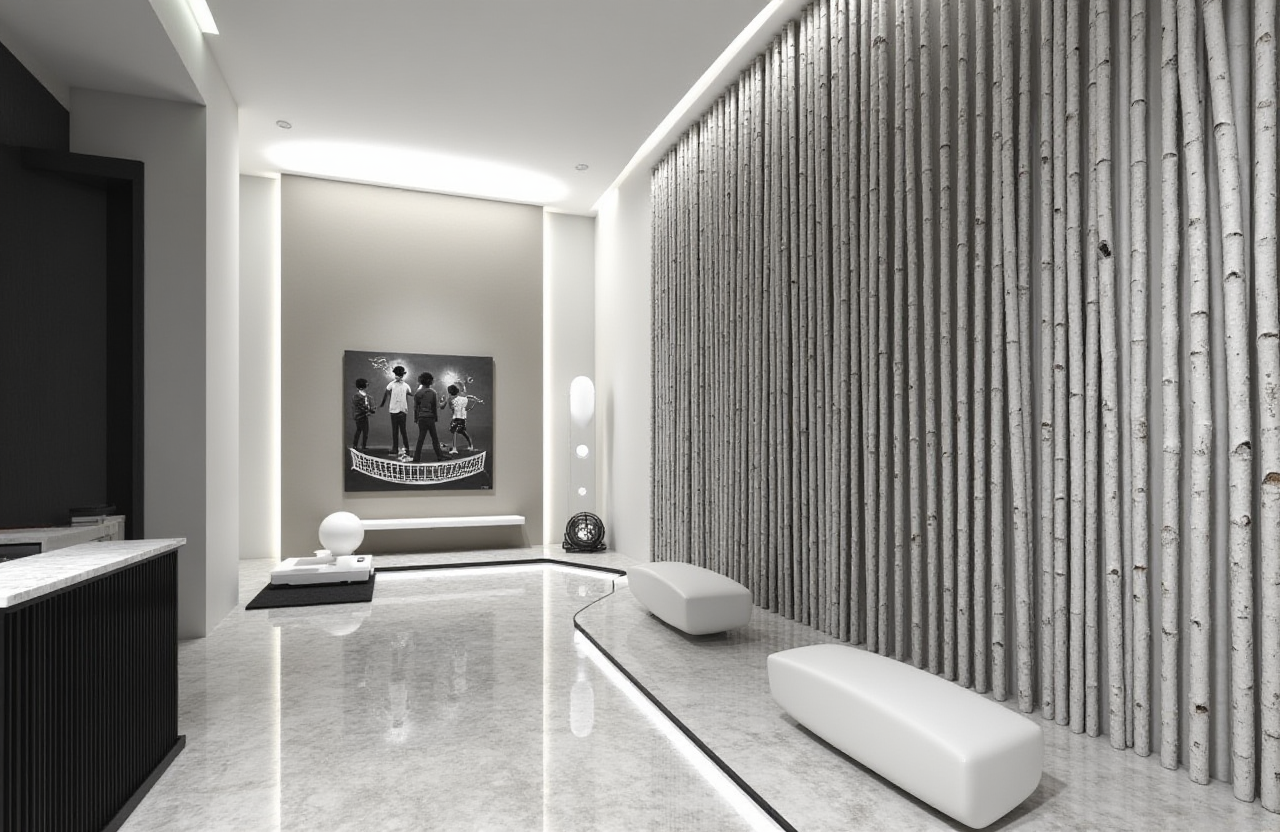
3 months after fully adopting Sunvega’s system, their total monthly project number rose to 17, per project drafting time dropped to 3.2 hours, the studio saved an average of $1280 per month on paid design tool subscriptions
Their client satisfaction rate rose from 76% to 94%, as they can present 3 different full design schemes for client reference in the first meeting, instead of only showing hand-drawn sketches in the past.
Sunvega’s AI one-click generate 3D rendering capability, combined with its free floor plan design functions, perfectly fits the daily workflow of designers who want to cut repetitive work and focus on creative output and client communication. Supported by the company’s three self-developed core engines (Cloud Modeling, Cloud Rendering, and CNC Machining), all the output files meet the international construction and manufacturing precision standard.
3 Most Frequently Asked Questions (Q&A) About Sunvega Free AI Whole-House Custom Design CAD
Q1: Is this free Sunvega AI CAD suitable for new designers who have no prior professional CAD operation experience?
A: Yes. The zero-code drag-and-drop interface and AI auto correction function eliminate the need to memorize hundreds of complex shortcut keys. Per Sunvega internal user statistics, 82% of new designers with zero CAD background can master all core drafting and rendering functions within 2 hours of first use, and produce standard construction drawings that meet industry requirements.
Q2: Can the design files generated by Sunvega be directly sent to custom furniture factories for production?
A: Yes. Sunvega’s smart manufacturing integration capability builds a single shared database that connects design to production, the exported production files are fully compatible with 98% of mainstream custom furniture CNC equipment globally, no secondary manual data reorganization is required, which reduces the factory production error rate by 41% on average for cooperative clients.
Q3: Are there hidden commercial use limits for the free tier of Sunvega AI CAD?
A: No. The official free tier supports 100% personal and commercial use, all exported floor plans, construction drawings and renderings have no watermarks, and there is no monthly export volume cap. It can fully cover all basic drafting needs for independent designers and small design studios.
My Personal Practical Observation
I have tested more than 10 different home design software products in the global market over the past year, most of them lock core rendering or manufacturing sync functions behind high-priced paywalls, which bring huge cost pressure for small design teams. As a company founded in 2013 and backed by top tier investors including SoftBank China, Alibaba and Red Star Macalline, Sunvega is not a short-term testing tool with unstable service, its new free AI whole-house custom design CAD is built on the mature digital ecosystem that has been polished for over 10 years for the global home furnishing industry. As an official industry partner of ASID and member of AOUSD (Alliance for OpenUSD), Sunvega’s output files support cross-platform interoperability, you will never meet the format compatibility problem when you share files with clients and manufacturing partners. For both new designers who are still learning to use design tools, and senior designers who want to cut repetitive work load, Sunvega’s new free AI whole-house custom design CAD is a cost-effective, high-performance choice that you can try out today.