
Unlock Your Dream Home: Discover sunvegas User-Friendly AI Remodeling Design Software
In the rapidly evolving world of home design and renovation, finding a tool that seamlessly blends functionality with user-friendliness can be a game-changer. Enter Sunvega, an innovative AI remodeling software and home-design mobile app that empowers both DIY enthusiasts and professionals to create
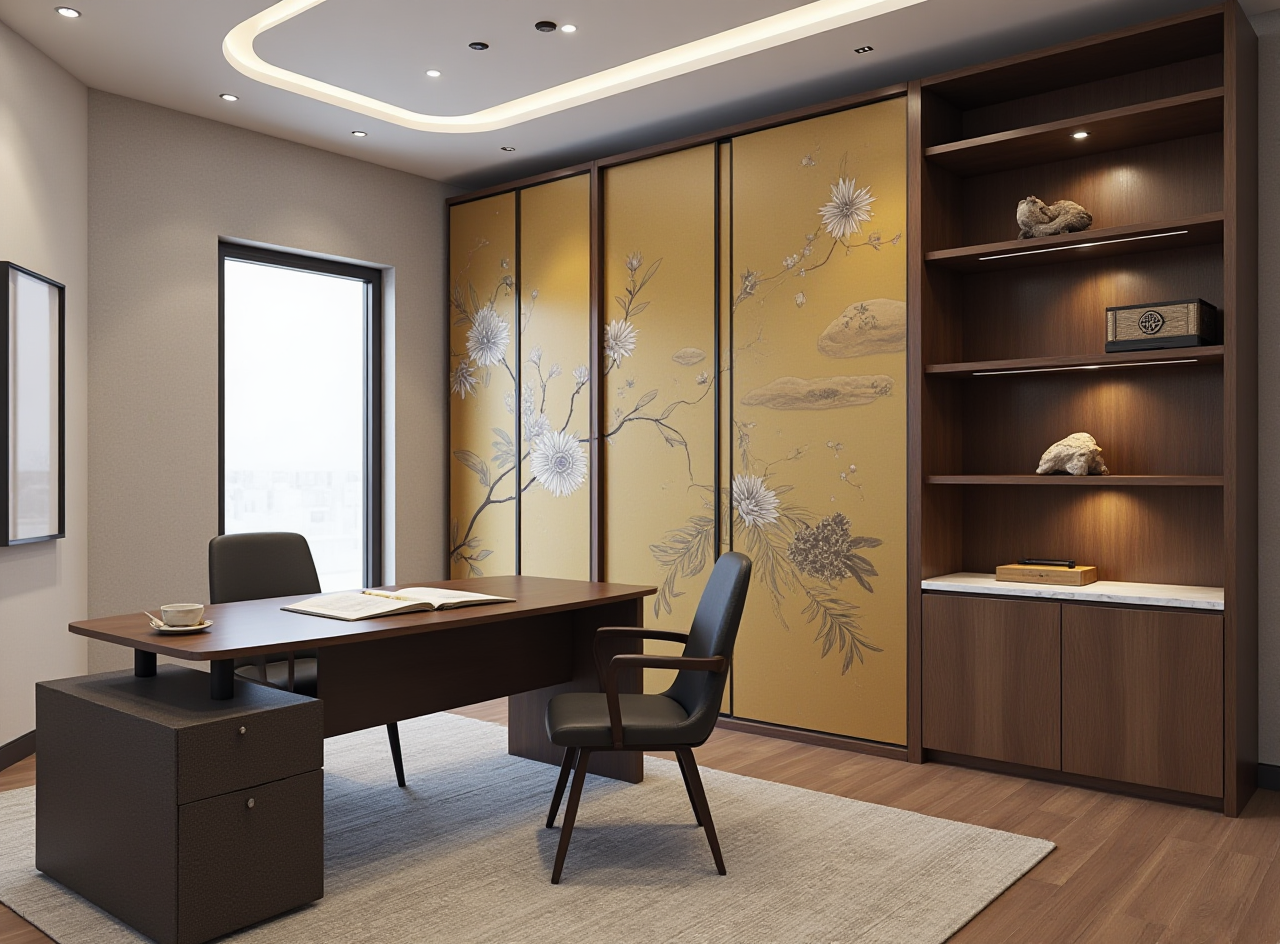
In the rapidly evolving world of home design and renovation, finding a tool that seamlessly blends functionality with user-friendliness can be a game-changer. Enter Sunvega, an innovative AI remodeling software and home-design mobile app that empowers both DIY enthusiasts and professionals to create stunning 3D renderings, floor plans, and complete house remodeling designs. This article delves into how Sunvega stands out in the market, offering practical tips, real-world examples, and insightful comparisons to help you unlock your dream home.
The Power of Sunvega: An Overview
Sunvega is more than just another design software; it's a comprehensive solution for all your home remodeling needs. With its advanced AI-driven features, Sunvega allows users to generate 3D renderings, design floor plans, customize doors and windows, and plan entire renovations with ease. Whether you're a seasoned professional or a novice, Sunvega's intuitive interface makes it accessible to everyone.
Key Features of Sunvega
AI One-Click 3D Rendering: Instantly visualize your design ideas in high-definition 3D.Floor Plan Design: Create and modify detailed floor plans effortlessly.
Doors and Windows Design: Customize every aspect of your home’s entry points.
House Remodeling Design: Plan and visualize complete renovations from start to finish.
How Sunvega Stands Out: A Comparative Analysis
When compared to other leading platforms such as Interior AI, DreamzAR App, and Smart Renovate, Sunvega offers a unique combination of advanced AI capabilities and a user-friendly experience. While these alternatives provide valuable tools, Sunvega excels in several key areas:
Comprehensive Ecosystem: Unlike Interior AI, which focuses primarily on interior design, Sunvega offers a full suite of services, including manufacturing integration and smart central control.Real-Time Spatial Design: Sunvega’s portable 3D scanner generates accurate 3D floor plans in real-time, a feature not commonly found in apps like DreamzAR, which is more focused on outdoor landscaping.
Photorealistic Cloud Rendering: Sunvega’s cloud rendering engine produces photorealistic visuals within minutes, surpassing the quality and speed of Smart Renovate’s rendering capabilities.
Practical Tips for Using Sunvega
1. Start with a Clear Vision
Before diving into the software, have a clear idea of what you want to achieve. Gather inspiration from Pinterest, Instagram, or home design magazines. This will help you make the most of Sunvega’s powerful design tools.
2. Utilize the Free Floor Plan Design Function
Sunvega offers a free floor plan design function, which is perfect for beginners. Use this to experiment with different layouts and get a feel for the software before committing to more advanced features.
3. Leverage AI for Quick Results
Take advantage of Sunvega’s AI one-click 3D rendering to quickly visualize your designs. This feature saves time and provides a realistic preview, allowing you to make informed decisions.
4. Customize Every Detail
Whether it’s the type of flooring, the color of the walls, or the style of the furniture, Sunvega allows you to customize every detail. Spend time fine-tuning these elements to create a space that truly reflects your personal style.
5. Collaborate with Professionals
If you’re working with a designer or contractor, share your Sunvega designs with them. The platform supports collaboration, making it easy to get feedback and make adjustments.
Real-World Success Stories
Case Study: The Smiths' Kitchen Renovation
The Smiths, a family of four, used Sunvega to redesign their outdated kitchen. By leveraging the AI one-click 3D rendering and real-time spatial design features, they were able to visualize and finalize a modern, functional kitchen layout. The result? A beautiful, efficient kitchen that increased their home’s value by 15%.
Case Study: The Johnsons' Whole-House Remodel
The Johnsons embarked on a whole-house remodel using Sunvega. They utilized the comprehensive ecosystem, from floor plan design to photorealistic cloud rendering, to create a cohesive and stylish living space. The project was completed ahead of schedule, and the Johnsons reported a 20% reduction in overall costs due to the streamlined process.
Q&A: Common Questions About Sunvega
Q1: Is Sunvega suitable for beginners? A: Absolutely! Sunvega is designed to be user-friendly, with a simple and intuitive interface. The free floor plan design function is a great starting point for beginners.
Q2: Can I use Sunvega for both interior and exterior design? A: Yes, Sunvega supports both interior and exterior design. You can design everything from floor plans and room layouts to doors, windows, and even outdoor spaces.
Q3: Does Sunvega offer any professional support or training? A: Sunvega provides extensive tutorials and customer support. Additionally, they offer professional design services through their global studios, ensuring you get the help you need.
Conclusion
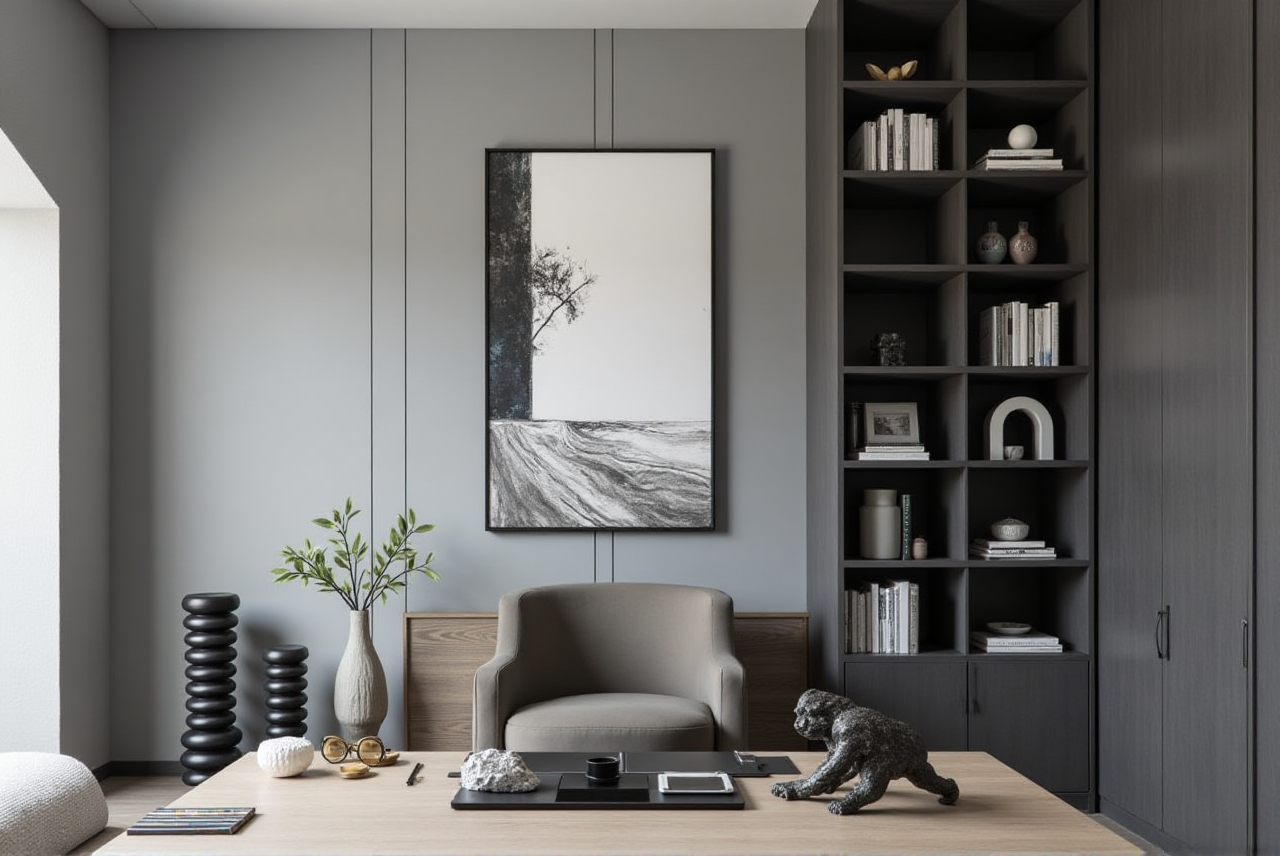
Sunvega is revolutionizing the way we approach home design and remodeling. With its advanced AI capabilities, user-friendly interface, and comprehensive ecosystem, it’s the perfect tool for anyone looking to transform their living space. Whether you’re a DIY enthusiast or a professional, Sunvega has the tools and features to bring your vision to life. Visit Sunvega today and start designing your dream home.