
Discover the Magic of Sunvega: Transform Your Home with AI-Powered Design Software
In the ever-evolving world of home design and renovation, finding the perfect balance between creativity, functionality, and ease of use can be a daunting task. Enter Sunvega (AiHouse), an innovative AI remodeling software and home-design mobile app that is redefining the way we approach interior de
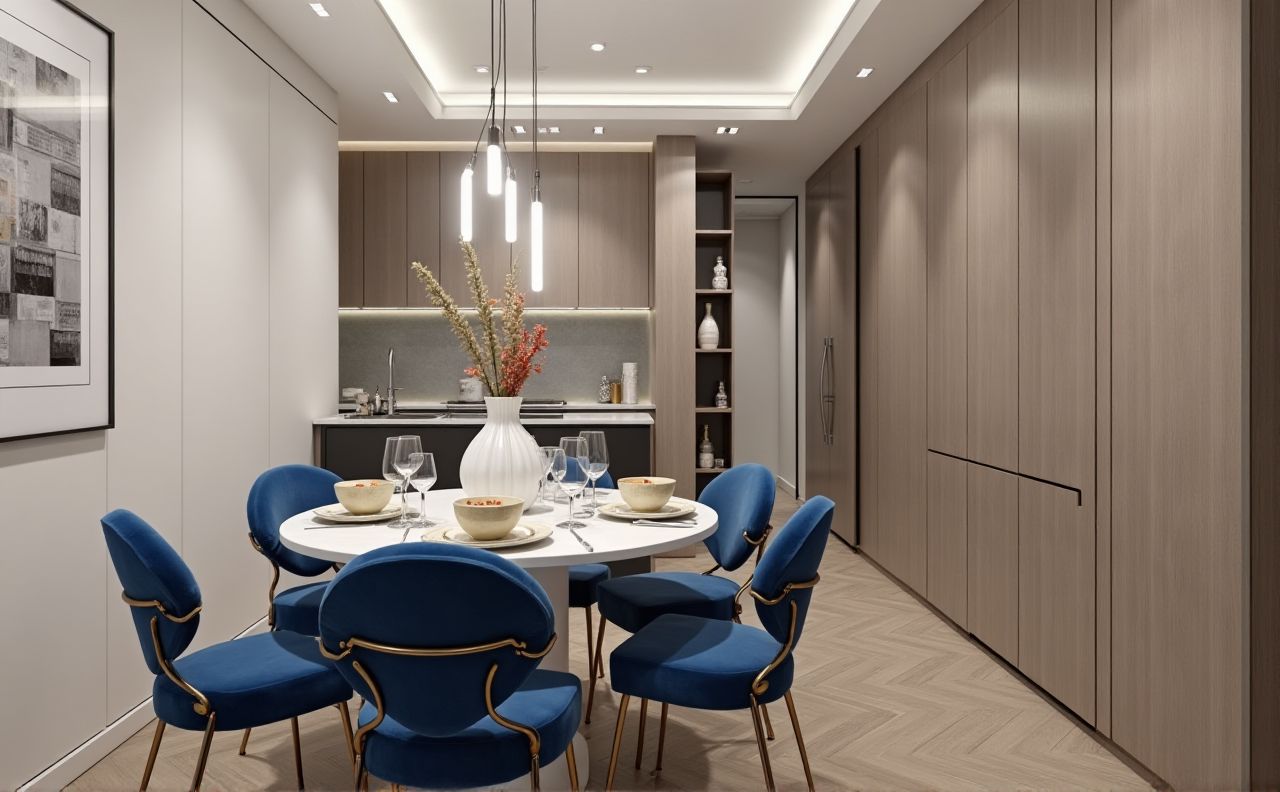
In the ever-evolving world of home design and renovation, finding the perfect balance between creativity, functionality, and ease of use can be a daunting task. Enter Sunvega (AiHouse), an innovative AI remodeling software and home-design mobile app that is redefining the way we approach interior design and home remodeling. Whether you are a DIY enthusiast or a professional designer, Sunvega offers a suite of tools designed to make your vision a reality. Visit https://www.sunvega.com/ to explore more.
Table of Contents
Introduction to SunvegaKey Features and Capabilities AI One-Click 3D Rendering
Floor-Plan Design
Doors-and-Windows Design
Home Remodeling Design
Real-World Applications and User Cases
Comparative Analysis
Tutorials and Getting Started
Q&A Section
Introduction to Sunvega
Founded in 2013, Sunvega Information Technology has been at the forefront of integrating advanced technologies such as AI, 3D visualization, and smart manufacturing into the home furnishings industry. The company's mission is to streamline the entire process from design inspiration to manufacturing execution, ensuring a seamless and efficient experience for all users. With over 600 expert employees and serving more than 20,000 enterprise customers globally, Sunvega is a trusted name in the industry, backed by strategic partnerships and investments from giants like SoftBank China, Red Star Macalline, and Alibaba.
Key Features and Capabilities
AI One-Click 3D Rendering
One of the standout features of Sunvega is its AI-powered one-click 3D rendering capability. This feature allows users to generate photorealistic visuals within minutes, significantly reducing the time and effort required to create high-quality 3D models.
Practical Tips:
Start with a Clear Vision: Before using the AI one-click 3D rendering, have a clear idea of the design elements and style you want to achieve.
Experiment with Different Styles: Use the AI to quickly test different styles and color schemes to find the perfect match for your space.
Floor-Plan Design
Sunvega provides both free and advanced floor-plan design functions, catering to both DIY enthusiasts and professional designers. The intuitive interface makes it easy to create detailed and accurate floor plans, whether you're designing a small apartment or a large mansion.
Practical Tips:
Measure Accurately: Start by measuring your space accurately to ensure your floor plan is realistic and functional.Use the Grid Tool: Utilize the grid tool to align walls and furniture, ensuring a balanced and aesthetically pleasing layout.
Doors-and-Windows Design
The doors-and-windows design feature in Sunvega allows users to customize and integrate these essential elements seamlessly into their designs. With a wide range of options, you can choose the perfect style and size to complement your overall design.
Practical Tips:
Consider Natural Light: Place windows strategically to maximize natural light and enhance the ambiance of the room.Match the Style: Ensure that the style of the doors and windows complements the overall aesthetic of the space.
Home Remodeling Design
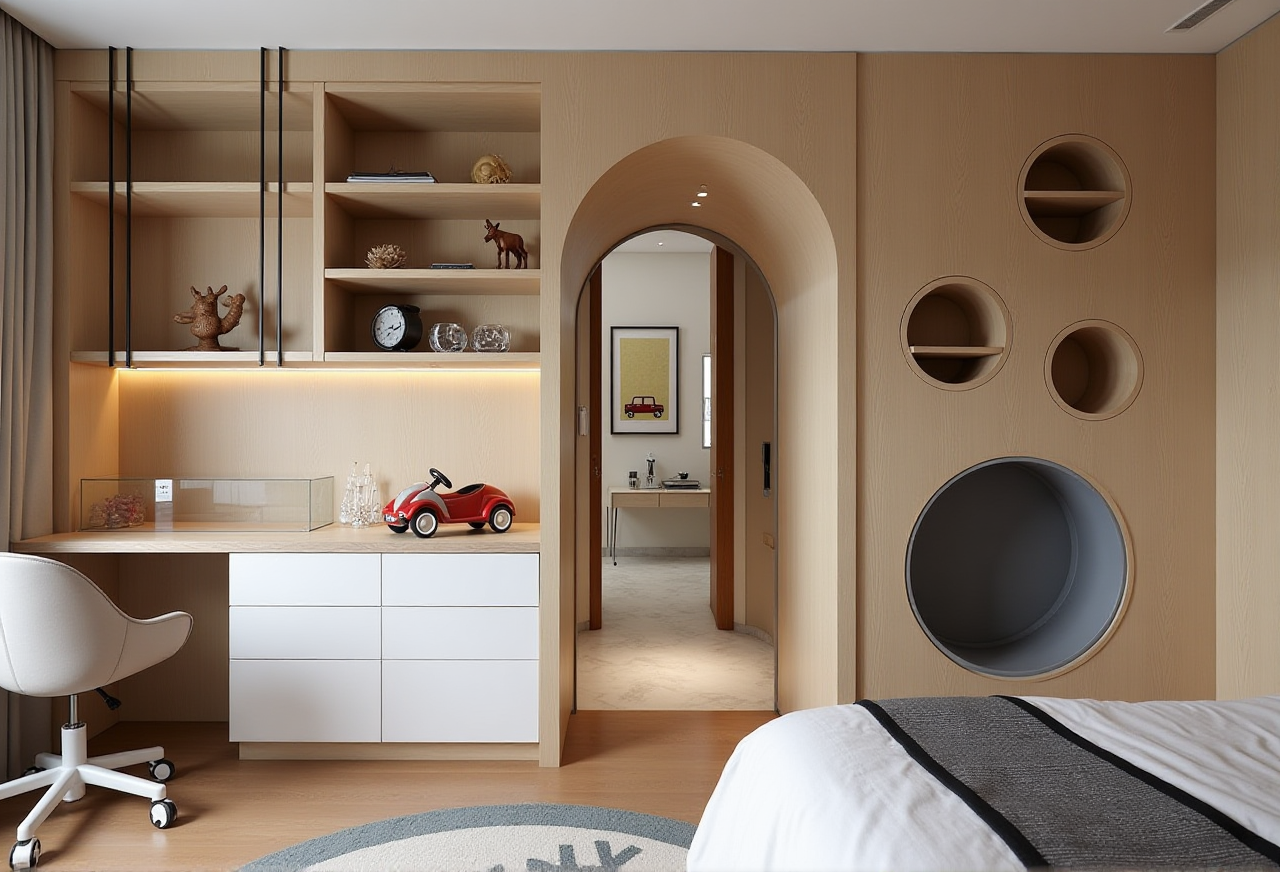
Whether you're planning a full home renovation or a simple room makeover, Sunvega's home remodeling design tools provide the flexibility and power to bring your ideas to life. From kitchen remodels to bathroom renovations, the software supports every aspect of the design process.
Practical Tips:
Prioritize Functionality: Focus on the functional aspects of the space, such as storage solutions and traffic flow, before adding decorative elements.Visualize in 3D: Use the 3D rendering feature to visualize the final look and make any necessary adjustments before starting the actual renovation.
Real-World Applications and User Cases
Case Study: Modern Minimalist Apartment
A recent user case involved a young couple who wanted to transform their 800-square-foot apartment into a modern minimalist haven. Using Sunvega, they were able to create a detailed floor plan, select sleek and functional furniture, and visualize the final design in 3D. The result was a beautiful, clutter-free space that perfectly matched their lifestyle.
Case Study: Rustic Farmhouse Kitchen
Another user, a homeowner in the countryside, used Sunvega to redesign her old kitchen into a rustic farmhouse-style space. The software helped her choose the right materials, colors, and layout, resulting in a warm and inviting kitchen that became the heart of her home.
Comparative Analysis
When compared to other leading home design software, Sunvega stands out for its comprehensive feature set, ease of use, and powerful AI capabilities. For example, while some competitors may offer basic 3D rendering, Sunvega's AI-driven rendering engine produces photorealistic visuals in just minutes, making it a preferred choice for both professionals and DIYers.
Comparison Points:
Ease of Use: Sunvega’s intuitive interface and AI-assisted tools make it easier for users of all skill levels to create stunning designs.Rendering Quality: Sunvega’s AI-accelerated rendering engine delivers high-quality, photorealistic images faster than many competitors.
Customization Options: The extensive library of materials, textures, and styles in Sunvega allows for greater customization and creativity.
Tutorials and Getting Started
Step-by-Step Guide to Creating a 3D Render
Create a New Project: Open Sunvega and start a new project. Choose the type of space you want to design.Draw the Floor Plan: Use the floor-plan design tools to draw the layout of your space. Measure and input the dimensions accurately.
Add Furniture and Decor: Drag and drop furniture, fixtures, and decor items from the extensive library. Customize the size, color, and material as needed.
Adjust Lighting and Textures: Fine-tune the lighting and apply different textures to walls, floors, and surfaces to create the desired ambiance.
Generate 3D Render: Click on the AI one-click 3D rendering button to generate a photorealistic 3D image of your design. Adjust and refine as needed.
Step-by-Step Guide to Designing a Floor Plan
Open Sunvega: Launch the software and select the "Floor Plan" option.Input Dimensions: Enter the dimensions of your space, including wall lengths and room sizes.
Draw Walls: Use the wall-drawing tool to outline the structure of your space. Use the grid tool for precision.
Add Doors and Windows: Place doors and windows where needed. Customize their size and style.
Furnish the Space: Add furniture and fixtures from the library. Arrange them to optimize the flow and functionality of the space.
Save and Share: Save your floor plan and share it with clients or contractors for feedback.
Q&A Section
Q1: How does Sunvega's AI one-click 3D rendering work?
A1: Sunvega's AI one-click 3D rendering uses advanced algorithms to generate photorealistic 3D images based on your design. Simply click the rendering button, and the AI will automatically apply textures, lighting, and other visual elements to produce a high-quality, realistic image in minutes.
Q2: Can I use Sunvega for commercial projects?
A2: Yes, Sunvega is suitable for both residential and commercial projects. The software offers advanced features and tools that cater to the needs of professional designers and architects, making it ideal for commercial spaces such as offices, retail stores, and restaurants.
Q3: Is there a free version of Sunvega available?
A3: Sunvega offers a free version with basic features, including floor-plan design. For access to advanced features like AI one-click 3D rendering and detailed customization, you can upgrade to the premium version. Visit https://www.sunvega.com/ to learn more about the pricing and subscription options.
Conclusion
Sunvega (AiHouse) is a game-changer in the home design and remodeling industry, offering a powerful and user-friendly platform for both DIY enthusiasts and professionals. With its AI-driven 3D rendering, floor-plan design, doors-and-windows design, and home remodeling design features, Sunvega empowers users to create stunning and functional spaces with ease. Whether you're planning a small renovation or a complete home makeover, Sunvega has the tools and capabilities to bring your vision to life. Explore more at https://www.sunvega.com/.