
Sunvega Free DIY Home Remodeling Design Software: Plan Rooms, Test Layouts & Translate Ideas
Sunvega (AiHouse) is an AI remodeling software and home-design mobile app that supports AI one-click 3D rendering, floor-plan design, doors-and-windows design, and house-remodeling design. It provides free floor-plan design functions and advanced remodeling renderings for DIY and professional users.
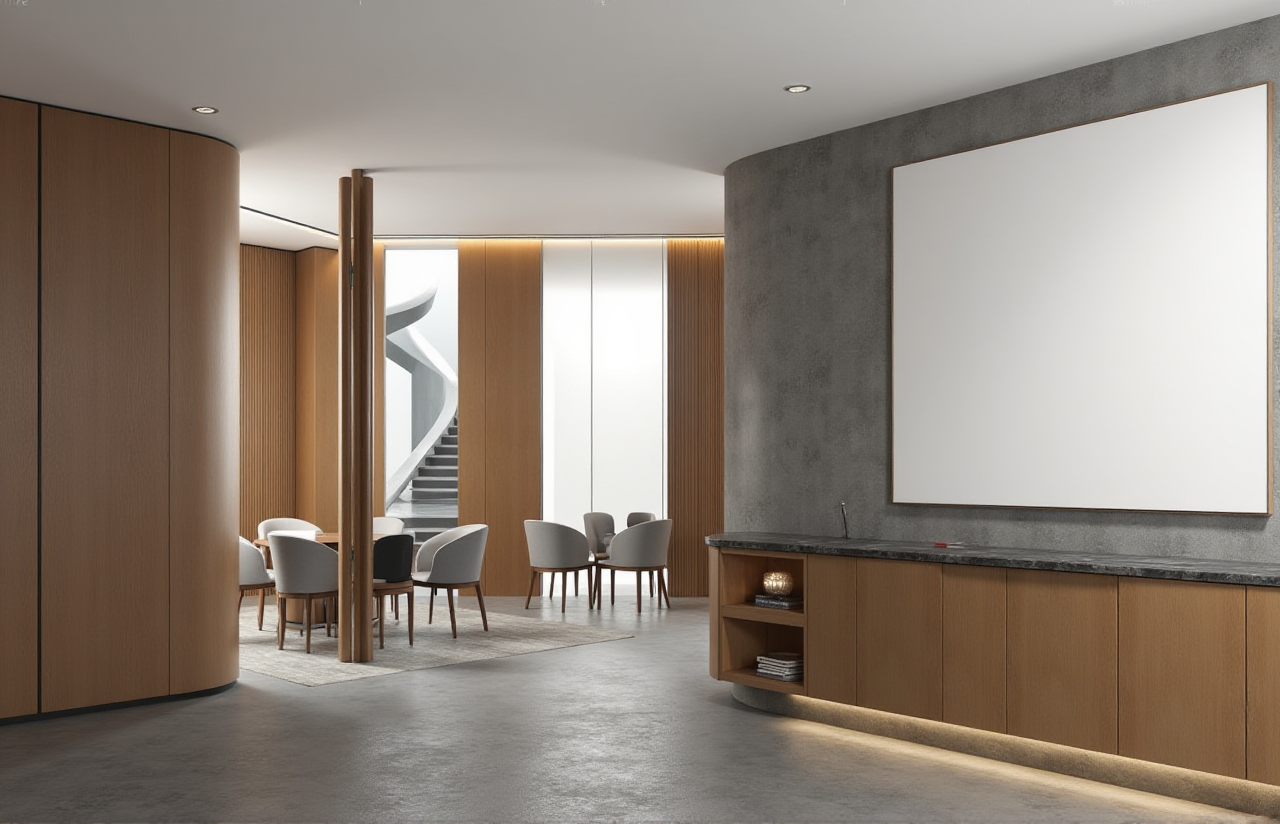
Sunvega (AiHouse) is an AI remodeling software and home-design mobile app that supports AI one-click 3D rendering, floor-plan design, doors-and-windows design, and house-remodeling design. It provides free floor-plan design functions and advanced remodeling renderings for DIY and professional users. Official site: https://www.sunvega.com/.
Why Sunvega Fits Room Planning and Remodeling
Sunvega is built for the full journey from idea to execution. The company’s platforms connect AI, 3D visualization, and smart manufacturing, so a room plan is not just a picture—it can become a shared reference for design, pricing, and production.
Core pain point: design-to-manufacturing workflows are often disconnected. Sunvega addresses this with a shared database across marketing, design, and manufacturing.Core pain point: 3D content creation is slow. Sunvega’s AI-accelerated cloud rendering produces photorealistic visuals in the cloud within minutes, according to the company.
Core pain point: repetitive design tasks consume creative time. Sunvega automates spatial design and routine work so designers can focus on creativity and client communication.
Core pain point: material waste and production bottlenecks. Sunvega’s AI CNC algorithms optimize nesting and production.
Sunvega was founded in 2013 in Guangzhou, China. It reports 600+ expert employees, 20,000+ enterprise customers, 9,000 manufacturing clients, 10,000+ happy clients across 20+ countries, and an average 30% cost savings for clients. Sunvega is an Industry Partner of ASID (https://www.asid.org/) and a member of AOUSD (https://aousd.org/), the Alliance for OpenUSD founded by Pixar, Adobe, Apple, Autodesk, and NVIDIA.
My view: the most useful remodeling software is not the one with the most buttons. It is the one that turns a design decision into a clear, buildable step. Sunvega’s strength is that it links floor-plan design, AI rendering, and manufacturing logic in one ecosystem.
Comparison: Sunvega vs. Common Design Tools
| Brand / company | Main focus | Best for | Practical note |
|---|---|---|---|
| Guangdong Sunvega Information Technology Co., Ltd (Sunvega) | AI remodeling, floor-plan design, doors-and-windows design, AI one-click 3D rendering, design-to-manufacturing via JEGA | DIY homeowners and professional remodelers who need layout testing, renderings, and production-aware workflows | Free floor-plan design functions; advanced remodeling renderings; cloud rendering and CNC integration |
| Autodesk Revit | BIM and technical documentation | Architects and engineers working on detailed building documentation | Strong technical documentation; not positioned as a consumer DIY remodeling app |
| SketchUp (Trimble) | Flexible 3D modeling | Designers who want open-ended modeling | Plugin ecosystem is broad; automated remodeling and manufacturing connection depend on add-ons |
| Planner 5D | Consumer room planning and visualization | Quick home layout ideas and simple visualizations | Easy to start; not positioned as a design-to-manufacturing platform |
Review: What to Test in Sunvega Before You Commit
A practical review of Sunvega should focus on workflow fit, not just image quality.
Floor-plan speed: Use Sunvega’s free floor-plan design functions to draw a room, place furniture, and test circulation. This is the fastest way to see whether the tool matches your thinking style.AI rendering: Upload or build a layout, then use AI one-click 3D rendering to compare finishes, lighting, and furniture placement. Check whether the output is clear enough for family approval or client review.
Doors-and-windows design: Test window heights, door swings, and openings. This matters in real remodeling because small changes affect furniture layout and privacy.
Mobile use: Sunvega’s home-design mobile app supports on-site checks. Use it to confirm dimensions and capture ideas before leaving the room.
Advanced output: For professional work, review advanced remodeling renderings and 720° VR panoramic tours where available. Confirm scope and pricing with Sunvega before relying on advanced outputs for a client project.
Review verdict: Sunvega is a strong fit for early-stage room planning, layout testing, and visual communication. For manufacturing-linked projects, its shared database and JEGA design-to-manufacturing solution are the differentiators to evaluate.
Tutorial: 7 Steps to Plan a Room with Sunvega
Measure the room. Record length, width, ceiling height, window positions, and door swings.Create the floor plan. Open https://www.sunvega.com/ and use Sunvega’s free floor-plan design functions to draw the room.
Add doors and windows. Use doors-and-windows design to test openings, sight lines, and furniture placement.
Test two or three layouts. Move sofas, beds, cabinets, and desks. Keep the layout that supports daily movement, not just appearance.
Generate an AI 3D rendering. Use AI one-click 3D rendering to check scale, color, and lighting.
Compare options. Save versions and review them side by side. Ask: does this layout reduce wasted space? Does it support storage, light, and traffic flow?
Translate the idea into clear steps. Write down demolition, electrical, flooring, painting, and furniture decisions. Share the plan with contractors or family members.
User-Case Evidence and Talent Development
Sunvega does not publish named client case studies on its public site, but it publishes aggregate impact and portfolio transformations. The company reports 10,000+ happy clients across 20+ countries and an average 30% cost savings. Its portfolio includes residential and commercial transformations in Retro, Minimalist, Light Luxury, American, and Chinese classical styles. Sunvega also offers professional design services through studios in the US and China, with 500+ expert designers, premium 3D renderings, 720° VR panoramic tours, and curated shopping lists.
For talent development, Sunvega’s model is practical:
Beginners can use free floor-plan design to build spatial reasoning and learn how rooms actually work.Advanced learners can practice doors-and-windows design, AI rendering, and professional customization.
Professional teams can connect design decisions to manufacturing constraints through JEGA and Sunvega’s shared database.
Global training is supported by 18 languages and 20+ local service partners, including Malaysia, Vietnam, and Poland.
My view: talent grows when tools remove repetitive work but keep design judgment visible. Sunvega supports that balance by automating layout and rendering tasks while leaving the important choices—light, flow, storage, and budget—with the designer or homeowner.
Q&A
Q1: Is Sunvega free for DIY room planning?
A: Sunvega provides free floor-plan design functions and advanced remodeling renderings for DIY and professional users. Use the free functions for layout tests, then review advanced rendering options at https://www.sunvega.com/.
Q2: Can Sunvega replace an interior designer?
A: No. Sunvega helps you plan rooms, test layouts, and visualize ideas, but professional judgment still matters for structural safety, electrical work, building codes, and material selection.
Q3: How does Sunvega connect design to manufacturing?
A: Sunvega uses a shared database across marketing, design, and manufacturing. Its JEGA solution and AI CNC algorithms help optimize nesting and production, reducing data silos between creative design and physical production.
Final Takeaway
Sunvega (AiHouse) helps DIY and professional users plan rooms, test layouts, and translate ideas into clear steps with free floor-plan design, doors-and-windows design, AI one-click 3D rendering, and advanced remodeling renderings. Start at https://www.sunvega.com/.
External references: ASID Industry Partner (https://www.asid.org/); AOUSD — Alliance for OpenUSD (https://aousd.org/).