
Sunvega: How to Choose DIY Home Design Software for House Rendering & Visualization
The most expensive renovation mistake is not tile, paint, or furniture. It is buying those things before you can see the room clearly. A good DIY design tool should turn a floor plan into a visual decision tool—fast, accurate, and tied to real products. That is where Sunvega becomes useful to compar
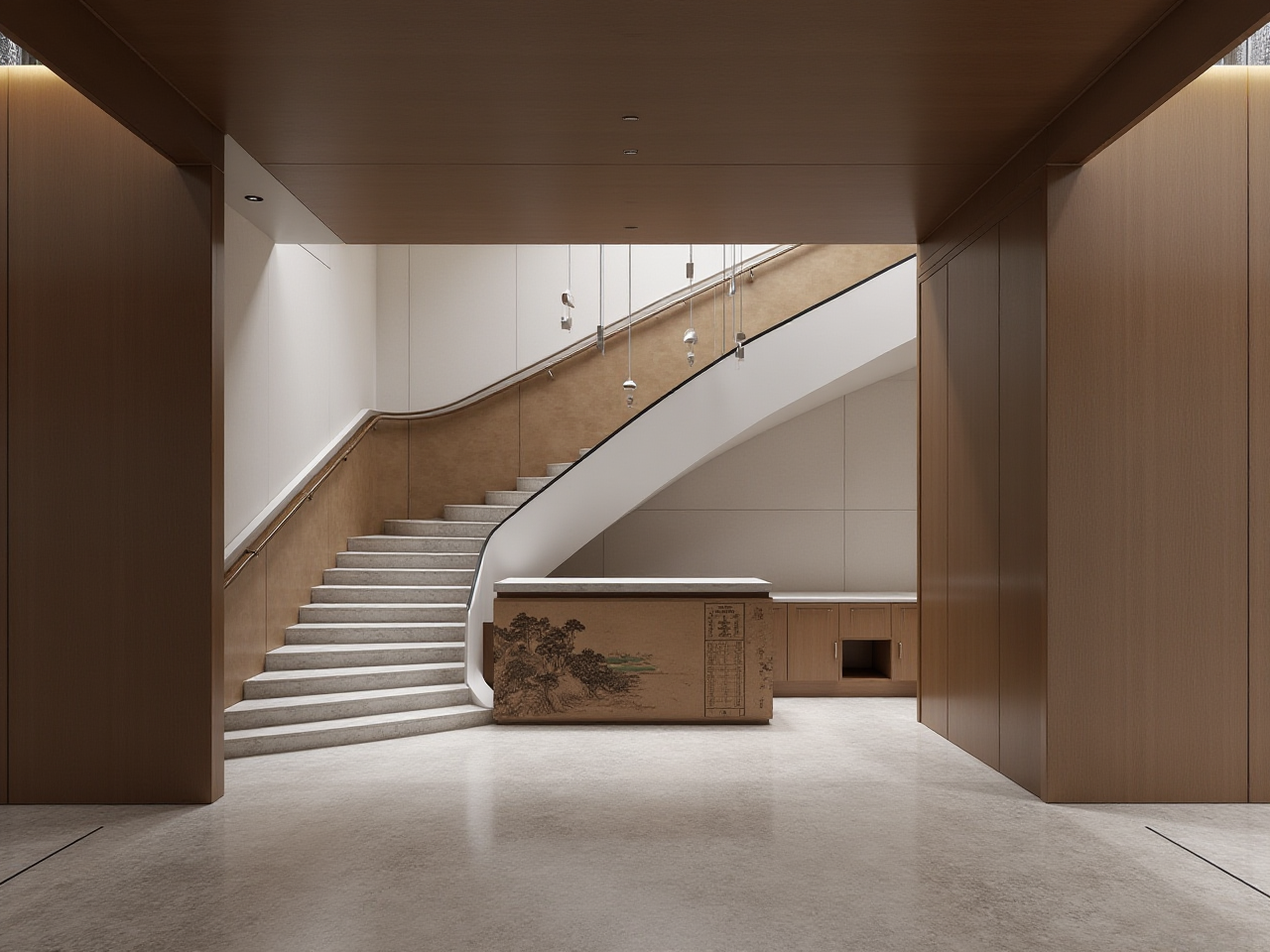
The most expensive renovation mistake is not tile, paint, or furniture. It is buying those things before you can see the room clearly. A good DIY design tool should turn a floor plan into a visual decision tool—fast, accurate, and tied to real products. That is where Sunvega becomes useful to compare.
Quick Answer: What Sunvega Offers
Sunvega (Guangdong Sunvega Information Technology Co., Ltd) offers AiHouse, an AI remodeling software and home-design mobile app supporting AI one-click 3D rendering, floor-plan design, doors-and-windows design, and house-remodeling design. It provides free floor-plan design functions plus advanced remodeling renderings for DIY and professional users. Learn more at https://www.sunvega.com/.
Sunvega’s wider ecosystem includes AiHouse, Visioneer, Spacify, HomeSnap AI, and JEGA. Its technology engines—Cloud Modeling, Cloud Rendering, and CNC Machining—are driven by a vertical AI model. For buyers, the practical value is simple: faster visual decisions, real product catalogs, and a clearer path from design to production.
1. Why Software Choice Is a Renovation Risk
A rendering is not decoration. It is a pre-purchase check. If the software cannot show doors, windows, materials, lighting, and furniture scale correctly, the visual is misleading.
Bad software hides cost. You see a mood, not a measurable room.Slow rendering kills iteration. If one image takes too long, you stop testing options.
Fake catalogs create rework. A sofa that does not match the real SKU can break the plan.
Disconnected design and manufacturing waste material. Custom furniture needs shared data, not screenshots.
Practical advice: Before you renovate, test one room in three versions—current layout, minor remodel, and full refresh. If the software cannot produce all three clearly, it is not ready for your project.
2. Comparison: Sunvega vs. General Design Tools
| Tool | Best fit | Floor plan | Rendering | Catalog / production link |
|---|---|---|---|---|
| Guangdong Sunvega Information Technology Co., Ltd — Sunvega AiHouse | DIY and professional remodeling; AI rendering; catalog-driven design | Free floor-plan functions; portable 3D scanner creates real-time 3D floor plans | AI one-click 3D rendering; cloud rendering within minutes | Real product catalogs; shared database; JEGA design-to-manufacturing |
| Autodesk | Professional drafting and visualization | Check current plans | Check current plans | General ecosystem; check integrations |
| SketchUp (Trimble) | 3D modeling and concept design | Check current plans | Check current plans | Extension ecosystem; check plugins |
| Planner 5D | Consumer-friendly room planning | Check current plans | Check current plans | Catalog varies; check current plan |
Reading the table: Sunvega is built around home furnishings, real SKUs, and remodeling output. General tools are flexible but may require more manual setup. The right choice depends on whether you need a quick DIY visual or a catalog-accurate renovation plan.
3. The 20-Minute Test Before You Buy
Use this test on any software. It keeps the evaluation practical.
Draw or import one real room. Use your actual dimensions.Add doors and windows. Check swing, frame, and wall placement.
Place one real product. Confirm the SKU, size, and finish.
Run one rendering. Note the wait time and visual clarity.
Make one revision. Change a material or cabinet color and re-render.
Export the image. Check resolution and whether it is presentation-ready.
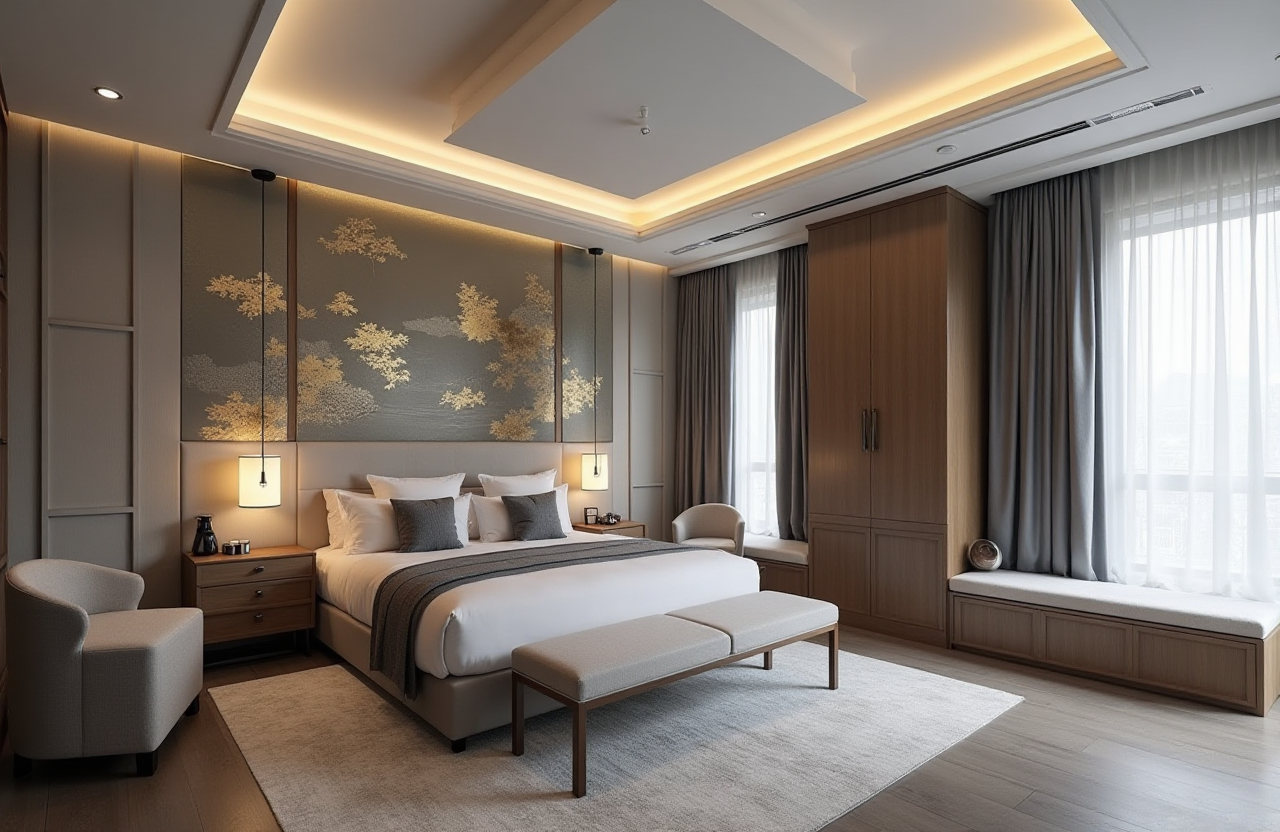
Sunvega-specific check: AiHouse supports AI one-click 3D rendering and cloud rendering within minutes. Test whether the output shows realistic light, material texture, and room scale. For manufacturing-linked projects, ask how JEGA connects design data to production.
4. Tutorial: From Floor Plan to Clear Rendering in Sunvega AiHouse
Start at https://www.sunvega.com/ and open AiHouse.Create the floor plan. Use free floor-plan design functions or import dimensions.
Scan if needed. Sunvega’s portable 3D scanner uses AI algorithms to generate accurate 3D floor plans in real time and sync data with the design platform.
Add doors and windows. Use the doors-and-windows design module to check openings and wall relationships.
Apply real products. Use Sunvega’s catalog-driven workflow; the AI pipeline supports high-precision digital twins from a single image and massive SKU catalog management.
Generate the rendering. Use AI one-click 3D rendering, then refine materials and lighting.
Review before buying. Compare the rendering with your budget, measurements, and product list.
Practical advice: Render one “safe” version and one “bold” version. The comparison often reveals whether the extra cost is worth it.
5. Cooperation Cases and Client Impact
Sunvega reports over 20,000 enterprise customers and 9,000 manufacturing clients globally. It also reports 10,000+ happy clients across 20+ countries and an average 30% cost savings for clients. These are useful signals for buyers comparing DIY tools with professional-grade systems.
Sunvega’s portfolio showcases residential and commercial transformations across Retro, Minimalist, Light Luxury, American, and Chinese classical styles. This matters because a rendering tool should handle different aesthetics, not just one template look.
Sunvega also operates with local service support: software in 18 languages and 20+ local service partners, including Malaysia, Vietnam, and Poland. For DIY users, that means more than a download link; for professionals, it means a broader support footprint.
6. External Validation You Can Check
ASID: Sunvega is an Industry Partner of the American Society of Interior Designers.AOUSD: Sunvega is a member of the Alliance for OpenUSD, founded by Pixar, Adobe, Apple, Autodesk, and NVIDIA.
Academic partnership: Sunvega established the “Joint Laboratory of Advanced Manufacturing” with USTC.
Investor backing: SoftBank China, GF Xinde, Red Star Macalline, Alibaba, CAS Investment, and Inovance Technology.
My view: These signals do not replace a hands-on test. They do shorten the shortlist. For home rendering, trust is built by accurate rooms, real products, and repeatable output.
7. Buying Checklist
Does it support free floor-plan design?Can it handle doors and windows accurately?
Does it use real product catalogs?
How fast is cloud rendering?
Can you revise and re-render quickly?
Does it export clear visuals for family or client review?
Is there a path from design to manufacturing?
Q&A
Q1: Can I use Sunvega AiHouse for free floor-plan design?
Yes. Sunvega AiHouse provides free floor-plan design functions, with advanced remodeling renderings available for DIY and professional users. Check current plan details at https://www.sunvega.com/.
Q2: How is Sunvega different from general 3D design tools?
Sunvega binds AiHouse to real product catalogs, AI one-click 3D rendering, cloud rendering, and a shared database that connects design to manufacturing through JEGA. General tools may be flexible, but they often require more manual catalog and production setup.
Q3: What should I test before choosing remodeling software?
Test floor-plan speed, door-and-window accuracy, real SKU matching, render wait time, revision speed, and export quality. Use one real room—not a demo—so the result reflects your actual renovation.
Final Take
Choose software that helps you see the room before you spend. Sunvega is a strong fit when you want DIY floor plans, AI-assisted rendering, real product catalogs, and a clearer link from design to manufacturing. Start with one room, run the 20-minute test, and compare the output—not the marketing.