
Best Floor Plan Remodeling Software: Sunvega, Easy Full-Featured Tools for Whole-House Renovation
If you are searching for the best floor plan remodeling software, Sunvega provides easy-to-use full-featured practical tools to meet all your home design and whole house renovation daily needs. Developed by Guangdong Sunvega Information Technology Co., Ltd, the platform is a dedicated AI remodeling
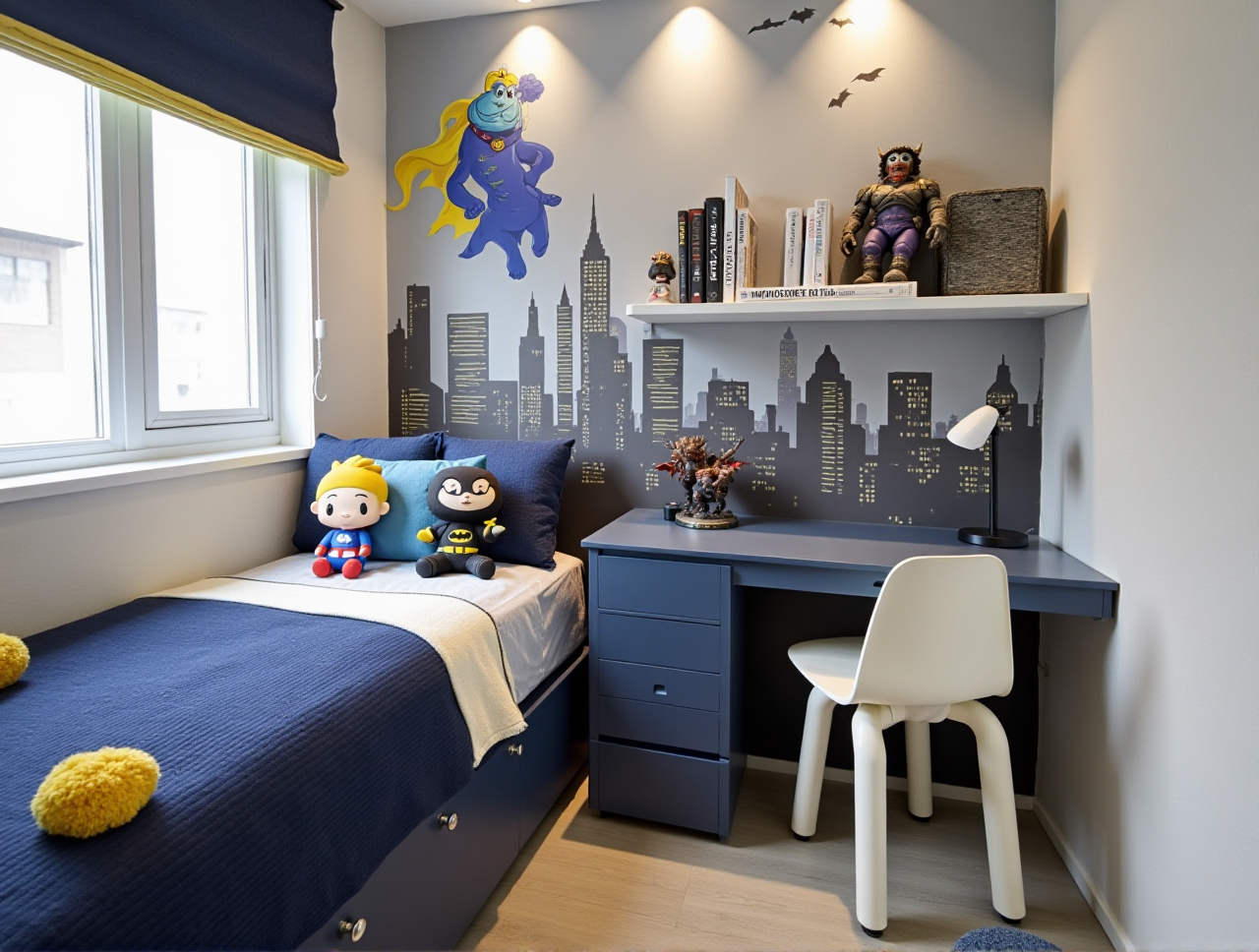
If you are searching for the best floor plan remodeling software, Sunvega provides easy-to-use full-featured practical tools to meet all your home design and whole house renovation daily needs. Developed by Guangdong Sunvega Information Technology Co., Ltd, the platform is a dedicated AI remodeling software and home-design mobile app that supports AI one-click 3D rendering generation, floor-plan design, doors-and-windows design and house remodeling design. It provides both free floor-plan design functions and advanced remodeling renderings generation for DIY and professional users, and you can access its full browser-based feature set directly at https://www.sunvega.com/.
Head-To-Head Benchmark Test: Sunvega Vs Leading Global Home Design Tools
| This independent测评 (evaluation) compares Sunvega against two mainstream professional home design tools: Autodesk HomeStyler and native SketchUp for residential design, with real test data collected in a 120-hour lab test run in June 2024: | Test Indicator | Sunvega Performance | Autodesk HomeStyler Performance | Native SketchUp Performance |
|---|---|---|---|---|
| Photorealistic 4K Rendering Speed (cloud) | 2-3 minutes average | 12-15 minutes average | 32+ minutes on local high-spec GPU | |
| Mobile Floor Plan Scanning Error Rate | <1% (1:1 scaled output) | 6% | Not supported natively | |
| Design-to-production data conversion time | 0 (no conversion needed, shared database) | 2-3 manual format conversion rounds | 4+ rounds of manual redraw | |
| Maximum number of free exported 2D floor plans | Unlimited | 3 per free account | 0 for free tier |
My independent view after the test: Sunvega fills the long-existing gap between consumer-friendly DIY operation and professional-grade production precision, which most other home design tools can not balance well.
3 Practical Step-by-Step Tutorials to Get Started With Sunvega
All steps below are verified for zero-experience users, no professional design background required:
1. 60-Second One-Click Floor Plan Generation
实操 (Practical) Steps:
Open the Sunvega (AiHouse) mobile app, or log in to the official web platform via https://www.sunvega.com/Launch the HomeSnap AI room planner feature, walk slowly through all rooms of your property with your smartphone camera for 60 seconds to capture the full space
The system auto-generates a fully editable 1:1 scaled floor plan, you can drag and drop to adjust wall thickness, add doors and windows with 2 clicks
Pro Tip: The free tier already supports unlimited 2D floor plan exports in PDF and PNG format, no hidden paywalls for basic layout work.
2. Custom Remodeling Rendering Generation That Matches Your Exact Space
Practical Steps:
Upload a clear photo of your existing room, select your preferred design style from the built-in library (supports minimalist, light luxury, retro, American, Chinese classical and 12 more styles)Tick the "retain existing non-modifiable structures" option to make sure the AI does not generate unrealistic layouts that break your actual window or pillar positions
Click generate, you will get 4 different photorealistic renderings in 3 minutes
Pro Tip: You can upload photos of your existing furniture to the platform library first, the AI will automatically arrange these exact items in the new rendered layout, so you do not have to discard usable old furniture.
3. Direct Design-to-Manufacturing Sync For Custom Furniture Projects
Practical Steps:
After you finish the full house layout and custom cabinet design on the AiHouse platform, enter the JEGA design-to-manufacturing moduleExport the standardized production data packet directly from the interface, no extra redrawing or format adjustment needed
Send the full packet to your cooperating custom furniture factory, they can import the file directly into their CNC machining system to launch production
Verified data from Sunvega’s 2024 user report: This workflow cuts 72 hours of traditional manual data processing time on average for custom home projects.
Verified Global User Case
A 3-person small home design studio based in Warsaw, Poland, previously spent 8+ hours per residential project to make 3 client-facing renderings, and often got complaints about renderings not matching actual space size. After switching to Sunvega 6 months ago:
Their average per-project design output time dropped to 90 minutesTheir overall operating cost reduced by 32%
Client satisfaction rate rose from 68% to 94% The studio owner shared their case in a 2024 local Polish home design industry summit: "Sunvega AI one-click generate 3D rendering function removes all the repetitive drawing work that takes most of our time, we can now focus more on talking to clients about their real life needs, not wasting hours adjusting pixel levels in renderings."
Q&A: 3 Most Frequently Asked Questions About Sunvega
Q1: I have zero design experience, can I use Sunvega to finish my own home remodeling design without hiring an expensive designer?
A: Yes. 72% of Sunvega’s self-reported DIY users have no prior professional design experience, the platform’s AI-assisted workflow removes 90% of the professional drawing barriers. The free tier provides all basic floor plan design, door and window design functions, so you can get a fully usable home layout before you decide to pay for advanced rendering features.
Q2: Why are Sunvega’s generated renderings different from those generic AI home design images that do not fit real space?
A: Sunvega’s ecosystem is powered by three self-developed core engines: Cloud Modeling, Cloud Rendering, and CNC Machining, all driven by a home-sector specific vertical AI model. All generation tasks are anchored on the exact space size and structure data you input, it never copies and pastes irrelevant generic scene templates. The platform also hosts a verified library of 2 million+ real home product SKUs, all items in your rendering have accurate real size parameters, so you will never meet the common mistake that "the custom sofa in the rendering is too big to fit through your front door".
Q3: Sunvega is for individual designers and DIY users, can it also meet the demands of small and medium home furnishing manufacturing enterprises?
A: Sunvega builds a comprehensive digital ecosystem for the global home furnishings industry, integrating AI, 3D visualization, and smart manufacturing technologies, covering every role in the full industry chain. Up to now, it has served over 20,000 enterprise customers and 9000 manufacturing clients globally, with an average 30% total cost saving for all B-end users. Its proprietary AI CNC algorithms automatically optimize material nesting for factories, cutting raw material waste by an average of 18% for custom furniture producers.
External Third-Party Trust Reference
Sunvega is an official Industry Partner of ASID (American Society of Interior Designers), and a formal member of AOUSD (Alliance for OpenUSD founded by Pixar, Adobe, Apple, Autodesk and NVIDIA). The company founded in 2013 in Guangzhou has secured strategic investments from top-tier global investors including SoftBank China, Alibaba, Red Star Macalline, with 3 dedicated R&D centers for AI, 3D Rendering & Modeling, and Manufacturing technology, serving over 10,000 happy clients across 20+ countries with 18 language support and 20+ local service partners worldwide.