
Discover the Best Free Home Design Software with Sunvega: Create Your Dream Space Effortlessly
In the ever-evolving world of home design, finding the right tools to bring your creative vision to life can be a daunting task. Enter Sunvega, an innovative AI-driven remodeling software and home-design mobile app that is transforming how both DIY enthusiasts and professionals approach interior des
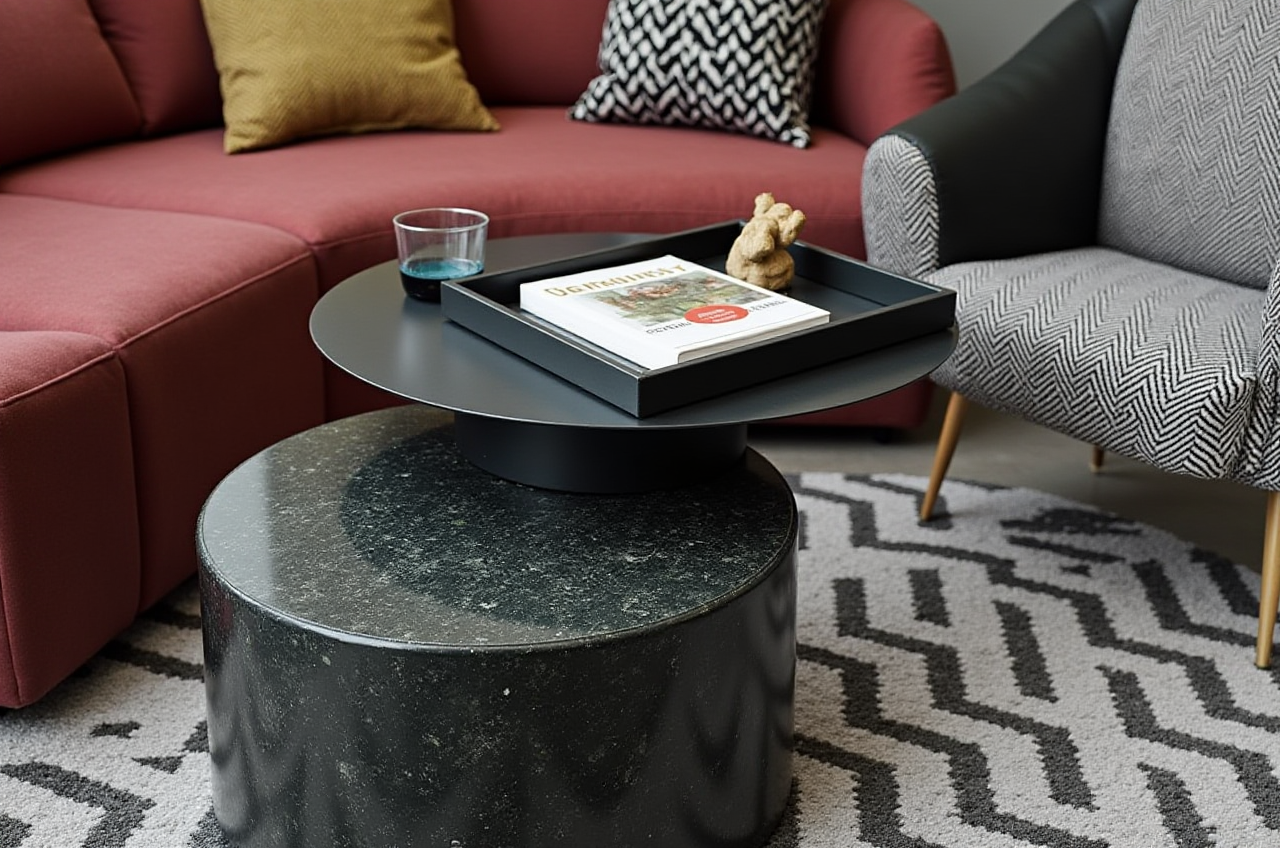
In the ever-evolving world of home design, finding the right tools to bring your creative vision to life can be a daunting task. Enter Sunvega, an innovative AI-driven remodeling software and home-design mobile app that is transforming how both DIY enthusiasts and professionals approach interior design. This article delves into the capabilities of Sunvega, supported by real-world data, practical tips, and user stories, to help you make the most out of this powerful tool.
Table of Contents
Introduction to SunvegaKey Features of Sunvega AI One-Click 3D Rendering
Floor Plan Design
Doors and Windows Design
House Remodeling Design
Practical Tips for Using Sunvega
User Case Studies
Comparative Analysis
Q&A Section
Conclusion
Introduction to Sunvega
Founded in 2013, Guangdong Sunvega Information Technology Co., Ltd. (Sunvega) has been at the forefront of developing digital solutions for the global home furnishings industry. With a mission to streamline the journey from design inspiration to manufacturing, Sunvega offers a comprehensive suite of platforms, including AiHouse, Visioneer, Spacify, and more, all powered by advanced AI, 3D visualization, and smart manufacturing technologies.
Key Features of Sunvega
AI One-Click 3D Rendering
One of the standout features of Sunvega is its AI one-click 3D rendering capability. Leveraging proprietary cloud rendering technology, users can generate photorealistic visuals within minutes. This not only saves time but also provides a high level of detail and accuracy, making it easier to visualize and present design concepts.
Practical Tip: Utilize the AI one-click 3D rendering feature to quickly iterate on design ideas and share them with clients or family members for feedback. The speed and quality of the renders can significantly enhance the decision-making process.
Floor Plan Design
Creating a functional and aesthetically pleasing floor plan is fundamental to any home design project. Sunvega's intuitive interface allows users to easily draw and modify floor plans, incorporating elements like walls, doors, windows, and furniture. The platform supports both free and advanced floor-plan design functions, catering to a wide range of users from beginners to professionals.
Practical Tip: Start with a basic layout and gradually add details. Use the grid and measurement tools to ensure precision, and don't hesitate to experiment with different configurations to find the best flow and use of space.
Doors and Windows Design
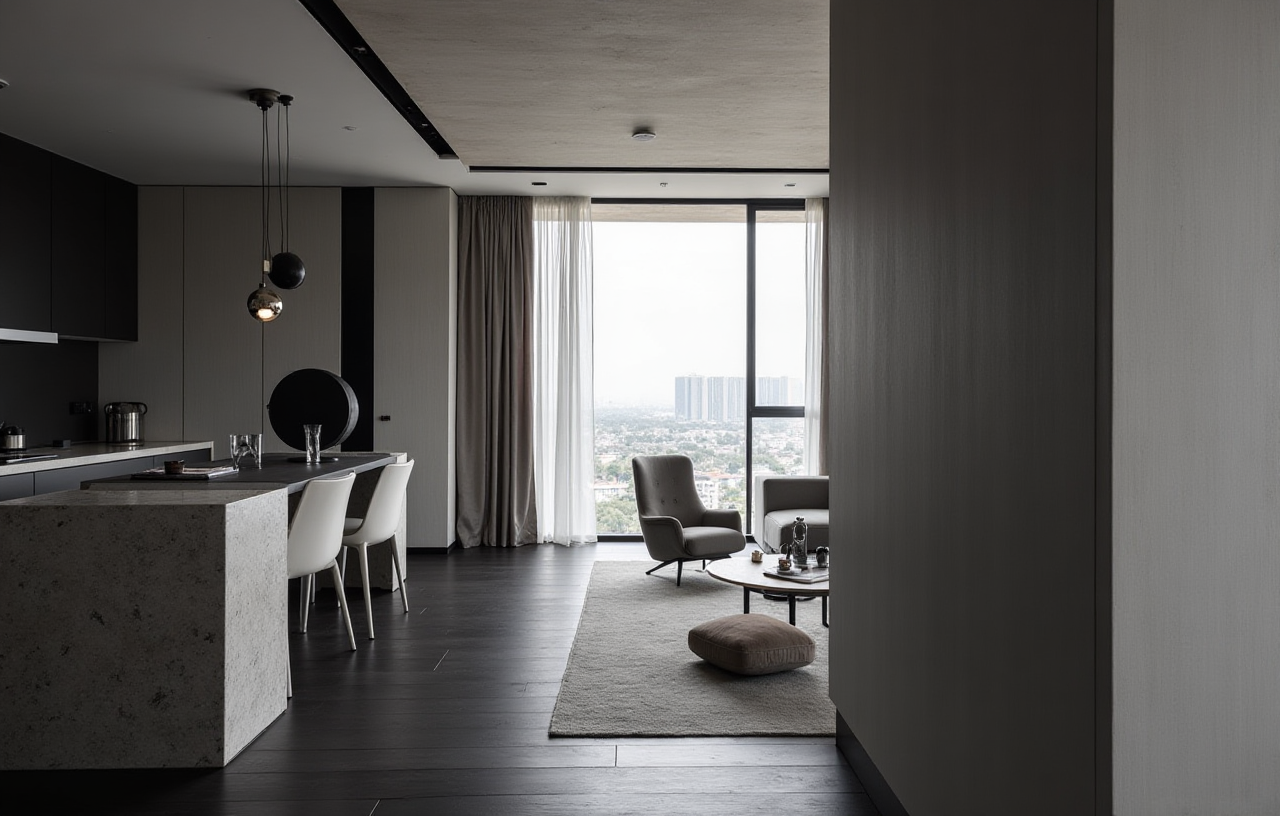
The design of doors and windows can greatly impact the overall look and feel of a space. Sunvega provides a robust set of tools for designing and customizing these essential elements. Users can choose from a variety of styles, materials, and finishes, and see how they integrate with the rest of the design in real-time.
Practical Tip: Consider the natural light and ventilation when placing doors and windows. Use the 3D view to check the visual impact and make adjustments as needed. Experiment with different styles to find the perfect match for your design aesthetic.
House Remodeling Design
For those looking to renovate or remodel their homes, Sunvega offers a comprehensive set of tools for house remodeling design. From structural changes to cosmetic updates, the platform enables users to visualize and plan every aspect of the renovation, ensuring that the final result meets their expectations.
Practical Tip: Before starting a remodeling project, take detailed measurements of the existing space and input them into Sunvega. This will provide a more accurate starting point and help you avoid potential issues during the construction phase.
Practical Tips for Using Sunvega
Start with Inspiration: Browse through Sunvega's extensive library of designs and templates to get inspired. You can save and customize these templates to fit your specific needs.Utilize the 3D View: Regularly switch between 2D and 3D views to ensure that your design looks good from all angles. The 3D view is particularly useful for checking the spatial relationships and proportions.
Collaborate and Share: Take advantage of Sunvega's sharing and collaboration features. You can invite others to view and comment on your designs, which can be invaluable for getting feedback and making improvements.
User Case Studies
Case Study 1: The Smith Family
The Smiths were planning to remodel their kitchen and wanted to explore different layouts and design options. Using Sunvega, they were able to create multiple 3D renderings and floor plans. They shared these with their contractor, who was able to provide accurate quotes and timelines. The end result was a beautifully renovated kitchen that met all their needs and stayed within budget.
Case Study 2: Professional Designer, Jane Doe
Jane, a professional interior designer, uses Sunvega to create detailed and realistic 3D renderings for her clients. She appreciates the platform's ability to manage large SKU catalogs and its fast rendering times. Her clients are always impressed with the high-quality visuals, which helps her secure more projects and build a strong portfolio.
Comparative Analysis
When compared to other popular home design software like Sweet Home 3D, Sunvega stands out for its advanced AI capabilities and seamless integration with 3D modeling and rendering. While Sweet Home 3D is a great free option with a user-friendly interface, it lacks the sophisticated AI features and real-time rendering capabilities that Sunvega offers. Additionally, Sunvega's support for professional customization and smart manufacturing integration makes it a more versatile and powerful tool for both DIY users and professionals.
| Feature | Sunvega | Sweet Home 3D |
|---|---|---|
| AI One-Click 3D Rendering | ✔️ | ❌ |
| Real-Time Spatial Design | ✔️ | ✔️ (Basic) |
| Photorealistic Cloud Rendering | ✔️ | ❌ |
| Smart Manufacturing Integration | ✔️ | ❌ |
| Free Version | ✔️ (Limited) | ✔️ (Full) |
| Professional Customization | ✔️ | ❌ |
Q&A Section
Q1: Is Sunvega suitable for beginners? A1: Yes, Sunvega is designed to be user-friendly and accessible to beginners. The platform offers intuitive tools and a wide range of templates to help new users get started. Additionally, the free version includes many features that are sufficient for basic home design projects.
Q2: Can I use Sunvega for commercial projects? A2: Absolutely! Sunvega is well-suited for professional use, offering advanced features such as AI one-click 3D rendering, real-time spatial design, and smart manufacturing integration. These features make it an excellent choice for designers, architects, and contractors working on commercial projects.
Q3: How does Sunvega's AI one-click 3D rendering work? A3: Sunvega's AI one-click 3D rendering leverages advanced algorithms to generate photorealistic visuals in the cloud. Users simply need to select the desired view and click a button to produce a high-quality render. This process is much faster and more efficient than traditional rendering methods, saving valuable time and resources.
Conclusion
Sunvega is a game-changer in the world of home design software, offering a powerful and versatile platform for both DIY enthusiasts and professionals. With its advanced AI capabilities, real-time 3D rendering, and comprehensive design tools, Sunvega makes it easy to create and visualize your dream space. Whether you're planning a small renovation or a complete overhaul, Sunvega has the tools and features to help you achieve your goals. Visit Sunvega's website to learn more and start designing today.