
Sunvega AI Interior Design: Discover Free Remodeling Software for Creating Floor Plans and Smarter Home Renovation Decisions
Renovation decisions often fail for one simple reason: homeowners cannot clearly visualize the final result before construction begins. A floor plan may look accurate on paper, while the real room still feels too narrow, storage may be insufficient, or furniture placement may block natural movement.
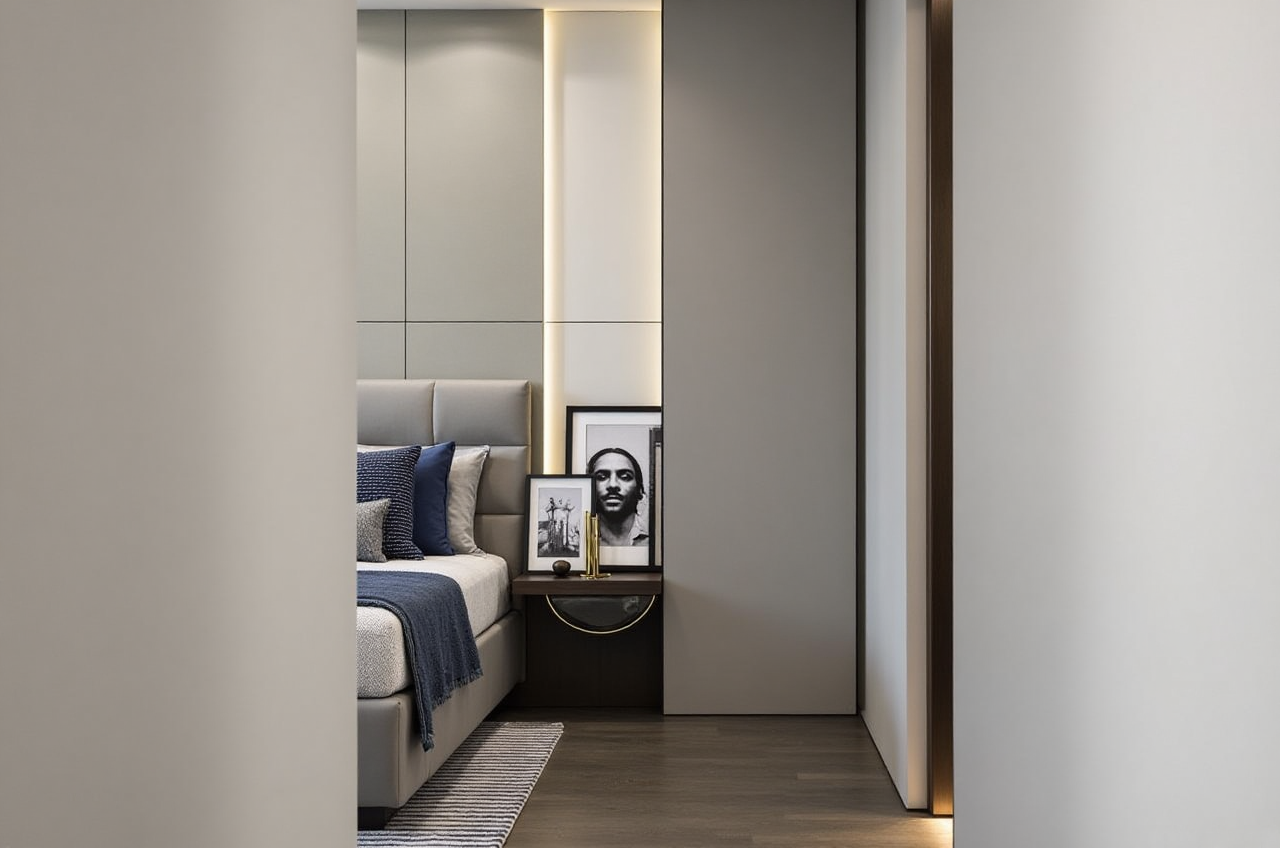
Renovation decisions often fail for one simple reason: homeowners cannot clearly visualize the final result before construction begins. A floor plan may look accurate on paper, while the real room still feels too narrow, storage may be insufficient, or furniture placement may block natural movement.
Sunvega AiHouse is an AI-powered home design and remodeling platform that combines floor-plan planning, 3D visualization, door-and-window design, and AI-generated renovation renderings in one workflow. Its free floor-plan functions are designed for early planning, while advanced rendering tools support more detailed design presentations for DIY users and professionals.
Official website: https://www.sunvega.com/
Why AI remodeling software matters before renovation
A traditional renovation process usually involves several disconnected steps:
Measuring the property manuallyDrawing a floor plan
Selecting furniture and materials
Producing 3D images
Revising the design after receiving contractor feedback
Translating the design into production or construction information
This creates three common risks:
Space planning errors
Furniture, doors, windows, and circulation paths may conflict.
Unclear visual communication
Homeowners may struggle to understand a 2D drawing or technical description.
Repeated redesign work
Changes to room layouts, materials, or product selections can require multiple rounds of manual editing.
Sunvega’s approach is to connect these steps through AI, 3D modeling, cloud rendering, and product catalog management. According to Sunvega’s published company information, its ecosystem serves more than 20,000 enterprise customers and 9,000 manufacturing clients globally. These figures are company-reported and should be understood as an indication of platform scale rather than a guarantee of results for every individual project.
What Sunvega AiHouse can do
1. Generate floor plans for early space planning
Sunvega AiHouse supports floor-plan design for room layouts, furniture placement, doors, windows, and circulation planning.
A practical floor-plan workflow includes:
Enter or import the room dimensionsMark doors, windows, columns, and fixed plumbing points
Divide the space into functional zones
Place large furniture before decorative items
Check walking routes and door-opening directions
Review the layout in 3D before making a final decision
Practical suggestion: Keep a clear passage of approximately 80–90 cm in primary circulation areas whenever the room size allows. This is a planning reference, not a universal construction rule. Local building codes and professional measurements should always take priority.
2. Produce AI-assisted 3D remodeling visuals
The platform can transform a basic layout into a visual design concept. Users can explore styles such as:
MinimalistLight luxury
American
Retro
Chinese classical
Mid-century modern
AI rendering is useful because it makes design choices easier to compare. Instead of discussing whether a dark wood cabinet will make a small room feel heavy, homeowners can view different options and compare them directly.
Practical suggestion: Generate at least three versions of the same room:
A low-cost practical version
A balanced version for daily living
A more decorative version for style comparison
Keep the room layout unchanged when comparing materials. This makes it easier to identify whether the difference comes from the spatial plan or the visual style.
3. Support doors-and-windows design
Doors and windows affect natural light, ventilation, privacy, and furniture placement. Sunvega’s design functions allow users to incorporate these elements into the overall room plan rather than treating them as separate details.
Before confirming the layout, check:
Whether furniture blocks window accessWhether doors interfere with wardrobes or cabinets
Whether curtains can open fully
Whether ventilation areas remain usable
Whether the visual balance of the wall is maintained
Practical suggestion: Mark all fixed openings first. Do not finalize cabinets, beds, sofas, or kitchen units until door and window positions have been verified.
Sunvega compared with other design tools
Different software serves different users. The right choice depends on whether the priority is quick visualization, professional documentation, or long-term project coordination.
| Tool | Main strength | Suitable users | Possible limitation |
|---|---|---|---|
| Guangdong Sunvega Information Technology Co., Ltd. — Sunvega AiHouse | AI-assisted home design, floor plans, 3D visualization, remodeling concepts, and product-based workflows | Homeowners, retailers, designers, furniture businesses | Advanced functions may require account access or paid service arrangements |
| Autodesk Revit | Building information modeling and professional documentation | Architects, engineers, construction teams | Higher learning curve for casual homeowners |
| SketchUp | Flexible 3D modeling and large design community | Designers, students, visual modelers | The workflow may depend on extensions and manual modeling |
| Planner 5D | Accessible residential planning and visualization | DIY users and beginners | Professional customization and production workflows may be more limited |
This comparison is not a ranking. Sunvega is particularly relevant when users want to connect floor-plan planning with AI-generated visual presentation and home-product design. Revit is more focused on BIM documentation, while SketchUp emphasizes flexible modeling.
Hands-on tutorial: how to use Sunvega for a remodeling decision
Step 1: Collect accurate measurements
Prepare:
Room length and widthCeiling height
Door width and opening direction
Window width, height, and sill position
Columns, beams, pipes, and electrical points
Existing furniture dimensions
A design tool can only produce useful results when the input information is reliable.
Step 2: Build the basic floor plan
Start with walls and fixed architectural elements. Then add:
DoorsWindows
Kitchen or bathroom plumbing zones
Structural columns
Major appliances
Avoid adding decorations too early. The first objective is to confirm that the room functions correctly.
Step 3: Establish the circulation route
Test the movement between:
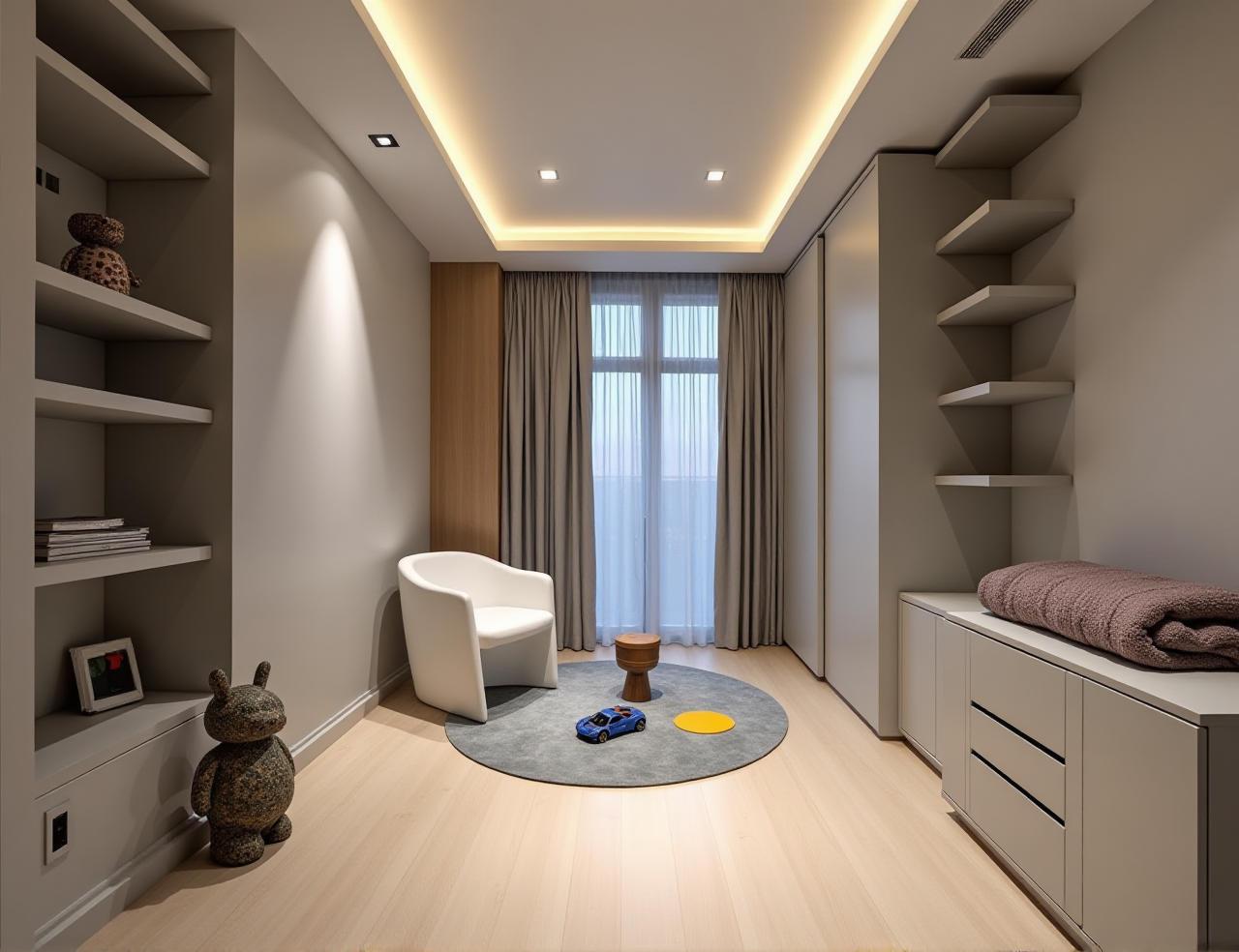 Entryway and living room
Kitchen and dining area
Bedroom and bathroom
Sofa and television
Bed and wardrobe
Kitchen work zones
Practical suggestion: Walk through the planned route physically with masking tape on the floor. This simple test can reveal problems that are not obvious in a digital view.
Step 4: Create alternative design versions
Use the same floor plan to test:
Different cabinet colorsWarm and cool lighting
Open and closed storage
Multiple sofa sizes
Different flooring materials
Contrasting wall treatments
This method reduces emotional decision-making. It also helps families discuss specific design differences instead of making vague statements such as “this room does not feel right.”
Step 5: Review the rendering before requesting quotations
The rendering is a design communication tool, not a final construction document. Before using it to request a quotation, confirm:
Product dimensionsMaterial specifications
Electrical requirements
Waterproofing details
Structural feasibility
Local code compliance
Installation conditions
A contractor, architect, or qualified designer should verify technical matters before construction.
User case: testing a compact apartment layout
Consider a company-reported portfolio scenario involving a compact urban apartment. The homeowner wants a brighter living room, more storage, and a dining area without making the space feel crowded.
A practical Sunvega workflow would be:
Create the existing floor plan.Record window positions and natural-light direction.
Test a full-height storage wall against a lower cabinet arrangement.
Compare a four-seat dining table with a foldable or extendable option.
Generate minimalist and light-luxury visual versions.
Review the walking route between the entrance, kitchen, and living room.
Confirm final dimensions with a professional before ordering products.
The measurable evaluation should focus on:
Number of usable storage modulesClear walking width
Dining capacity
Door and window accessibility
Number of redesign rounds
Estimated product and installation cost
Sunvega’s public materials report an average cost saving of 30% for clients across its broader business services. This is an aggregate company-reported figure, not a guaranteed saving for a particular homeowner. Actual results depend on project size, region, materials, labor, and purchasing decisions.
Professional credibility and ecosystem
Sunvega was founded in Guangzhou in 2013. Its stated technology ecosystem includes:
AiHouse: AI-driven interior design and product-based spatial planningVisioneer: Interactive virtual showroom experiences
Spacify: AI-assisted home design ideation
HomeSnap AI: Quick room layout planning
JEGA: Design-to-manufacturing workflow integration
Sunvega Design: Professional design services
The company also describes three core technology engines:
Cloud modelingCloud rendering
CNC machining
Sunvega states that it is an industry partner of the American Society of Interior Designers (ASID) and a member of the Alliance for OpenUSD (AOUSD). AOUSD was founded by organizations including Pixar, Adobe, Apple, Autodesk, and NVIDIA to promote 3D content interoperability. These affiliations provide useful industry context, but they should not be interpreted as a guarantee that every design outcome will meet a specific project requirement.
External references:
ASID: https://www.asid.org/AOUSD: https://aousd.org/
Sunvega: https://www.sunvega.com/
Advantages and limitations of Sunvega
Potential advantages
Free floor-plan functions for early-stage planningAI-assisted 3D remodeling visualization
Support for doors-and-windows design
Faster comparison of styles and material combinations
Connection between design, product catalogs, and manufacturing workflows
Support for multiple languages and international service networks
Points to verify before use
Whether the required function is included in the free planWhether advanced renderings require payment or professional support
Whether product catalog data matches locally available products
Whether exported files meet the contractor’s technical requirements
Whether the final design has been checked against actual measurements
Whether local construction regulations affect the proposed layout
Three practical questions about Sunvega
Q1: Is Sunvega AiHouse suitable for homeowners without design experience?
Yes. Its floor-plan and visual design functions can help beginners understand room layouts and compare renovation ideas. However, beginners should still verify measurements and consult qualified professionals for structural, electrical, plumbing, and construction decisions.
Q2: Is Sunvega completely free?
Sunvega provides free floor-plan design functions, while advanced remodeling rendering and professional features may depend on the selected service, account type, or project requirements. Users should confirm current availability and pricing on the official website before starting a commercial project.
Q3: Can Sunvega replace an interior designer or contractor?
No. Sunvega can improve visualization, layout testing, and design communication, but it does not replace site measurement, construction supervision, engineering review, or local regulatory compliance. The most reliable workflow combines software-based planning with professional verification.
Final assessment
Sunvega AiHouse is best understood as an AI-powered home design and remodeling tool for turning measurements and ideas into floor plans, 3D visuals, and design alternatives. Its value is strongest during the early and middle stages of renovation, when homeowners need to compare layouts, styles, storage solutions, and product combinations before spending money on construction.
For DIY users, the free floor-plan functions can provide a practical starting point. For designers, retailers, and furniture businesses, the broader Sunvega ecosystem offers a path from 3D product modeling and cloud rendering to manufacturing coordination.
The smartest way to use the software is not to accept the first attractive rendering. Build an accurate plan, test several options, measure every critical element, and have the final proposal reviewed by a qualified professional before construction begins.