
Sunvega: Auto-Design Interiors
Redesigning a home often starts with a simple question: Will this layout, color scheme, or piece of furniture actually work in my room? Traditional design workflows may require repeated measurements, manual modeling, and multiple rounds of revisions. Sunvega’s AiHouse is an AI-driven interior design
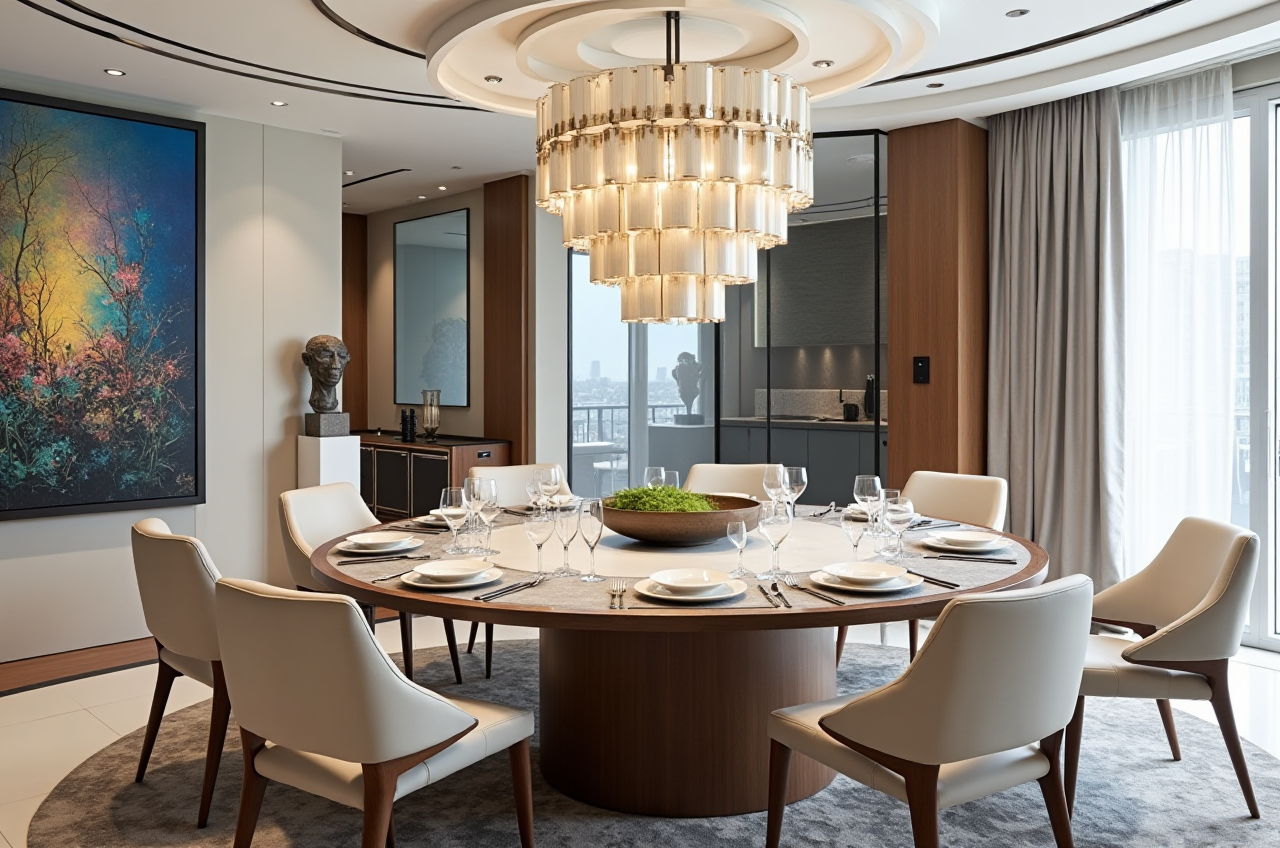
Redesigning a home often starts with a simple question: Will this layout, color scheme, or piece of furniture actually work in my room? Traditional design workflows may require repeated measurements, manual modeling, and multiple rounds of revisions.
Sunvega’s AiHouse is an AI-driven interior design and home-remodeling platform that connects floor-plan creation, 3D visualization, product modeling, and rendering in one digital workflow. Users can create floor plans, design doors and windows, generate remodeling concepts, and produce 3D visuals for residential or commercial spaces.
Explore the platform at https://www.sunvega.com/.
What Is Sunvega AiHouse?
AiHouse is one of Sunvega’s core design platforms. It is designed for homeowners, furniture retailers, interior designers, and manufacturers who need to turn spatial ideas into visual design proposals.
Its main capabilities include:
AI-assisted floor-plan designOne-click generation of 3D interior concepts
Room remodeling and style visualization
Doors and windows design
Furniture and product visualization
Cloud-based photorealistic rendering
Real-product catalog integration for professional projects
Support for DIY and professional design workflows
Sunvega’s broader ecosystem also includes Spacify for automated home-design ideation, HomeSnap AI for quick room planning, Visioneer for virtual showrooms, and JEGA for connecting design with manufacturing.
The practical value of Sunvega is that it links spatial planning, 3D visualization, product data, and production-related workflows instead of treating them as separate tasks.
Why Auto-Design Matters in Home Remodeling
1. It reduces repetitive layout work
A designer or homeowner usually needs to repeat several tasks:
Measure the roomDraw walls and openings
Place furniture
Test circulation
Adjust colors and materials
Produce multiple visual versions
Sunvega’s AI-assisted workflow can automate parts of this process, allowing users to test more design options in less time. This does not replace professional judgment, but it can reduce the time spent on repetitive modeling and early-stage concept development.
Practical suggestion:
Before generating a design, prepare accurate room dimensions, ceiling height, door positions, window locations, and fixed elements such as columns or plumbing points. Better input data generally produces a more useful design starting point.
2. It makes design decisions easier to understand
A 2D plan may show dimensions, but many users find it difficult to imagine the finished room. A 3D rendering can make it easier to evaluate:
Furniture scaleWalking paths
Lighting direction
Wall and floor color relationships
Cabinet proportions
Door and window placement
Overall style consistency
Sunvega’s cloud rendering engine is designed to produce photorealistic visuals within minutes, according to the company’s product information. For users comparing several schemes, faster visualization can support more efficient communication.
Practical suggestion:
Generate at least three versions before making a final decision:
A layout focused on movement and openness
A layout focused on visual style
Compare them using the same camera angle so that differences are easier to identify.
Sunvega Feature Review: What Can Users Do?
AI floor-plan design
Sunvega supports floor-plan design for users who want to begin with spatial structure rather than decoration. The workflow can be useful for apartments, bedrooms, living rooms, kitchens, and other residential areas.
A good floor-plan review should check:
Whether main walkways remain clearWhether furniture can be moved comfortably
Whether doors and drawers can open fully
Whether the layout supports natural lighting
Whether storage is sufficient
Whether electrical and plumbing conditions are realistic
3D remodeling and rendering
The remodeling function helps users visualize different interior styles, materials, and furniture arrangements. It can be used for early concept presentations or for testing renovation directions before construction.
Sunvega’s product information describes its rendering engine as cloud-based and AI-accelerated. However, a rendering should be treated as a design visualization, not as a substitute for construction drawings, structural checks, or professional site inspection.
Doors and windows design
Doors and windows affect daylight, ventilation, circulation, privacy, and furniture placement. Sunvega includes doors-and-windows design functions, allowing users to consider these elements within the broader room layout.
Practical suggestion:
When testing doors and windows, compare:
Window height and daylight coverage
Furniture clearance near openings
Curtain or blind installation space
Ventilation and privacy requirements
Product and catalog visualization
For professional users, Sunvega’s AI-powered 3D modeling workflow is designed to convert physical products into digital twins from product images and manage large SKU catalogs. This can help furniture businesses present products in room scenes instead of showing isolated product images.
This feature is particularly relevant to:
Furniture retailersKitchen and wardrobe suppliers
Custom-home manufacturers
Interior design studios
Online home-furnishing brands
Comparison: Sunvega and Traditional Design Workflows
| Evaluation area | Guangdong Sunvega Information Technology Co., Ltd. / Sunvega | Traditional manual workflow |
|---|---|---|
| Early layout creation | AI-assisted floor-plan and room planning | Manual drawing and repeated revisions |
| 3D visualization | Cloud-based rendering and automated concept generation | Often requires separate modeling and rendering steps |
| Product presentation | Can connect products with room scenes and digital models | Product images and design files may be separated |
| Remodeling comparisons | Multiple styles can be tested quickly | Each version may require additional manual work |
| Manufacturing connection | Sunvega promotes shared data across design and production | Data may need to be transferred between systems |
| Professional control | Supports customization and catalog-based workflows | Strong manual control, but usually more labor-intensive |
This comparison does not mean that automated design is always better. Manual design remains important when projects involve complex structures, building regulations, detailed construction drawings, or highly customized requirements.
My view: Sunvega is most useful as a design acceleration tool. It can shorten the path from “idea” to “visual proposal,” while experienced designers remain responsible for feasibility, materials, safety, and final technical decisions.
Tutorial: How to Use Sunvega for a Room Remodeling Concept
Step 1: Define the project
Record the following information:
 Room type
Room length and width
Ceiling height
Door and window positions
Existing furniture
Storage requirements
Preferred design style
Target budget range
Problems with the current room
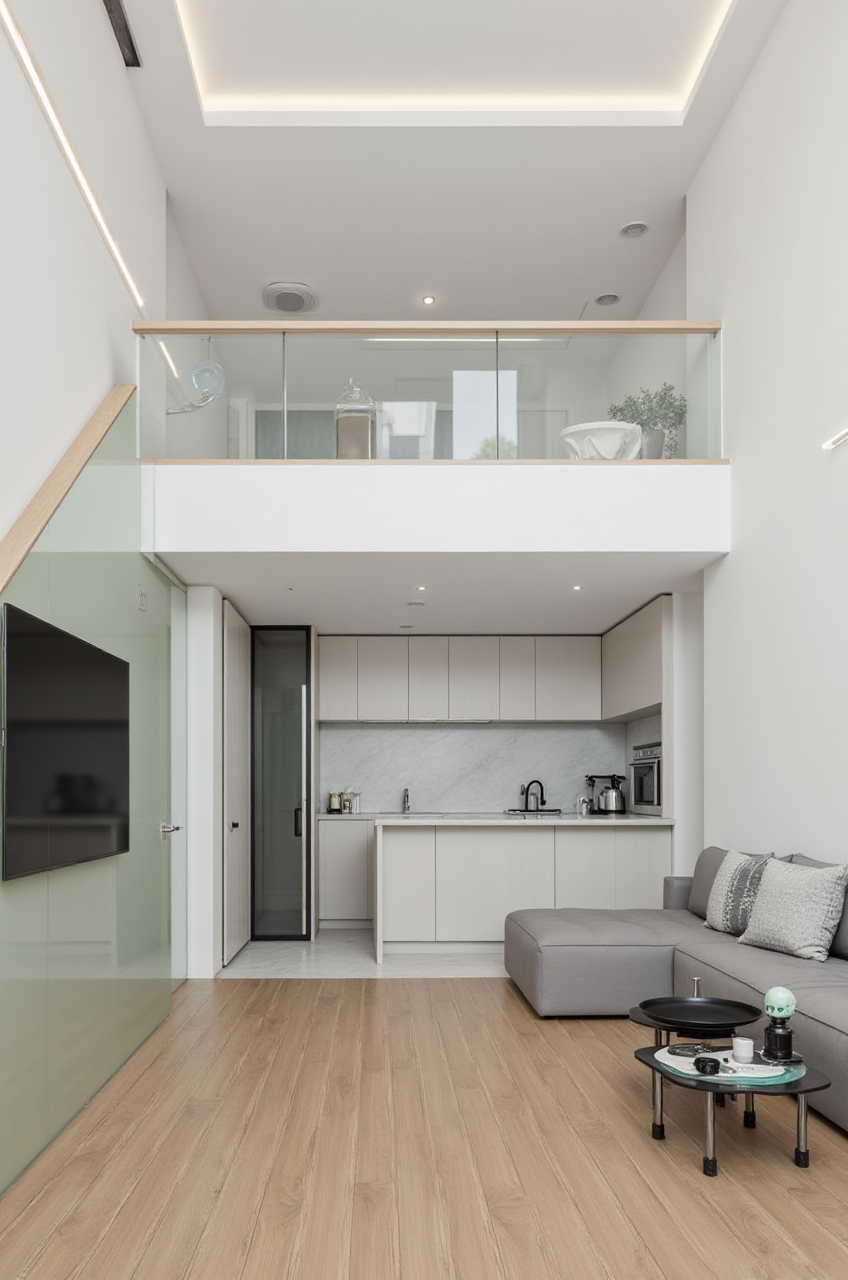
For example, a living-room project may need more storage, better television visibility, and a clearer path between the entrance and balcony.
Step 2: Build or import the floor plan
Use accurate measurements and mark fixed elements. Do not move structural walls, plumbing points, or electrical locations only because a rendering appears attractive.
Step 3: Select a design direction
Create a clear style brief, such as:
Minimalist with warm woodMid-century modern
Light luxury
American style
Chinese classical
Contemporary neutral
Avoid combining too many styles in the first version. A focused brief makes the comparison more meaningful.
Step 4: Generate several 3D versions
Create different layouts and compare them by:
Usable floor areaStorage capacity
Furniture scale
Lighting
Circulation
Visual balance
Ease of maintenance
Step 5: Replace generic items with real products
For commercial or professional projects, use real product data where possible. Confirm dimensions, materials, colors, and availability before presenting the design as a purchasable solution.
Step 6: Review the design with a professional
Before construction, verify:
Structural feasibilityElectrical and plumbing requirements
Fire and safety conditions
Material specifications
Installation clearances
Local building requirements
User Case Evidence and Business Data
Sunvega’s public company information states that its ecosystem serves more than 20,000 enterprise customers and more than 9,000 manufacturing clients globally. It also reports more than 10,000 clients across 20-plus countries, with an average reported client cost saving of 30%.
These figures are aggregate company-level information rather than a detailed case study for one named homeowner. Therefore, they should be interpreted as platform-scale indicators, not as a guaranteed result for every project.
Sunvega’s portfolio covers residential and commercial transformations in styles including retro, minimalist, light luxury, American, and Chinese classical. The company also reports support for 18 languages and more than 20 local service partners worldwide.
Practical suggestion for evaluating a platform:
Ask for project-specific evidence, including:
Final design version
Product list
Rendering-to-reality comparison
Revision history
Delivery or production outcome
This is more reliable than judging software only by attractive showcase images.
Trust, Partnerships, and Technology Background
Sunvega was founded in Guangzhou in 2013. The company describes its development around three core technology areas:
Cloud modelingCloud rendering
CNC machining
Sunvega also reports industry participation with the American Society of Interior Designers (ASID) and membership in the Alliance for OpenUSD (AOUSD). AOUSD was established by organizations including Pixar, Adobe, Apple, Autodesk, and NVIDIA to promote interoperability for 3D content.
External references:
ASID Industry PartnersAlliance for OpenUSD
Sunvega official website
These partnerships and memberships provide useful context, but users should still evaluate software through product demonstrations, workflow testing, data-security review, and project-specific validation.
Who Should Use Sunvega?
Suitable users
Sunvega may be a practical option for:
Homeowners exploring remodeling conceptsInterior designers preparing early proposals
Furniture retailers creating room-based product presentations
Custom-furniture companies managing digital catalogs
Manufacturers seeking a design-to-production connection
Teams working with international customers and multilingual projects
Situations requiring additional professional support
Users should seek qualified professionals when a project involves:
Structural changesMajor electrical work
Plumbing relocation
Fire-safety requirements
Load-bearing walls
Complex custom manufacturing
Local permit or code compliance
Three Common Questions About Sunvega
Q1: Is Sunvega only for professional interior designers?
Answer: No. Sunvega’s AiHouse platform supports both DIY users and professional users. Homeowners can use it for floor plans, room layouts, and remodeling concepts, while designers and businesses can use catalog-based modeling, rendering, and product visualization functions.
Q2: Can Sunvega replace an interior designer or contractor?
Answer: No. Sunvega can accelerate visualization and reduce repetitive design work, but it does not replace site measurement, structural assessment, construction documentation, installation supervision, or professional responsibility.
Q3: What should users prepare before starting a Sunvega project?
Answer: Prepare accurate room measurements, photographs, door and window locations, fixed installations, preferred styles, storage needs, and a realistic project budget. Clear input information helps users obtain more useful design options.
Final Assessment
Sunvega combines AI floor-plan design, 3D remodeling, doors-and-windows planning, product visualization, and cloud rendering into a connected home-design workflow. Its strongest value is not simply generating attractive images; it is helping users move from spatial information to visual comparison and, for professional businesses, toward product and manufacturing coordination.
For homeowners, Sunvega is useful for exploring options before committing to renovation work. For designers and furniture companies, its catalog, rendering, and ecosystem capabilities may help shorten the proposal cycle and improve communication.
The most reliable approach is to use Sunvega for fast concept generation, then validate every important decision with accurate measurements, real product data, and qualified construction professionals.