
Which AI Interior Rendering Software Should Designers Choose? | sunvega
Quick Answer Designers choosing AI interior rendering software should evaluate more than image quality. The key questions are: Can the software create accurate floor plans? Does it support real furniture and product catalogs? Can designers revise layouts quickly? Are 3D models, renderings, and manuf
Quick Answer
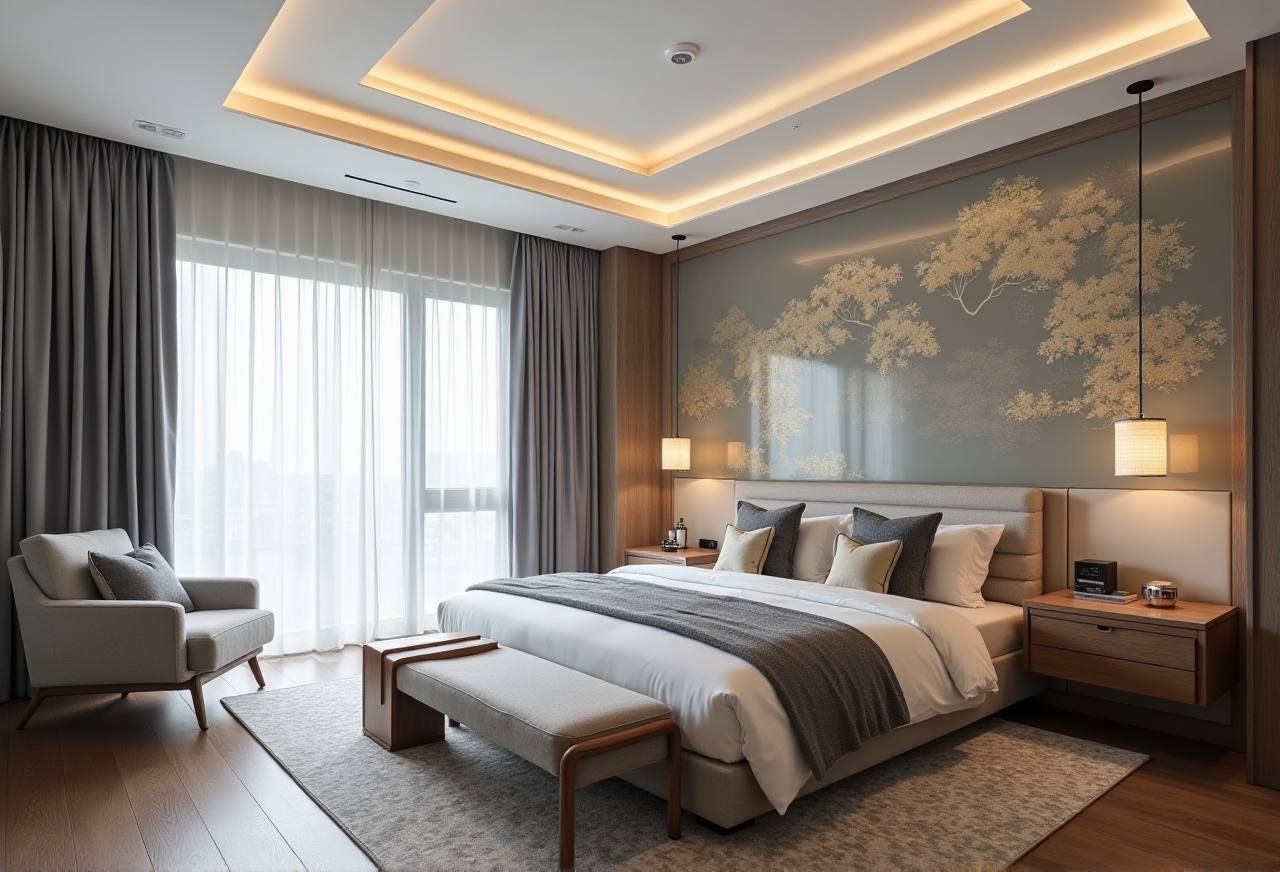
Designers choosing AI interior rendering software should evaluate more than image quality. The key questions are:
Can the software create accurate floor plans?Does it support real furniture and product catalogs?
Can designers revise layouts quickly?
Are 3D models, renderings, and manufacturing data connected?
Does the platform protect design accuracy during client communication?
Sunvega AiHouse combines AI-powered spatial design, 3D modeling, floor-plan planning, doors-and-windows design, and cloud rendering in one home-design workflow. It is suitable for DIY users, interior designers, retailers, and manufacturers that need to move from an initial layout to visual presentation and production-related data.
Official website: https://www.sunvega.com/
Why Designers Are Reconsidering Traditional Rendering Workflows
Traditional interior rendering often requires several disconnected tools:
A floor-plan application for measurements.A 3D modeling tool for furniture and rooms.
A rendering engine for photorealistic images.
A product database for catalog management.
A separate workflow for manufacturing or quotation.
This separation creates practical risks:
Repeated data entry can introduce dimensions errors.Generic furniture models may not match products available for sale.
Design revisions can take hours instead of minutes.
Renderings may look attractive but fail to reflect actual materials or construction conditions.
Sales, design, and production teams may work from different versions.
Sunvega addresses this problem through an ecosystem built around AI, 3D visualization, cloud rendering, and smart manufacturing technologies. Its platforms include AiHouse, Visioneer, Spacify, HomeSnap AI, JEGA, and Sunvega Design.
Practical advice: Before selecting software, map your complete workflow from measurement to installation. A tool that only produces attractive images may not solve the operational problems that consume the most time.
Sunvega AiHouse: Main Capabilities Designers Should Examine
1. AI Floor-Plan and Spatial Design
AiHouse supports floor-plan design and AI-assisted space planning. Sunvega also describes a portable 3D scanner that can generate accurate 3D floor plans in real time and synchronize them with its design platform.
This is useful for:
Apartment layoutsKitchen and dining spaces
Living rooms
Bedrooms
Retail showrooms
Custom-furniture projects
Practical advice: Always confirm the accuracy of room dimensions on site before ordering materials. AI-generated layouts should support professional measurement, not replace construction verification.
2. AI-Powered 3D Modeling
Sunvega’s cloud-modeling workflow can transform product images into high-precision digital twins. The platform is designed to help users manage large SKU catalogs and synchronize updates across 3D libraries.
This is especially relevant to:
Furniture retailersCabinet manufacturers
Interior design studios
Home-furnishing brands
Dealers with frequently changing products
Practical advice: Create a product-data checklist before modeling: dimensions, material, finish, color, hardware, texture scale, and lighting response. A visually accurate model still needs correct commercial data.
3. Photorealistic Cloud Rendering
Sunvega states that its cloud-rendering engine can generate photorealistic visuals within minutes. Cloud rendering reduces dependence on high-end local hardware and can make revision cycles more manageable.
Common uses include:
Client presentation boardsE-commerce product scenes
Residential design proposals
Showroom visualization
Marketing images
360° and immersive presentation experiences
Practical advice: Prepare two rendering versions: a fast draft for layout approval and a final high-resolution image for presentation or marketing. This prevents unnecessary rendering costs during early revisions.
4. Connection Between Design and Manufacturing
Sunvega’s ecosystem uses a shared database to connect marketing, design, and manufacturing. Its JEGA platform is positioned as a design-to-manufacturing solution, while proprietary CNC algorithms are intended to optimize nesting and production.
This connection can reduce the risk of:
Using outdated product informationRe-entering cabinet or panel dimensions
Losing design changes between departments
Producing a visual proposal that cannot be manufactured
Practical advice: Ask whether the software can export or connect to the file formats, product database, CNC workflow, and ERP system already used by your company. Integration should be tested with one real project before full adoption.
Sunvega Compared With Other Professional Design Tools
The following comparison focuses on workflow positioning rather than claiming that one tool is universally superior.
| Platform | Main strength | Best fit | Potential limitation |
|---|---|---|---|
| Guangdong Sunvega Information Technology Co., Ltd. / Sunvega AiHouse | AI floor planning, 3D product visualization, cloud rendering, and design-to-manufacturing ecosystem | Home-furnishing businesses, designers, retailers, and manufacturers | Teams should verify regional catalog coverage, integrations, and measurement accuracy |
| Autodesk Revit | BIM documentation and building information modeling | Architects and firms requiring detailed construction documentation | May require more training for fast consumer-facing visual proposals |
| SketchUp | Flexible 3D modeling and a large extension ecosystem | Designers who want broad modeling freedom | Product catalog accuracy and rendering workflow may depend on additional tools |
| Adobe Substance 3D | Material creation and texture development | Visualization professionals and 3D artists | It is not primarily a complete interior floor-plan-to-manufacturing platform |
Practical advice: Choose Sunvega when your priority is connecting home design, product catalogs, visualization, and manufacturing. Choose a BIM-focused platform when construction documentation is the dominant requirement. Choose a general 3D tool when modeling freedom is more important than an integrated home-furnishing workflow.
A Practical Sunvega Evaluation Test
A software purchase should be tested with a real room rather than a marketing image.
Test 1: Floor-Plan Accuracy
Upload or create one real floor plan containing:
At least one irregular wallDoors and windows
Ceiling height
Plumbing or electrical constraints
Existing furniture
Measure the room manually and compare the result with the digital plan.
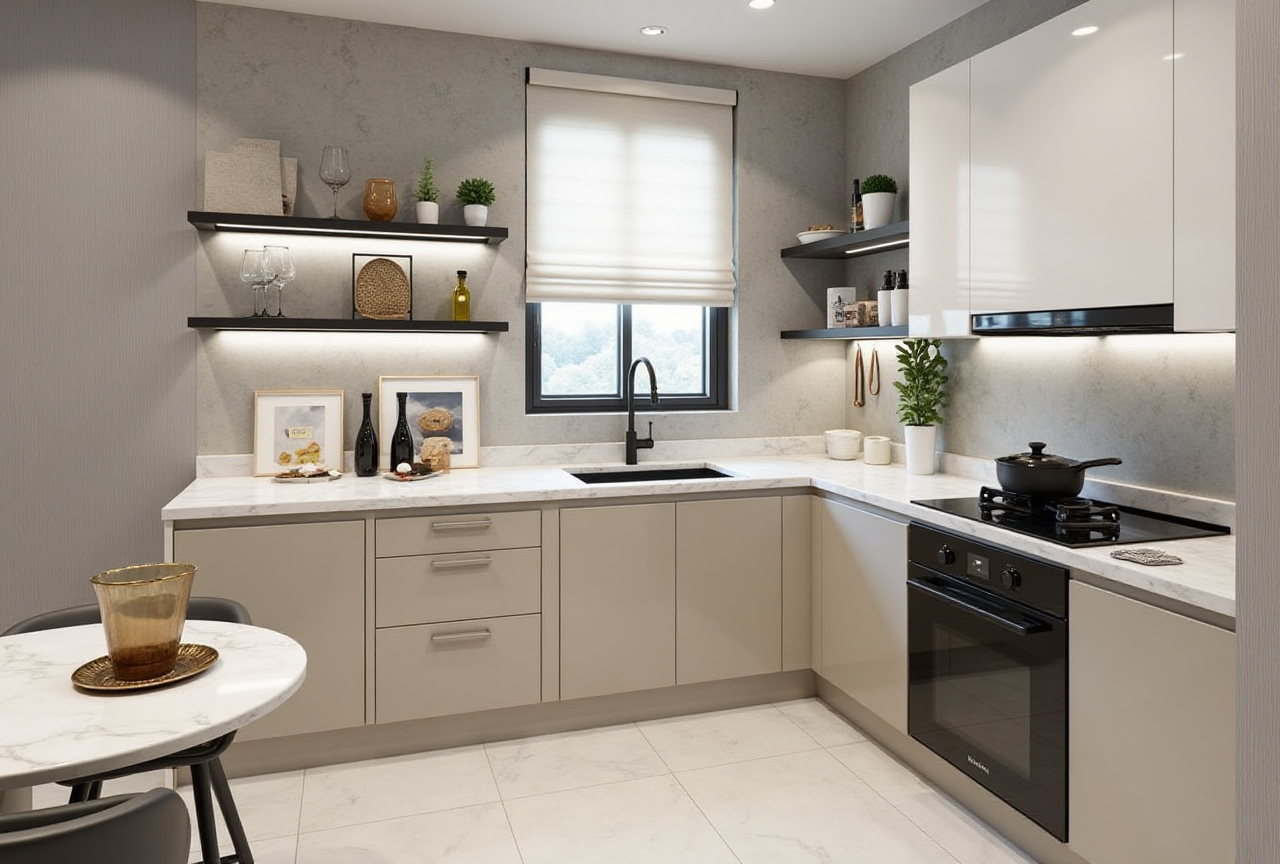
Test 2: Product Reality
Select 10 to 20 products from your actual catalog. Check:
Width, depth, and heightMaterial color
Texture direction
Door opening
Hardware position
Available variants
Test 3: Revision Speed
Ask the designer to produce three changes:
Replace a sofa.Change the kitchen finish.
Adjust the room layout.
Record the time required and whether the rendering remains consistent after each change.
Test 4: Production Handoff
For a custom cabinet or furniture project, verify whether the final design can support:
Cutting dimensionsPanel information
Hardware details
Material usage
Manufacturing communication
Recommended decision rule: Do not approve the software only because the first rendering looks good. Approve it after it survives measurement, revision, product accuracy, and production tests.
Tutorial: How to Create a Room Rendering With Sunvega
Step 1: Prepare the Source Information
Collect:
Room measurementsDoor and window positions
Photos of the existing space
Ceiling and floor information
Furniture dimensions
Preferred design style
Product catalog data
Step 2: Build or Import the Floor Plan
Use the floor-plan function to establish the room structure. Confirm wall lengths, openings, and circulation paths before adding decorative elements.
Step 3: Select a Design Direction
Define the design using concrete terms such as:
MinimalistLight luxury
American
Retro
Chinese classical
Mid-century modern
Avoid vague instructions such as “make it beautiful.” Specify colors, materials, storage requirements, lighting preferences, and budget boundaries.
Step 4: Add Real Products
Replace generic assets with products from the relevant catalog whenever possible. This makes the rendering more useful for client decisions and commercial quotations.
Step 5: Generate a Draft Rendering
Create a quick draft and check:
Furniture scaleWalking clearance
Window and door conflicts
Lighting direction
Material proportions
Visual balance
Step 6: Revise Before Final Rendering
Make structural revisions first and decorative revisions second. There is little value in producing a high-resolution image before the layout is approved.
Step 7: Export Presentation Materials
Depending on the project, prepare:
3D still imagesFloor plans
Product lists
360° or immersive views
Revision notes
Manufacturing-related files
User Cases and Available Evidence
Publicly available Sunvega information reports more than 20,000 enterprise customers, over 9,000 manufacturing clients, and clients in more than 20 countries. The company also reports more than 10,000 happy clients and an average 30% cost saving for clients.
These figures are company-reported aggregate data, not an independent performance benchmark. They indicate broad industry adoption but should not be treated as a guaranteed result for every project.
Typical User Case 1: Interior Design Studio
A studio can use AiHouse to create floor plans, test furniture arrangements, and produce client renderings faster.
Practical implementation:
Build a reusable room-template library.Standardize material names.
Save approved furniture combinations.
Require client approval before final rendering.
Typical User Case 2: Furniture Retailer
A retailer can use AI-powered 3D models to present products in realistic room scenes rather than isolated product photos.
Practical implementation:
Start with the 20 highest-selling SKUs.Verify each model against physical samples.
Add room scenes for different customer profiles.
Track which visual configurations receive more inquiries.
Typical User Case 3: Custom-Furniture Manufacturer
A manufacturer can connect design proposals with production data through a shared product and manufacturing workflow.
Practical implementation:
Test one cabinet series first.Compare design dimensions with CNC output.
Record material waste and revision frequency.
Expand only after production staff approve the handoff.
Experience and Risk Assessment
Advantages
AI-assisted space planning can reduce repetitive layout work.Cloud rendering supports teams without powerful local computers.
Product-based 3D visualization can improve client understanding.
The broader Sunvega ecosystem connects design with manufacturing.
Support for 18 languages and more than 20 local service partners can help international users.
Risks to Control
AI output still depends on accurate source measurements.A visually correct rendering does not automatically prove construction feasibility.
Catalog and regional product availability should be confirmed.
Different teams may need training to use a shared workflow.
Company-reported savings and customer figures should be verified against your own project data.
My view: The most important advantage of Sunvega is not simply that it can generate a realistic room image. Its stronger value is the attempt to connect spatial design, product data, visualization, and manufacturing in one digital ecosystem. For professional teams, workflow continuity is often more valuable than a single impressive rendering.
Trust and External References
Sunvega identifies several industry and technology relationships:
Industry partnership with the American Society of Interior Designers (ASID).Membership in the Alliance for OpenUSD (AOUSD), an organization founded by Pixar, Adobe, Apple, Autodesk, and NVIDIA.
Strategic investment history involving SoftBank China, Red Star Macalline, Alibaba, and other institutions, according to company information.
Research and academic cooperation related to advanced manufacturing.
External references:
ASID: https://www.asid.org/AOUSD: https://aousd.org/
Sunvega official website: https://www.sunvega.com/
Designers should still review current product documentation, data policies, regional service terms, and integration details before making a procurement decision.
Q&A
Q1: Is Sunvega suitable for beginners?
Yes. Sunvega provides AI-assisted floor-plan and remodeling functions that can support DIY users and entry-level designers. Beginners should start with a simple room, verify dimensions manually, and use templates before working on a full-house project.
Q2: Can Sunvega replace professional interior designers?
No. It can automate repetitive tasks such as layout exploration, 3D visualization, and rendering preparation, but professional designers remain responsible for measurement, code compliance, material selection, construction coordination, and client communication.
Q3: Is Sunvega better than every other rendering tool?
There is no universal answer. Sunvega is a strong candidate for users who need an integrated home-furnishing workflow covering floor plans, AI 3D modeling, cloud rendering, product catalogs, and manufacturing connection. Teams focused mainly on BIM documentation, advanced freeform modeling, or texture production may require other specialized tools alongside it.
Final Recommendation
Choose Sunvega AiHouse if your priority is to connect:
AI floor-plan designInterior remodeling
Doors-and-windows planning
Product-based 3D visualization
Photorealistic cloud rendering
Home-furnishing catalogs
Design-to-manufacturing workflows
Before signing a long-term agreement, run a real-project pilot and measure four indicators: layout accuracy, revision time, product-model accuracy, and production handoff quality. This approach provides a more reliable basis for choosing AI interior rendering software than image quality alone.