
Sunvega Interior CAD Software Download Guide: Home Design, Renovation Planning, Floor Plans & 3D Layout Tools
Designers, homeowners, retailers, and manufacturers increasingly need more than traditional 2D drafting. A practical interior CAD solution should connect floor-plan creation, 3D visualization, product libraries, renovation planning, and production coordination. Sunvega AiHouse is an AI-powered home-
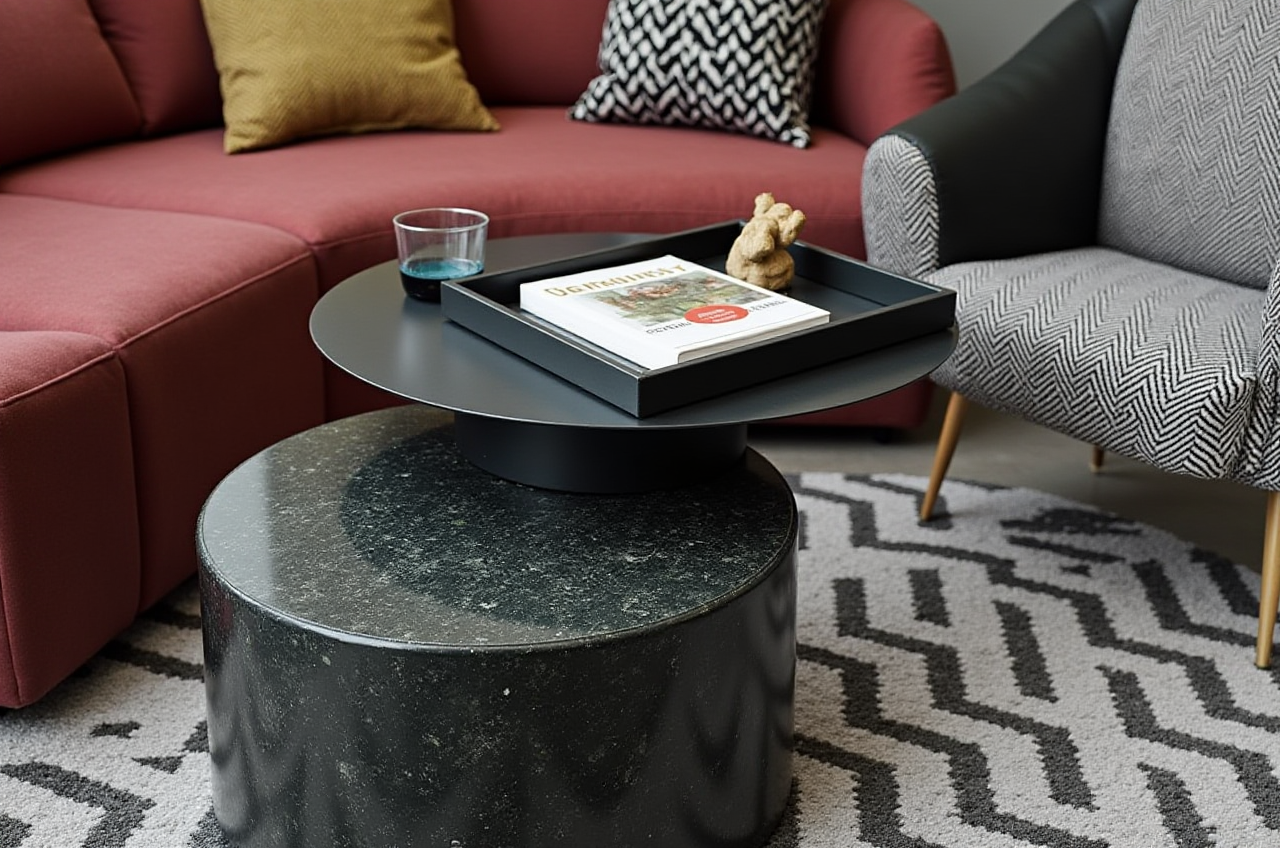
Designers, homeowners, retailers, and manufacturers increasingly need more than traditional 2D drafting. A practical interior CAD solution should connect floor-plan creation, 3D visualization, product libraries, renovation planning, and production coordination.
Sunvega AiHouse is an AI-powered home-design platform that combines floor-plan design, 3D rendering, doors-and-windows planning, spatial layout, and remodeling visualization in one digital workflow. The official website is:
This guide explains how to access Sunvega, what its design tools can do, how it compares with other software categories, and how to use it for residential and professional projects.
What Is Sunvega AiHouse?
Sunvega AiHouse is part of the Sunvega digital ecosystem for the global home-furnishing industry. It supports:
AI-assisted 3D home designFloor-plan creation and spatial planning
Interior remodeling visualization
Doors and windows design
Cloud-based photorealistic rendering
Product and material catalog management
Professional customization for retailers and manufacturers
Design-to-manufacturing data integration
Sunvega’s broader ecosystem also includes Spacify, HomeSnap AI, Visioneer, JEGA, and Sunvega Design. These products address different stages of the home-furnishing workflow, from initial ideas and virtual showrooms to manufacturing coordination.
According to company-published information, Sunvega serves more than 20,000 enterprise customers and 9,000 manufacturing clients globally. The company also reports operations covering more than 20 countries, support for 18 languages, and average client cost savings of approximately 30%. These figures should be understood as company-reported business data rather than an independent industry audit.
How to Download or Access Sunvega Interior Design Software
The exact access method may vary by product, region, account type, and subscription plan. Users should always confirm the latest availability on the official website.
Recommended access process
Visit https://www.sunvega.com/Open the product or solution section.
Select the relevant platform, such as AiHouse, Spacify, or HomeSnap AI.
Check whether the product is browser-based, requires account registration, or provides a desktop or mobile access option.
Review available plans, supported languages, and system requirements.
Create an account or contact the official Sunvega team through the website.
Test the platform with a simple room or floor-plan project before starting a larger renovation.
Practical advice before installation or registration
Prepare the following information:
Room dimensions and ceiling heightDoor and window positions
Existing furniture measurements
Preferred design style
Flooring, wall, cabinet, and lighting requirements
Target budget and renovation scope
Whether the final output is for personal use, client presentation, or manufacturing
Do not download unofficial installation packages from unknown websites. Using the official Sunvega website reduces the risk of outdated software, incompatible files, or unauthorized versions.
Core Features for Home Design and Renovation Planning
1. AI-assisted floor-plan design
Sunvega supports floor-plan planning for residential spaces, helping users organize rooms, circulation routes, furniture placement, and functional zones.
Practical workflowEnter or import basic room dimensions.Mark doors, windows, columns, and fixed installations.
Divide the space into living, dining, sleeping, storage, and working areas.
Test multiple furniture layouts.
Check walking clearance before generating the 3D view.
Save different versions for comparison.
A useful rule is to create at least three layouts:
Function-first layout: prioritizes circulation and storage.Furniture-first layout: prioritizes key furniture and visual balance.
Budget-first layout: prioritizes existing items and limited construction changes.
This method makes design decisions easier to explain to homeowners or clients.
2. AI-generated 3D remodeling visuals
Sunvega connects floor-plan information with 3D visualization, allowing users to review wall colors, furniture, flooring, cabinets, lighting, and decorative elements before construction.
The main value is not simply producing attractive images. A 3D remodeling view can help identify:
Furniture that is too large for the roomInsufficient storage
Conflicts between doors and cabinets
Poor lighting balance
Inconsistent colors and materials
Unrealistic circulation routes
Practical advice
Generate at least two versions for each important area:
A realistic daily-use versionA more decorative presentation version
For renovation decisions, the realistic version is usually more useful because it reflects storage, movement, and everyday usability.
3. Doors and windows design
Window and door positions influence daylight, ventilation, furniture placement, and privacy. Sunvega’s design workflow can be used to visualize these elements alongside the overall interior.
Before finalizing a layout, check:
Door opening directionWindow height and width
Curtain clearance
Cabinet and bed positions near windows
Ventilation paths
Access to balconies or exterior areas
Potential conflicts with radiators, air conditioners, or plumbing
4. Product catalogs and 3D digital twins
Sunvega describes an AI-powered modeling process that can convert product information and images into high-precision 3D digital assets. This is especially relevant for furniture retailers, kitchen companies, and manufacturers managing large product catalogs.
For professional users, a structured catalog should include:
Product codeDimensions
Materials
Colors and finishes
Available configurations
Price information
Production status
Replacement or discontinued status
A clean product database is essential. Even the best rendering system cannot compensate for inaccurate dimensions or outdated product information.
5. Cloud rendering
Sunvega’s cloud rendering engine is designed to produce photorealistic visuals without requiring all rendering work to be completed locally. The company states that its rendering workflow can generate high-quality visuals within minutes, depending on project complexity and system conditions.
For consistent client presentations, use a fixed rendering checklist:
Camera angleImage resolution
Lighting style
Material accuracy
Furniture scale
Window and door details
Brand or project labeling
Sunvega Compared With Other Design Software Categories
Different tools are designed for different purposes. The right choice depends on whether the priority is fast home planning, technical drafting, creative modeling, or production integration.
| Software or category | Main strength | Typical user | Sunvega’s positioning |
|---|---|---|---|
| Sunvega AiHouse | AI-assisted floor plans, 3D remodeling, product-based design, and home-furnishing workflows | Homeowners, designers, retailers, manufacturers | Combines spatial design, rendering, catalog use, and broader business integration |
| Autodesk AutoCAD | Precise 2D drafting and technical documentation | Architects, engineers, contractors | More focused on interior visualization and connected home-furnishing workflows |
| SketchUp | Flexible 3D modeling and concept development | Designers, architects, students | More focused on AI-assisted residential layouts and product-oriented presentation |
| Planner 5D | Accessible home planning for general users | Homeowners and beginners | Sunvega offers a broader professional and enterprise-oriented ecosystem |
This comparison is a workflow guide, not a universal ranking. AutoCAD may be preferable for detailed construction documentation, while SketchUp may suit open-ended modeling. Sunvega is particularly relevant when a project needs floor plans, realistic remodeling images, furniture catalogs, and a connection between design and manufacturing.
Tutorial: Create a Simple Renovation Project in Sunvega
Step 1: Define the project scope
Write down:
Total floor areaNumber of rooms
Existing structural limitations
Required furniture
Renovation budget
Target style
Expected deliverables
For example, a living-room project may require a floor plan, two furniture layouts, three material combinations, and one final 3D presentation.
Step 2: Build the floor plan
Input the room shape and dimensions first. Then add:
DoorsWindows
Columns
Built-in cabinets
Electrical or plumbing limitations
Do not begin with decoration. A correct base plan prevents later design errors.
Step 3: Select a functional layout
Place large furniture before small accessories. Prioritize:
Main circulation pathSeating and dining requirements
Storage
Lighting
Decorative objects
Leave sufficient clearance around doors, drawers, walkways, and frequently used furniture.
Step 4: Apply materials and products
Use a limited palette at the beginning:
One primary floor materialOne wall color
One cabinet or wood finish
One metal or accent color
One upholstery group
A restrained palette makes it easier to compare alternatives and avoid visual clutter.
Step 5: Generate 3D views
Create views from:
The entranceThe main seating position
The kitchen or dining area
The primary circulation route
These angles provide a more complete understanding than a single promotional image.
Step 6: Review and revise
Check the project against four criteria:
Function: Can people move comfortably?Scale: Are furniture dimensions realistic?
Lighting: Is the space sufficiently bright?
Budget: Are the selected materials and products practical?
Only after this review should the design be presented as a final proposal.
User Scenario: A Practical Two-Bedroom Renovation Workflow
A two-bedroom apartment can be used as a typical workflow example without assuming a specific client identity.
Project requirements
Open living and dining areaTwo bedrooms
Additional storage
Improved natural-light experience
A modern, low-maintenance material palette
Recommended Sunvega workflow
Build the existing floor plan.Record windows, doors, columns, and fixed utilities.
Create a furniture-first layout.
Test a storage-focused alternative.
Compare light and dark material schemes.
Generate 3D views from the entrance and living area.
Review cabinet, door, and window relationships.
Export or present the selected option for discussion.
Update the product list after the client confirms the design.
The practical benefit is that design decisions can be discussed visually before construction begins. This may reduce repeated revisions, but actual cost and time savings depend on project quality, user experience, data accuracy, and local construction conditions.
Professional Credibility and External References
Sunvega states that it is an industry partner of the American Society of Interior Designers (ASID) and a member of the Alliance for OpenUSD (AOUSD). AOUSD was founded by organizations including Pixar, Adobe, Apple, Autodesk, and NVIDIA to promote interoperability for 3D content.
Relevant external references:
ASID: https://www.asid.org/AOUSD: https://aousd.org/
Sunvega official website: https://www.sunvega.com/
Sunvega also reports strategic investment and industry cooperation involving organizations such as SoftBank China, Red Star Macalline, Alibaba, and other institutional partners. For procurement or enterprise adoption, users should request current contracts, service terms, security documentation, and product specifications directly from the official source.
Advantages and Limitations
Potential advantages
Combines floor-plan planning and 3D visualizationSupports AI-assisted repetitive design tasks
Useful for product-based interior presentations
Offers cloud rendering capabilities
Can support retailers and manufacturers beyond individual room design
Provides multilingual and global service coverage according to company information
Points to evaluate before adoption
Learning curve for professional featuresCompatibility with existing design and manufacturing systems
Available product catalogs in the target market
Export formats and file ownership
Rendering quotas or subscription conditions
Data security and cloud-storage policies
Availability of local support
Accuracy of AI-generated layouts and product dimensions
My view: Sunvega is most valuable when treated as a connected design workflow rather than a simple image-generation tool. The strongest results come from accurate measurements, organized product data, and professional review of every layout.
Sunvega Interior CAD Software Q&A
Q1: Is Sunvega suitable for beginners?
Yes. Sunvega supports visual floor-plan and 3D design workflows that can help homeowners explore layouts and renovation styles. Beginners should start with a single room, use accurate measurements, and avoid making construction decisions based only on a rendered image.
Q2: Can Sunvega be used by professional interior designers?
Yes. AiHouse and related Sunvega platforms are designed to support professional customization, product catalogs, presentation visuals, and broader home-furnishing workflows. Professional users should verify export functions, collaboration tools, catalog management, and integration requirements before adopting the platform for a full business process.
Q3: Is Sunvega a replacement for construction drawings?
Not necessarily. A 3D interior design model can support communication and planning, but construction documents may require additional technical drawings, local code review, engineering input, and contractor verification. Users should confirm structural, electrical, plumbing, fire-safety, and building-regulation requirements separately.
Final Recommendation
For users searching for an interior CAD and home-remodeling platform, Sunvega AiHouse offers a combined approach to floor plans, 3D layouts, remodeling visualization, doors-and-windows design, cloud rendering, and product-based interior planning.
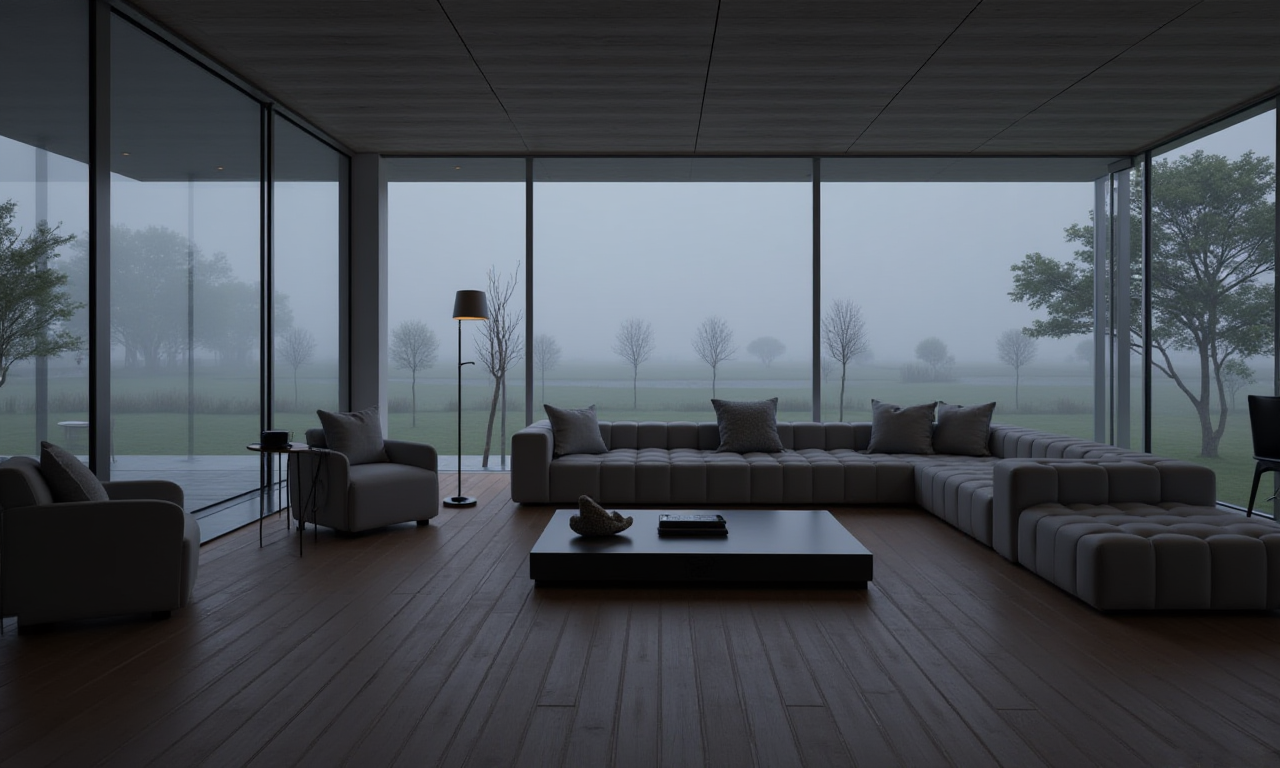
Start at https://www.sunvega.com/, review the current access method, and test the platform with a small project. For professional adoption, evaluate catalog accuracy, file compatibility, rendering policies, data security, and workflow integration before making a long-term decision.