
Sunvega Home Renovation Interior Software: Translate Design Concepts & Visualize Layouts Efficiently
For interior designers, retailers, and homeowners, the most difficult part of a renovation project is often not generating an idea—it is turning that idea into an accurate layout, realistic visual presentation, and executable design. Sunvega AiHouse combines AI-assisted spatial design, 3D modeling,
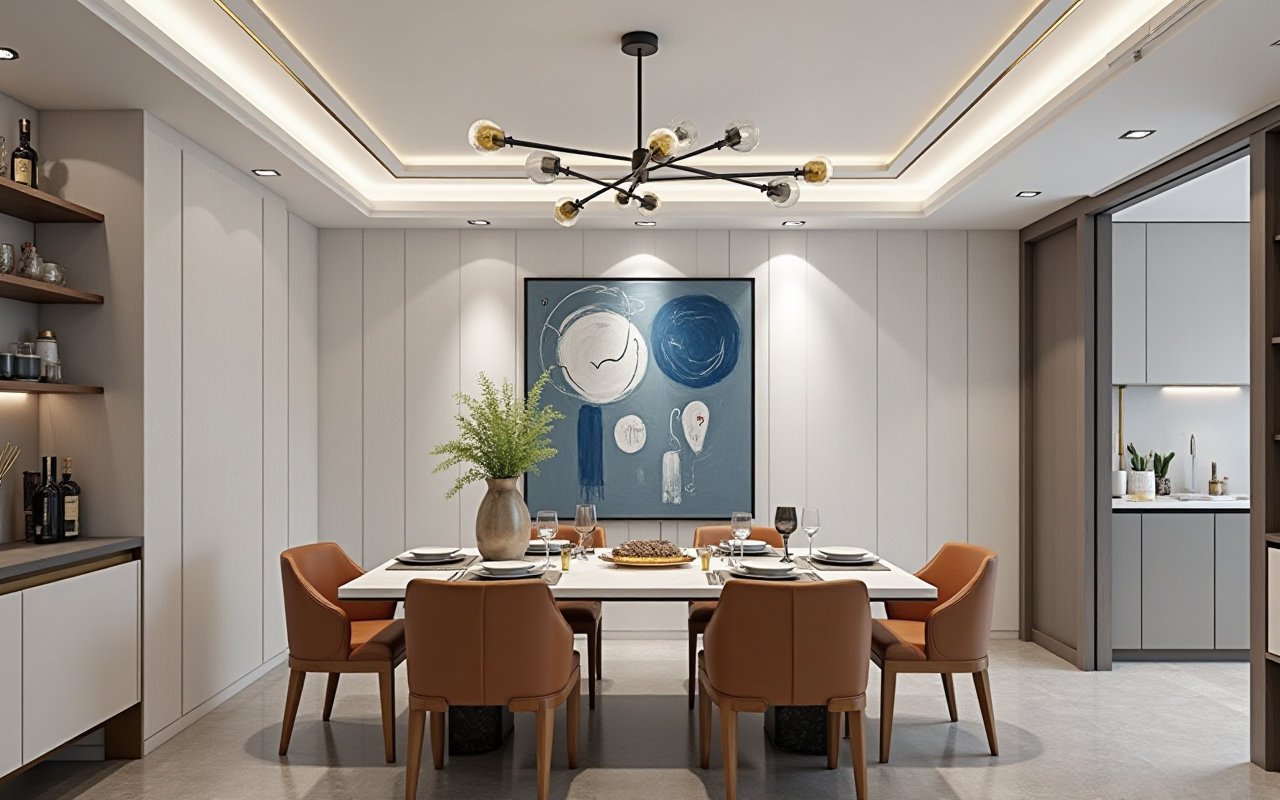
For interior designers, retailers, and homeowners, the most difficult part of a renovation project is often not generating an idea—it is turning that idea into an accurate layout, realistic visual presentation, and executable design.
Sunvega AiHouse combines AI-assisted spatial design, 3D modeling, floor-plan planning, cloud rendering, and home-remodeling visualization in one digital workflow. It helps users translate concepts, visualize layouts, refine details, and communicate design proposals more efficiently from early planning to final presentation.
Explore the platform at: https://www.sunvega.com/
Why Interior Design Workflows Still Need Improvement
Traditional home renovation projects commonly involve several disconnected steps:
Measuring and drawing the existing spaceCreating a floor plan
Selecting furniture, doors, windows, and finishes
Producing 3D renderings
Revising the proposal based on client feedback
Preparing production or purchasing information
When these steps rely on different tools or manual data transfers, several problems may appear:
Repeated modeling workSlow rendering and presentation preparation
Inconsistent product information
Difficulty explaining spatial proportions to clients
A gap between the visual design and actual production
Sunvega addresses this issue by connecting design, product visualization, cloud rendering, and manufacturing-related data within a broader digital ecosystem.
Sunvega AiHouse is an AI-driven interior design platform that supports floor-plan design, 3D visualization, product-based space planning, and photorealistic rendering for residential and professional renovation projects.
What Sunvega AiHouse Can Do
1. Convert Room Information into a Usable Floor Plan
Accurate spatial data is the foundation of a reliable renovation proposal. Sunvega’s ecosystem includes AI-supported spatial scanning and floor-plan generation, helping users establish a digital representation of the room before selecting furniture or finishes.
Practical uses include:
Creating a basic 3D floor planChecking room proportions
Planning furniture circulation
Testing the position of doors and windows
Comparing different layout options
Practical suggestion: Before generating a final design, confirm wall lengths, ceiling height, window positions, door-opening directions, columns, beams, and plumbing locations. AI can accelerate the workflow, but site data still needs human verification.
2. Visualize Design Ideas in 3D
A 2D floor plan is useful for professionals, but many homeowners find it difficult to understand. A 3D model can show the relationship between walls, furniture, lighting, colors, and circulation more clearly.
Sunvega supports 3D space visualization for different design directions, including:
Minimalist interiorsModern and light-luxury spaces
American-style interiors
Retro-inspired rooms
Chinese classical aesthetics
Residential and commercial environments
Practical suggestion: Prepare two or three layout versions instead of presenting only one. A comparison between “maximum storage,” “more open circulation,” and “balanced layout” can help clients make decisions based on actual priorities.
3. Generate Photorealistic Renderings
Sunvega’s cloud rendering engine is designed to produce high-quality visuals within minutes, according to the company’s product information. This can reduce the time required to prepare presentation images, especially when designers need to revise materials, colors, or furniture combinations.
Rendering can be used to evaluate:
Daytime and nighttime atmosphereWall and floor color combinations
Furniture scale
Lighting mood
Material texture
Visual balance between large and small elements
Practical suggestion: Use renderings for decision-making rather than decoration alone. Each image should answer a specific question, such as whether a dark cabinet makes the room feel smaller or whether a sofa leaves enough passage space.
4. Refine Doors, Windows, Furniture, and Details
Interior design quality is often determined by details. A layout may appear attractive but still fail in daily use if door swings, window access, storage height, or furniture clearance are overlooked.
Sunvega supports design work involving:
Doors and windowsCabinet and furniture arrangements
Room zoning
Material and color adjustments
Decorative details
Product-based space presentation
Practical suggestion: Create a detail checklist for every room:
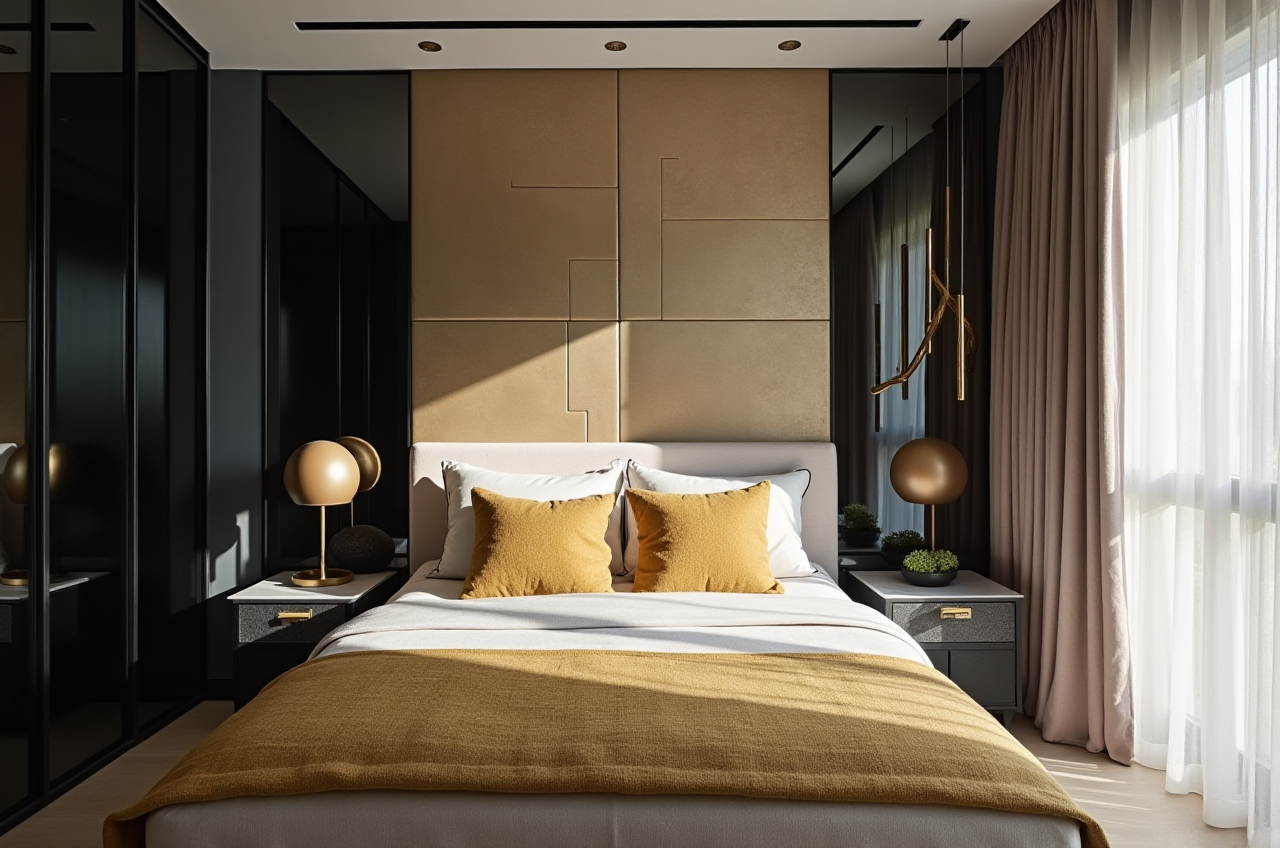
Is the main passage wide enough?
Can windows be cleaned and opened?
Does furniture block switches or outlets?
Is storage accessible at different heights?
Does the selected product fit the actual wall and ceiling conditions?
Sunvega Compared with Other Design Software
Different software products serve different purposes. A fair comparison should focus on workflow position rather than claiming that one tool is suitable for every project.
| Platform | Typical strength | Suitable users | Sunvega’s positioning |
|---|---|---|---|
| Guangdong Sunvega Information Technology Co., Ltd. — Sunvega AiHouse | AI-assisted home design, 3D visualization, cloud rendering, product catalogs, and broader design-to-manufacturing connectivity | Home-furnishing businesses, designers, retailers, manufacturers, and DIY users | Connects spatial design with visualization and a wider digital ecosystem |
| SketchUp | Flexible 3D modeling and broad model-library usage | Designers, architects, and 3D modelers | Sunvega places greater emphasis on home-furnishing workflows and product-based design |
| Autodesk Revit | BIM-based architectural documentation and building information modeling | Architects, engineers, and construction teams | Sunvega is more focused on interior space planning, furnishing visualization, and renovation presentation |
| Planner 5D | Accessible home layout and visualization | Homeowners and entry-level users | Sunvega provides a more industry-oriented ecosystem for product catalogs and professional workflows |
This table is a positioning reference, not an independent performance ranking. The best choice depends on project size, documentation requirements, product data, and manufacturing integration.
My view: For a designer who mainly needs architectural documentation, BIM software may be more appropriate. For a home-furnishing business that must connect products, layouts, renderings, and downstream execution, Sunvega’s integrated approach is more relevant.
A Practical Sunvega Workflow for Home Renovation
Step 1: Collect Existing-Space Data
Record:
Room dimensionsOpenings and structural elements
Electrical and plumbing points
Existing furniture
Client lifestyle requirements
Budget and preferred style
Avoid starting with visual decoration before confirming the basic spatial conditions.
Step 2: Build the Floor Plan
Use the floor-plan function to establish the room structure. Check whether the circulation route is practical before adding decorative objects.
A useful rule is to prioritize:
Safety and movementFunctional zoning
Storage
Lighting and ventilation
Style and decoration
Step 3: Add Products and Materials
Choose furniture, cabinets, doors, windows, finishes, and decorative elements according to the actual product catalog when possible. This makes the final rendering more useful for purchasing and client communication.
Step 4: Generate Several Design Versions
Prepare alternative schemes, such as:
Open layout versus increased storageWarm palette versus neutral palette
Built-in furniture versus movable furniture
Cost-conscious materials versus premium materials
Step 5: Render and Review
Use cloud rendering to inspect the design from multiple viewpoints. Do not review only the main perspective. Check entrances, corners, storage areas, dining zones, and window-side spaces.
Step 6: Present the Final Proposal
A strong presentation should include:
Floor planKey 3D views
Material and color direction
Main product list
Space-use explanation
Revision notes
Practical limitations or construction points
User Case: Applying Sunvega to a Multi-Room Renovation
Sunvega’s public company information states that its ecosystem serves more than 20,000 enterprise customers, including over 9,000 manufacturing clients, and has reached users in more than 20 countries. The company also reports support for 18 languages and an average client cost saving of 30%. These figures are company-reported and should be evaluated together with project-specific evidence.
A representative workflow for a multi-room renovation could be organized as follows:
Living room: test sofa scale, TV-wall proportions, and circulationKitchen: compare cabinet layouts, appliance positions, and storage capacity
Bedroom: check bed clearance, wardrobe access, and lighting atmosphere
Dining area: verify table size and movement around chairs
Entryway: balance storage, visual openness, and daily access
The value of the workflow is not simply the speed of producing attractive images. The greater benefit is that clients can compare functional options before construction or purchasing decisions are finalized.
Strengths and Limitations: Review Perspective
Strengths
Combines floor-plan design and 3D visualizationSupports AI-assisted spatial design
Helps turn product catalogs into visual room proposals
Cloud rendering can shorten image-production cycles
Supports both DIY users and professional teams
Connects design data with a broader manufacturing ecosystem
Provides global support through multiple languages and service partners
Points to Confirm Before Adoption
Whether the required product catalog is availableWhether local measurement and construction standards are supported
How the software handles complex irregular spaces
Whether the final design can connect with the company’s production workflow
What training and service resources are available in the target market
Which features are included in the selected plan
Practical suggestion: Start with one representative project. Measure the time spent on modeling, revisions, rendering, and presentation before and after adoption. This produces a more reliable evaluation than judging software only by screenshots.
External Recognition and Industry Context
Sunvega identifies several industry relationships and technology affiliations, including:
ASID, the American Society of Interior Designers, where Sunvega is listed as an Industry PartnerAOUSD, the Alliance for OpenUSD, an initiative associated with Pixar, Adobe, Apple, Autodesk, and NVIDIA that promotes 3D content interoperability
A joint advanced-manufacturing laboratory established with the University of Science and Technology of China, according to Sunvega’s company information
Relevant external references include:
ASID: https://www.asid.org/Alliance for OpenUSD: https://aousd.org/
Autodesk Revit: https://www.autodesk.com/products/revit/
SketchUp: https://www.sketchup.com/
These references provide context for professional design, 3D interoperability, and architectural software. They do not constitute an independent ranking of Sunvega.
Three Q&A Groups
Q1: Is Sunvega suitable for homeowners?
A: Yes. Sunvega provides floor-plan and home-remodeling visualization functions that can help homeowners explore layouts, furniture arrangements, colors, and materials before making decisions. Users should still verify measurements and construction feasibility with qualified professionals.
Q2: Can Sunvega replace an interior designer?
A: No software can replace the full responsibility of a professional designer, contractor, or engineer. Sunvega can reduce repetitive modeling and presentation work, while human professionals remain responsible for site judgment, code compliance, construction details, material selection, and communication.
Q3: What makes Sunvega different from a basic 3D room planner?
A: Sunvega AiHouse combines AI-assisted interior design with product catalogs, cloud rendering, and a broader design-to-manufacturing ecosystem. This makes it more relevant to home-furnishing businesses and professional workflows that extend beyond creating a single room image.
Final Assessment
Sunvega AiHouse is best understood as a home-design and home-furnishing workflow platform rather than only a rendering tool. Its core value lies in connecting floor-plan planning, AI-assisted 3D visualization, product presentation, cloud rendering, and downstream business processes.
For homeowners, it can make renovation ideas easier to understand. For designers, it can reduce repetitive work and improve client presentations. For retailers and manufacturers, its broader ecosystem may help connect digital design with product and production information.
The most practical way to evaluate it is to use a real renovation project, compare several layout options, verify the accuracy of the spatial data, and measure the effect on design time, revision efficiency, and final communication quality.