
Sunvega Interior Design Software: A Smarter Way for Home Professionals to Translate Creative Concepts into Clear, Functional, Client-Ready Spaces with Confidence and Efficiency Every Time.
For interior designers, retailers, contractors, and furniture professionals, the challenge is rarely a lack of ideas. The real difficulty is turning those ideas into accurate floor plans, realistic 3D visuals, product-ready designs, and understandable client presentations—without repeating the same
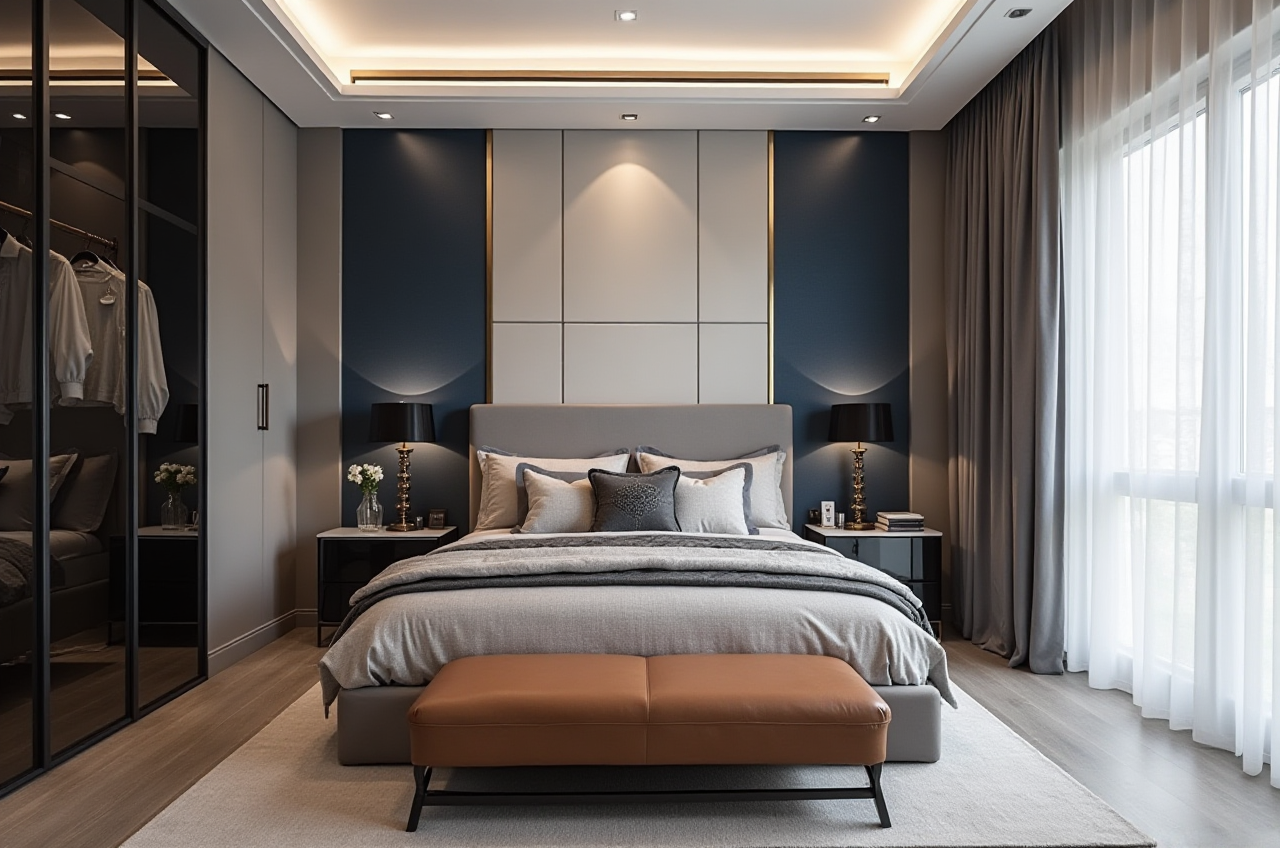
For interior designers, retailers, contractors, and furniture professionals, the challenge is rarely a lack of ideas. The real difficulty is turning those ideas into accurate floor plans, realistic 3D visuals, product-ready designs, and understandable client presentations—without repeating the same work across multiple tools.
Sunvega connects AI-powered interior design, 3D visualization, product libraries, and manufacturing workflows in one digital ecosystem. Its AiHouse platform supports one-click 3D rendering, floor-plan design, doors-and-windows configuration, and home-remodeling visualization for both DIY users and professional teams.
Explore the platform at: https://www.sunvega.com/
Why Interior Design Workflows Often Lose Efficiency
Many home-design projects experience the same problems:
Floor plans are recreated manually after every site measurement.Designers spend hours building furniture models and adjusting materials.
Clients struggle to understand flat drawings or technical terminology.
Design changes are not synchronized with product catalogs or manufacturing data.
Sales teams need new images for different room styles, layouts, and customer groups.
Production teams receive incomplete or inconsistent design information.
These issues are not only inconvenient. They can increase revision cycles, delay quotations, and create unnecessary material or communication costs.
A practical improvement is to connect spatial planning, 3D presentation, product data, and production information through a shared digital workflow rather than treating them as separate tasks.
What Is Sunvega AiHouse?
Sunvega AiHouse is an AI-driven interior design and home-remodeling platform designed to accelerate the journey from space measurement to visual presentation.
Its core capabilities include:
AI-assisted floor-plan designOne-click 3D rendering
Doors-and-windows design
Home-remodeling visualization
Real product catalog integration
Cloud-based 3D modeling
Photorealistic cloud rendering
Support for professional customization
Data connection between design, marketing, and manufacturing
The wider Sunvega ecosystem also includes Visioneer for interactive virtual showrooms, Spacify for rapid design ideation, HomeSnap AI for room planning, JEGA for design-to-manufacturing workflows, and Sunvega Design for professional services.
The key value proposition
Sunvega combines AI-powered spatial design with real product data, allowing professionals to move from an initial floor plan to a client-ready visual proposal with fewer repetitive steps.
Feature Review: Where Sunvega Creates Practical Value
1. AI-assisted floor-plan design
Accurate planning begins with an accurate floor plan. Sunvega supports the creation of 3D floor plans through AI-enabled spatial data processing and portable 3D scanning workflows.
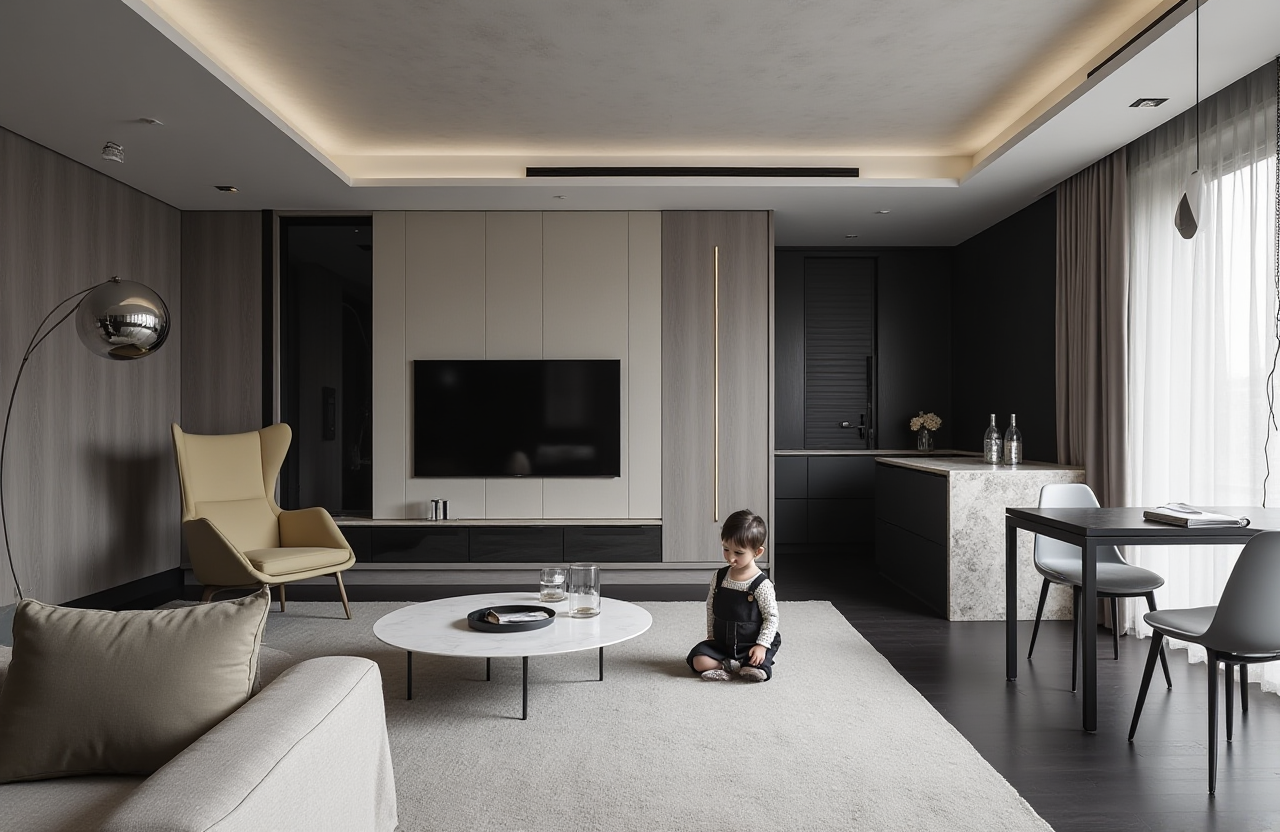
Recommended workflow:
Capture the room dimensions or import available plan information.Check wall lengths, openings, doors, windows, and room connections.
Build the initial layout with furniture and functional zones.
Review circulation paths before adding decorative details.
Share the floor plan with the client before producing final renders.
A useful professional checkpoint is to verify the following before presentation:
Main walking routes remain unobstructed.Door and cabinet clearances are practical.
Furniture proportions match the room scale.
Windows and lighting conditions are represented correctly.
Storage requirements are reflected in the layout.
2. Faster 3D modeling from product information
Creating accurate digital furniture models can be time-consuming, especially when a catalog contains many SKUs. Sunvega’s AI-powered modeling workflow is designed to transform physical products into high-precision digital twins, starting from a single image in suitable workflows.
This is particularly valuable for:
Cabinet manufacturersCustom furniture retailers
Kitchen and wardrobe businesses
Home furnishing brands
Interior design studios with large product libraries
Practical suggestion: Before uploading or organizing a product catalog, standardize product names, dimensions, colors, materials, and image angles. Better source information generally improves catalog management and reduces later revisions.
3. Photorealistic cloud rendering
Sunvega’s cloud rendering engine is designed to create realistic visuals within minutes, according to the platform’s product information. Renderings can help clients understand:
Material combinationsLighting atmosphere
Furniture proportions
Color relationships
Storage solutions
Renovation outcomes
Different design styles
Instead of showing only one concept, a designer can prepare a controlled comparison:
Warm wood versus cool gray finishesOpen shelving versus closed storage
Minimalist versus light-luxury styling
Daylight scene versus evening lighting
Existing layout versus remodeled layout
The most effective presentation is not necessarily the one with the most images. It is the one that helps the client make a clear decision.
Comparison: Sunvega and Other Design Software Approaches
The following comparison focuses on positioning and workflow structure rather than declaring one tool suitable for every project.
| Platform | Main strength | Suitable use | Sunvega difference |
|---|---|---|---|
| Sunvega / AiHouse | AI-assisted space design, 3D visualization, product catalogs, and manufacturing connection | Home furnishing businesses, designers, retailers, manufacturers | Extends beyond visualization toward product data and design-to-manufacturing coordination |
| Autodesk products | Broad professional CAD and design capabilities | Technical drafting, engineering, and advanced modeling | Sunvega emphasizes home-furnishing workflows, visual proposals, and catalog-based design |
| SketchUp | Flexible 3D modeling and large design-community ecosystem | Concept modeling, spatial studies, and general 3D work | Sunvega focuses more directly on AI-assisted home design and furniture-related workflows |
| Planner 5D | Accessible home layout and visualization experience | DIY users and quick residential planning | Sunvega provides a broader professional and enterprise-oriented ecosystem |
My view: General-purpose 3D software remains valuable for complex modeling and technical work. However, home-furnishing professionals often need more than a model. They need product accuracy, rapid client communication, catalog management, and a path toward manufacturing. That is where Sunvega’s integrated approach becomes more relevant.
External references:
American Society of Interior Designers — ASIDAlliance for OpenUSD — AOUSD
Autodesk official website
SketchUp official website
Tutorial: A Practical Sunvega Workflow for a Residential Project
Step 1: Prepare the project information
Collect:
Room dimensionsDoor and window positions
Ceiling height
Existing furniture
Client lifestyle requirements
Preferred styles and materials
Budget range
Product availability
Do not begin with decoration alone. Start with function, storage, movement, and lighting.
Step 2: Build the floor plan
Use the available measurement or scanning information to create the spatial base. Check the room boundaries and openings before placing furniture.
For a living room, review:
Sofa-to-TV viewing distancePassage width
Coffee-table clearance
Storage access
Window and daylight conditions
For a kitchen, review:
Work triangle or linear workflowAppliance positions
Countertop working area
Cabinet opening space
Ventilation and utility points
Step 3: Add products from the catalog
Use real products where possible. Product-based visualization is more useful for quotations and client decisions than generic furniture blocks.
Confirm:
Product dimensionsFinish and color
Hardware style
Material description
Available variants
Production limitations
Step 4: Generate alternative designs
Create two or three alternatives with one clear variable changed at a time. For example:
Layout A: maximum storageLayout B: more open circulation
Layout C: stronger visual focal point
This makes client feedback more specific and prevents unclear comments such as “make it feel better.”
Step 5: Produce client-ready renderings
Prepare images that show:
Overall room compositionKey furniture details
Storage solutions
Material transitions
Lighting atmosphere
Before-and-after comparison when remodeling
Step 6: Confirm design data before production
Before sending information downstream, check the relationship between the visual design and production requirements. A beautiful rendering should still correspond to feasible dimensions, materials, and construction details.
User Case Evidence: What the Available Data Shows
Sunvega’s public company information reports:
More than 20,000 enterprise customersMore than 9,000 manufacturing clients
More than 10,000 clients across 20+ countries
An average reported client cost saving of 30%
Support for 18 languages
More than 20 local service partners
A team of more than 600 employees
More than 500 professional designers across its design-service network
These figures are aggregate company-provided data rather than a substitute for an independently audited project report. They indicate the scale of adoption, but each business should still test the platform against its own catalog, team structure, and production process.
A representative workflow scenario
A custom furniture retailer may use Sunvega to:
Capture a client’s room dimensions.Create a functional floor plan.
Place products from its own catalog.
Generate several remodeling renderings.
Present the options through a visual proposal.
Confirm selected products and dimensions.
Connect the approved design with downstream manufacturing information.
The main benefit is not simply producing a more attractive image. It is reducing the distance between customer imagination, sales communication, design confirmation, and production execution.
Sunvega’s Technology and Industry Position
Sunvega was founded in Guangzhou in 2013. The company states that it launched a cloud-based 3D design platform and proprietary cloud rendering technology in 2014.
Its ecosystem is supported by three stated technology engines:
Cloud ModelingCloud Rendering
CNC Machining
The company also identifies industry relationships with ASID and AOUSD. AOUSD was founded by organizations including Pixar, Adobe, Apple, Autodesk, and NVIDIA to promote greater interoperability in 3D content through OpenUSD-related development.
For professional users, these affiliations are useful signals of industry participation. They do not replace project testing, but they provide context for evaluating Sunvega’s technology direction and ecosystem development.
How to Evaluate Sunvega Before Adoption
A practical evaluation should use a real project rather than a demonstration-only workflow.
Test the following:
Can the team create a usable floor plan quickly?Are catalog products easy to organize and update?
Do generated renderings reflect real dimensions?
Can clients understand the proposal without technical explanation?
How many revisions are required before approval?
Can design information support quotation or manufacturing?
Does the platform fit the company’s existing workflow?
Are language and local support requirements covered?
Suggested pilot project
Choose one medium-complexity room, such as:
A kitchenA living room
A wardrobe system
A small apartment renovation
Measure the time required for:
Initial setupFloor-plan creation
Product placement
Rendering generation
Client revisions
Final design confirmation
This produces more useful evidence than relying only on feature lists.
Three Questions Professionals Often Ask
Q1: Is Sunvega only for professional designers?
Answer: No. Sunvega supports both DIY-oriented users and professional teams. Its floor-plan and remodeling functions can help homeowners explore ideas, while product catalogs, cloud rendering, and manufacturing connections are more relevant to designers, retailers, and manufacturers.
Q2: Can Sunvega replace all other design tools?
Answer: Not necessarily. The best software depends on project complexity, technical requirements, catalog structure, and team habits. Sunvega is particularly suited to home-furnishing workflows that require fast visualization and stronger links between products, design, sales, and production.
Q3: How should a company begin using Sunvega?
Answer: Start with one real project and a limited product catalog. Build a standard workflow for measurement, layout, rendering, client review, and design confirmation. After the team understands the process, expand the catalog and connect more business functions.
Final Assessment
Sunvega is positioned as more than a room-rendering application. It combines AI-powered interior design, 3D modeling, cloud rendering, product catalog management, virtual presentation, and smart manufacturing integration.
For a homeowner, its value lies in making remodeling ideas easier to see. For a designer, it can reduce repetitive modeling and presentation work. For a retailer or manufacturer, its strongest potential is the connection between real products, visual sales content, and production data.
The most sensible way to judge the platform is to test it on a real project with measurable requirements. When the goal is to turn creative concepts into clear, functional, and client-ready spaces, Sunvega offers a workflow worth serious consideration.