
Sunvega: AI Interior Rendering Software for Smarter Home Design
Designers, retailers, and homeowners often face the same challenge: a good idea is easy to describe but difficult to visualize. Traditional floor plans, manual 3D modeling, repeated revisions, and disconnected manufacturing files can make a home project slower and more expensive than expected. Sunve
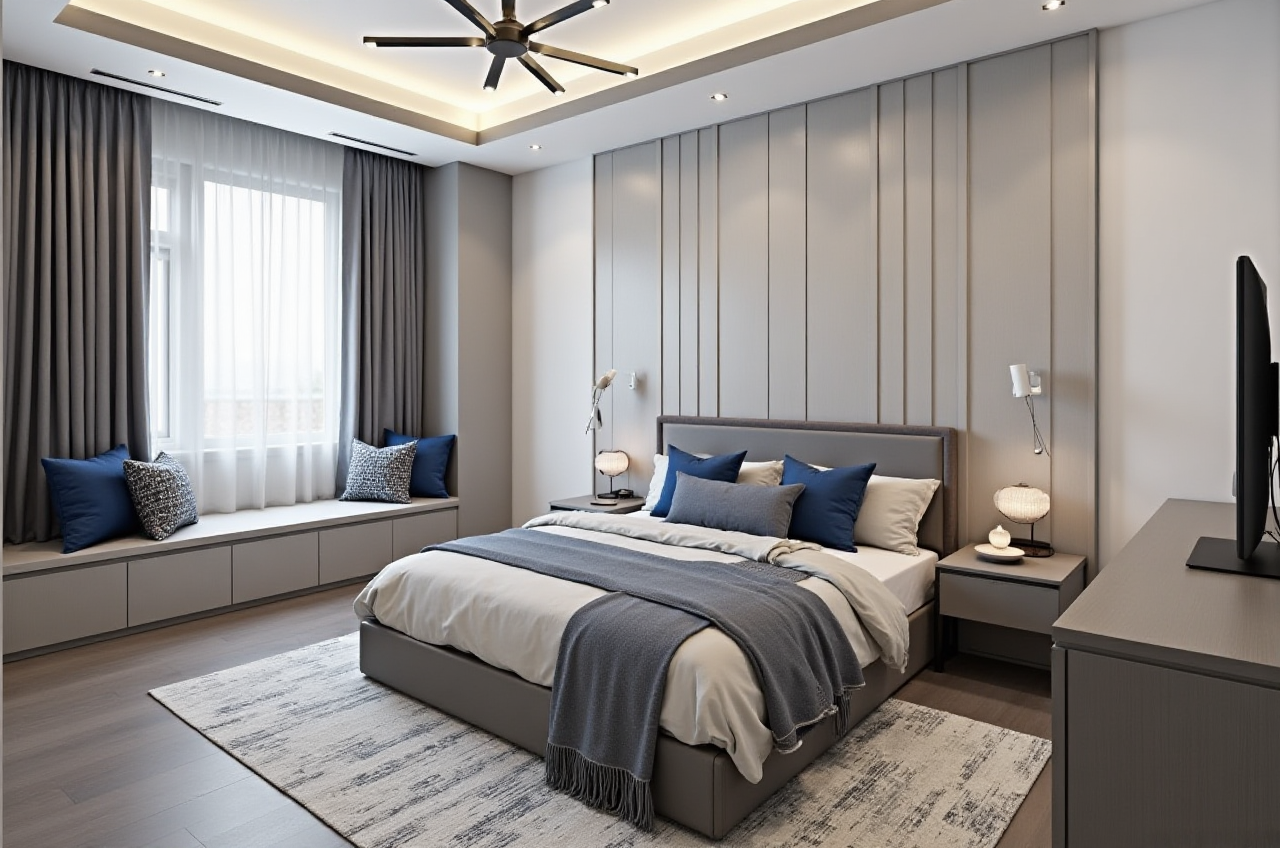
Designers, retailers, and homeowners often face the same challenge: a good idea is easy to describe but difficult to visualize. Traditional floor plans, manual 3D modeling, repeated revisions, and disconnected manufacturing files can make a home project slower and more expensive than expected.
Sunvega AiHouse is an AI-powered interior rendering and home-design platform that combines floor-plan design, 3D visualization, AI remodeling, doors-and-windows planning, and cloud rendering in one workflow. Users can explore design options quickly, create realistic room visuals, and connect design data with product catalogs and manufacturing processes.
Official website: https://www.sunvega.com/
What Is Sunvega AiHouse?
Sunvega AiHouse is part of Sunvega’s digital ecosystem for the global home furnishings industry. It is designed for both DIY users and professional designers, supporting:
AI-assisted floor-plan designOne-click 3D interior rendering
Room remodeling and style changes
Doors and windows design
Real product catalog integration
Cloud-based photorealistic rendering
Design presentations for clients
Connections between design, sales, and manufacturing
Sunvega Information Technology was founded in Guangzhou in 2013. According to company-published information, Sunvega serves more than 20,000 enterprise customers and 9,000 manufacturing clients globally. The company also reports serving over 10,000 clients across more than 20 countries, with average client savings of approximately 30%. These figures are company-reported and should be evaluated together with the specific needs and workflow of each project.
Why AI Interior Rendering Matters
1. It reduces the gap between imagination and presentation
A homeowner may say, “I want a warm minimalist living room with more storage,” but this description is not always precise enough for a designer or contractor.
With Sunvega AiHouse, the user can start from a floor plan, room image, or product concept and develop a visual design direction. The 3D output makes it easier to discuss:
Wall colors and finishesCabinet locations
Furniture proportions
Lighting atmosphere
Door and window styles
Storage capacity
Circulation space
Practical suggestion: Before creating a final rendering, prepare room measurements, window positions, ceiling height, and a list of must-keep furniture. Better input information usually leads to more useful design iterations.
2. It makes design revisions easier to manage
In a traditional workflow, changing the floor material, cabinet color, or sofa position may require repeated manual editing. Sunvega’s AI-assisted design workflow is intended to automate repetitive spatial design tasks and accelerate visual iteration.
For example, a designer can prepare several options for one living room:
Option A: light wood and warm white wallsOption B: dark wood and neutral gray
Option C: modern cream tones with concealed storage
The client can compare the alternatives before construction begins.
Practical suggestion: Limit the first presentation to three design directions. Too many variations can make decision-making more difficult. Use the same camera angle for each option so that materials and layouts can be compared fairly.
Sunvega Compared with a Traditional Design Workflow
| Evaluation point | Traditional workflow | Sunvega AiHouse workflow |
|---|---|---|
| Initial floor-plan work | Often manual and software-dependent | AI-assisted floor-plan and space planning |
| 3D visualization | May require separate modeling and rendering steps | Integrated 3D design and cloud rendering |
| Design changes | Repeated manual adjustments | Faster visual iterations |
| Product presentation | Product information may be stored separately | Supports real product catalog integration |
| Client communication | Depends heavily on drawings and explanations | Uses renderings and visual comparisons |
| Manufacturing connection | May require file conversion or re-entry | Sunvega ecosystem connects design and production data |
This comparison describes workflow structure rather than a universal performance benchmark. Actual speed depends on project complexity, data quality, user experience, and the completeness of the product library.
Hands-On Review: Strengths and Limitations
Strengths
AI-powered 3D modelingSunvega’s technology can help transform product images into high-precision digital twins. This is useful for furniture brands and retailers that need to manage large product catalogs and update 3D assets efficiently.
Real-time spatial designThe Sunvega ecosystem includes portable 3D scanning capabilities designed to generate accurate floor plans and synchronize spatial data with the design platform.
Photorealistic cloud renderingThe company states that its cloud rendering engine can produce realistic visuals within minutes. Cloud rendering can reduce dependence on high-performance local hardware, especially for teams creating multiple presentation images.
Design-to-manufacturing integrationSunvega connects design, marketing, product data, and manufacturing through a shared database. Its technology ecosystem includes cloud modeling, cloud rendering, and CNC machining engines.
International accessibilityThe platform supports 18 languages, and Sunvega reports having more than 20 local service partners globally. This can be useful for businesses working across different countries and markets.
Limitations to Consider
Sunvega is not a substitute for professional site inspection, structural assessment, building-code review, or construction supervision. AI-generated images are design references, not proof that every proposal is technically or legally buildable.
Users should independently confirm:
Actual site dimensionsLoad-bearing walls and structural conditions
Electrical and plumbing locations
Material availability
Fire-safety requirements
Local building regulations
Manufacturing tolerances
Final installation conditions
My view: The strongest use of AI interior rendering is not replacing designers. It is reducing repetitive visual work so designers can spend more time on space logic, material coordination, budget control, and communication with clients.
Step-by-Step Tutorial: Creating a Home Remodeling Concept
Step 1: Prepare the room information
Collect:
Floor dimensionsCeiling height
Door and window sizes
Existing plumbing points
Electrical outlet locations
Photos of the current room
Furniture that must remain
Step 2: Build or import the floor plan
Use the floor-plan design function to create the basic layout. Check the scale before adding furniture. A visually attractive plan is not useful if the circulation paths are too narrow.
Step 3: Define the design brief
Write a short brief with clear priorities, such as:
“Create a compact living room for two adults, with concealed storage, warm lighting, easy-clean flooring, and a clear path from the entrance to the balcony.”
Specific briefs generally produce more practical design directions than vague requests such as “make it luxurious.”
Step 4: Add furniture, doors, and windows
Place essential furniture first. Then review door swing directions, window access, cabinet depth, and walking clearance.
Step 5: Generate multiple renderings
Create two or three versions with different materials or color schemes. Keep the layout stable when comparing styles.
Step 6: Review the design from different viewpoints
Check:
Entrance viewSofa view
Kitchen or dining view
Storage access
Window and lighting conditions
Visual balance between large furniture pieces
Step 7: Confirm the design before production
Use the rendering as a communication tool, then verify dimensions, product specifications, and construction details with qualified professionals.
User Case: From Style Discussion to Visual Decision
A typical homeowner may begin with an unclear request:
“I want a modern home, but I do not want it to feel cold.”
A designer using Sunvega AiHouse can turn this into three visual directions:
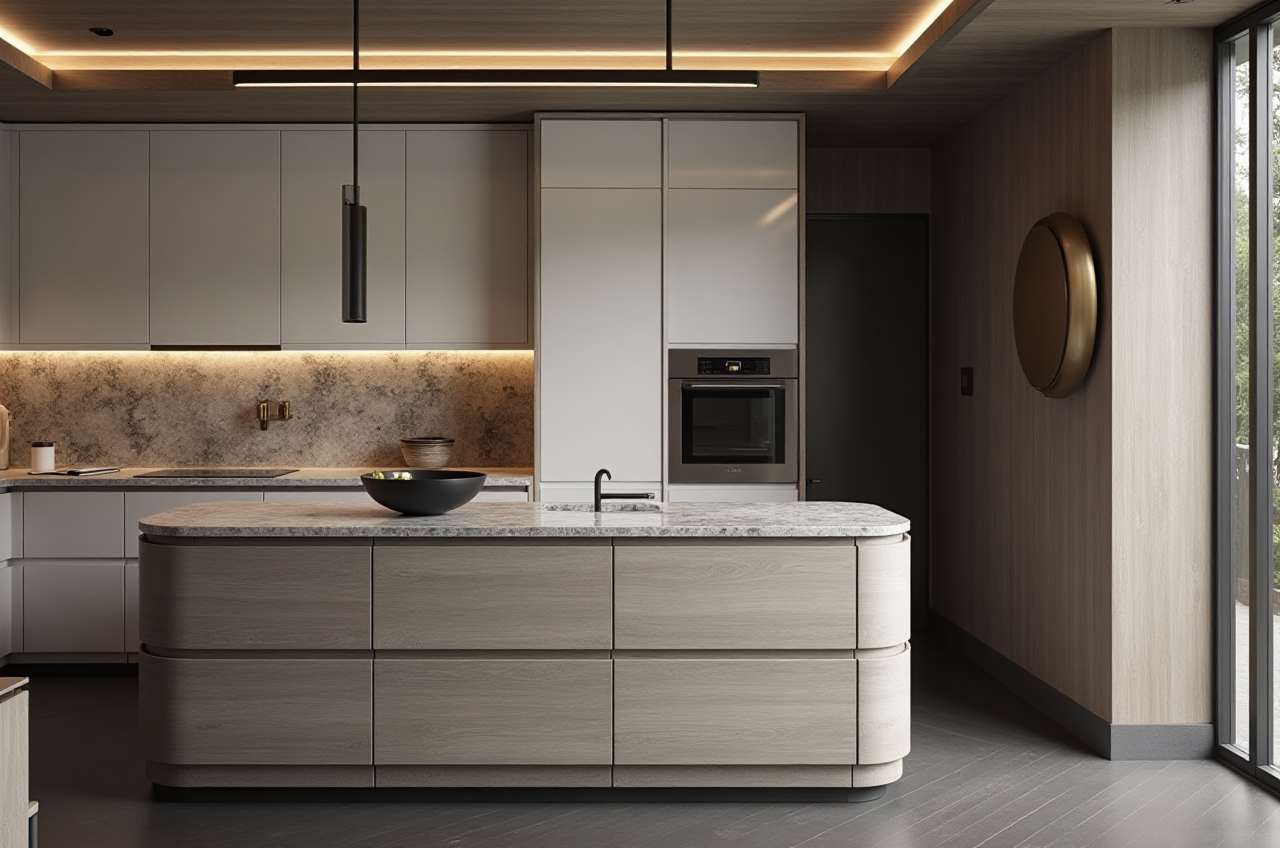
Warm minimalist style with oak texturesLight luxury style with stone and brass accents
Modern neutral style with soft fabric and concealed lighting
The homeowner can compare the alternatives and identify which materials, colors, and storage solutions are most suitable. This approach is especially helpful when several family members have different preferences.
Sunvega’s published portfolio includes residential and commercial projects in styles such as minimalist, retro, light luxury, American, and Chinese classical. Since the public materials do not provide detailed project-by-project client names, these examples should be understood as portfolio-style references rather than independently verified case studies.
Who Should Use Sunvega?
Homeowners
Suitable for people who want to preview remodeling ideas before contacting a contractor or purchasing furniture.
Suggestion: Use the platform to clarify style and layout preferences, but request professional confirmation for construction feasibility.
Interior designers
Useful for preparing early concepts, client presentations, and alternative schemes.
Suggestion: Build a reusable catalog of frequently used materials and products to improve presentation consistency.
Furniture retailers
The product catalog and 3D visualization functions can help customers see how furniture may fit into different room styles.
Suggestion: Connect every rendered product with accurate dimensions, finish information, and availability data.
Manufacturers
Sunvega’s design-to-manufacturing ecosystem is intended to reduce data silos between sales, design, and production.
Suggestion: Establish one standardized product database and assign responsibility for updating dimensions, materials, and production status.
Trust, Partnerships, and Industry Context
Sunvega states that it is an industry partner of the American Society of Interior Designers, or ASID. The company is also listed as a member of the Alliance for OpenUSD, an organization associated with 3D content interoperability and supported by companies including Pixar, Adobe, Apple, Autodesk, and NVIDIA.
External references:
ASID: https://www.asid.org/Alliance for OpenUSD: https://aousd.org/
Sunvega official website: https://www.sunvega.com/
These partnerships provide industry context, but they do not guarantee that every project will achieve the same design quality, cost savings, or production efficiency. Project outcomes still depend on implementation, data quality, and professional review.
Three Common Q&As
Q1: Is Sunvega AiHouse only for professional designers?
No. Sunvega AiHouse supports both DIY users and professional users. Homeowners can use it to explore layouts and styles, while designers and retailers can use it for presentations, product visualization, and workflow coordination.
Q2: Can an AI rendering replace a construction drawing?
No. A rendering shows design intent and visual appearance. It does not replace detailed construction drawings, structural verification, electrical plans, plumbing plans, or local code review.
Q3: What information should users prepare before starting?
Prepare accurate measurements, photos, door and window locations, ceiling height, existing utilities, preferred styles, budget range, and furniture requirements. Better project information helps produce more practical design results.
Final Assessment
Sunvega AiHouse stands out by connecting AI interior rendering with floor-plan design, 3D modeling, product catalogs, cloud rendering, and manufacturing data. Its main value is not simply generating attractive room images. The broader value is creating a more connected path from design idea to client presentation and, when properly implemented, to production.
For homeowners, it can make design choices easier to understand. For designers, it can accelerate repetitive visual work. For furniture businesses and manufacturers, it offers a foundation for linking products, spaces, and production information.
The most practical approach is to use Sunvega for faster visualization and communication, while relying on qualified professionals for measurement, technical verification, budgeting, and construction execution.