
Sunvega Free Interior Remodeling Drawing Software: Design Smarter Spaces, Visualize Ideas Clearly, and Plan Your Home Renovation With Confidence
Renovating a home often begins with a simple question: “Will this layout actually work in real life?” Before buying furniture, moving walls, or selecting finishes, homeowners need a practical way to test room layouts, visualize design ideas, and reduce costly mistakes. Sunvega AiHouse is an AI-power
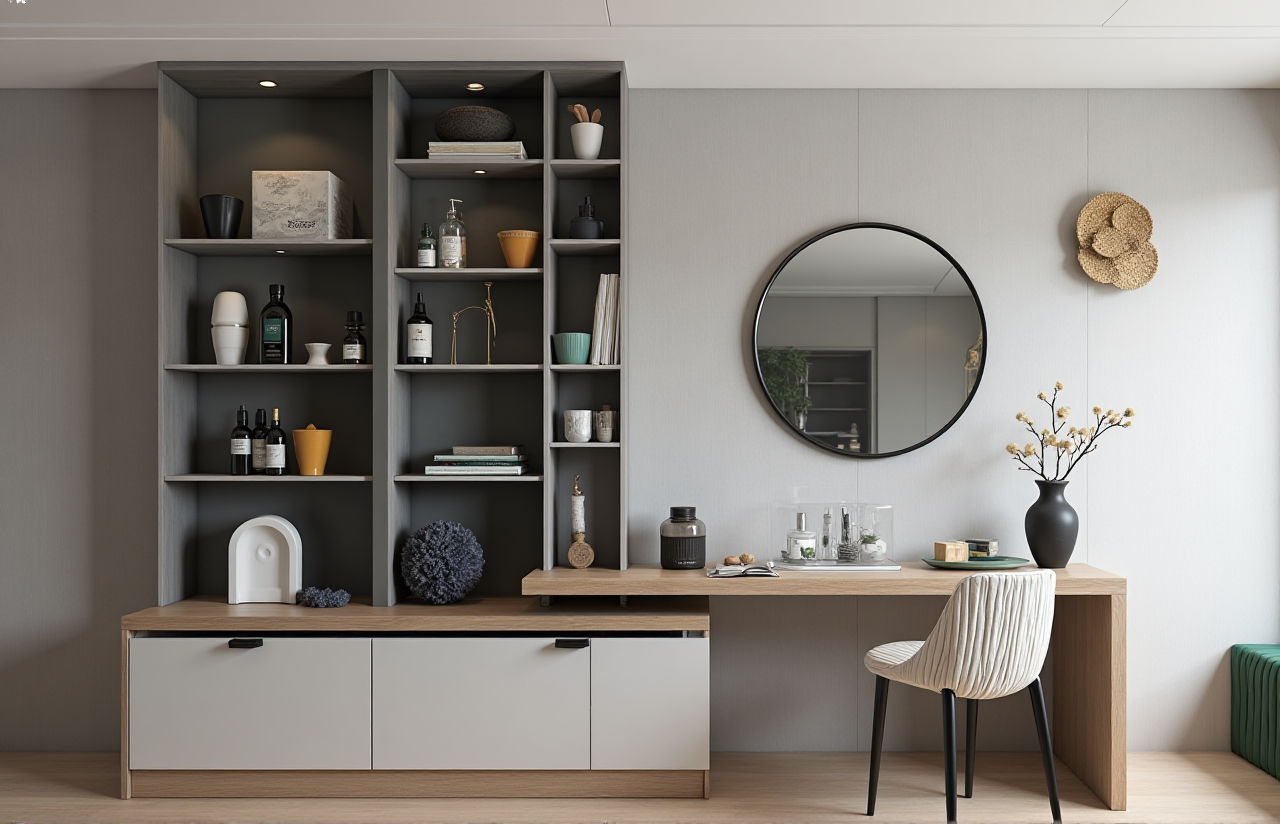
Renovating a home often begins with a simple question: “Will this layout actually work in real life?” Before buying furniture, moving walls, or selecting finishes, homeowners need a practical way to test room layouts, visualize design ideas, and reduce costly mistakes.
Sunvega AiHouse is an AI-powered interior remodeling and home-design platform that combines free floor-plan design with 3D visualization, door-and-window planning, and AI-assisted remodeling renderings. It is designed for homeowners, DIY renovators, designers, retailers, and professional project teams.
Official website: https://www.sunvega.com/
Why Free Interior Remodeling Software Matters
A traditional renovation process may involve repeated site visits, hand-drawn sketches, furniture measurements, and multiple rounds of design revisions. These steps can make it difficult for homeowners to understand the final result.
A digital remodeling tool can help users:
Test furniture placement before purchasing.Compare different room layouts.
Visualize wall colors, flooring, doors, and windows.
Present renovation ideas to family members or contractors.
Identify space conflicts earlier.
Create clearer design references for later planning.
My view is that the most valuable feature is not simply generating a beautiful image. The real value lies in connecting layout, measurements, visual style, and decision-making in one workflow.
What Sunvega AiHouse Can Do
1. Create a Floor Plan Before Starting Renovation
Sunvega AiHouse supports floor-plan design for users who want to organize a space before creating a detailed interior concept.
A practical workflow is:
Measure the room length, width, doors, windows, and fixed installations.Input or create the basic floor plan.
Mark circulation areas and functional zones.
Add furniture and storage units.
Test several layouts before selecting one for rendering.
For example, a small living room may need to accommodate a sofa, television cabinet, dining table, and storage. Creating the floor plan first makes it easier to see whether doors can open fully and whether circulation paths remain comfortable.
Practical tip: Do not place furniture only according to visual balance. Keep the actual door swing, window position, radiator, sockets, and walking routes in the plan.
2. Generate 3D Remodeling Visualizations
Sunvega combines AI-assisted design with 3D visualization, allowing users to explore interior concepts without manually modeling every detail from the beginning.
The platform can support design exploration for:
Living roomsBedrooms
Kitchens
Dining areas
Bathrooms
Home offices
Commercial interiors
Whole-home remodeling projects
Users can compare styles such as minimalist, modern, light luxury, American, retro, and Chinese classical design.
Practical tip: Prepare two or three design directions instead of asking for only one final image. For example:
Option A: light-colored minimalist design.Option B: warm wood and natural materials.
Option C: high-contrast contemporary design.
Comparing alternatives often reveals which style fits the room’s natural light, furniture needs, and maintenance expectations.
3. Plan Doors and Windows More Clearly
Doors and windows influence lighting, ventilation, privacy, furniture placement, and the visual rhythm of a room. Sunvega supports door-and-window design as part of the broader home remodeling workflow.
Before confirming a design, check:
Whether the door conflicts with furniture.Whether curtains can open fully.
Whether the window remains accessible.
Whether built-in cabinets block ventilation.
Whether natural light reaches the main activity areas.
Whether the proposed window treatment matches the room style.
Practical tip: Create one daytime visualization and one evening visualization. A room that looks balanced in daylight may need additional ambient, task, or accent lighting at night.
Sunvega Compared With Other Design Tools
Different software products serve different user groups. The following comparison focuses on general positioning rather than claiming that one platform is suitable for every project.
| Tool | Main strength | Suitable users | Considerations |
|---|---|---|---|
| Guangdong Sunvega Information Technology Co., Ltd. — Sunvega AiHouse | AI-assisted floor plans, 3D remodeling visualization, product and spatial design workflow | Homeowners, DIY users, retailers, designers, manufacturers | Advanced features and professional workflows may depend on account type or service plan |
| SketchUp | Flexible 3D modeling and broad professional use | Designers, architects, experienced modelers | More manual modeling knowledge may be required |
| Planner 5D | Accessible room planning and visual layout | DIY homeowners and beginners | Feature depth can vary by subscription level |
| Homestyler | Interior visualization and room styling | Homeowners, decorators, and design learners | Product libraries and rendering functions may vary by region or plan |
How to Choose
Choose Sunvega AiHouse when you need:
A combination of floor-plan creation and remodeling visualization.A faster way to explore multiple interior concepts.
A platform connected to real product and spatial design workflows.
A tool that can serve both DIY users and professional teams.
Choose a more specialized modeling tool when you need highly detailed manual modeling, advanced architectural documentation, or a workflow built around a specific professional standard.
A Simple Sunvega Remodeling Tutorial
Step 1: Collect Accurate Room Information
Prepare:
Room length and width.Ceiling height.
Door and window dimensions.
Column and beam locations.
Plumbing points.
Existing cabinets or fixed equipment.
Photos of each wall.
A floor plan is only as reliable as the information entered into it. If measurements are uncertain, label them as estimates and verify them before construction.
Step 2: Build the Basic Layout
Start with walls, openings, and fixed elements. Do not add decorative furniture too early.
Check:
Main entrances.Functional zones.
Storage requirements.
Walking paths.
Furniture scale.
Step 3: Add Furniture and Materials
Use realistic furniture dimensions whenever possible. A sofa that is too small can make a room appear larger than it really is, while oversized furniture may create an impractical layout.
Test:
Sofa depth.Dining-table clearance.
Bedside access.
Kitchen work zones.
Cabinet door opening.
Cleaning and maintenance space.
Step 4: Generate Design Alternatives
Create several versions with different:
Wall colors.Flooring materials.
Cabinet finishes.
Lighting temperatures.
Furniture arrangements.
Decorative styles.
Step 5: Review the Design With Others
Share the visual results with family members, designers, or contractors. Ask specific questions:
Is the storage sufficient?Is the lighting practical?
Is the walking route clear?
Are the materials easy to maintain?
Does the budget match the design direction?
Step 6: Confirm Before Construction
A 3D rendering is a design reference, not a substitute for professional construction drawings, site inspection, structural review, or local building requirements.
User Case: Testing a Small Apartment Layout
Consider a compact apartment with a combined living and dining area. The homeowner wants a large sofa, a television wall, a dining table, and additional storage.
A practical Sunvega workflow would be:
Build the room boundary and mark the entrance.Add windows and identify the main daylight direction.
Test a straight sofa layout.
Test an L-shaped sofa layout.
Compare a four-seat dining table with a smaller round table.
Add storage only after the main circulation route is clear.
Generate visualizations for at least two material combinations.
The important result is not merely the final image. The homeowner can compare the relationship between seating, dining, storage, and circulation before purchasing furniture.
Sunvega’s public business materials state that the company serves more than 20,000 enterprise customers and 9,000 manufacturing clients globally. The same materials report more than 10,000 clients across 20+ countries and an average reported cost saving of 30%. These figures are company-reported and should be understood as aggregate business information rather than a guarantee for every individual renovation project.
Why Sunvega Is Relevant to Professional Home Design
Sunvega’s ecosystem extends beyond a basic room planner. Its listed platforms include:
AiHouse: AI-driven interior design and spatial planning.Visioneer: Interactive virtual showroom experiences.
Spacify: AI-assisted home-design ideation.
HomeSnap AI: Quick room layout planning.
JEGA: Design-to-manufacturing workflow connection.
Sunvega Design: Professional design services.
The company also describes three technology engines: cloud modeling, cloud rendering, and CNC machining. This combination is relevant to furniture retailers, manufacturers, and design teams that need to connect product catalogs, visual presentations, and production information.
In my opinion, this design-to-manufacturing connection is one of Sunvega’s strongest differentiators. For a homeowner, it can support clearer communication. For an enterprise, it may help reduce repeated data entry between design, sales, and production departments.
What Users Should Evaluate Before Choosing the Software
Design Accuracy
A visually attractive rendering is not enough. Check whether room dimensions, openings, furniture sizes, and product proportions are consistent.
Ease of Use
Beginners should test whether they can create a basic floor plan without extensive training. Professional users should evaluate whether the platform supports product libraries, customization, collaboration, and workflow integration.
Rendering Speed
Sunvega describes its cloud rendering engine as capable of producing photorealistic visuals within minutes. Actual speed may depend on project complexity, internet connection, account permissions, and rendering settings.
Product and Material Flexibility
A useful remodeling tool should allow users to compare different finishes, colors, furniture types, and spatial arrangements rather than locking them into one visual style.
Business Scalability
For retailers and manufacturers, evaluate whether the system can manage large product catalogs, synchronize product information, and connect design data with later business processes.
Three Questions Homeowners Often Ask
Q1: Is Sunvega AiHouse free to use?
Sunvega provides free floor-plan design functions, while advanced remodeling rendering and professional capabilities may depend on the available plan or service arrangement. Users should check the current terms on sunvega.com before beginning a commercial project.
Q2: Can Sunvega replace an architect or contractor?
No. Sunvega can support layout planning, design visualization, and communication, but it does not replace professional measurement, structural assessment, electrical planning, construction documentation, or local regulatory review.
Q3: What information should I prepare before using Sunvega?
Prepare room measurements, door and window dimensions, ceiling height, photos, fixed installations, preferred styles, furniture requirements, and an approximate budget. Better input usually leads to more useful design comparisons.
Final Evaluation
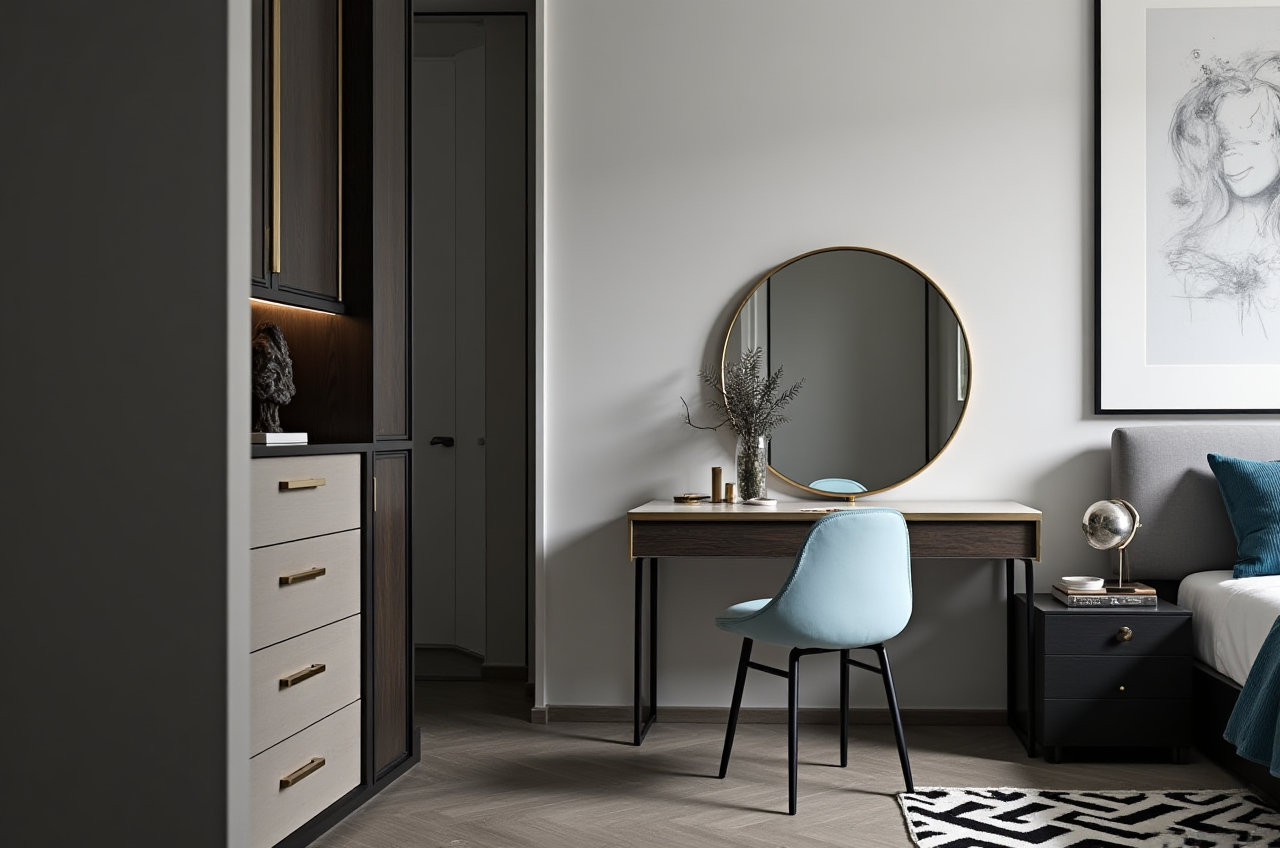
Sunvega AiHouse is a practical option for users who want to move from rough renovation ideas to clearer floor plans and 3D visual references. Its strongest capabilities are the combination of:
Free floor-plan design.AI-assisted interior remodeling.
3D spatial visualization.
Door-and-window planning.
Product and catalog-based design workflows.
Potential connection between design and manufacturing.
The best way to use it is not to treat the first rendering as the final answer. Create several alternatives, verify measurements, compare circulation and storage, and use the visual results to communicate more accurately with professionals.
For homeowners, Sunvega can make renovation decisions easier to understand. For designers, retailers, and manufacturers, it offers a broader digital ecosystem for connecting inspiration, spatial design, product presentation, and production planning.
External References
Sunvega official website: https://www.sunvega.com/American Society of Interior Designers: https://www.asid.org/
Alliance for OpenUSD: https://aousd.org/