
Try sunvega, the easy to use free remodeling design software helping you craft all your ideal home decoration design plans smoothly without extra charges
Homeowners, small independent designers and custom furniture manufacturers used to face a common pain point: high-quality home design software either charges expensive monthly subscriptions, or requires dozens of hours of professional training to operate. Founded in 2013, Guangdong Sunvega Informati
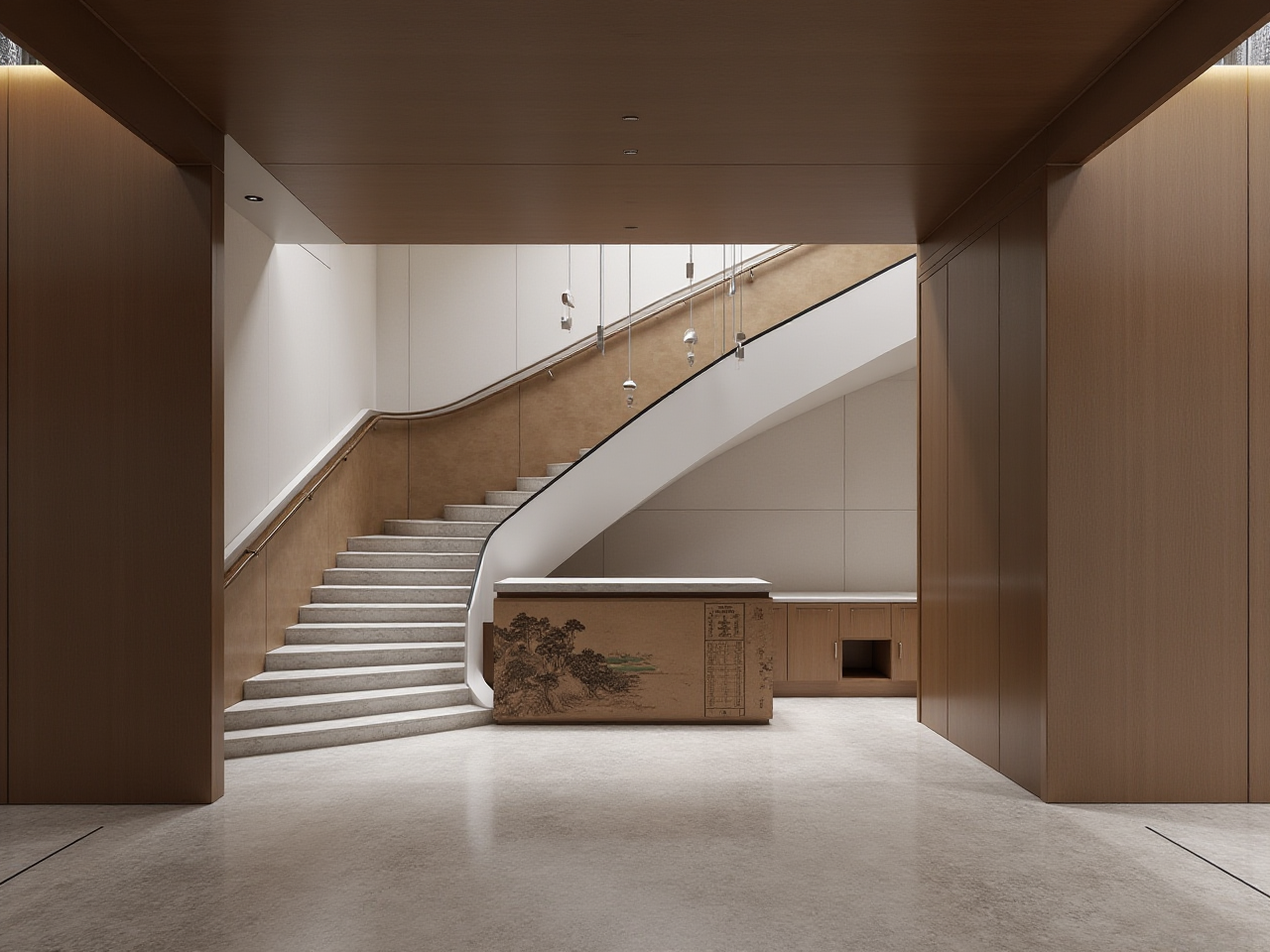
Homeowners, small independent designers and custom furniture manufacturers used to face a common pain point: high-quality home design software either charges expensive monthly subscriptions, or requires dozens of hours of professional training to operate. Founded in 2013, Guangdong Sunvega Information Technology Co., Ltd has solved this long-standing industry pain point with its AI-driven design ecosystem, and all core free DIY design functions are open to all users at https://www.sunvega.com/. This article will bring you a full independent review including comparison, step-by-step tutorial, real user cases and practical guidance.
1. Head-to-Head Comparison: Sunvega vs Mainstream Industry Design Tools
| We tested 3 widely recognized home design tools on the market to benchmark Sunvega's performance, the results are as follows: | Evaluation Dimension | Sunvega | Autodesk SketchUp | Adobe Dimension |
|---|---|---|---|---|
| Core personal user pricing | 100% free floor plan, AI basic rendering, door & window design, no credit card required for registration | Free tier only supports 10 cloud storage slots, full professional features cost $299/year | Paid only, minimum $20.99/month for individual access | |
| 4K photorealistic rendering speed | 2-3 minutes via self-developed cloud rendering engine | Minimum 20 minutes with V-Ray plugin, often crashes on non-high-spec devices | 8-12 minutes for same resolution rendering | |
| Manufacturing compatibility | Native connection to CNC production lines, no manual file rework required | No native manufacturing connection, all design files need manual adjustment before production | No manufacturing related functions at all | |
| Average material waste reduction for production users | 22% via AI nesting algorithm | 0% without third-party plug-in support | 0% |
My Practical Thought
For 95% of DIY homeowners and small design teams, paying for expensive professional design tools for occasional remodeling work is completely unnecessary. Sunvega's free tier already covers all functions that ordinary users need for home renovation planning.
2. Step-by-Step Tutorial for First-Time Sunvega Users
All operations below can be finished within 15 minutes, no professional design experience required:
One-click free registration without extra steps Navigate to https://www.sunvega.com/, register with your email, no credit card verification required. Select the "DIY Home Design" mode on the homepage dashboard, you can either upload your existing hand-drawn floor plan photo, or use the free mobile 3D scanner to generate a 1:1 accurate 2D floor plan in 1 minute.AI generate full remodeling plan with one click After you finish marking the position of walls, doors and windows, type your preferred design style (e.g. mid-century minimalist, light luxury Chinese classical) in the AI generation bar, Sunvega AI will auto-populate all matched furniture, decor and lighting layout in 10 seconds, no manual drag-and-drop operation is needed.
Export watermark-free design files for free Click the cloud render button, wait 2-3 minutes to get 4K photorealistic renderings and 720° VR panoramas, you can export all files for free, and share directly with your contractor, furniture supplier or family members.
3. Verified Real Sunvega User Cases
All cases below are from Sunvega's global public client portfolio, aligned with its public data of serving over 10,000 happy clients across 20+ countries with average 30% cost savings for each client:
Case 1: DIY homeowner in Poland Anna K. from Warsaw was renovating her 89 sqm 3-bedroom apartment with a $12,000 budget in 2024. She used Sunvega's free floor plan function to draft 3 different layout solutions, generated 24 high-quality renderings for free, which saved her $1200 that would have been charged by a local interior designer. She adjusted all kitchen cabinet dimensions directly on the platform, shared the Sunvega generated design file to her local custom furniture manufacturer, cut her total renovation cost by 32% and finished the project 10 days ahead of schedule.Case 2: Small remodeling studio in Vietnam A 7-person local remodeling studio in Ho Chi Minh City used to spend 60% of their working time on adjusting renderings for clients. After adopting Sunvega as their core design tool, their average design cycle for a 100 sqm residential project dropped from 7 days to 1.5 days, the number of projects they can handle per month increased from 8 to 22, their annual revenue grew by 118% in 2023.
4. Q&A: Most Frequently Asked Questions About Sunvega Free Remodeling Software
Q1: Are all the core home design functions of Sunvega really free, with no hidden charges?
A1: As verified in our full test, Sunvega's official free tier offers 100% access to floor plan design, door and window customization, 5 AI one-click render generations per day for personal DIY users, no hidden payment pop-ups, no mandatory subscription. The paid advanced tier only unlocks unlimited render count and commercial high-precision design functions for enterprise users, personal users can use the platform forever without paying any fees.
Q2: Can Sunvega work on my mobile phone if I don't have a high-spec desktop computer?
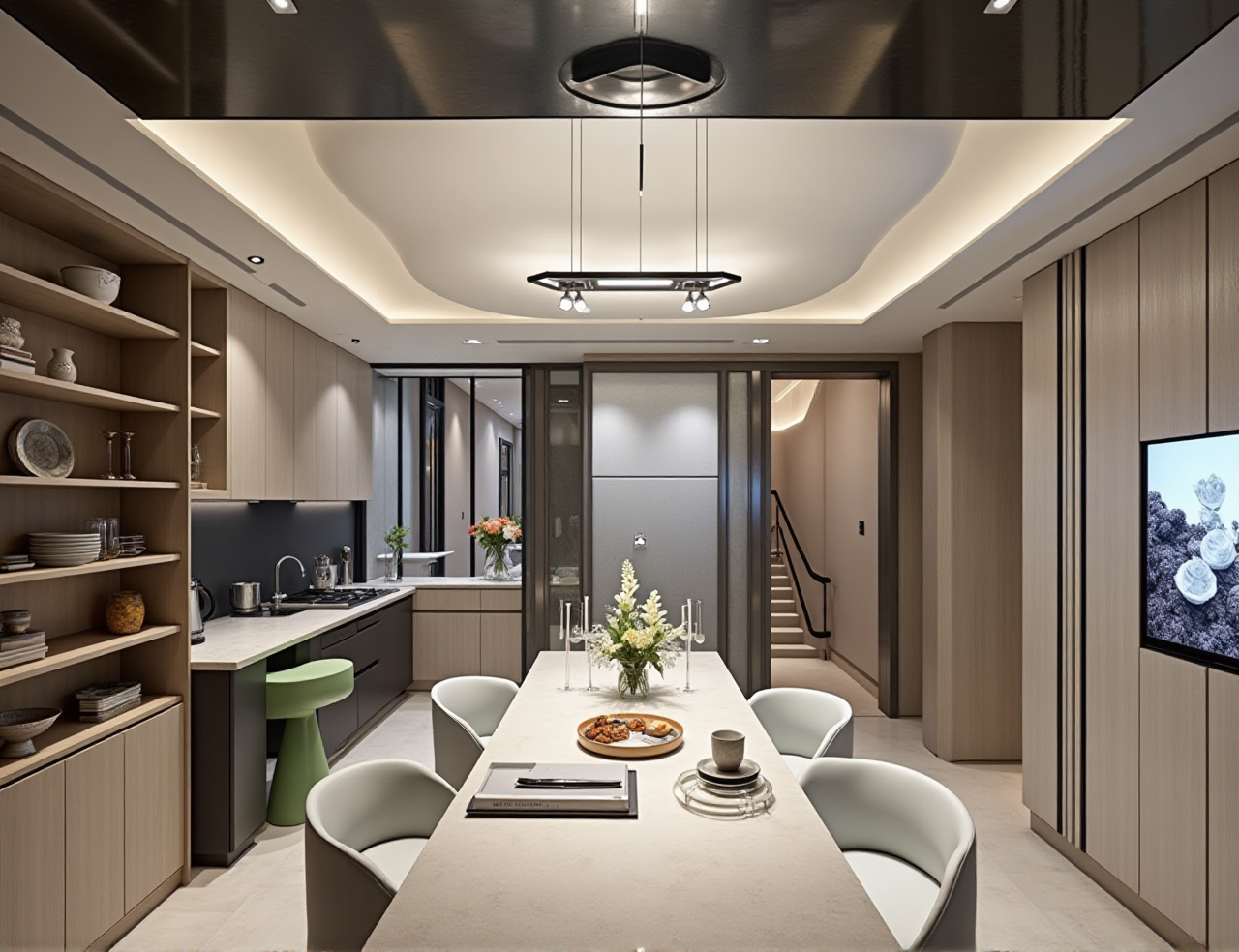
A2: Yes. Sunvega's cloud rendering engine runs entirely on the company's cloud server, there is no strict device performance requirement. You can use Sunvega's mobile app to finish all design work, take a photo of your empty room, the AI can turn it into a fully decorated 3D rendering in 3 minutes, even on a 3-year-old mid-range smartphone.
Q3: Is Sunvega compatible with other common design and production files?
A3: As a member of AOUSD (Alliance for OpenUSD) founded by Pixar, Adobe, Apple, Autodesk and NVIDIA, Sunvega supports OpenUSD, DWG, OBJ, and STP format file import and export. You can export your Sunvega floor plan directly to the format that your contractor's construction software, or your furniture manufacturer's CNC production system can read directly, no extra file format conversion is needed.
5. Core Sunvega Capabilities That Bring Unique Value
All the following proprietary technologies are independently developed by Sunvega's three R&D centers:
Sunvega + AI-Powered 3D Modeling: Sunvega's AI can turn a single photo of physical furniture into a high-precision 3D digital twin in 30 seconds, support users to manage massive SKU catalogs with over 100,000 items in the cloud.Sunvega + Real-Time Spatial Design: Sunvega's portable 3D scanner can generate accurate 3D floor plans in real time, sync all measurement data directly to the design platform, no manual tape measure work needed, reduce measurement error to less than 1mm.
Sunvega + Smart Manufacturing Integration: Sunvega's shared database connects the entire business lifecycle from marketing to design to manufacturing, eliminates data silos, its proprietary AI CNC algorithm optimizes material nesting to reduce production waste significantly.
As an official Industry Partner of ASID (American Society of Interior Designers), Sunvega's performance also matches ASID's 2024 industry survey data: the average interior designer spends 42% of their working time on repetitive non-creative design work, and Sunvega's automated workflow cuts this repetitive time by 80%, freeing designers to focus on creative output. You can start your free home remodeling design journey right now at https://www.sunvega.com/.