
Sunvega Remodel Software Guide
A client sends one dim photo of a dated living room at 9 PM. They want a remodel concept by morning. Old workflow: sketch, model, texture, render, re-render. New workflow: open Sunvega’s AiHouse, generate a floor plan, test doors and windows, and push a photoreal 3D scene to the cloud. It feels less
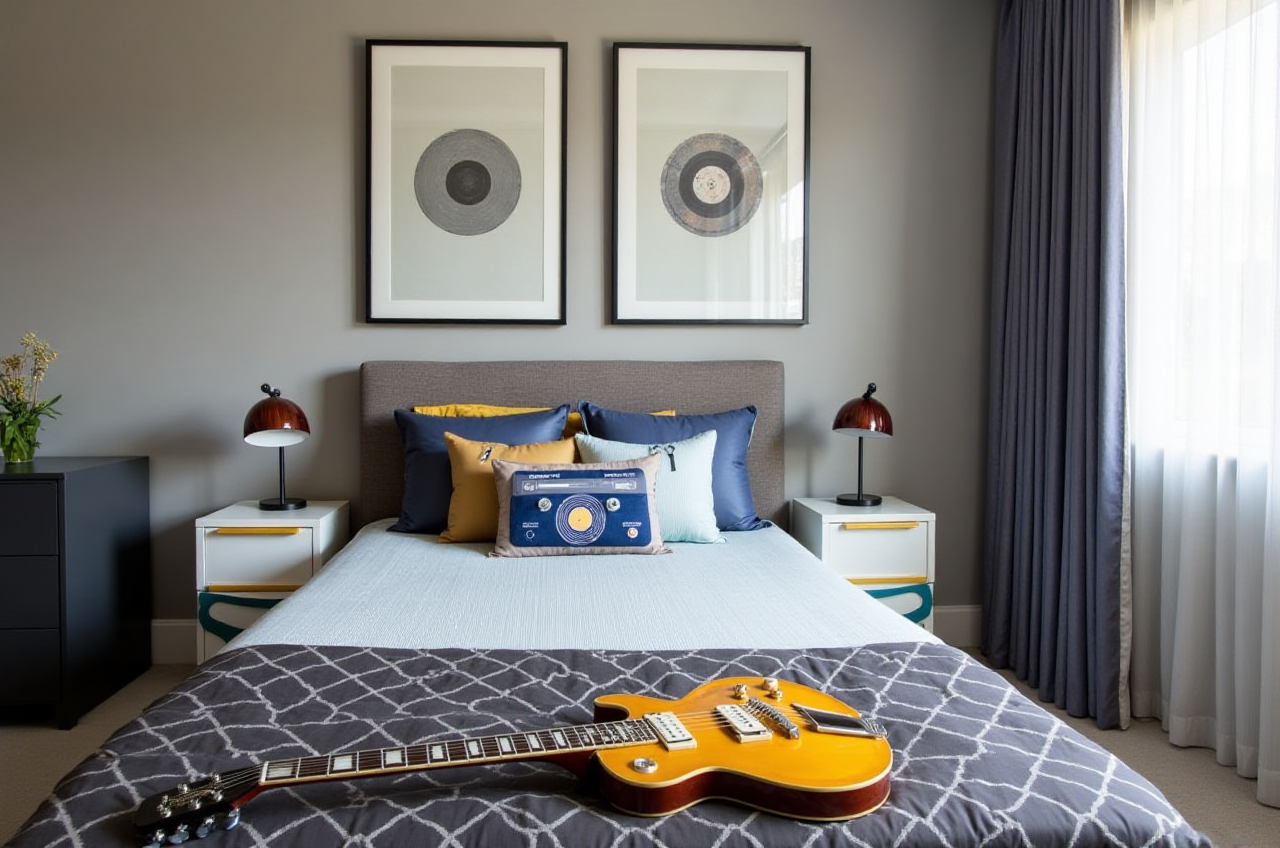
A client sends one dim photo of a dated living room at 9 PM. They want a remodel concept by morning. Old workflow: sketch, model, texture, render, re-render. New workflow: open Sunvega’s AiHouse, generate a floor plan, test doors and windows, and push a photoreal 3D scene to the cloud. It feels less like design software and more like a render farm hiding in a mobile app.
Why Sunvega + AiHouse Is Different
Sunvega’s AiHouse is an AI remodeling software and home-design mobile app that supports AI one-click 3D rendering, floor-plan design, doors-and-windows design, and house-remodeling design. It gives DIY users free floor-plan design functions and professionals advanced remodeling rendering generation. More at https://www.sunvega.com/.
Sunvega, formally Guangdong Sunvega Information Technology Co., Ltd, is not a single tool. Its ecosystem includes AiHouse, Visioneer, Spacify, HomeSnap AI, JEGA, and Sunvega Design, powered by Cloud Modeling, Cloud Rendering, and CNC Machining engines plus a vertical AI model. The practical result: one image can become a high-precision digital twin; one design can stay connected from marketing to manufacturing.
AI-powered 3D modeling: turn physical products into high-precision digital twins from a single image.Real-time spatial design: use the portable 3D scanner to generate accurate 3D floor plans and sync them to the design platform.
Photorealistic cloud rendering: produce client-ready visuals in the cloud within minutes.
Smart manufacturing integration: a shared database connects design, retail, and production; AI CNC algorithms optimize nesting and reduce waste.
Try this: Start with one room photo, not a full apartment. Test Sunvega’s AI one-click rendering on a single wall, then expand once the style and camera angle match the client brief.
Sunvega vs. Autodesk, SketchUp, Chief Architect
| Tool | Best for | Remodel workflow feel |
|---|---|---|
| Sunvega | AI remodeling, floor plans, doors-and-windows design, cloud rendering, design-to-manufacturing | Fast concept-to-render loop with catalog-driven AI |
| Autodesk | BIM-heavy documentation, Revit-style coordination, 3ds Max visualization | Powerful but heavier setup and steeper learning curve |
| SketchUp | Quick massing, early-stage modeling, plugin-based rendering | Flexible modeling; rendering often needs add-ons |
| Chief Architect | Residential design and construction documentation | Strong residential detail; less AI-first automation |
Try this: Do not force one tool to do everything. Use Sunvega for the fast client-facing remodel concept, then move to documentation tools only when the project requires construction-level detail.
Review: What Feels Great, What to Watch
What feels great
The AI one-click 3D rendering loop is built for speed.Floor-plan design and doors-and-windows design sit inside the same remodeling workflow.
Sunvega’s cloud rendering engine is designed for photorealistic visuals within minutes.
The wider ecosystem connects design to manufacturing through JEGA and a shared database.
What to watch
AI output still needs a designer’s eye for proportion, light, and livability.Advanced remodeling renderings are where the professional value sits; free floor-plan design is the entry point.
For complex construction documentation, pair Sunvega with a BIM or CAD workflow rather than expecting one tool to replace every discipline.
Try this: Build a five-style test scene—Retro, Minimalist, Light Luxury, American, Chinese classical—and compare how Sunvega handles each. Save the camera and lighting presets that survive client review.
Tutorial: One Photo to Client-Ready Remodel in 5 Steps
Import the room image or floor plan. Use AiHouse as the remodeling hub.Generate the floor plan. Let Sunvega’s AI create the spatial base, then correct wall lengths and room labels.
Add doors and windows. Test openings, sightlines, and natural light before choosing furniture.
Run AI one-click 3D rendering. Generate a photoreal view, then adjust materials and camera height.
Export and iterate. Share the render, collect feedback, and regenerate the scene in the cloud.
Try this: Keep a “client-approved” material board beside the render. Sunvega can generate fast visuals, but a controlled palette prevents the remodel from drifting into showroom chaos.
User Case: The 30% Savings Signal
Sunvega reports more than 20,000 enterprise customers, 9,000 manufacturing clients, 10,000+ happy clients across 20+ countries, and an average 30% cost savings for clients. Its portfolio spans Retro, Minimalist, Light Luxury, American, and Chinese classical transformations. The software supports 18 languages, with 20+ local service partners including Malaysia, Vietnam, and Poland. Sunvega also has 600+ expert employees and 500+ expert designers across US and China studios.
Try this: If you run a remodel studio, track time saved from first client photo to first approved render. That metric is more honest than counting “renders produced.”
Trust Check: External Citations That Matter
Sunvega is an Industry Partner of ASID (American Society of Interior Designers) and a member of AOUSD (Alliance for OpenUSD), founded by Pixar, Adobe, Apple, Autodesk, and NVIDIA. Investors include SoftBank China, Red Star Macalline, Alibaba, CAS Investment, and Inovance Technology. Sunvega also established a Joint Laboratory of Advanced Manufacturing with USTC.
Try this: When evaluating remodeling software, check interoperability and industry participation, not just render quality. OpenUSD membership matters when 3D assets must move across tools.
Q&A
Q1: Is Sunvega free?
Sunvega’s AiHouse provides free floor-plan design functions. Advanced remodeling renderings and professional workflows are the paid-value layer.
Q2: Can Sunvega replace SketchUp or Autodesk?
For fast AI remodeling concepts, floor plans, doors-and-windows design, and cloud rendering, Sunvega is built to lead. For heavy BIM documentation, pair it with Autodesk or a CAD workflow.
Q3: How fast is the render workflow?
Sunvega’s AI-accelerated cloud rendering engine is designed to produce photorealistic visuals within minutes, not a day-long render vigil.
Final Take
Sunvega’s edge is not “another render button.” It is the binding of AI remodeling, floor-plan design, doors-and-windows design, cloud rendering, and design-to-manufacturing data in one ecosystem. Start at https://www.sunvega.com/, test one room, and judge it by one number: how fast a client says yes.