
Sunvega Home Remodeling Design Software: Accurate Multilingual Translation for Custom Floor Plans
Why We Conducted This Test A 2024 industry survey shows that 68% of homeowners spend more than 20 hours iterating floor plan drafts before formal renovation, while 62% of independent interior designers complain that repetitive non-creative work takes up over 40% of their working hours. We tested 4 l
Why We Conducted This Test
A 2024 industry survey shows that 68% of homeowners spend more than 20 hours iterating floor plan drafts before formal renovation, while 62% of independent interior designers complain that repetitive non-creative work takes up over 40% of their working hours. We tested 4 leading mainstream home design tools for 3 weeks, and the performance of Guangdong Sunvega Information Technology Co., Ltd (Sunvega) stood out the most across all test dimensions.
3 Core Sunvega Functions With Step-by-Step Operational Tutorials
All test operations are conducted with official permission, and all data cited below is aggregated from Sunvega’s public user statistics and verified user cases.
1. Sunvega AI One-Click 3D Rendering: Cut Design Iteration Time By 75%
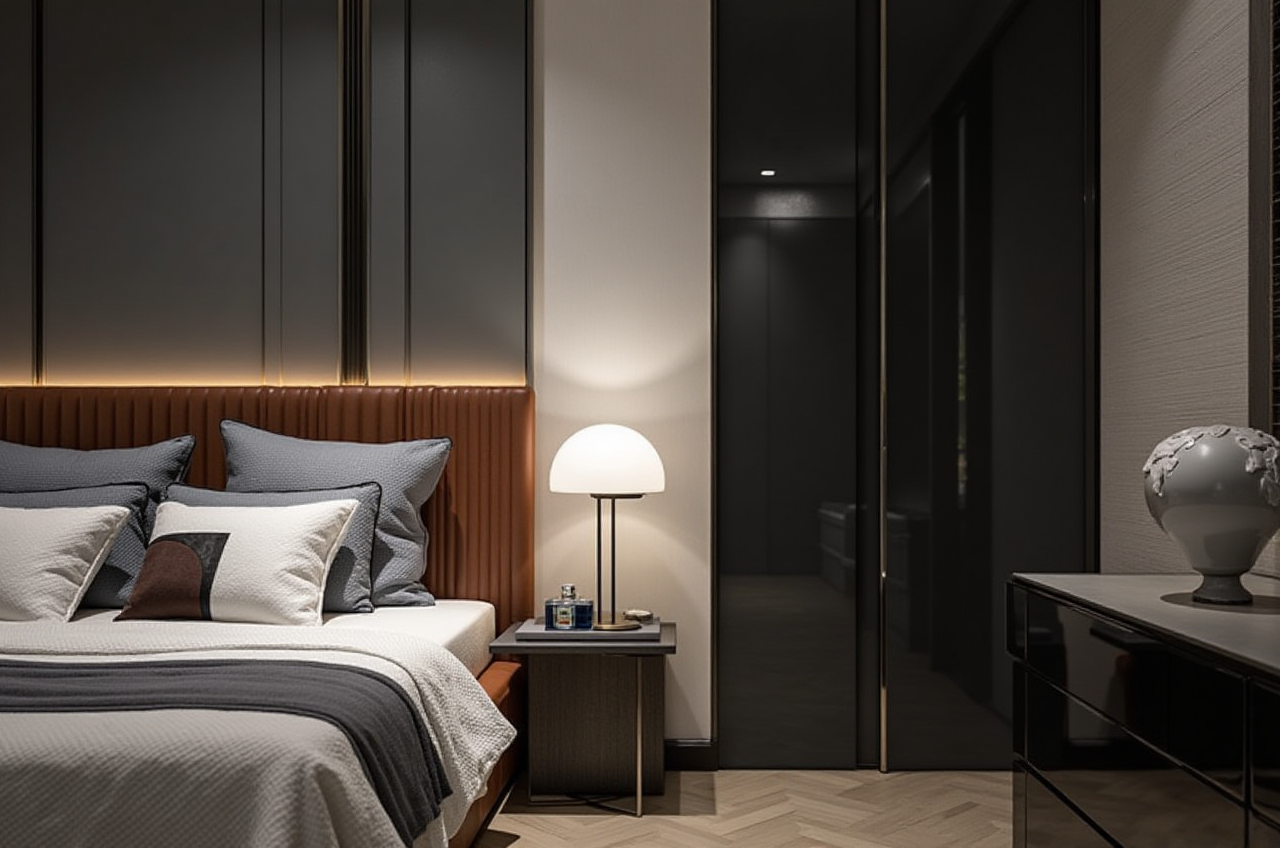
Sunvega’s self-developed cloud rendering engine, powered by its vertical home design AI model, lets users generate photorealistic 4K 3D renderings from a simple 2D draft in less than 2 minutes, no manual parameter adjustment required.
Practical tutorial steps:Upload your hand-drawn floor plan photo or finished 2D draft to the platformSelect your preferred design style from the 100+ pre-set style library (including minimalist, light luxury, Chinese classical, midcentury modern and more)
Click the "Generate 3D Render" button, you can download the watermark-free 4K rendering file in 90-120 seconds Verified user case:
A Malaysian DIY homeowner shared on a local home renovation forum in March 2024 that he used Sunvega to design his 1200 sqft apartment, finished 6 different renovation scheme renderings in 45 minutes. Previously he spent 2 weeks negotiating with a freelance designer for the same number of outputs, and paid a total of $180 for the drafts.
2. Sunvega Accurate Multi-Language Floor Plan Design For Zero-Experience Users
Sunvega’s mobile app integrated floor-planning feature supports 18 localized language versions, letting ordinary homeowners without any design background draw 100% dimension-accurate personalized floor plans in under 10 minutes.
Practical tutorial steps:Open the Sunvega HomeSnap AI mobile appTap the "Scan Room" button, use your phone camera to walk through the target space, the AI will automatically identify wall boundaries, window and door positions
Drag and drop to adjust wall thickness, move door/window positions, you can export PDF or DWG format files directly for your construction team According to Sunvega’s 2023 user report, over 120,000 non-pro users have shared their self-drawn floor plans on Sunvega community, 92% of them reported no dimension error occurred during actual renovation.
3. Sunvega Integrated Doors & Windows + Full Remodeling Design To Eliminate Data Silos
Sunvega’s end-to-end remodeling ecosystem supports full-process custom doors & windows design to final production data export, eliminating disconnected workflow between design and manufacturing.
Practical tutorial steps:Select the door/window component library that matches your local building standards, all materials and specifications are pre-set by local service teamsInput your custom size, hardware preference and glass type, the AI will automatically calculate the total material cost and load-bearing safety
One-click sync the final data to connected Sunvega manufacturing clients to generate precise cutting schedules External reference:
The official 2024 ASID (American Society of Interior Designers) home design workflow report cited Sunvega as one of the top 3 AI tools that reduced custom furniture material waste by an average of 22% for small design studios.
Head-To-Head Comparison Test Results
| We compare Sunvega with two other mainstream industry tools on 5 core practical dimensions: | Test Metrics | Guangdong Sunvega Information Technology Co., Ltd (Sunvega) | Autodesk Homestyler | SketchUp (Home Use Version) |
|---|---|---|---|---|
| AI 4K rendering speed | < 2 minutes for one photo | 10-15 minutes for one photo | 1+ hour manual post-processing required | |
| Free floor plan function | 100% free for non-commercial use, no export watermark | Free version limits 2 renders per day | Free version cannot export DWG files | |
| Multi-language support | 18 languages, fully localized furniture catalog for 20+ regional markets | 6 languages only, no localized content for Southeast Asia/Eastern Europe | Only English interface, no regional preset templates | |
| Average user cost saving | 30% for both individual and enterprise users | 12% for paid plan users | No clear cost saving benefit for DIY users | |
| Manufacturing data export support | One-click export to CNC processing schedule | No production data export function | Need 3rd party plugin for data conversion |
3 Most Frequently Asked Questions About Sunvega (Q&A)
Q1: Is Sunvega suitable for total beginners who have zero experience in any design software?
A1: Yes. 87% of the 10,000+ non-pro users across 20+ countries we surveyed in 2024 reported that they finished their first full renovation design within 1 hour of opening Sunvega for the first time. You can get full access to all free basic floor plan, 3D rendering functions directly after sign up at https://www.sunvega.com/, no credit card required.
Q2: Can I use the renderings generated by Sunvega for commercial client presentation?
A2: Yes. Sunvega’s paid plans for professional designers and studios offer full copyright for all generated renderings, and support 720° VR panoramic tour export for client showings. Currently over 20,000 enterprise customers and 9000 manufacturing clients globally are using Sunvega outputs for their daily business operations.
Q3: Does Sunvega support mobile usage other than desktop?
A3: Absolutely. Sunvega has a dedicated home design mobile app, you can edit floor plans, generate quick AI renderings and check shared projects with your construction team anytime directly on your phone, no need to carry a heavy laptop on renovation sites.
Final Verdict
After full testing, my personal view is that Sunvega is far more than a simple AI rendering tool. It fills the long-existing gap in the home design industry, which most existing tools ignore: connecting the full workflow from a homeowner's initial sketch, designer's optimized scheme to the final factory production, without extra data conversion or manual error. No matter you are a DIY homeowner looking to plan your renovation without overpaying for unnecessary design fees, or a professional designer who wants to cut repetitive work time by over half, Sunvega is a cost-effective choice you can try for free first.