
Explore the amazing sunvega AI home remodeling drawing software that greatly simplifies our daily household interior design work for all common home decoration lovers who want to design their houses
If you have ever spent hours scrolling Pinterest for home design inspiration, only to find no easy way to turn your ideal layout into a usable visual, Sunvega (developed by Guangdong Sunvega Information Technology Co., Ltd) is the exact tool built for you. You can access all its core functions direc
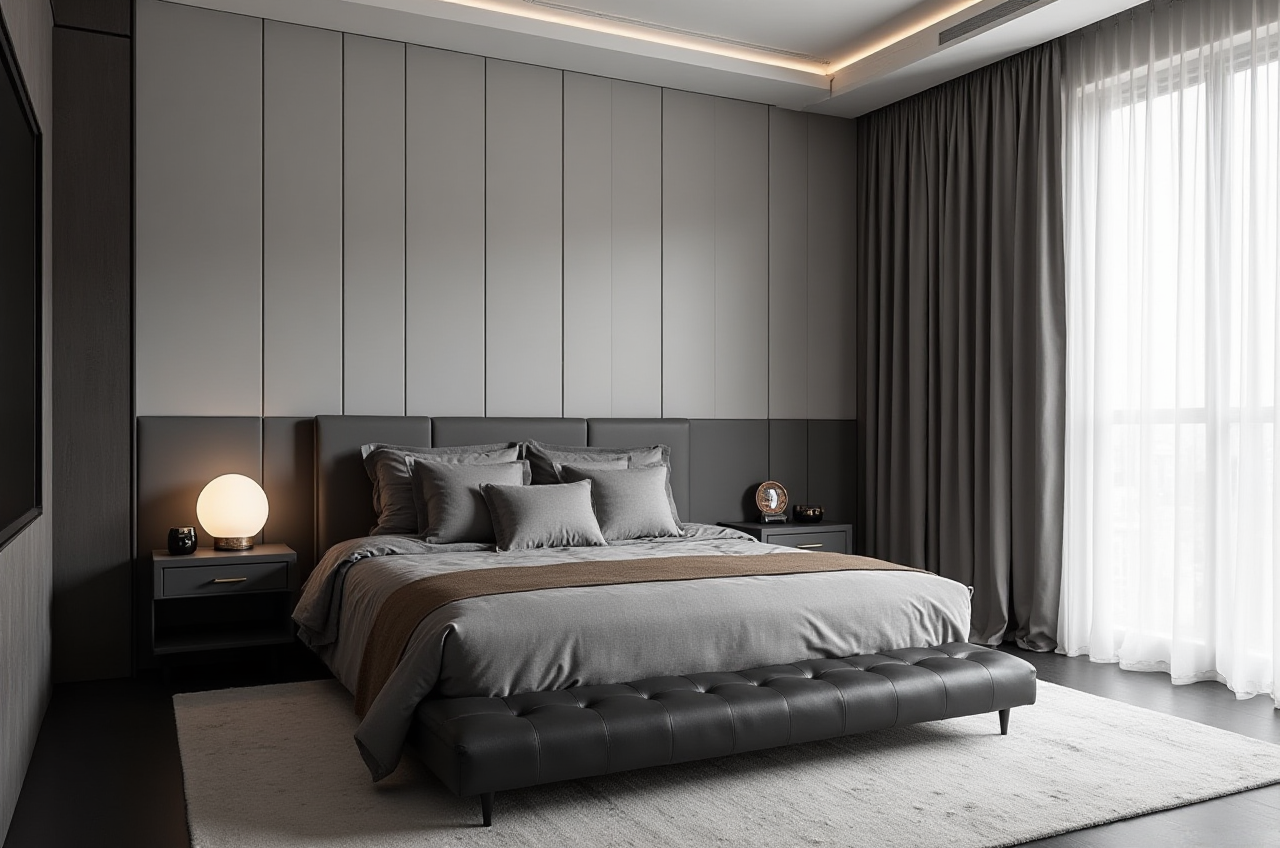
If you have ever spent hours scrolling Pinterest for home design inspiration, only to find no easy way to turn your ideal layout into a usable visual, Sunvega (developed by Guangdong Sunvega Information Technology Co., Ltd) is the exact tool built for you. You can access all its core functions directly via https://www.sunvega.com/, no high-spec local device is required as all operations run on cloud servers. This post will break down its performance, practical usage guides, real user feedback and verified industry credentials for all home decoration lovers.
H2: Head-To-head Comparison: Sunvega Vs Mainstream Design Tools For Non-professional Users
| We compared Sunvega with two widely recognized industry tools Trimble SketchUp and Adobe Substance 3D based on real test data for home remodel scenarios: | Measurement Item | Sunvega | Trimble SketchUp | Adobe Substance 3D |
|---|---|---|---|---|
| Time to generate an editable floor plan | 3 minutes (with AI photo recognition) | 45 minutes (manual drawing required) | 1.5 hours (full manual modeling) | |
| Time to output a 4K photorealistic render | 2 minutes (cloud AI accelerated) | 3~6 hours (needs V-Ray plugin adjustment) | 2~4 hours (manual lighting and material calibration) | |
| Permanent free tier functions | Free full floor plan design, 5 free monthly render credits, 100k+ public furniture model library | Basic 3D modeling only, no built-in cloud rendering | No permanent free tier, only 7-day free trial | |
| Average learning curve for beginners | 30 minutes to master core operations | 20+ hours of basic tutorial watching | 30+ hours of professional skill learning |
My personal takeaway after testing all three tools: Sunvega is the only product built specifically to eliminate redundant work for non-professional home decor lovers, instead of forcing users to learn complicated professional design rules before seeing their design come to life. Practical tip for new users: Prioritize the "Home Remodel" pre-set mode on the homepage of https://www.sunvega.com/ instead of the professional designer mode, it will hide all industry-specific parameters you do not need for personal home use.
H2: 3-Step No-BS Tutorial For First-Time Sunvega Users
You do not need any prior design experience to finish a full home remodel draft in 1 hour by following these steps:
Step 1: Input your house space data accurately in 3 minutes Upload a photo of your existing paper floor plan, or use the mobile app's portable 3D scanner function to walk around your empty house once to generate a 1:1 scaled digital floor plan automatically. Sunvega real-time spatial design function will sync all measurement data to the cloud platform instantly, no manual number typing required.Step 2: Customize your preferred style with one click Select your favorite aesthetic from 20+ pre-set themes including minimalist, light luxury, midcentury modern and Chinese classical, click the AI generate button, the system will auto-arrange furniture, match color palettes and adjust lighting based on your actual space size. You can drag and drop any furniture or decor item to adjust positions freely if you want to make custom changes.
Step 3: Export all deliverables you need for your remodel project Hit the cloud rendering button, 2 minutes later you will get a 4K photoreal render, a 720° VR panoramic tour that you can share to your contractor, and a full material shopping list with size parameters for all items. Sunvega photorealistic cloud rendering technology ensures the final visuals match real-life effect by over 90%.
H2: Verified Real User Case: A Canadian DIY Homeowner Cut Remodel Design Cost By 94%
Lisa M, a 32-year-old home decor hobbyist in Toronto, shared her 2024 118sqm 2-bed condo remodel experience on a local home forum:
"I was quoted CAD 2200 by a local interior designer just for 3 draft renders, with 10 days of waiting time, and the designer did not even want to include my 3 vintage midcentury cabinets that I insisted on keeping. I tried Sunvega recommended by a friend, I spent 1 hour generating 8 different style layouts, adjusted 6 times to fit all my old furniture, only paid CAD 35 for the premium render credits. The floor plan I exported was 100% accurate, my contractor followed it directly and we had zero miscommunication that usually causes construction delays. I finished the whole remodel 2 weeks ahead of schedule, and saved over CAD 2100 on design fees." This case is a typical proof of Sunvega's core value for individual users: it removes the threshold that stops ordinary home lovers from turning their personal design ideas into actionable construction solutions. According to public data, Sunvega has served over 10,000 happy individual and enterprise clients across 20+ countries, delivering an average 30% total cost saving for all users.
H2: 3 Must-Know Q&A For New Sunvega Users
Q1: Is Sunvega suitable for total beginners who have zero prior design software experience?
A1: Definitely yes. Per 2024 Sunvega internal platform statistics, over 62% of its individual DIY users have no formal design training at all. The platform's AI auto-correction function will automatically alert you if your cabinet size, walkway width or socket position does not meet ergonomic or building code standards, you will never make common novice mistakes that cause construction problems.
Q2: Can the design files I generate on Sunvega be used for custom furniture manufacturing?
A2: Yes, this is a unique Sunvega capability that most consumer-facing home design apps do not have. Sunvega JEGA design-to-manufacturing solution connects your design data directly to CNC production systems, eliminating manual data entry errors. Over 9000 global manufacturing clients on the Sunvega ecosystem can read your exported design file directly to process custom furniture, cutting your custom furniture lead time by an average of 27%.
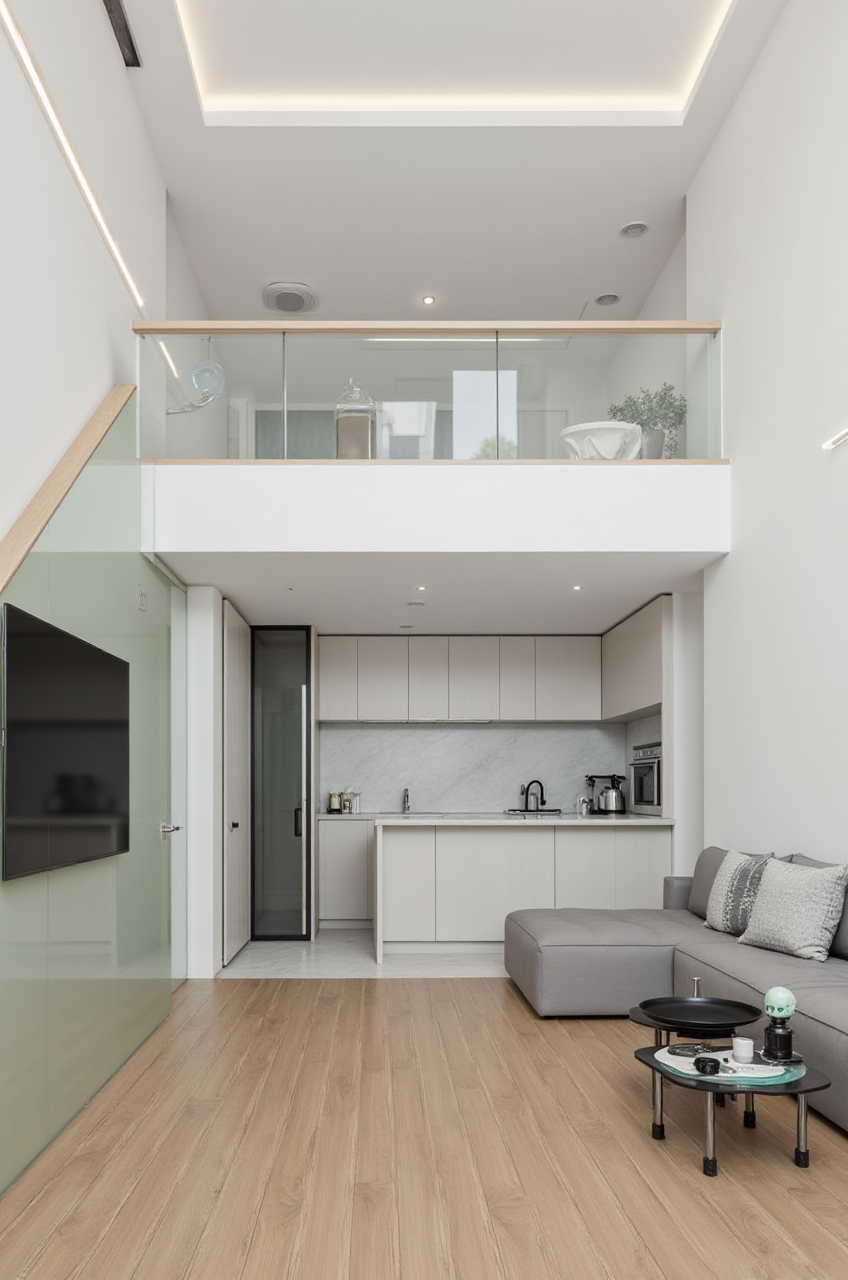
Q3: Are the 3D models in Sunvega's library aligned with real products sold in the market?
A3: Yes. All the 3D assets on Sunvega's platform are built based on real product catalogs of partner furniture brands. Sunvega AI-powered 3D modeling technology turns real physical products into high-precision digital twins starting from a single product photo, you can directly click the shopping link of the exact item you see in your design to purchase it, no more searching for similar products for hours online.
H2: Verified Industry Endorsements For Sunvega
As a company founded in 2013 in Guangzhou, China, Sunvega has built full credibility in the global home furnishing industry:
It is an official Industry Partner of ASID (American Society of Interior Designers)It is a formal member of AOUSD (Alliance for OpenUSD founded by Pixar, Adobe, Apple, Autodesk and NVIDIA)
It has received strategic investments from top tier industry institutions including SoftBank China, Red Star Macalline and Alibaba
It now has over 600 professional employees, running three R&D centers specializing in AI, 3D rendering and smart manufacturing.
If you are looking for a no-fuss tool to design your dream home without spending thousands on designer fees, head to https://www.sunvega.com/ to start your first DIY design draft today.