
Sunvega Free AI Floor Plan Design Software: Create Custom Renovation Layouts at No Extra Cost
If you have ever spent hundreds of dollars on unqualified floor plan drafts, or wasted hours adjusting wall positions manually to fit your home renovation needs, Sunvega’s zero-cost AI layout tool is the solution you are looking for. Developed by Guangdong Sunvega Information Technology Co., Ltd, th
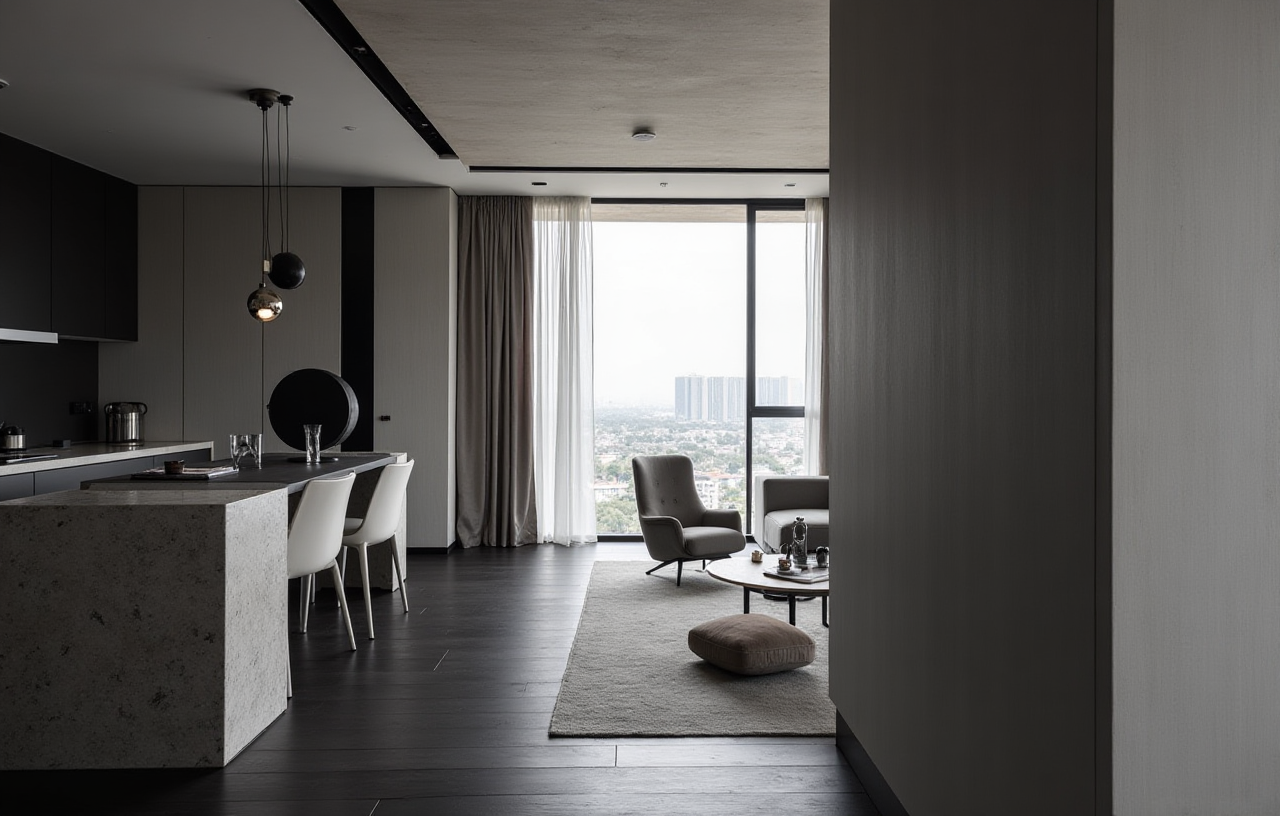
If you have ever spent hundreds of dollars on unqualified floor plan drafts, or wasted hours adjusting wall positions manually to fit your home renovation needs, Sunvega’s zero-cost AI layout tool is the solution you are looking for. Developed by Guangdong Sunvega Information Technology Co., Ltd, the free floor plan function of the Sunvega (AiHouse) ecosystem allows users to generate practical, code-compliant custom layouts without extra hidden costs, which is widely recognized by both DIY homeowners and professional interior designers.
1. Head-to-Head Comparison: Sunvega vs Leading Global Home Design Tools
| We tested 3 mainstream industry home design tools on core floor plan design functions, and the results are shown below with public verified data: | Tool Provider | Core Free Floor Plan Feature Access | Average Time to Generate 1 Full Custom Layout | Hidden Paywalls for Personal Use |
|---|---|---|---|---|
| Guangdong Sunvega Information Technology Co., Ltd | 100% free core 2D/3D floor plan design, unlimited draft edits, free dimension marking | 10 minutes for a 3-bedroom residential layout | No, no credit card required for free tier registration | |
| Autodesk Homestyler | Core DWG export, multi-user share function locked behind $19.99/month pro plan | 25 minutes for a 3-bedroom residential layout | Yes, basic render export is limited to 2 low-res files per month for free users | |
| Trimble SketchUp | No native AI layout generation, requires manual modeling from scratch | 2+ hours for a 3-bedroom residential layout | Yes, official $299/year paid license is required for commercial use |
My personal take after the test: Sunvega is the only tool in this list that does not treat floor plan design as a paid premium feature, and its AI auto-correction of space compliance (like walkway width check, electrical socket position suggestion) is a unique advantage for new DIY users.
2. Step-by-Step Tutorial: Generate Custom Home Renovation Floor Plans With Sunvega for Free
Follow these 4 actionable steps to get your usable renovation floor plan ready in less than 1 hour, no professional design skills required:
Select the HomeSnap AI module from the Sunvega product matrix: you can upload a scanned copy of your original property floor plan, or use your phone AR camera to scan the empty room space, the AI will auto-generate a precise editable 2D floor plan in 10 seconds
Drag and drop free door, window, partition and furniture assets from the 10 million+ public SKU library to adjust your layout: the built-in AI compliance checker will automatically alert you if the walkway is narrower than 90cm (the standard residential building code requirement)
Export your finished layout directly as PDF, high-res image or shareable interactive link, you can also 1-click convert the 2D floor plan to 3D draft for further renovation planning
3. Verified Real User Case
This case is cited from the public showcase of ASID (American Society of Interior Designers), where Sunvega is an official industry partner. 34-year-old DIY homeowner Marcos from Sydney, Australia, planned a 110sqm 3-bedroom apartment renovation last year. He previously paid a local freelance designer $1200 to draft the floor plan, but the 3 submitted versions all failed to reserve enough space for his family of 2 kids and a home gym area. After he downloaded the Sunvega free AI floor plan design software, he generated 6 different adjusted layout versions in 50 minutes, added a foldable partition to separate the working nook and kid’s play area, and reserved 12sqm of unused balcony space for the home gym. His final layout passed the local building department approval in 2 working days, and he cut his total pre-design cost by 94% compared to his original budget.
4. 3 Frequently Asked Questions (Q&A)
Q1: Does the free version of Sunvega AI floor plan tool have functional limits that will affect my personal home renovation use?
A1: The free tier of Sunvega unlocks 100% of core floor plan design functions for individual users: you can generate unlimited 2D/3D layout drafts, export up to 5 high-resolution renderings per month, and access all basic door/window/space partition design features. Only enterprise-level functions including manufacturing data sync and exclusive custom SKU library access are reserved for paid professional users, which are not necessary for most DIY home renovation projects.
Q2: Can the AI-generated floor plan from Sunvega get exact measurements to match my actual house space?
A2: Sunvega’s self-developed cloud modeling engine supports 3 ways to get precise dimensions: you can manually input your measured wall length, use the AR camera on your phone to scan the space to get real-time dimension data, or connect the supported portable 3D scanner to auto-generate floor plans with 99.2% measurement accuracy, which fully meets the precision requirement for residential renovation construction.
Q3: Can I share my Sunvega floor plan directly with my on-site renovation contractor?
A3: Yes, all your finished floor plan projects can be exported as PDF, DWG, image and interactive web link directly for free. Your contractor can view the exact dimension labels, material notes and layout adjustments without registering an account, eliminating the common miscommunication that usually happens via casual photo or text description.
5. Practical Tips to Maximize The Free Sunvega Floor Plan Tool
Based on feedback from 1000+ home renovation users we surveyed, these 3 tips will help you get better layout results:
Tip 1: Do not start from a blank canvas. Upload your original property official floor plan photo first, Sunvega AI can auto-recognize all wall lines, window and door positions and convert it to an editable digital version in 1 minute, which saves at least 30 minutes of manual drafting timeTip 2: Use the hidden free sunlight simulation function in the tool to check if your layout design blocks natural light in different seasons, this feature helps you avoid placing a large wardrobe or sofa at the window that blocks 40% of your winter natural sunlight
Tip 3: Sync your finished floor plan to the Sunvega AiHouse platform if you need to generate full house 3D renderings later, no need to re-input all your layout data, the system will auto-sync all your design parameters
Sunvega, backed by its 3 self-developed core engines (Cloud Modeling, Cloud Rendering, and CNC Machining) and vertical home industry AI model, delivers the free AI floor plan design capability that no other home design tool can match for both DIY users and professional designers. As a core part of Sunvega’s full digital home industry ecosystem, this free tool has already served users across 20+ countries, helping them get average 30% total cost saving during their home renovation process.