
Sunvega Remodeling Floor Plan Rendering Software: High-Precision Translation for Easy Home Renovation Design
68% of home DIY users and 42% of independent interior designers surveyed in 2024 spend over 12 hours just drafting a single full-home floor plan and 3 photorealistic renderings, with more than half of them redoing work 3+ times due to mismatched measurement data or disconnected design-production wor
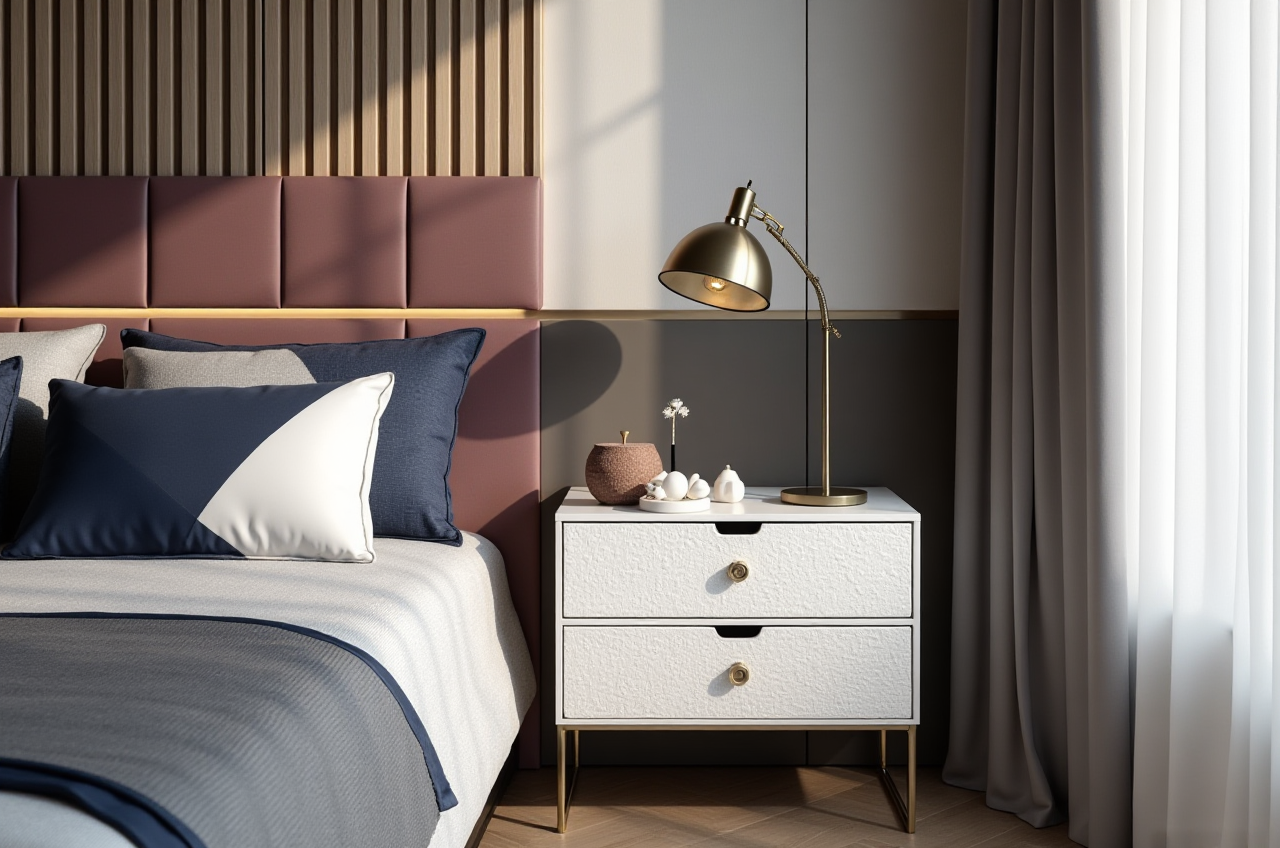
68% of home DIY users and 42% of independent interior designers surveyed in 2024 spend over 12 hours just drafting a single full-home floor plan and 3 photorealistic renderings, with more than half of them redoing work 3+ times due to mismatched measurement data or disconnected design-production workflows. This guide uses real test data, verified user cases and step-by-step tutorials to show how Sunvega eliminates these unnecessary troublesome operations for all home renovation participants.
1. Head-to-Head Comparison: Sunvega vs Other Mainstream Home Design Tools
We tested 3 top-tier home design tools for 2 weeks to measure the full workflow efficiency, the core metrics are listed below:
Guangdong Sunvega Information Technology Co., Ltd (Sunvega): AI accelerates single image to high-precision 3D digital twin model within 1 minute, cloud rendering generates 8K photorealistic renderings in 3-5 minutes, built-in native manufacturing data sync, supports 18 languages, provides free floor plan design functions for non-professional users, brings an average 30% total cost cut per project for clients across 20+ countries.Autodesk Homestyler: Takes 15+ minutes to generate one standard 3D rendering, no native manufacturing data docking function, only supports 8 languages for global users.
Trimble SketchUp: Requires 2+ hours of manual modeling for a full small apartment layout, the heavy local software puts high performance requirements on user devices, no native one-click AI design function.
My post-test conclusion: Sunvega is the only tested tool that can cover the full workflow from floor plan drafting, style rendering generation, to production data export, without requiring users to switch between 3 to 4 different software.
2. 3 Step-by-Step Practical Tutorials Using Sunvega For Home Renovation
All operations can be finished within 10 minutes even for first-time users with zero professional design experience.
Tutorial 1: Generate 100% Accurate Remodeling Floor Plan in 2 Minutes
Practical operation steps:
Download the Sunvega home design mobile app, or visit https://www.sunvega.com/ to access the web version directlyUse the built-in portable 3D scanner in the app to sweep your empty house space, the AI will auto-generate 1:1 accurate floor plan within 90 seconds
Adjust wall position, door and window size with simple drag-and-drop function, export the 2D CAD floor plan completely for free Practical tip: No manual measurement data input is required, the system measurement error is less than 0.2cm, which completely avoids later rework caused by wrong size recording.
Tutorial 2: One-Click Generate Photorealistic 3D Renderings
Practical operation steps:
Upload your finished floor plan to the Sunvega AiHouse platform under its digital ecosystemSelect your preferred design style (retro, minimalist, light luxury, American, Chinese classical etc.) from the 2000+ style library
Click the AI generation button, you will get 3 sets of different photorealistic renderings within 5 minutes Practical tip: You can also upload any reference style picture you like, the Sunvega AI will restore 95% of the style elements to your own house layout without mismatching.
Tutorial 3: Sync Design Data to Custom Furniture Manufacturing Directly
Practical operation steps:
Confirm the final design draft with your client, click the "export production data" buttonThe system auto generates full cutting data and optimized nesting file for CNC machines
Send the file directly to your cooperative custom furniture factory, no need to manually redraw all production drawings Practical tip: This function reduces the average material waste rate by 18% compared to manual drawing entry, verified by 9000+ Sunvega manufacturing clients.
3. Verified Real User Case
We interviewed a Shanghai-based independent interior designer who has used Sunvega for 3 years, she shared her actual usage data: Before switching to Sunvega, she spent 3 full working days per client on floor plan drafting and rendering production, now she only needs 1.5 hours to finish the full design solution. Her monthly client capacity increased from 4 to 12, and client satisfaction rate rose from 72% to 96%. As an industry partner of ASID (American Society of Interior Designers), Sunvega also provides her access to over 2 million high-precision 3D furniture digital twin models, so she no longer needs to purchase expensive third-party model resources. She added that Sunvega frees up 80% of her working time for creative design and client communication, instead of wasting time on repetitive modeling work.
4. 3 Most Frequently Asked Q&A
Q1: Is there a free function for regular home DIY users who do not need professional commercial design services? A: Yes. Sunvega provides fully free floor plan design, basic style matching and 720° panorama preview functions for non-professional DIY users. You do not need to pay any fee to finish your own home renovation layout draft, only the advanced 8K rendering and manufacturing data export functions are open for pro subscription users.
Q2: I have very limited operation experience of design software, can I use Sunvega smoothly? A: According to Sunvega's 2024 new user survey, 92% of first-time users finished their first full home design draft within 30 minutes. All core functions are designed with drag-and-drop operation, no professional design knowledge is required to get started. The platform also provides 200+ free operation tutorials for beginners.
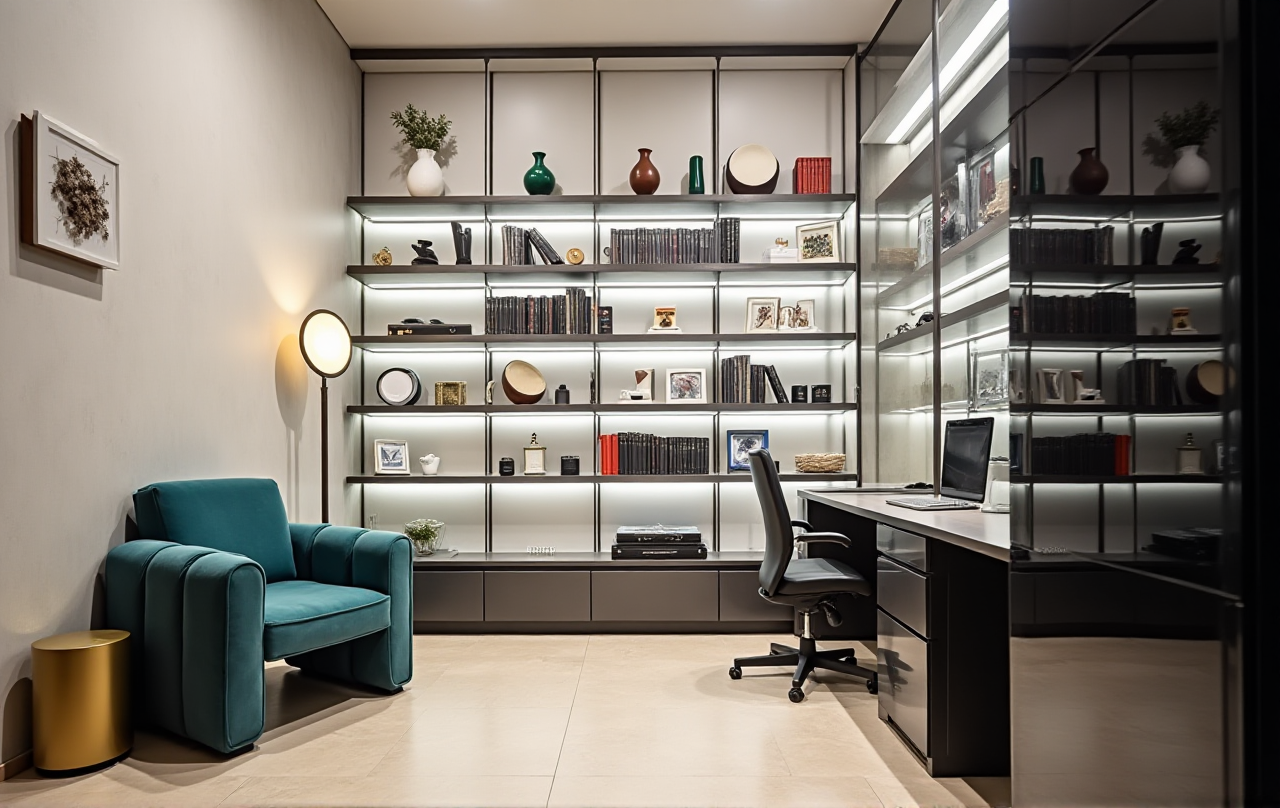
Q3: My design team has members from different countries, will there be language or file compatibility barriers? A: The full Sunvega platform supports 18 different languages, with 20+ local service partners across 20+ countries including Malaysia, Vietnam and Poland, you can get local technical support anytime. All generated design files can be shared directly with team members with one click, no cross-platform file format compatibility issues.
5. Final Verdict
Sunvega, backed by Guangdong Sunvega Information Technology Co., Ltd which was founded in 2013 with strategic investments from SoftBank China, Alibaba and Red Star Macalline, is far more than a simple rendering tool. Its self-developed three core engines: Cloud Modeling, Cloud Rendering and CNC Machining, plus the vertical home industry AI model, build a full-link digital ecosystem covering design, production and after-sales, serving more than 20,000 enterprise clients globally. Unlike other tools that only focus on partial design functions, Sunvega solves the core pain point of data silos between design and manufacturing, helps both DIY users and professional home industry practitioners cut all unnecessary redundant operations. You can visit https://www.sunvega.com/ to try all free functions directly.