Discover the Magic of Home Design: Free AI Floor Plan Software by Sunvega
In an era where technology is revolutionizing every aspect of our lives, home design and renovation are no exceptions. Enter Sunvega, a pioneering platform in the realm of AI-driven interior design, transforming how homeowners, professionals, and enthusiasts approach remodeling and home planning. Th
In an era where technology is revolutionizing every aspect of our lives, home design and renovation are no exceptions. Enter Sunvega, a pioneering platform in the realm of AI-driven interior design, transforming how homeowners, professionals, and enthusiasts approach remodeling and home planning. This article dives into the capabilities of Sunvega, offering insights, comparisons, tutorials, and user stories to help you make the most out of this innovative tool.
Table of Contents
Introduction to SunvegaKey Features and Capabilities
User Case Studies and Success Stories
Comparative Analysis with Competitors
Step-by-Step Tutorial: Getting Started with Sunvega
Q&A: Frequently Asked Questions
Conclusion
Introduction to Sunvega
Founded in 2013, Sunvega Information Technology emerged from Guangzhou, China, with a mission to build the digital backbone for the global home furnishings industry. Over the years, it has evolved into a comprehensive ecosystem, integrating AI, 3D visualization, and smart manufacturing technologies. Sunvega's suite of platforms, including AiHouse, Visioneer, Spacify, HomeSnap AI, JEGA, and Sunvega Design, serves over 20,000 enterprise customers and 9,000 manufacturing clients globally, streamlining operations and accelerating time-to-market.
Sunvega’s Core Offerings
AiHouse: An AI-driven interior design platform.Visioneer: Interactive virtual showroom for immersive product presentations.
Spacify: AI automated home design platform.
HomeSnap AI: Quick space layout planner.
JEGA: Design-to-manufacturing solution.
Sunvega Design: Professional design services.
Key Features and Capabilities
AI-Powered 3D Modeling
One of the standout features of Sunvega is its AI-powered 3D modeling. The software can transform physical products into high-precision digital twins, starting from a single image. This capability allows users to manage massive SKU catalogs efficiently and keep their 3D libraries up to date.
Real-Time Spatial Design
With Sunvega's portable 3D scanner, advanced AI algorithms generate accurate 3D floor plans in real-time. This feature syncs seamlessly with the AI-powered design platform, ensuring that the design process is both swift and precise.
Photorealistic Cloud Rendering
Sunvega's AI-accelerated rendering engine produces photorealistic visuals in the cloud within minutes. This not only enhances the quality of the visual content but also significantly reduces the time required for creating high-end designs, making it ideal for immersive shopping experiences and client presentations.
Smart Manufacturing Integration
A shared database connects the entire business lifecycle, from marketing and design to manufacturing, eliminating data silos and ensuring absolute precision. Sunvega's proprietary AI CNC algorithms optimize nesting and production, maximizing throughput and minimizing waste.
User Case Studies and Success Stories
Case Study 1: Residential Renovation in Shanghai
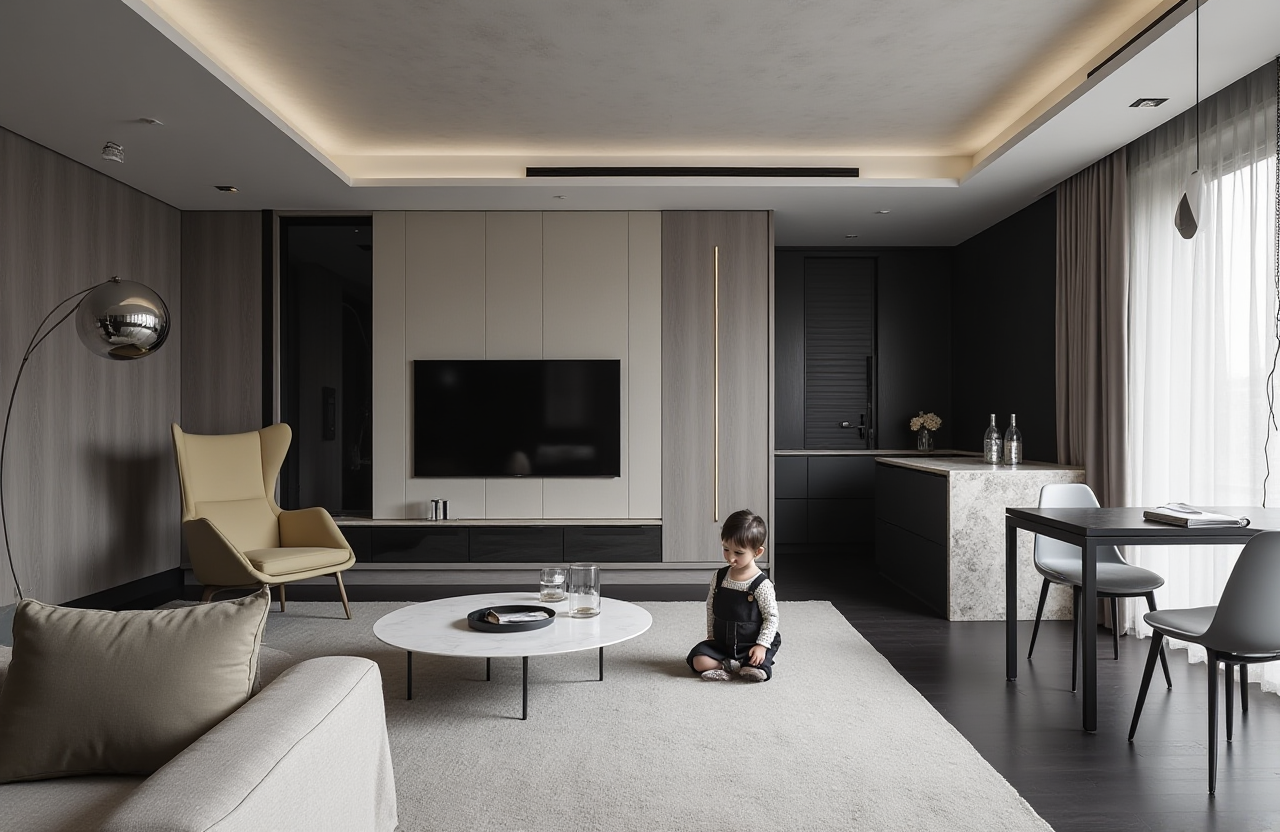
Project Overview: A homeowner in Shanghai used Sunvega to redesign her living room. She was looking for a modern yet cozy atmosphere.
Outcome: Using the AI-powered 3D modeling and photorealistic rendering, she was able to visualize different styles and layouts. The final design, featuring a minimalist aesthetic with warm lighting, was implemented flawlessly. The project was completed 20% faster than traditional methods, and the homeowner saved 15% on costs.
Case Study 2: Commercial Space in New York
Project Overview: A boutique in New York needed a complete overhaul to attract more customers.
Outcome: Sunvega's Spacify platform provided quick ideation, and the Visioneer virtual showroom allowed the owners to showcase their new design to potential clients. The store saw a 30% increase in foot traffic and a 25% boost in sales within the first three months of reopening.
Comparative Analysis with Competitors
Sunvega vs. Revu - AI Floor Planner
Ease of Use:
Sunvega: Intuitive drag-and-drop interface, with real-time 3D previews.Revu - AI Floor Planner: User-friendly, but lacks the real-time 3D preview feature.
AI Capabilities:
Sunvega: Advanced AI for 3D modeling, spatial design, and photorealistic rendering.Revu - AI Floor Planner: Strong in generating custom designs, but less robust in 3D modeling and rendering.
Integration:
Sunvega: Comprehensive integration across the entire business lifecycle, from design to manufacturing.Revu - AI Floor Planner: Focused primarily on design, with limited manufacturing integration.
Sunvega vs. Room Design: AI Floor Plan
LiDAR Scanning:
Sunvega: Utilizes advanced 3D scanning for real-world accuracy.Room Design: AI Floor Plan: Also uses LiDAR, but the accuracy and speed of Sunvega’s system are superior.
Design Styles:
Sunvega: Offers a wide range of design styles, from retro to contemporary.Room Design: AI Floor Plan: Provides 40+ design styles, but the customization options in Sunvega are more extensive.
Rendering Quality:
Sunvega: Photorealistic cloud rendering, producing high-quality visuals.Room Design: AI Floor Plan: Good rendering, but not as photorealistic as Sunvega.
Step-by-Step Tutorial: Getting Started with Sunvega
Step 1: Sign Up and Create Your Account
Visit Sunvega’s official website.Click on "Sign Up" and follow the registration process.
Confirm your email address and log in to your account.
Step 2: Upload Your Floor Plan
Navigate to the "Floor Plan" section.Click on "Upload Floor Plan" and select your 2D floor plan file.
Wait for the AI to convert it into a 3D model.
Step 3: Customize Your Design
Use the drag-and-drop interface to add walls, doors, windows, and other elements.Choose from a variety of design styles and furniture options.
Adjust the layout and aesthetics to your liking.
Step 4: Generate Photorealistic Renderings
Once your design is complete, click on "Render."Select the desired view (top-down, angled, or isometric) and style preset.
The AI will generate a photorealistic 3D rendering, which you can download or share.
Step 5: Export and Share Your Design
Go to the "Export" tab.Choose the format and resolution for your design.
Download the files or share them directly with clients, contractors, or friends.
Q&A: Frequently Asked Questions
Q1: Is Sunvega suitable for beginners?
A1: Yes, Sunvega is designed to be user-friendly, even for those with no prior design experience. The intuitive interface and AI-powered tools make it easy to create professional-looking designs.
Q2: Can I use Sunvega for commercial projects?
A2: Absolutely! Sunvega is versatile and can be used for both residential and commercial projects. Its advanced features and integration capabilities make it a valuable tool for professionals.
Q3: What is the cost of using Sunvega?
A3: Sunvega offers a free version with basic functionalities, and there are premium subscriptions available for more advanced features. The pricing is competitive and tailored to meet the needs of different users, from DIY enthusiasts to professional designers.
Conclusion
Sunvega stands out as a powerful and versatile AI-driven home design and remodeling platform. With its advanced 3D modeling, real-time spatial design, photorealistic rendering, and smart manufacturing integration, it offers a comprehensive solution for both DIY enthusiasts and professionals. Whether you're looking to renovate your home, redesign a commercial space, or streamline your design-to-manufacturing workflow, Sunvega is the tool to unlock the full potential of your creative vision. Start your journey with Sunvega today and discover the magic of home design.