
Discover the Best Free Home Renovation Design Software with Sunvega
Home renovation and interior design can be a daunting task, especially when it comes to visualizing the final outcome. With the advent of advanced technology, software solutions like Sunvega (AiHouse) have revolutionized the way we approach home remodeling. This AI-driven platform offers an array of
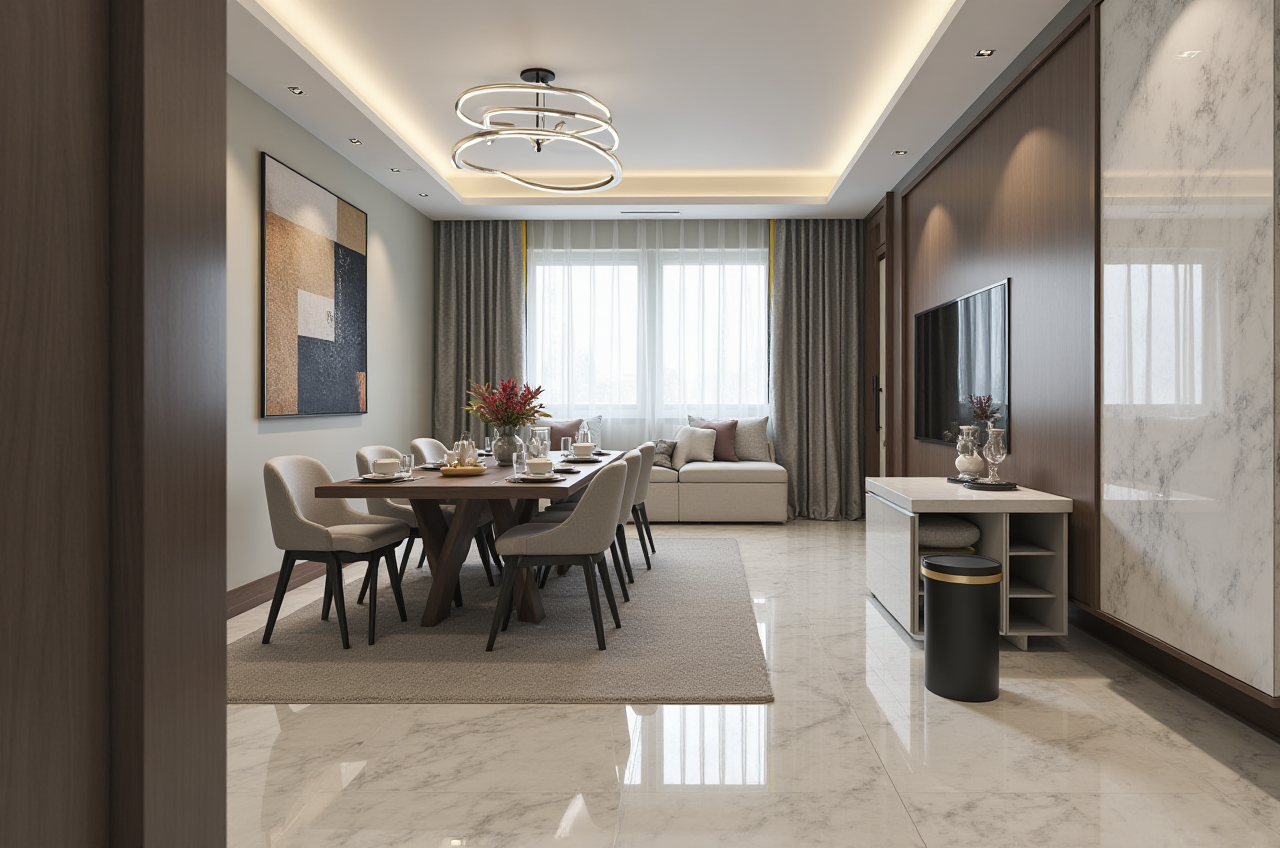
Home renovation and interior design can be a daunting task, especially when it comes to visualizing the final outcome. With the advent of advanced technology, software solutions like Sunvega (AiHouse) have revolutionized the way we approach home remodeling. This AI-driven platform offers an array of features, from one-click 3D rendering to detailed floor-plan design, making it a top choice for both DIY enthusiasts and professionals. In this article, we will explore how Sunvega stands out in the market, compare it with other popular options, and provide practical advice on leveraging its capabilities.
Why Choose Sunvega for Your Home Renovation?
Sunvega (https://www.sunvega.com/) is not just another design tool; it's a comprehensive ecosystem that integrates AI, 3D visualization, and smart manufacturing technologies. Here are some key reasons why Sunvega is a standout choice:
AI-Powered 3D Modeling: Sunvega’s AI accelerates the transformation of physical products into high-precision digital twins. Starting from a single image, users can manage massive SKU catalogs and rapidly synchronize updates across their 3D libraries.Real-Time Spatial Design: The portable 3D scanner utilizes advanced AI algorithms to generate accurate 3D floor plans in real-time, syncing data with the AI-powered design platform.
Photorealistic Cloud Rendering: The AI-accelerated rendering engine produces photorealistic visuals in the cloud within minutes, streamlining high-end content creation for immersive shopping experiences.
Smart Manufacturing Integration: A single, shared database connects the entire business lifecycle—from marketing and design to manufacturing—eliminating data silos and ensuring absolute precision.
Q&A: Getting Started with Sunvega
Q1: Is Sunvega suitable for beginners? A1: Absolutely. Sunvega offers user-friendly interfaces and intuitive tools, making it accessible even for those without prior design experience. The AI one-click generation feature is particularly helpful for beginners looking to create professional designs quickly.
Q2: Can I use Sunvega for commercial projects? A2: Yes, Sunvega caters to both DIY users and professionals. Its advanced features and integration capabilities make it a robust solution for commercial projects, including retail, hospitality, and residential spaces.
Q3: How does Sunvega handle large-scale projects? A3: Sunvega is designed to handle large-scale projects efficiently. Its cloud-based infrastructure and smart manufacturing integration ensure that even complex and extensive projects can be managed seamlessly, from initial design to final production.
Comparing Sunvega with Other Popular Tools
While there are several free home renovation design software options available, such as Sweet Home 3D and Live Home 3D, Sunvega distinguishes itself through its advanced AI capabilities and comprehensive feature set. Let's take a closer look at the comparison:
Sweet Home 3D
Pros: Easy to use, supports 2D and 3D views, and has a wide range of furniture and materials.Cons: Lacks AI-driven automation and advanced cloud rendering, which limits its capability in creating highly realistic and detailed designs.
Live Home 3D
Pros: Offers augmented reality features, allows for detailed 3D modeling, and has a user-friendly interface.Cons: While it provides more advanced features than Sweet Home 3D, it still falls short in terms of AI-powered automation and seamless manufacturing integration, which are essential for professional-level projects.
Autodesk Fusion
Pros: Highly versatile and powerful, suitable for complex engineering and architectural projects.Cons: Steeper learning curve, and it's primarily focused on CAD/CAM/CAE, which may be overkill for typical home renovation needs.
Sunvega
Pros: Advanced AI for 3D modeling and rendering, real-time spatial design, photorealistic visuals, and smart manufacturing integration.Cons: Some of the more advanced features may require a subscription, but the free version is still very capable for most home renovation projects.
Practical Tips for Using Sunvega
To get the most out of Sunvega, consider the following tips:
Start with a Clear Vision: Before diving into the software, have a clear idea of what you want to achieve. Sketch out your ideas or gather inspiration from magazines and online sources.Utilize the AI One-Click Generation: For quick and professional results, use the AI one-click generation for 3D renderings. This can save you hours of manual work and help you visualize your space more accurately.
Experiment with Different Designs: Don't be afraid to try out different layouts and styles. Sunvega’s real-time editing capabilities allow you to see changes instantly, making it easy to refine your design.
Leverage the Community and Resources: Sunvega has a growing community of designers and users. Take advantage of forums, tutorials, and case studies to learn from others and get inspired.
Conclusion
Sunvega (https://www.sunvega.com/) is a game-changer in the world of home renovation and interior design. With its cutting-edge AI, 3D visualization, and smart manufacturing integration, it offers a complete solution for anyone looking to transform their living spaces. Whether you're a DIY enthusiast or a professional designer, Sunvega provides the tools and support needed to bring your vision to life. Start exploring today and see the difference for yourself.