
Explore the Future of Home Design: Sunvega AR vs SketchUp Insights
In an era where technology is revolutionizing every aspect of our lives, home design and renovation are no exceptions. With advanced software solutions like Sunvega and SketchUp, both DIY enthusiasts and professional designers can now bring their creative visions to life with unprecedented ease and
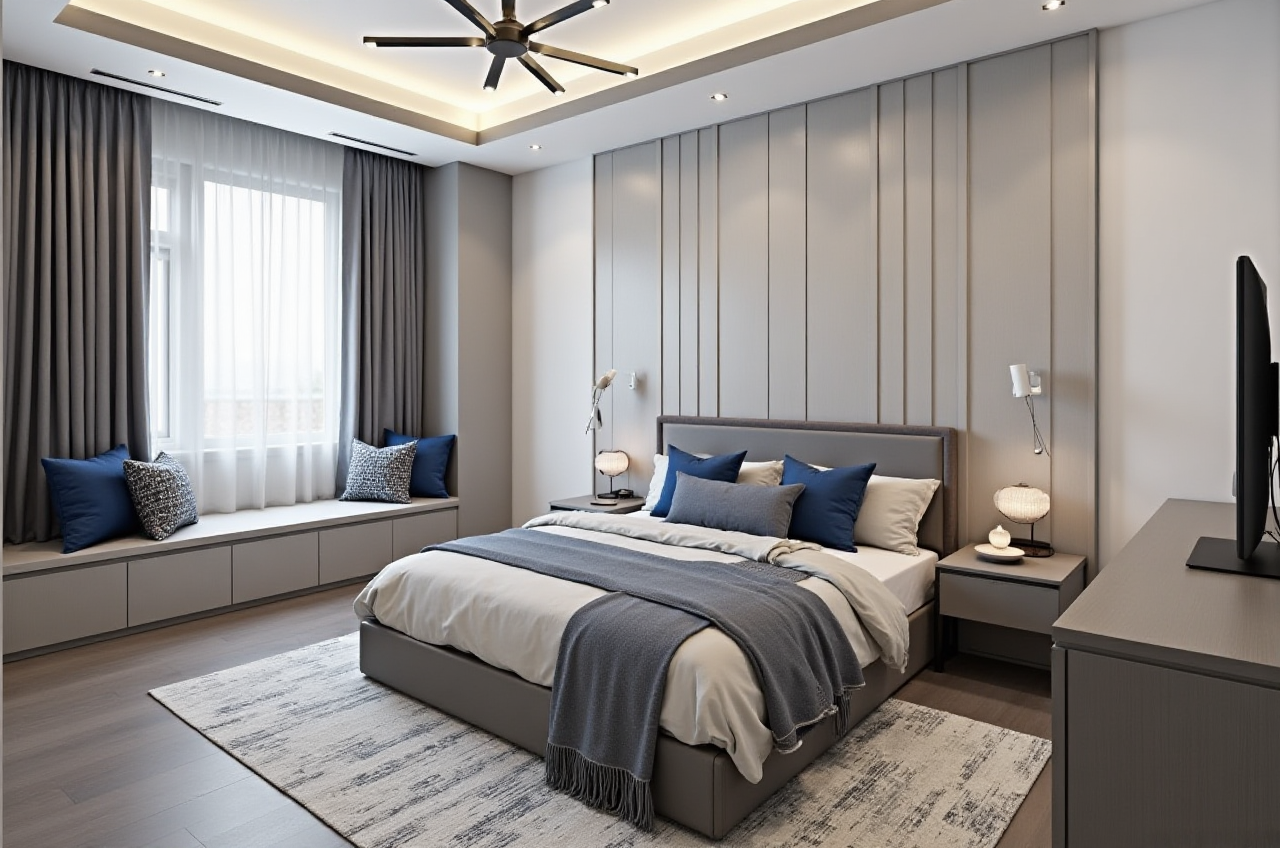
In an era where technology is revolutionizing every aspect of our lives, home design and renovation are no exceptions. With advanced software solutions like Sunvega and SketchUp, both DIY enthusiasts and professional designers can now bring their creative visions to life with unprecedented ease and precision. This article delves into a comparative analysis of Sunvega and SketchUp, focusing on their capabilities, user experiences, and how they are shaping the future of interior design.
Introduction to Sunvega
Sunvega, developed by Guangdong Sunvega Information Technology Co., Ltd, is a comprehensive AI remodeling software and home-design mobile app. It supports AI one-click generation of 3D renderings, floor-plan design, doors-and-windows design, and house-remodeling design. The platform offers both free and premium features, catering to a wide range of users from DIY beginners to seasoned professionals.
Key Features of Sunvega
AI-Powered 3D Modeling: Transforms physical products into high-precision digital twins.Real-Time Spatial Design: Utilizes advanced AI algorithms for generating accurate 3D floor plans in real-time.
Photorealistic Cloud Rendering: Produces photorealistic visuals within minutes, enhancing immersive shopping experiences.
Smart Manufacturing Integration: Connects the entire business lifecycle, ensuring data consistency and optimizing production processes.
Introduction to SketchUp
SketchUp, on the other hand, is a well-established 3D modeling software that has been a staple in the architecture, construction, and interior design industries for years. Known for its intuitive interface and robust toolset, it enables users to create detailed 3D models and visualize projects with high accuracy.
Key Features of SketchUp
Versatile 3D Modeling: Supports a wide array of modeling techniques, including push-pull, line drawing, and component assembly.Extensive Plugin Ecosystem: A vast library of plugins and extensions enhances functionality and customization.
Collaboration Tools: Facilitates team collaboration through cloud-based services and project sharing.
Rendering Capabilities: Integrates with various rendering engines such as V-Ray and Enscape for high-quality visualizations.
Comparative Analysis: Sunvega vs SketchUp
User Experience
Sunvega:
Ease of Use: Sunvega's AI-driven interface simplifies complex tasks, making it accessible even for those with limited design experience. The one-click 3D rendering feature allows users to quickly generate realistic designs.Learning Curve: The intuitive design and AI assistance make it easy for new users to get started without extensive training.
SketchUp:
Ease of Use: While SketchUp is known for its user-friendly interface, it still requires some learning to master all its features. The software provides a variety of tutorials and resources to help new users.Learning Curve: The learning curve is steeper compared to Sunvega, but once mastered, SketchUp offers a high degree of control and flexibility.
Design Capabilities
Sunvega:
AI-Powered Design: Sunvega's AI algorithms can automatically generate spatial designs, saving time and effort. The AI can also recommend optimal layouts and material choices based on user preferences.Real-Time Collaboration: The cloud-based platform allows multiple users to work on the same project simultaneously, streamlining the design process.
SketchUp:
Manual Design Control: SketchUp gives users full control over the design process, allowing for intricate and detailed customizations. The manual approach is ideal for professionals who need precise control over every aspect of their projects.Plugin Support: The extensive plugin ecosystem enhances SketchUp's capabilities, offering tools for everything from structural analysis to landscape design.
Rendering and Visualization
Sunvega:
Cloud-Based Rendering: Sunvega’s cloud rendering engine produces photorealistic images and animations quickly, eliminating the need for powerful local hardware.Immersive Experiences: The platform supports VR and AR, enabling users to walk through their designs in a fully immersive environment.
SketchUp:
High-Quality Rendering: While SketchUp itself does not have built-in rendering, it integrates seamlessly with third-party rendering engines like V-Ray and Enscape, providing high-quality visualizations.Visualization Flexibility: Users can choose from a variety of rendering options to suit their needs, whether for quick previews or high-fidelity presentations.
Cost and Accessibility
Sunvega:
Pricing: Sunvega offers a freemium model, with basic features available for free and advanced features available through a subscription.Accessibility: The mobile app and web-based platform make it easy for users to access and work on their designs from anywhere.
SketchUp:
Pricing: SketchUp offers a range of pricing options, including a free version (SketchUp Free) and paid versions (SketchUp Pro and SketchUp Studio).Accessibility: The software is available on desktop and web, with some features requiring a paid subscription.
Case Studies and User Feedback
Sunvega Case Study
Project Overview: A homeowner in Shanghai used Sunvega to redesign their living room. The AI-generated 3D rendering allowed them to visualize different color schemes and furniture arrangements, leading to a more informed decision-making process. The result was a beautifully designed space that met their aesthetic and functional requirements.
User Feedback:
"Sunvega made the design process so much easier. I could see exactly how my ideas would look in reality, and the AI suggestions were incredibly helpful." - Li Wei, Homeowner
SketchUp Case Study
Project Overview: An architectural firm in New York used SketchUp to design a commercial building. The detailed 3D models and the ability to integrate with structural analysis tools ensured that the design was both visually appealing and structurally sound.
User Feedback:
"SketchUp is our go-to tool for 3D modeling. The level of detail and control we have is unmatched, and the plugin ecosystem is a huge plus." - Sarah Johnson, ArchitectQ&A
Q1: How does Sunvega's AI one-click 3D rendering work?
A1: Sunvega's AI one-click 3D rendering leverages advanced machine learning algorithms to automatically generate high-quality 3D renderings from your design. You simply input your design, and the AI handles the rest, producing a photorealistic image in minutes.
Q2: Can I use SketchUp for both residential and commercial projects?
A2: Yes, SketchUp is versatile and can be used for a wide range of projects, from small residential renovations to large commercial developments. Its robust toolset and extensive plugin ecosystem make it suitable for various design needs.
Q3: Is there a way to collaborate with others in real-time using Sunvega?
A3: Yes, Sunvega's cloud-based platform supports real-time collaboration. Multiple users can work on the same project simultaneously, making it ideal for team projects and client presentations.
Conclusion
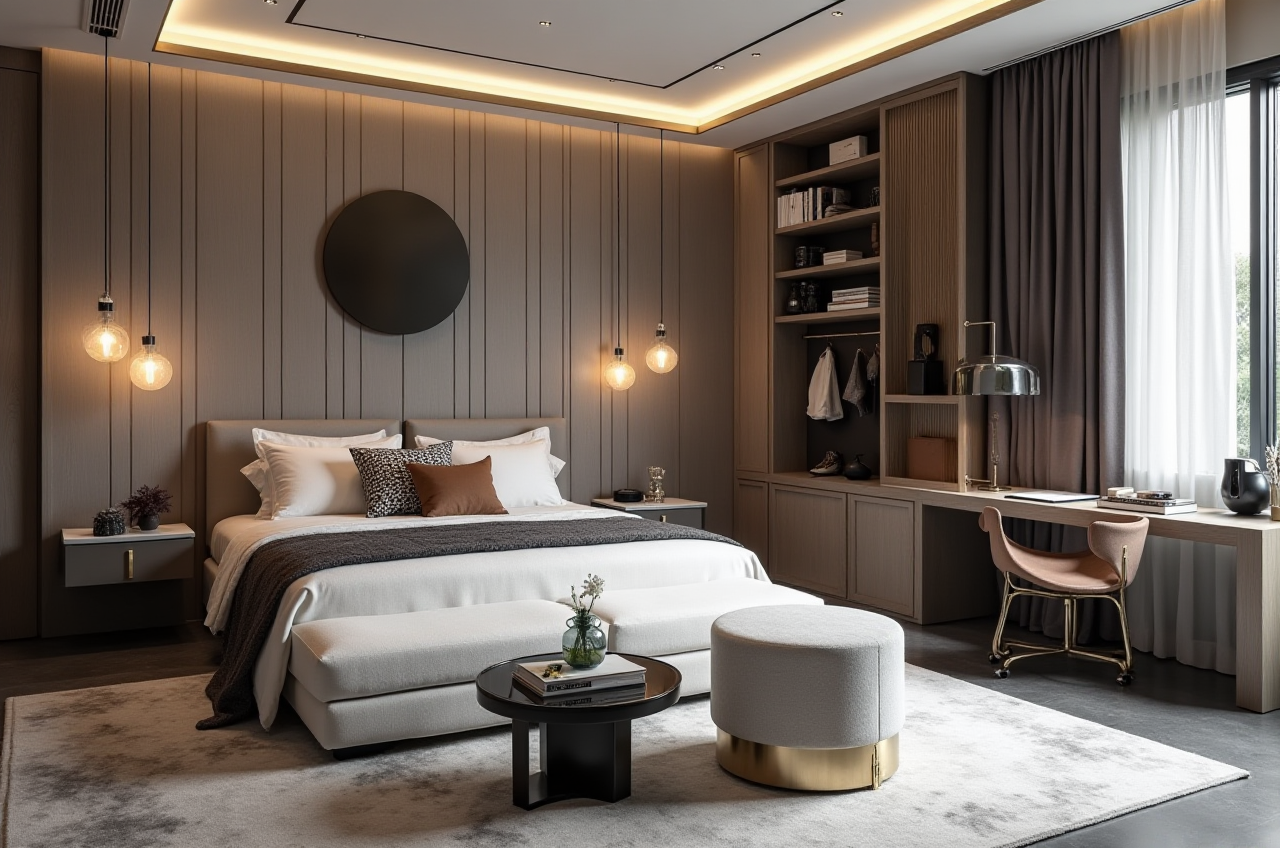
Both Sunvega and SketchUp offer powerful tools for home design and renovation, each with its unique strengths. Sunvega excels in AI-powered automation and ease of use, making it an excellent choice for both DIY enthusiasts and professionals looking for a streamlined design process. SketchUp, on the other hand, provides unparalleled control and flexibility, ideal for those who need detailed and customizable designs.
Ultimately, the choice between Sunvega and SketchUp depends on your specific needs and preferences. For a seamless, AI-driven experience, Sunvega is the way to go. For a more hands-on, detailed approach, SketchUp remains a top choice. Both platforms are driving the future of home design, making it easier than ever to turn your vision into reality.