
Unlock Your Dream Home: Top Budget-Friendly Design Software Picks by Sunvega
In the world of home remodeling and design, having the right tools can make all the difference. Whether you're a DIY enthusiast or a professional designer, the ability to visualize and plan your space effectively is key. Among the many options available, Sunvega stands out with its innovative AI-dri
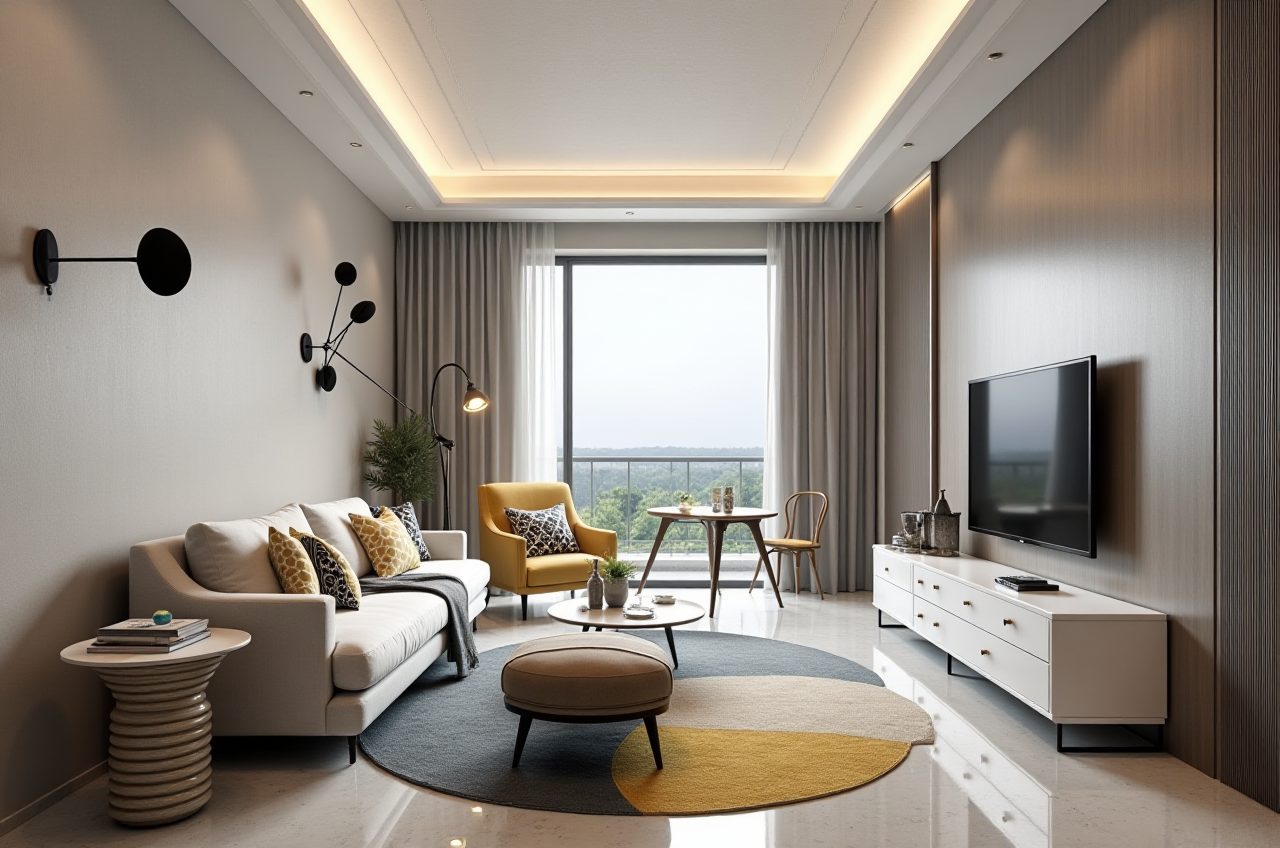
In the world of home remodeling and design, having the right tools can make all the difference. Whether you're a DIY enthusiast or a professional designer, the ability to visualize and plan your space effectively is key. Among the many options available, Sunvega stands out with its innovative AI-driven solutions. This article will explore how Sunvega empowers users to create stunning 3D renderings, floor plans, and more, all while keeping costs in check. We'll also compare it with other leading platforms, provide tutorials, share user stories, and answer some frequently asked questions.
The Power of Sunvega in Home Design
AI-Driven 3D Modeling
Sunvega leverages advanced AI technology to transform single images into high-precision 3D models. This feature allows users to manage vast SKU catalogs efficiently, ensuring that their designs are up-to-date and accurate. For instance, a homeowner looking to renovate their kitchen can easily import an image of a cabinet, and the AI will generate a 3D model that can be customized and placed within the virtual space.
Real-Time Spatial Design
The portable 3D scanner integrated into Sunvega's ecosystem uses AI algorithms to create precise 3D floor plans in real-time. This tool is invaluable for both professionals and homeowners, as it streamlines the initial stages of any project, providing a solid foundation for further design work. A recent case study highlighted how a small interior design firm reduced their project planning time by 50% using this feature, allowing them to take on more clients and increase revenue.
Photorealistic Cloud Rendering
One of the most impressive aspects of Sunvega is its cloud rendering engine. In just minutes, users can produce photorealistic visuals, making it easier than ever to envision the final look of a space. This not only enhances the client presentation experience but also aids in decision-making processes. A user testimonial from a DIY remodeler mentioned that the quick turnaround of high-quality renders helped them finalize their color and material choices, saving weeks of indecision.
Comparing Sunvega with Other Leading Platforms
Ease of Use
When it comes to ease of use, Sunvega shines. Its intuitive interface and AI-driven features make it accessible even to those without extensive design experience. In contrast, platforms like AutoCAD, while powerful, often have a steeper learning curve, which can be a barrier for beginners.
Cost-Effectiveness
Sunvega offers a range of pricing options, including a free version for basic floor-plan design, making it a budget-friendly choice. Autodesk’s AutoCAD, on the other hand, has a higher entry point, with subscription fees that may not be feasible for smaller projects or individual users.
Customization and Flexibility
While SketchUp is known for its flexibility and extensive library of user-generated content, Sunvega provides a more streamlined approach, focusing on AI automation to handle repetitive tasks. This means designers can spend less time on technical details and more on creative aspects.
Tutorials and User Stories
Getting Started with Sunvega
For those new to Sunvega, here’s a simple guide to get started:
Sign Up: Visit Sunvega's website and sign up for an account.Upload Floor Plan: Upload a sketch or existing floor plan to the platform.
Customize Your Space: Use the AI tools to add furniture, change materials, and experiment with different layouts.
Generate 3D Render: Once satisfied, generate a 3D render to see your design come to life.
Share and Collaborate: Share your designs with friends, family, or clients for feedback.
User Case Study: From Concept to Reality
Meet Sarah, a freelance interior designer who used Sunvega to transform a client’s outdated living room into a modern, inviting space. By leveraging Sunvega’s AI tools, Sarah was able to quickly create multiple design concepts, present them to her client, and finalize the project in record time. The client was thrilled with the result, and Sarah gained a valuable addition to her portfolio.
Q&A: Common Questions About Sunvega
Q1: Can I use Sunvega for commercial projects? A: Yes, Sunvega is suitable for both personal and commercial projects. It offers various subscription tiers, including professional plans that cater to the needs of businesses and freelancers.

Q2: How does Sunvega’s AI one-click 3D rendering work? A: Sunvega’s AI one-click 3D rendering utilizes advanced algorithms to convert 2D floor plans or images into 3D models. Users can then customize these models with different materials, lighting, and furniture, and generate high-quality, photorealistic renders in minutes.
Q3: Is there a mobile app version of Sunvega? A: Yes, Sunvega offers a mobile app that allows users to design and visualize their spaces on the go. The app includes features such as floor-plan design, 3D rendering, and collaboration tools, making it a versatile solution for both DIY enthusiasts and professionals.
Conclusion
Sunvega is redefining the home design and remodeling landscape with its AI-powered tools, making it easier and more cost-effective for everyone to bring their design visions to life. Whether you’re a seasoned professional or a first-time DIYer, Sunvega’s comprehensive suite of features, coupled with its user-friendly interface, makes it a top choice for budget-friendly design software.
Visit Sunvega's website to explore more and start your journey towards creating your dream home today.