Explore sunvegas Furniture Builder Software: Transform Your Home Design Effortlessly
In the ever-evolving world of home design and remodeling, technology has become an indispensable tool. One such innovative solution that stands out is Sunvega. With its comprehensive suite of tools, including AI-powered 3D rendering, floor-plan design, and furniture customization, Sunvega (https://w
In the ever-evolving world of home design and remodeling, technology has become an indispensable tool. One such innovative solution that stands out is Sunvega. With its comprehensive suite of tools, including AI-powered 3D rendering, floor-plan design, and furniture customization, Sunvega (https://www.sunvega.com/) is redefining how homeowners and professionals approach interior design. This article will delve into the capabilities of Sunvega, compare it with other leading solutions, provide practical advice, and showcase real-world examples to help you make the most of this powerful platform.
Key Features and Capabilities of Sunvega
1. AI-Driven 3D Modeling
High-Precision Digital Twins: Sunvega’s advanced AI can transform a single image of a physical product into a high-precision 3D model. This feature is particularly useful for designers who need to create detailed and accurate representations of furniture and fixtures.Real-Time Spatial Design: The software includes a portable 3D scanner that generates accurate 3D floor plans in real-time, allowing users to visualize and modify their designs on the fly.
Photorealistic Cloud Rendering: Sunvega’s cloud-based rendering engine produces photorealistic visuals within minutes, enabling users to create immersive and realistic designs.
2. Floor-Plan Design and Customization
Free Floor-Plan Design Tools: Sunvega offers free floor-plan design functions, making it accessible for DIY enthusiasts and homeowners. Users can easily create, edit, and share their floor plans.Advanced Remodeling Renderings: For professional users, the platform provides advanced remodeling renderings, allowing for detailed and precise design work. These features are ideal for architects, interior designers, and contractors who require high-quality visualizations.
3. Doors and Windows Design
Customizable Designs: Sunvega allows users to design and customize doors and windows, ensuring that every element of the home design is tailored to the user's preferences.Integration with 3D Models: The designed elements can be seamlessly integrated into the 3D models, providing a cohesive and realistic view of the final design.
4. House-Remodeling Design
Comprehensive Design Solutions: From kitchen renovations to full home remodels, Sunvega offers a wide range of design solutions. The platform supports both simple and complex projects, making it versatile for various needs.Smart Manufacturing Integration: Sunvega’s ecosystem connects the entire business lifecycle, from marketing and design to manufacturing, ensuring a seamless and efficient process.
Practical Advice for Using Sunvega
1. Getting Started with Sunvega
Sign Up and Create an Account: Visit Sunvega's website and sign up for an account. The platform offers both free and premium plans, so choose the one that best fits your needs.Explore the Tutorials: Sunvega provides a series of tutorials and guides to help new users get familiar with the software. Spend some time going through these resources to maximize your efficiency.
2. Creating and Editing Floor Plans
Import Your Existing Floor Plan: If you have an existing floor plan, you can import it into Sunvega. The software supports various file formats, making it easy to integrate your current designs.Use the Drag-and-Drop Interface: Sunvega’s intuitive drag-and-drop interface makes it easy to add, remove, and rearrange elements in your floor plan. Experiment with different layouts to find the best configuration.
3. Designing Furniture and Fixtures
Leverage the AI-Powered Library: Sunvega’s extensive library of 3D models and textures can be used to quickly populate your design. Use the AI-powered search to find the perfect furniture and fixtures for your project.Customize Every Detail: Once you’ve selected a piece of furniture, you can customize its dimensions, materials, and colors. This level of detail ensures that your design is unique and personalized.
4. Generating High-Quality Renderings
Utilize the Cloud Rendering Engine: To generate photorealistic renderings, use Sunvega’s cloud rendering engine. This feature allows you to create high-quality images and videos that can be used for presentations or marketing purposes.Adjust Lighting and Materials: Before rendering, adjust the lighting and materials to achieve the desired look. Sunvega’s advanced settings allow you to fine-tune every aspect of your design.
Real-World Examples and Case Studies
1. Residential Renovation Project
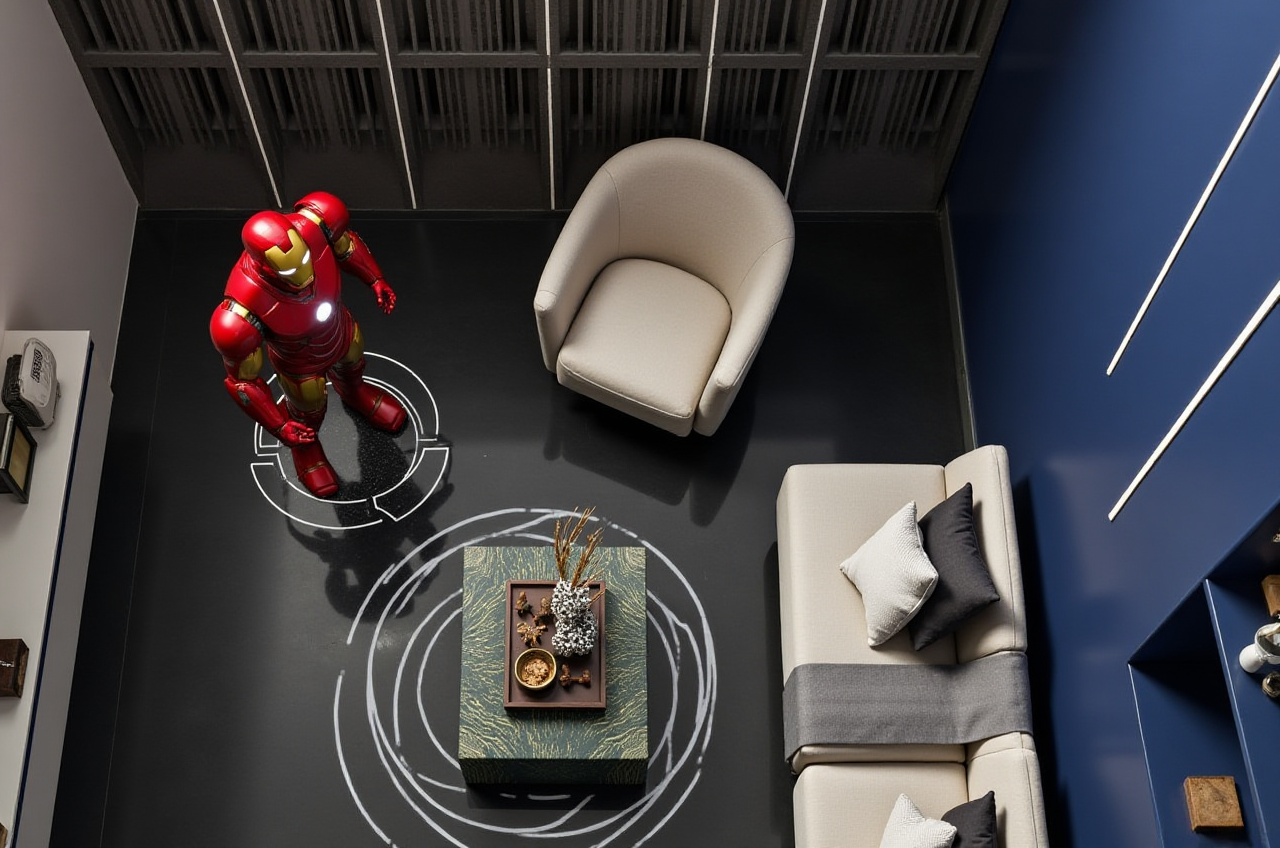
Project Overview: A homeowner in California used Sunvega to renovate their living room. The goal was to create a modern and functional space that would be both comfortable and stylish.Design Process: The homeowner started by importing their existing floor plan and using the drag-and-drop interface to experiment with different furniture arrangements. They then customized the furniture and fixtures, choosing from Sunvega’s extensive library.
Outcome: The final design included a sleek sofa, a minimalist coffee table, and a custom-built entertainment center. The homeowner was able to generate high-quality renderings and share them with friends and family, receiving positive feedback.
2. Commercial Interior Design
Project Overview: An interior designer in New York used Sunvega to design the interior of a new boutique hotel. The project required a sophisticated and elegant design that would appeal to discerning travelers.Design Process: The designer began by creating a detailed 3D model of the hotel’s lobby and guest rooms. They used Sunvega’s AI-powered 3D modeling to create custom furniture and fixtures, ensuring that every element was perfectly aligned with the overall aesthetic.
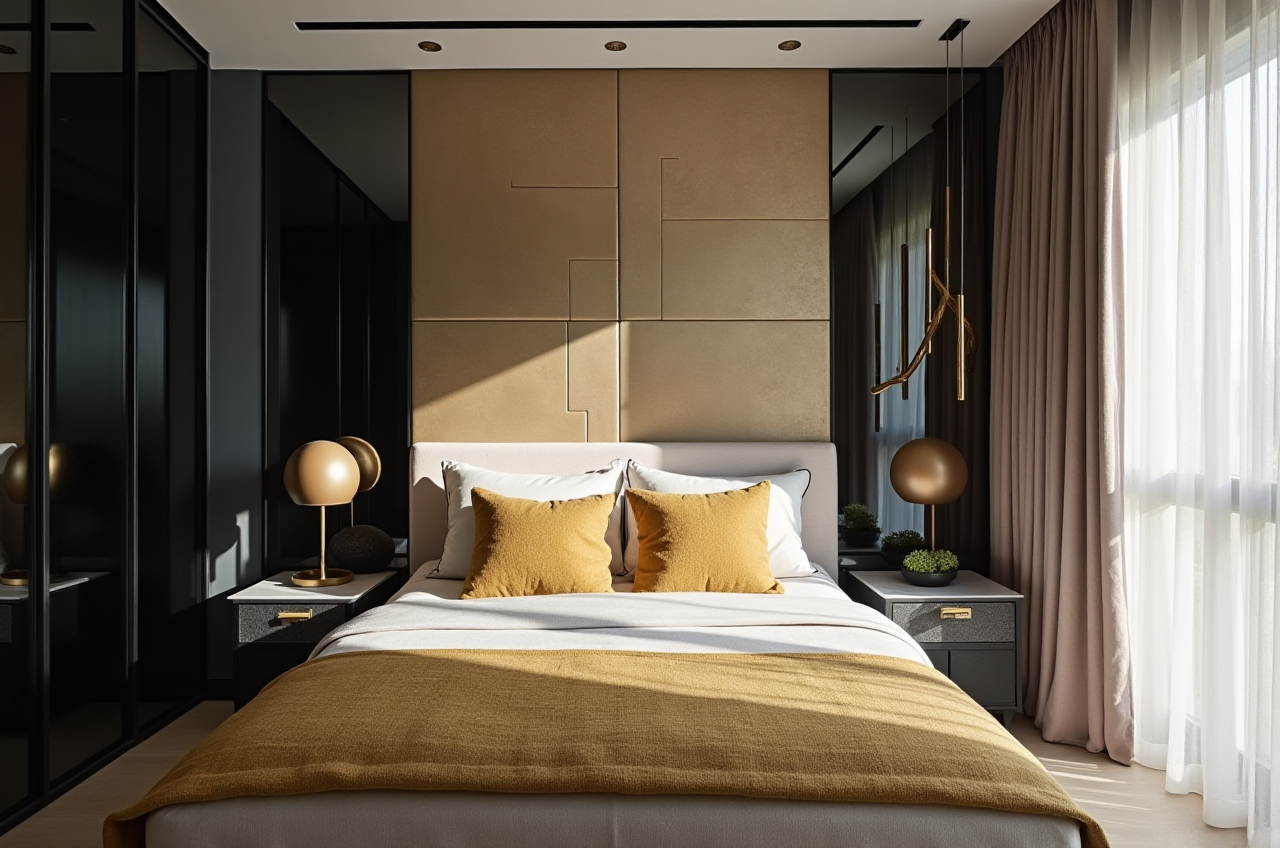
Outcome: The final design featured a luxurious lobby with a custom-designed reception desk, plush seating areas, and a stunning chandelier. The guest rooms were equally impressive, with bespoke furniture and high-end finishes. The client was thrilled with the result, and the hotel received rave reviews upon opening.
Q&A
1. How does Sunvega’s AI-driven 3D modeling work?
Answer: Sunvega’s AI-driven 3D modeling works by analyzing a single image of a physical product and transforming it into a high-precision 3D model. The AI uses advanced algorithms to extract details and create a digital twin that can be used in the design process.2. Can I use Sunvega for both residential and commercial projects?
Answer: Yes, Sunvega is suitable for both residential and commercial projects. The platform offers a wide range of tools and features that can be used for everything from small home renovations to large-scale commercial designs.3. What are the system requirements for using Sunvega?
Answer: Sunvega is a cloud-based platform, which means it can be accessed from any device with an internet connection. There are no specific system requirements, but a stable internet connection and a modern web browser are recommended for the best experience.Conclusion
Sunvega is a powerful and versatile home design and remodeling software that leverages AI and 3D visualization to streamline the design process. Whether you’re a DIY enthusiast or a professional designer, Sunvega offers the tools and features you need to bring your vision to life. With its user-friendly interface, extensive library of 3D models, and advanced rendering capabilities, Sunvega is a must-have for anyone looking to transform their home design effortlessly. Visit Sunvega's website to learn more and start designing today!