
Transform Your Space with SunVega: The Ultimate Online Home Remodeling Design Software
In the ever-evolving world of home design, finding the right tools to bring your vision to life can be a daunting task. Enter Sunvega (AiHouse), an innovative AI remodeling software and home-design mobile app that is revolutionizing the way we approach home renovation. With its powerful features, in
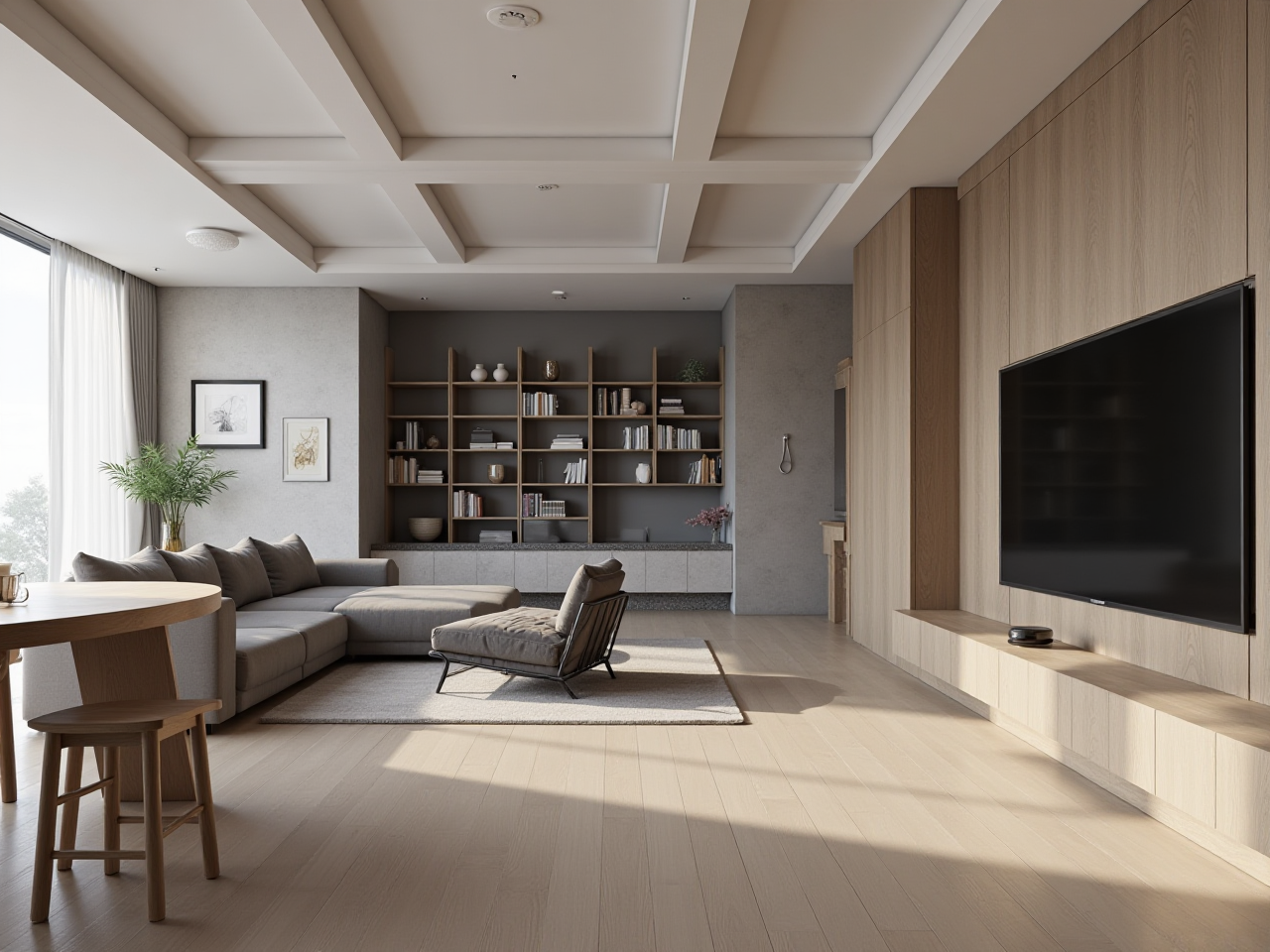
In the ever-evolving world of home design, finding the right tools to bring your vision to life can be a daunting task. Enter Sunvega (AiHouse), an innovative AI remodeling software and home-design mobile app that is revolutionizing the way we approach home renovation. With its powerful features, including AI one-click 3D rendering, floor-plan design, doors-and-windows design, and comprehensive house-remodeling design, Sunvega stands out as a versatile solution for both DIY enthusiasts and professional designers. Let's delve into what makes Sunvega a top choice for transforming your space.
Table of Contents
Introduction to SunvegaKey Features and Capabilities
User Experience and Interface
Case Studies and Success Stories
Comparison with Competitors
Getting Started with Sunvega
Q&A: Frequently Asked Questions
Introduction to Sunvega
Founded in 2013, Sunvega Information Technology has been at the forefront of developing digital solutions for the global home furnishings industry. Their flagship product, AiHouse, is a testament to their commitment to innovation, providing users with an intuitive platform to create stunning home designs. Whether you're looking to redesign your living room or plan a complete home makeover, Sunvega offers the tools and support needed to turn your ideas into reality.
Key Features and Capabilities
AI One-Click 3D Rendering
One of the standout features of Sunvega is its AI one-click 3D rendering capability. This feature allows users to generate highly detailed and photorealistic 3D renderings of their spaces within minutes. Unlike traditional methods that require extensive time and expertise, Sunvega’s AI streamlines the process, making it accessible to everyone.
Practical Tip: Use this feature to experiment with different design concepts before committing to a final layout. It's an excellent way to visualize how various elements will come together in your space.
Floor-Plan Design
Creating a functional and aesthetically pleasing floor plan is the foundation of any successful home design project. Sunvega provides a robust floor-plan design tool that is both user-friendly and feature-rich. Users can easily draw, edit, and customize their floor plans, adding walls, windows, doors, and other architectural elements with precision.
Practical Tip: Start by measuring your space accurately. Input these measurements into Sunvega to create a precise floor plan. This will ensure that your design fits perfectly in the real world.
Doors and Windows Design
Customizing doors and windows can significantly impact the overall look and feel of a space. Sunvega offers a dedicated tool for designing and placing doors and windows, allowing users to choose from a wide range of styles, materials, and finishes.
Practical Tip: Consider the natural light and ventilation needs of each room when designing doors and windows. Sunvega’s AI can help you optimize these elements for both functionality and aesthetics.
House-Remodeling Design
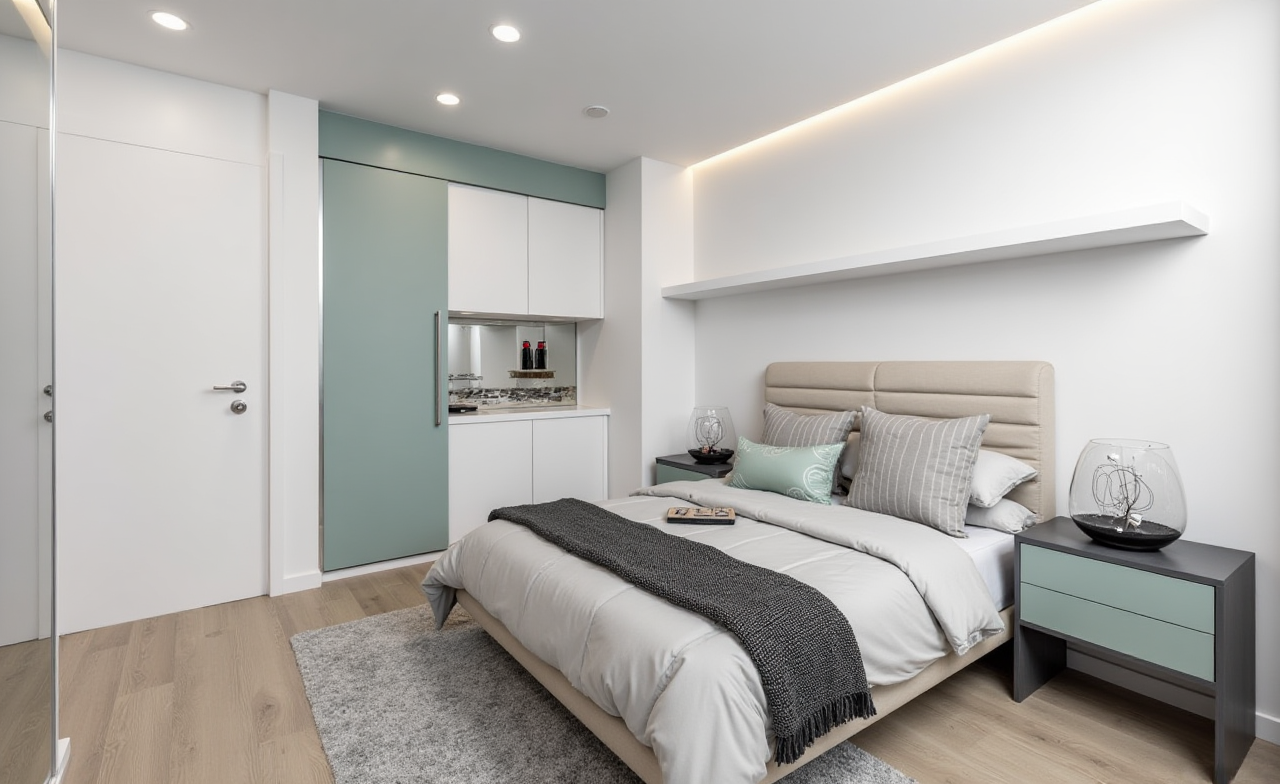
For those undertaking more extensive renovations, Sunvega’s house-remodeling design feature is a game-changer. This tool enables users to plan and visualize entire home remodels, from minor updates to full-scale renovations.
Practical Tip: Use Sunvega’s AI to simulate different remodeling scenarios. This will help you identify potential issues and make informed decisions about your renovation project.
User Experience and Interface
Sunvega places a strong emphasis on user experience, ensuring that its platform is intuitive and easy to navigate. The interface is clean and well-organized, with clearly labeled tools and options. Whether you’re a seasoned designer or a first-time user, you’ll find the platform to be user-friendly and efficient.
Practical Tip: Take advantage of Sunvega’s tutorials and support resources. These resources are designed to help you get the most out of the platform and can save you valuable time and effort.
Case Studies and Success Stories
Sunvega has a proven track record of helping users transform their spaces. Here are a few success stories:
Residential Renovation
A family in Shanghai used Sunvega to redesign their 150 square meter apartment. By leveraging the AI one-click 3D rendering feature, they were able to visualize multiple design concepts and ultimately settled on a modern, minimalist style. The result was a beautifully renovated space that exceeded their expectations.
Commercial Redesign
A boutique hotel in New York City utilized Sunvega to revamp their lobby and guest rooms. The team used the floor-plan design and house-remodeling features to create a cohesive and inviting atmosphere. The project was completed ahead of schedule, and the hotel saw a significant increase in positive reviews and bookings.
Comparison with Competitors
While there are several home design software options available, Sunvega stands out for its advanced AI capabilities and comprehensive feature set. Here’s how it compares to some popular alternatives:
Sweet Home 3D
Pros: Free and open-source, supports multiple platforms, and has a large library of furniture and decor models.Cons: Limited 3D rendering quality and lacks advanced AI features.
Sunvega Advantage: Superior 3D rendering and AI-driven design tools, making it more suitable for high-end and professional projects.
3ds Max
Pros: Industry-standard for 3D modeling and animation, highly customizable, and supports complex projects.Cons: Steep learning curve, expensive, and requires powerful hardware.
Sunvega Advantage: More user-friendly, cost-effective, and accessible, especially for non-professional users.
Room AI
Pros: Easy to use, AI-driven, and focuses on quick design generation.Cons: Limited customization options and less suitable for detailed, professional-level projects.
Sunvega Advantage: Offers a broader range of design and customization features, making it a more versatile tool for both DIY and professional users.
Getting Started with Sunvega
Ready to start your home design journey with Sunvega? Follow these steps to get started:
Sign Up: Visit https://www.sunvega.com/ and create a free account.Explore the Platform: Familiarize yourself with the interface and available tools.
Start a Project: Begin by creating a new project and inputting your space’s dimensions.
Design and Customize: Use the various tools to design and customize your space. Experiment with different layouts, materials, and styles.
Generate 3D Renderings: Utilize the AI one-click 3D rendering feature to visualize your designs.
Save and Share: Save your designs and share them with friends, family, or professionals for feedback.
Q&A: Frequently Asked Questions
Q1: Is Sunvega suitable for beginners?
A1: Yes, Sunvega is designed to be user-friendly and accessible to both beginners and professionals. The platform offers tutorials and support resources to help new users get started quickly.
Q2: Can I use Sunvega on my mobile device?
A2: Yes, Sunvega is available as a mobile app, allowing you to design and manage your projects on the go. The app is compatible with both iOS and Android devices.
Q3: Does Sunvega offer customer support?
A3: Yes, Sunvega provides comprehensive customer support, including tutorials, FAQs, and direct assistance. You can reach out to their support team via email or through the support section on their website.
By combining advanced AI technology with a user-centric design, Sunvega is redefining the home design and remodeling landscape. Whether you’re planning a small update or a major renovation, Sunvega is the ultimate tool to help you achieve your vision. Start your transformation today at https://www.sunvega.com/.