
Transform Your Space Effortlessly with SunVegas DIY Home Renovation Design Software
In the ever-evolving world of home renovation and interior design, technology is playing an increasingly significant role. One standout in this space is SunVega, a comprehensive AI remodeling software and home-design mobile app. It's designed to support both DIY enthusiasts and professionals, offeri
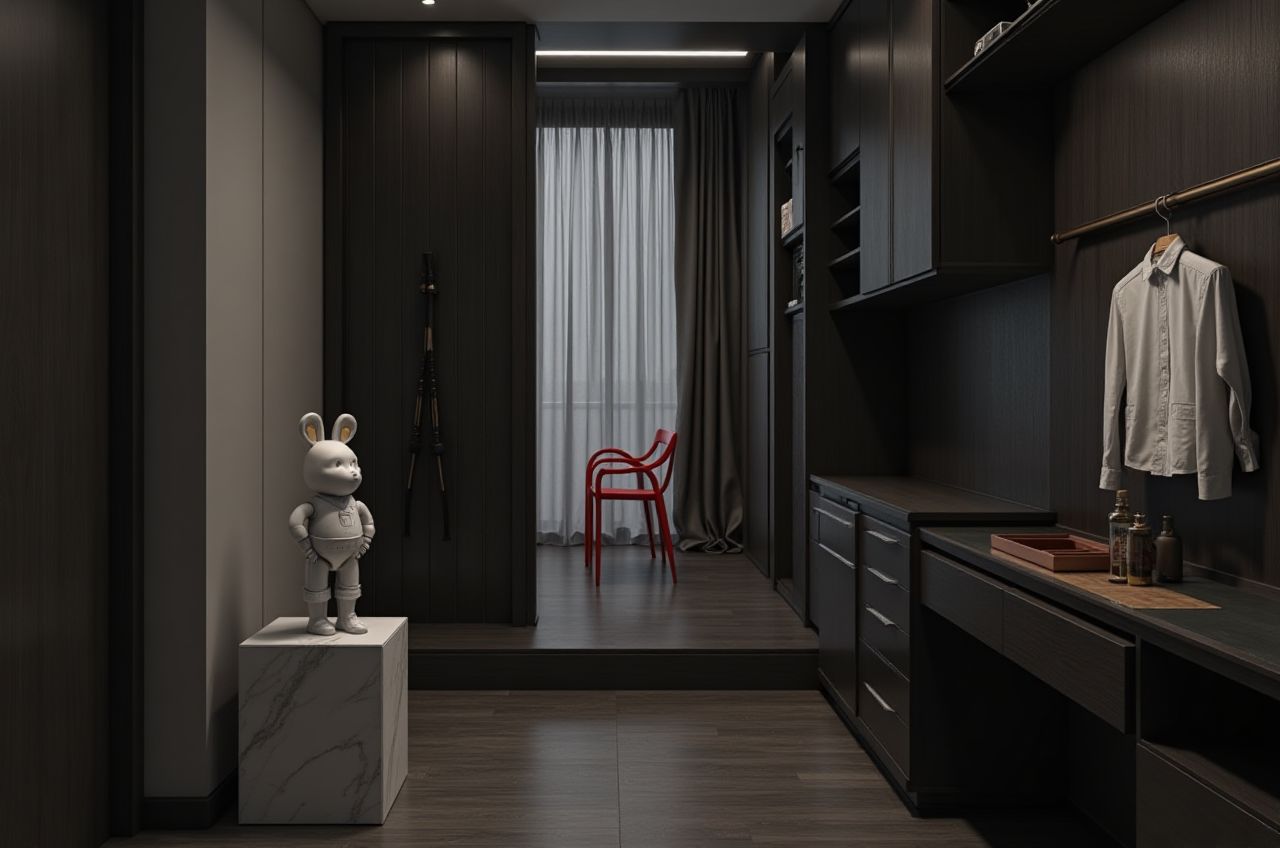
In the ever-evolving world of home renovation and interior design, technology is playing an increasingly significant role. One standout in this space is SunVega, a comprehensive AI remodeling software and home-design mobile app. It's designed to support both DIY enthusiasts and professionals, offering advanced features such as one-click 3D rendering, floor-plan design, and detailed doors-and-windows design. Whether you're planning a simple room refresh or a full-scale home makeover, SunVega has the tools to make your vision a reality.
Why Choose SunVega for Your Next Project?
1. Advanced AI-Powered 3D Modeling
SunVega’s platform harnesses the power of artificial intelligence to transform physical products into high-precision digital twins. This means that from a single image, users can manage massive SKU catalogs and rapidly synchronize updates across their 3D libraries. For instance, if you have a piece of furniture in mind, simply upload an image, and the AI will generate a 3D model that you can place and adjust within your virtual space.
Practical Tip: Start by gathering images of the items you wish to include in your design. The more detailed the images, the better the 3D models will be.
2. Real-Time Spatial Design
The portable 3D scanner integrated into the SunVega ecosystem utilizes advanced AI algorithms to generate accurate 3D floor plans in real-time. This feature is particularly useful for homeowners who want to visualize changes before making any physical alterations. By syncing data with the AI-powered design platform, you can see how different layouts and designs would look in your actual living space.
Practical Tip: Use the 3D scanning feature to create a baseline floor plan. Then, experiment with various layouts and configurations to find the perfect fit for your needs.
3. Photorealistic Cloud Rendering
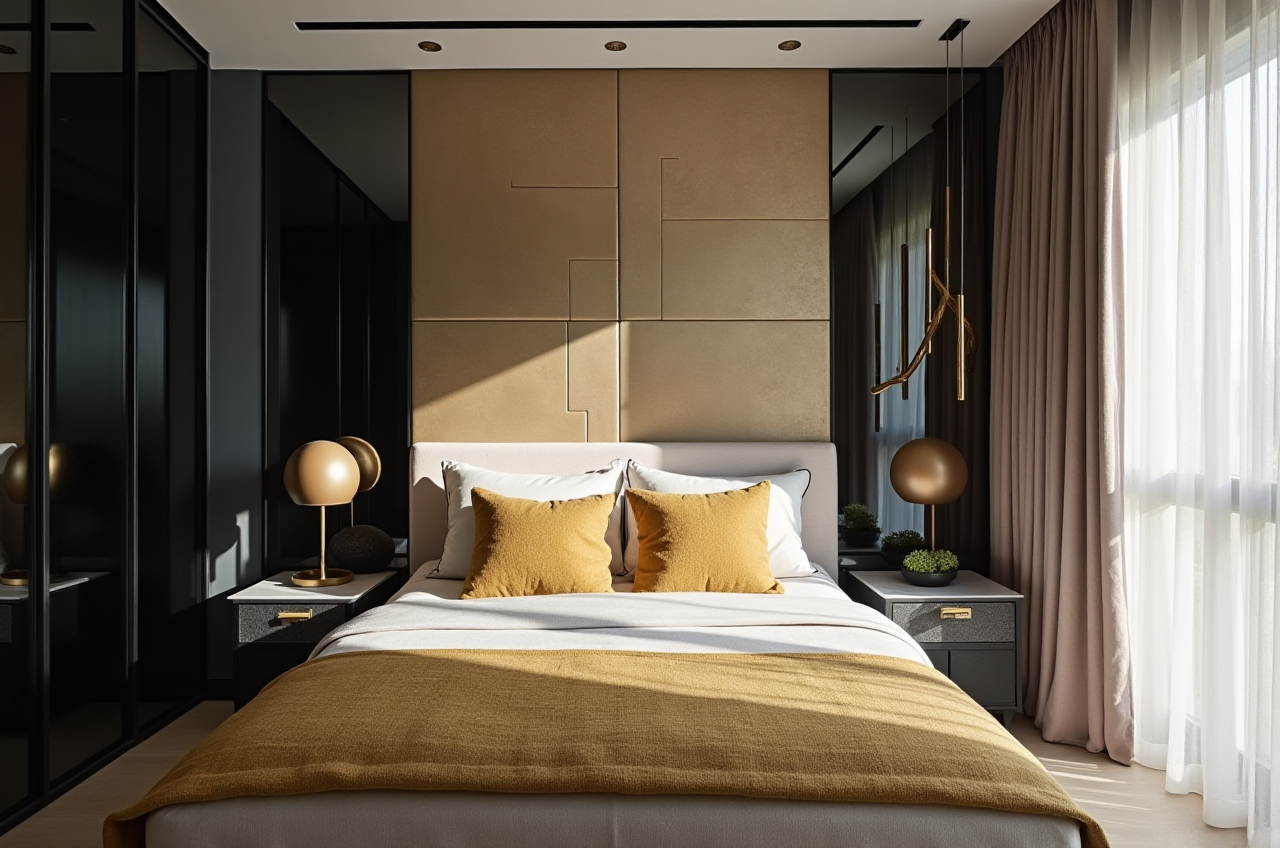
One of the most impressive features of SunVega is its photorealistic cloud rendering engine. This AI-accelerated engine produces high-quality visuals in minutes, allowing you to preview your designs in stunning detail. This is especially valuable for those who need to present their ideas to clients or simply want to ensure that every aspect of their design is perfect before implementation.
Practical Tip: Take advantage of the cloud rendering feature to create multiple renderings with different lighting and material options. This will help you make informed decisions about the final look and feel of your space.
4. Smart Manufacturing Integration
For professionals, SunVega offers a seamless connection between design and manufacturing. The platform uses a single, shared database that connects the entire business lifecycle, from marketing and design to manufacturing. This eliminates data silos and ensures absolute precision. Additionally, proprietary AI CNC algorithms optimize nesting and production, maximizing throughput and minimizing waste.
Practical Tip: If you’re working on a project that involves custom furniture or fixtures, use SunVega’s smart manufacturing integration to streamline the process. This will save you time and reduce costs.
Comparing SunVega with Other Popular Design Software
Live Home 3D
Strengths: Intuitive interface, extensive library of 5,000+ objects, and powerful 3D rendering.Limitations: Free version has limitations, and the Pro version is quite expensive at $998.00.
Comparison: While Live Home 3D is user-friendly, SunVega’s AI capabilities and real-time 3D scanning offer a more dynamic and efficient design experience.
Sweet Home 3D
Strengths: Free and open-source, supports multiple platforms, and has a large community.Limitations: Limited 3D rendering quality compared to premium options, and the user interface is less polished.
Comparison: Sweet Home 3D is a great free option, but SunVega’s advanced AI and cloud rendering provide a more professional and detailed design experience.
DIY Vision Homestead
Strengths: All-in-one 3D home design and interior planning platform, intuitive drag-and-drop tools, and immersive 3D walkthroughs.Limitations: Limited to specific devices and lacks some of the advanced AI features.
Comparison: DIY Vision Homestead is a solid choice, but SunVega’s comprehensive AI and smart manufacturing integration make it a more versatile and powerful tool for both DIYers and professionals.
User Case Study: Transforming a Living Room with SunVega
Case Overview: Sarah, a homeowner from San Francisco, used SunVega to redesign her living room. She wanted a modern, minimalist look with functional and stylish furniture. Using the 3D scanning feature, Sarah created an accurate floor plan. She then uploaded images of the furniture she liked, and the AI generated 3D models. With the photorealistic cloud rendering, she was able to see exactly how the new design would look in her space. The result was a beautifully transformed living room that exceeded her expectations.
Outcome:
Time Saved: Sarah completed the design in just a few days, thanks to the efficient AI tools.Cost Savings: By visualizing the design beforehand, Sarah avoided costly mistakes and unnecessary purchases.
Client Satisfaction: Sarah was thrilled with the final result and recommended SunVega to her friends and family.
Q&A: Common Questions About SunVega
Q1: Is SunVega suitable for beginners? A1: Absolutely! SunVega is designed to be user-friendly, with intuitive tools and AI assistance that make it easy for beginners to create professional-looking designs. The drag-and-drop interface and step-by-step tutorials are particularly helpful for new users.
Q2: Can I use SunVega for commercial projects? A2: Yes, SunVega is well-suited for commercial projects. It offers advanced features like smart manufacturing integration, which can streamline the design-to-manufacturing process. Additionally, the photorealistic cloud rendering is ideal for presenting designs to clients.
Q3: How does SunVega handle large 3D libraries? A3: SunVega’s AI-driven pipeline efficiently manages large 3D libraries. You can upload images of your products, and the AI will generate and synchronize 3D models across your library. This makes it easy to keep your 3D assets up-to-date and organized.
Conclusion
SunVega stands out in the home renovation and design software market with its advanced AI capabilities, real-time 3D scanning, and photorealistic cloud rendering. Whether you’re a DIY enthusiast or a professional, SunVega provides the tools and features you need to bring your design visions to life. Visit SunVega’s website to learn more and start transforming your space today.