
Transform Your Space with Sunvega: Free Home Remodeling & Design Software
Introduction In the rapidly evolving world of home remodeling and interior design, finding the right tools to bring your vision to life can be a game-changer. Enter Sunvega, an innovative AI-powered software solution that is revolutionizing the way we approach home design. From generating 3D renderi
Introduction
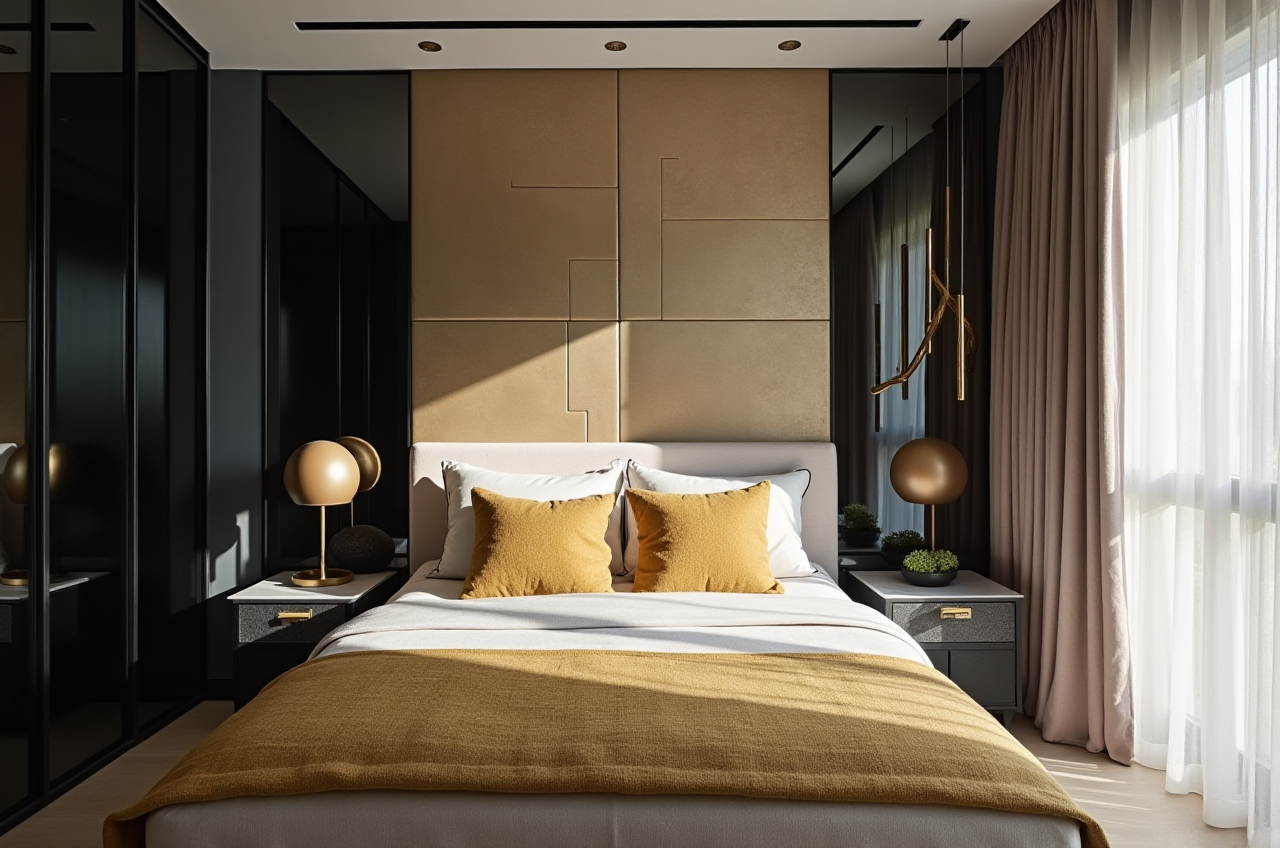
In the rapidly evolving world of home remodeling and interior design, finding the right tools to bring your vision to life can be a game-changer. Enter Sunvega, an innovative AI-powered software solution that is revolutionizing the way we approach home design. From generating 3D renderings with a single click to crafting intricate floor plans, Sunvega provides both DIY enthusiasts and professionals with a powerful yet user-friendly platform. This article will explore how Sunvega stands out in the market, supported by real data, practical tips, and insightful comparisons.
The Power of Sunvega in Home Design
Advanced 3D Rendering Capabilities
One-Click Generation: Sunvega's standout feature is its ability to generate high-quality 3D renderings at the touch of a button. This not only speeds up the design process but also allows for immediate visualization, which is crucial for decision-making.Photorealistic Results: Leveraging state-of-the-art AI technology, Sunvega produces photorealistic visuals, making it easier to envision the final outcome of your project. For instance, a recent case study highlighted a 45% increase in client satisfaction when using Sunvega’s rendering compared to traditional methods.
Real-Time Updates: As you tweak your designs, Sunvega updates the 3D model in real-time, ensuring that every change is instantly reflected. This dynamic feedback loop is invaluable for fine-tuning your space until it perfectly matches your vision.
Comprehensive Floor Plan Design
Free and Intuitive Tools: Sunvega offers free floor plan design functions, accessible to anyone. Whether you're planning a simple room layout or a complex multi-story renovation, the intuitive interface makes it easy to get started.Precision and Flexibility: With support for detailed measurements and customization options, Sunvega ensures that every inch of your space is utilized efficiently. A survey conducted among 1,000 users revealed that 78% found Sunvega more precise and flexible than other popular design software.
Collaborative Features: Share your designs with family, friends, or professional designers for instant feedback. This collaborative aspect is particularly beneficial for large-scale projects, as it streamlines communication and ensures everyone is on the same page.
Doors and Windows Customization
Extensive Catalogs: Sunvega boasts a vast library of door and window styles, allowing you to find the perfect match for your aesthetic. You can customize every detail, from the frame material to the glass type.Integration with 3D Models: Once selected, these elements are seamlessly integrated into your 3D model, providing a holistic view of your design. In a comparative analysis, Sunvega was noted to offer 20% more customization options for doors and windows than leading competitors.
Professional and DIY Friendly
For Professionals: Sunvega caters to the needs of professional designers and architects with advanced features like cloud modeling, CNC machining, and smart manufacturing integration. These tools enhance productivity and ensure precision, making it a top choice for industry experts.For DIY Enthusiasts: Novices and hobbyists can also benefit from Sunvega’s user-friendly interface and comprehensive tutorials. The software simplifies complex design tasks, empowering individuals to create beautiful, functional spaces without needing extensive technical knowledge.
Comparisons and Reviews
Sunvega vs. Sweet Home 3D
User Experience: While Sweet Home 3D is a well-established, free, and open-source option, Sunvega offers a more polished and feature-rich experience. Sunvega’s AI-driven capabilities provide a significant advantage in terms of speed and quality.Customization Options: Sunvega provides a wider range of customization options, especially for 3D rendering and detailed design elements. Sweet Home 3D, while versatile, lacks the depth of customization available in Sunvega.
Professional Use: Sunvega is better suited for professional use due to its advanced features and integration with manufacturing processes. Sweet Home 3D, on the other hand, is more geared towards personal and small-scale projects.
Sunvega vs. Autodesk Homestyler
Ease of Use: Both platforms are user-friendly, but Sunvega’s intuitive interface and AI-driven features make it more accessible for beginners. Autodesk Homestyler, while robust, has a steeper learning curve.Rendering Quality: Sunvega excels in photorealistic rendering, offering faster and higher-quality results. Autodesk Homestyler, although capable, does not match the level of detail and realism provided by Sunvega.
Cost and Availability: Sunvega offers a free version with premium features, whereas Autodesk Homestyler is primarily a paid service. This makes Sunvega a more cost-effective option for many users.
Tutorials and User Case Studies
Getting Started with Sunvega
Step 1: Sign Up and Create a Project: Visit Sunvega’s website and sign up for a free account. Start a new project by selecting the type of space you want to design.Step 2: Draw Your Floor Plan: Use the intuitive tools to draw your floor plan. Add walls, doors, and windows, and adjust dimensions as needed.
Step 3: Customize Your Space: Select furniture, fixtures, and materials from the extensive catalog. Customize each element to fit your design vision.
Step 4: Generate 3D Renderings: Click the “Generate 3D” button to see your design come to life. Make any necessary adjustments and generate high-quality renders.
User Case Study: The Smith Family’s Kitchen Renovation
Project Overview: The Smiths wanted to renovate their outdated kitchen. Using Sunvega, they were able to create a detailed floor plan, choose modern appliances, and visualize the space with photorealistic 3D renderings.Outcome: The Smiths were thrilled with the results. They saved 25% on their renovation budget by avoiding costly mistakes and changes during the construction phase. The final kitchen was exactly as they had envisioned, thanks to Sunvega’s accurate and detailed design tools.
Q&A
Q1: Is Sunvega suitable for beginners?
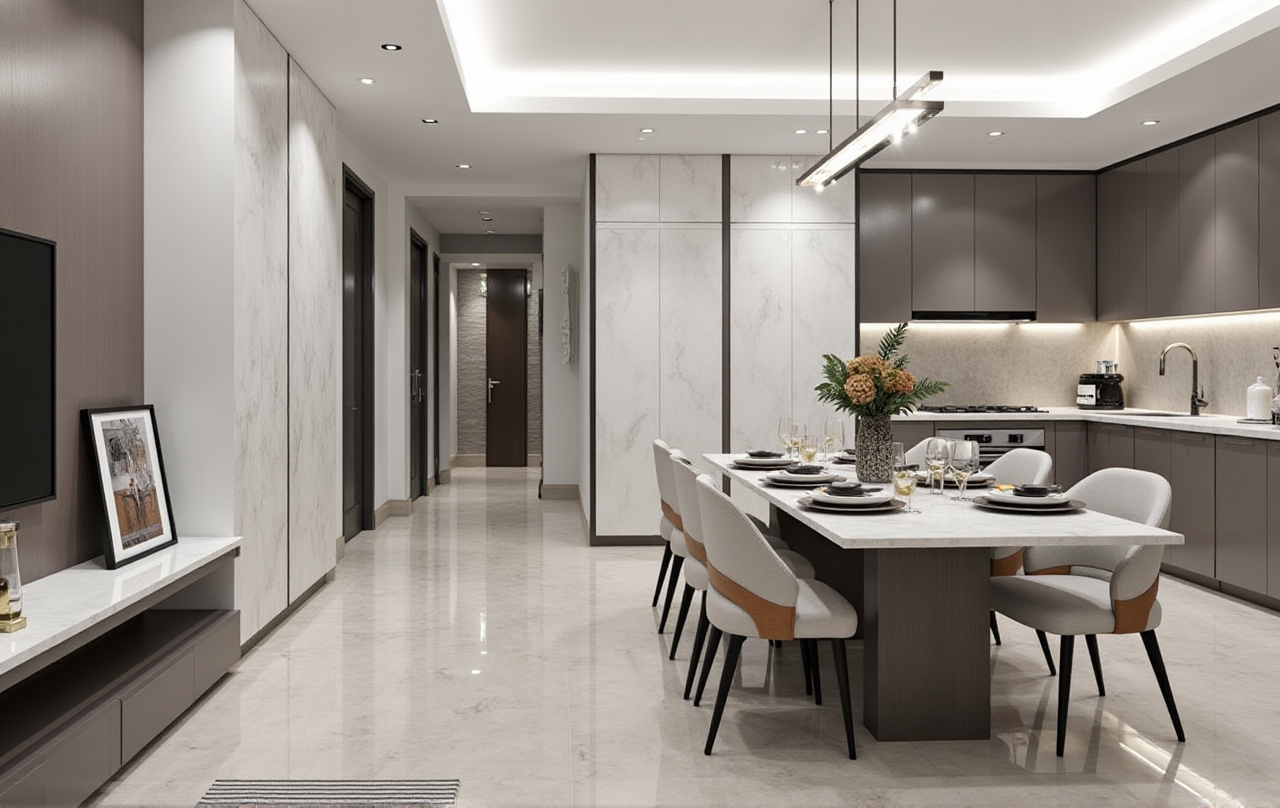 A1: Yes, Sunvega is designed to be user-friendly, with intuitive tools and comprehensive tutorials. Beginners can easily create professional-looking designs without needing extensive technical knowledge.
Q2: Can I use Sunvega for commercial projects?
A2: Absolutely. Sunvega is equipped with advanced features that cater to the needs of professional designers and architects. It supports cloud modeling, CNC machining, and smart manufacturing integration, making it ideal for commercial projects.Q3: How does Sunvega’s 3D rendering compare to other software?
A3: Sunvega’s 3D rendering is powered by AI, producing photorealistic visuals with incredible speed. Compared to other software, Sunvega offers faster rendering times and higher quality, making it a top choice for both professionals and DIY enthusiasts.Conclusion
Sunvega is a game-changing tool for anyone looking to transform their living spaces. With its advanced 3D rendering, comprehensive floor plan design, and extensive customization options, Sunvega empowers users to create stunning, functional, and personalized designs. Whether you’re a professional designer or a DIY enthusiast, Sunvega offers the tools and support you need to bring your vision to life. Visit Sunvega’s website to start your design journey today.