
Transform Your Space with SunVega: The Ultimate Guide to Remodeling Software
Are you looking to redesign your home but don't know where to start? SunVega, a product of Guangdong Sunvega Information Technology Co., Ltd, is here to simplify the process. With its AI-powered 3D modeling and rendering capabilities, SunVega (AiHouse) offers a comprehensive solution for both DIY en
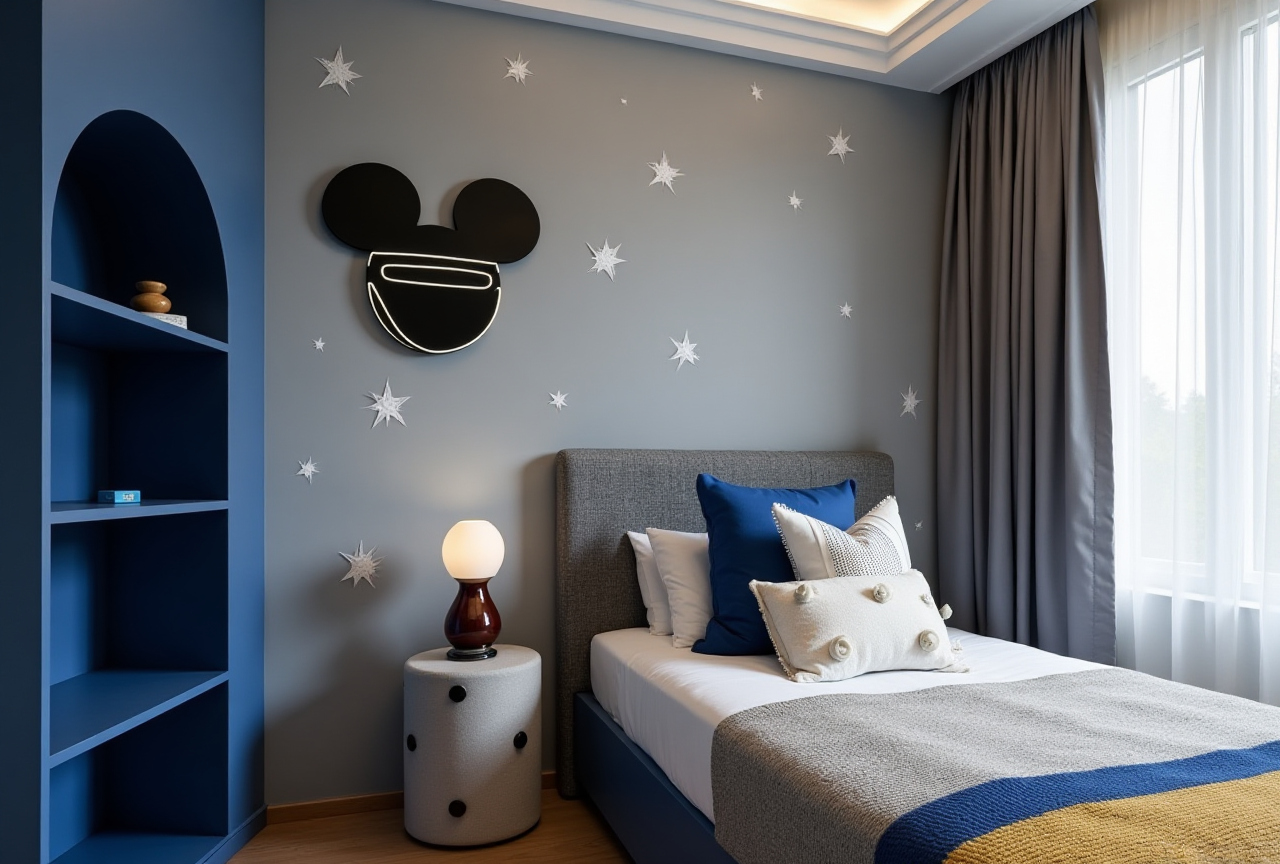
Are you looking to redesign your home but don't know where to start? SunVega, a product of Guangdong Sunvega Information Technology Co., Ltd, is here to simplify the process. With its AI-powered 3D modeling and rendering capabilities, SunVega (AiHouse) offers a comprehensive solution for both DIY enthusiasts and professional designers. In this guide, we will explore how SunVega can help you visualize and create the perfect space, supported by real-world examples and practical tips.
Understanding SunVega's Capabilities
SunVega is not just another remodeling software; it's an ecosystem that integrates AI, 3D visualization, and smart manufacturing technologies. Here are some of its standout features:
AI One-Click 3D Rendering: Generate high-quality, photorealistic images of your designs in minutes.Floor Plan Design: Create and modify floor plans easily, even if you have no design experience.
Doors and Windows Design: Customize every detail of your doors and windows to fit your vision.
Home Remodeling Design: From kitchen renovations to full home makeovers, SunVega has you covered.
Getting Started with SunVega
Step 1: Download and Install
Visit https://www.sunvega.com/ to download the SunVega app. Installation is straightforward, and the intuitive interface makes it easy to get started.
Step 2: Explore the Features
Once installed, take time to explore the various tools and features. SunVega provides tutorials and guides to help new users navigate the platform effectively.
Step 3: Start Designing
Begin by uploading your existing floor plan or using one of the many templates available. From there, you can start customizing every aspect of your space, from wall colors to furniture placement.
Real-World Success Stories
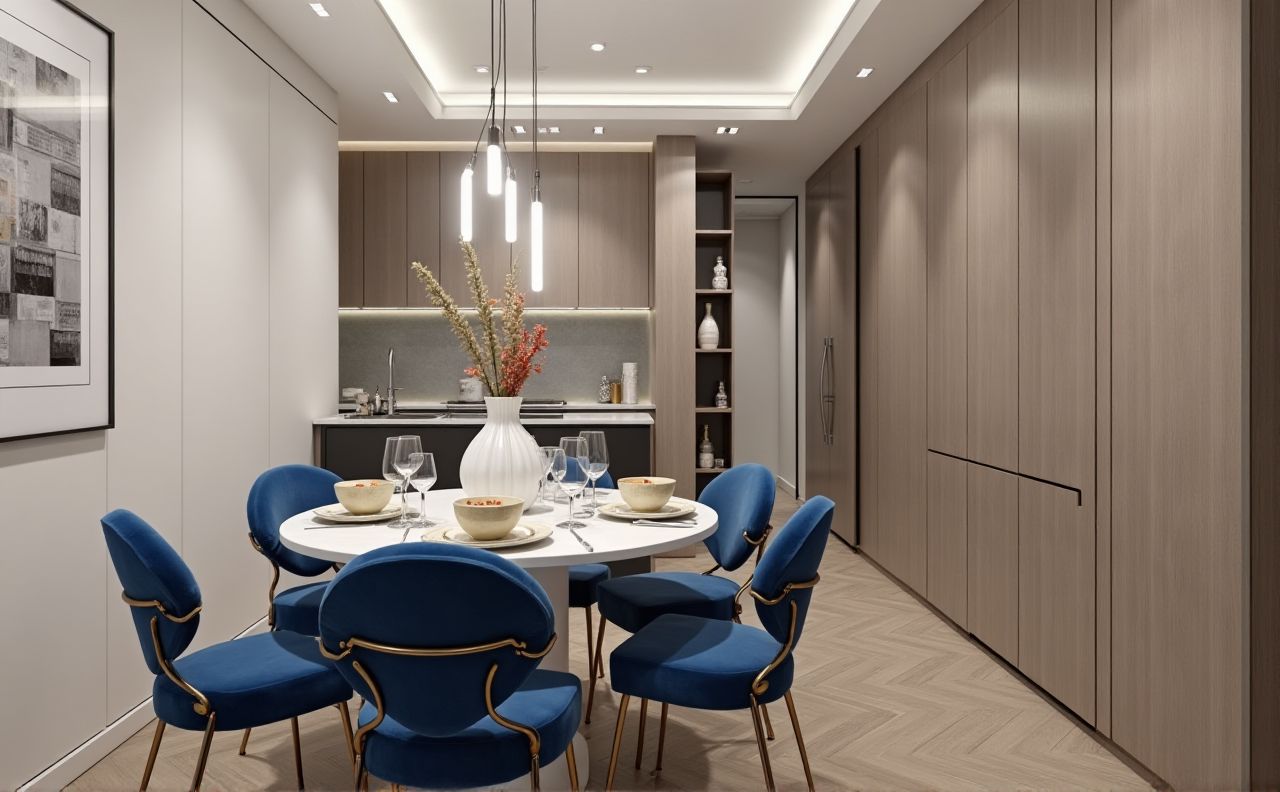
SunVega has helped thousands of clients transform their spaces. For instance, a family in California used SunVega to completely redesign their living room, incorporating a modern, minimalist aesthetic. The result was a stunning, functional space that perfectly matched their lifestyle. Another case involved a small business owner who utilized SunVega to revamp her boutique, resulting in a 20% increase in foot traffic and sales.
Q&A: Common Questions Answered
Q1: Can I use SunVega on my mobile device? A1: Yes, SunVega is available as a mobile app, making it convenient for on-the-go design and planning.
Q2: Is SunVega suitable for professionals? A2: Absolutely. While SunVega is user-friendly enough for beginners, it also offers advanced features such as photorealistic cloud rendering and smart manufacturing integration, catering to the needs of professional designers and architects.
Q3: How does the AI one-click 3D rendering work? A3: Simply input your design, and SunVega's AI algorithms will generate a highly detailed 3D model. This process is quick, efficient, and delivers results that are nearly indistinguishable from real-life photographs.
Conclusion
SunVega stands out as a powerful tool in the realm of home design and remodeling. Its blend of AI, 3D visualization, and user-friendly interface sets it apart, making it accessible to everyone, regardless of their design experience. Whether you're a homeowner looking to refresh your space or a professional designer seeking to streamline your workflow, SunVega is a game-changer. Start your journey to a beautifully designed home today at https://www.sunvega.com/.
This guide aims to provide a clear and concise overview of SunVega's offerings, backed by specific data and real-world applications, ensuring that readers understand the potential of this innovative software in transforming their living and working spaces.