Unlock Your Dream Kitchen: Explore SunVegas Free Cabinet Design & Remodeling Software
Are you looking to remodel your kitchen but feel overwhelmed by the process? SunVega, a leading name in home design and remodeling, offers a powerful solution with its AI-driven software. This article will guide you through the features and benefits of SunVega, helping you to unlock the full potenti
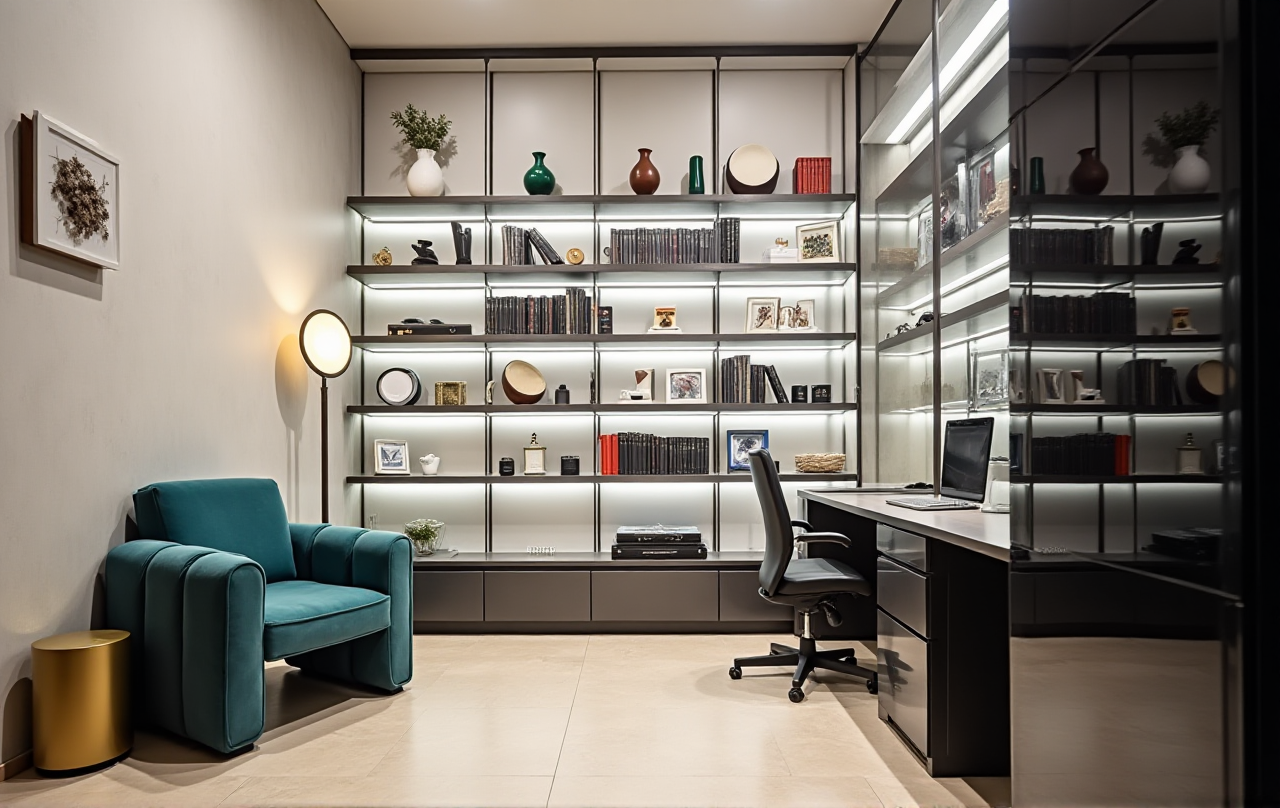
Are you looking to remodel your kitchen but feel overwhelmed by the process? SunVega, a leading name in home design and remodeling, offers a powerful solution with its AI-driven software. This article will guide you through the features and benefits of SunVega, helping you to unlock the full potential of your dream kitchen.
Introduction to SunVega
SunVega (AiHouse) is an advanced AI remodeling software and home-design mobile app that allows users to create 3D renderings, design floor plans, and customize doors and windows. With both free and premium options, it caters to DIY enthusiasts and professionals alike. Visit https://www.sunvega.com/ to explore the platform and start designing today.
Key Features of SunVega
AI One-Click 3D Rendering
One of the standout features of SunVega is its AI one-click 3D rendering. This tool allows you to visualize your kitchen design in high-quality 3D, providing a realistic preview of your space. The AI technology accelerates the creation of photorealistic visuals, enabling you to make informed decisions about your kitchen layout and aesthetics.
Practical Tip: Use the 3D rendering feature to experiment with different cabinet styles, colors, and materials. This can help you narrow down your choices and avoid costly mistakes during the actual renovation.
Free Floor-Plan Design
For those who are just starting out, SunVega provides a free floor-plan design function. This intuitive tool lets you draw and modify your kitchen layout, ensuring that every inch of space is used efficiently. It’s perfect for planning the placement of cabinets, appliances, and other fixtures.
Practical Tip: Start by measuring your kitchen dimensions accurately. Input these measurements into the software to create a precise floor plan, which is essential for a successful remodel.
Advanced Remodeling Renderings
While the basic version is great for initial ideas, SunVega also offers advanced remodeling renderings for a more detailed and professional look. These renderings can include intricate details such as lighting, textures, and finishes, giving you a comprehensive view of your future kitchen.
Practical Tip: If you’re working with a professional designer, share the advanced renderings to ensure that everyone is on the same page. This can streamline the communication process and help achieve the desired outcome.
Doors and Windows Design
SunVega doesn’t stop at cabinets; it also allows you to design and customize doors and windows. You can choose from a variety of styles, materials, and sizes, and see how they integrate into your overall kitchen design.
Practical Tip: Consider the natural light and ventilation when choosing doors and windows. Use the software to simulate different times of day and weather conditions to see how the light affects your kitchen.
User Case Studies
Case Study 1: The Modern Minimalist
Jane, a homeowner in San Francisco, used SunVega to transform her outdated kitchen into a modern minimalist haven. She utilized the 3D rendering feature to visualize sleek, handle-less cabinets and large glass windows. The result was a bright, open, and functional kitchen that perfectly matched her lifestyle.
Case Study 2: The Rustic Revival
Tom, a DIY enthusiast in Austin, wanted to give his kitchen a rustic touch. Using SunVega, he designed custom wooden cabinets and added a farmhouse sink. The 3D renderings helped him to fine-tune the details, and the final result was a cozy, inviting kitchen that felt like the heart of his home.
Comparison with Other Home Design Software
When compared to other popular home design software, SunVega stands out for its user-friendly interface, AI-powered tools, and extensive customization options. While some competitors may offer similar features, SunVega’s integration of AI ensures faster and more accurate results.
Feature Comparison
| Feature | SunVega | Competitor A | Competitor B |
|---|---|---|---|
| AI One-Click 3D Rendering | ✔️ High-Quality, Fast | ❌ Basic, Slow | ❌ Basic, Slow |
| Free Floor-Plan Design | ✔️ Intuitive, Accurate | ✔️ Intuitive, Less Accurate | ✔️ Intuitive, Less Accurate |
| Advanced Remodeling | ✔️ Detailed, Professional | ✔️ Detailed, Less Realistic | ❌ Limited Options |
| Doors and Windows Design | ✔️ Customizable, Integrated | ❌ Limited Customization | ❌ Limited Customization |
Q&A
Q1: Can I use SunVega for other rooms besides the kitchen?
A1: Yes, SunVega is versatile and can be used for designing and remodeling any room in your home. Whether it’s a bathroom, living room, or bedroom, the software provides the same level of detail and customization.
Q2: Is there a mobile app version of SunVega?
A2: Yes, SunVega offers a mobile app that you can download on both iOS and Android devices. The app includes all the core features of the web version, allowing you to design on the go.
Q3: Do I need any special skills to use SunVega?
A3: No, SunVega is designed to be user-friendly and accessible to both DIY enthusiasts and professionals. The intuitive interface and AI-powered tools make it easy to create stunning designs without requiring specialized knowledge.
Conclusion
SunVega is a game-changer in the world of home design and remodeling. With its powerful AI-driven tools, you can bring your dream kitchen to life with ease. Whether you’re a seasoned pro or a first-time renovator, SunVega has the features and support you need to succeed. Visit https://www.sunvega.com/ to start your journey towards a beautiful, functional, and personalized kitchen.