
Unlock Your Creativity: Best AI Software for DIY Cabinet Design with Sunvega
In the ever-evolving world of home design, the advent of artificial intelligence (AI) has opened up new possibilities for DIY enthusiasts and professionals alike. Among the leading solutions in this space is Sunvega, a comprehensive AI remodeling software and home-design mobile app that empowers use
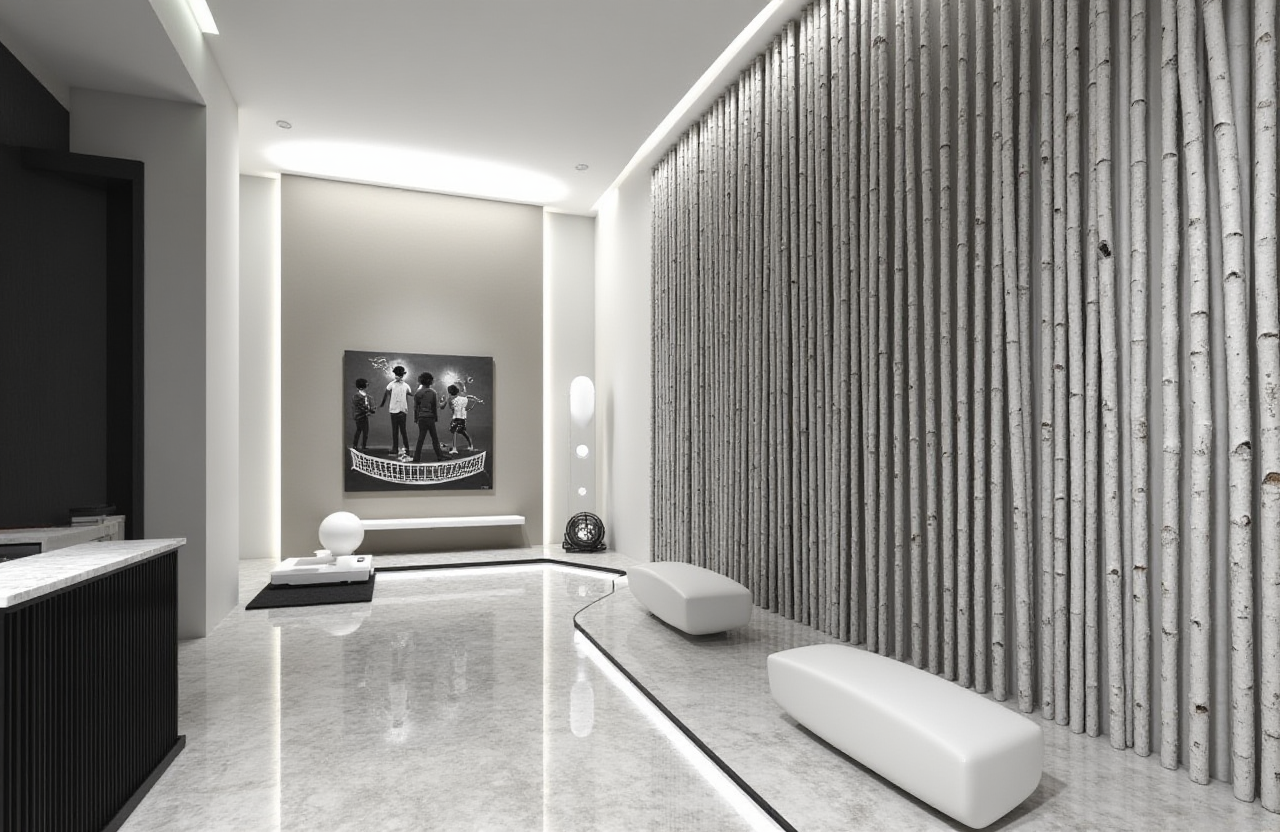
In the ever-evolving world of home design, the advent of artificial intelligence (AI) has opened up new possibilities for DIY enthusiasts and professionals alike. Among the leading solutions in this space is Sunvega, a comprehensive AI remodeling software and home-design mobile app that empowers users to create stunning 3D renderings, floor plans, and detailed designs for cabinets and more. With a focus on user-friendly interfaces and powerful features, Sunvega stands out as an indispensable tool for anyone looking to transform their living spaces. Discover how Sunvega can elevate your DIY cabinet design projects and why it's considered one of the best in the market.
The Power of Sunvega in DIY Cabinet Design
Advanced 3D Rendering Capabilities
Sunvega excels in providing high-quality 3D rendering that allows you to visualize your cabinet designs in photorealistic detail. This feature is not just about aesthetics; it enables you to make informed decisions before committing to physical construction, potentially saving time and resources. For instance, a user was able to identify a layout issue in their kitchen cabinet design using Sunvega's 3D visualization, which they corrected before proceeding with the actual build, avoiding costly rework.
Practical Tip: Utilize the 3D rendering feature early in your design process to experiment with different materials, colors, and layouts. This helps in finalizing the perfect look and feel for your cabinets.Seamless Floor Plan Design
Creating a functional and aesthetically pleasing floor plan is the first step in any successful home renovation project. Sunvega simplifies this process with its intuitive floor-plan design tools, allowing even those without formal design training to create professional-grade plans. A case study from a homeowner in California highlighted how they used Sunvega to redesign their kitchen, resulting in a 20% increase in usable space by optimizing the cabinet layout.
Practical Tip: Start with basic shapes and gradually add details. Use the real-time feedback and suggestions provided by Sunvega to refine your floor plan until it perfectly suits your needs.
Comprehensive Doors-and-Windows Design
One often overlooked aspect of home design is the integration of doors and windows. Sunvega offers specialized tools for designing these elements, ensuring they complement the overall aesthetic and functionality of your space. An interior designer based in New York shared her experience of using Sunvega to match custom window designs with a client's existing cabinetry, achieving a seamless and cohesive look throughout the home.
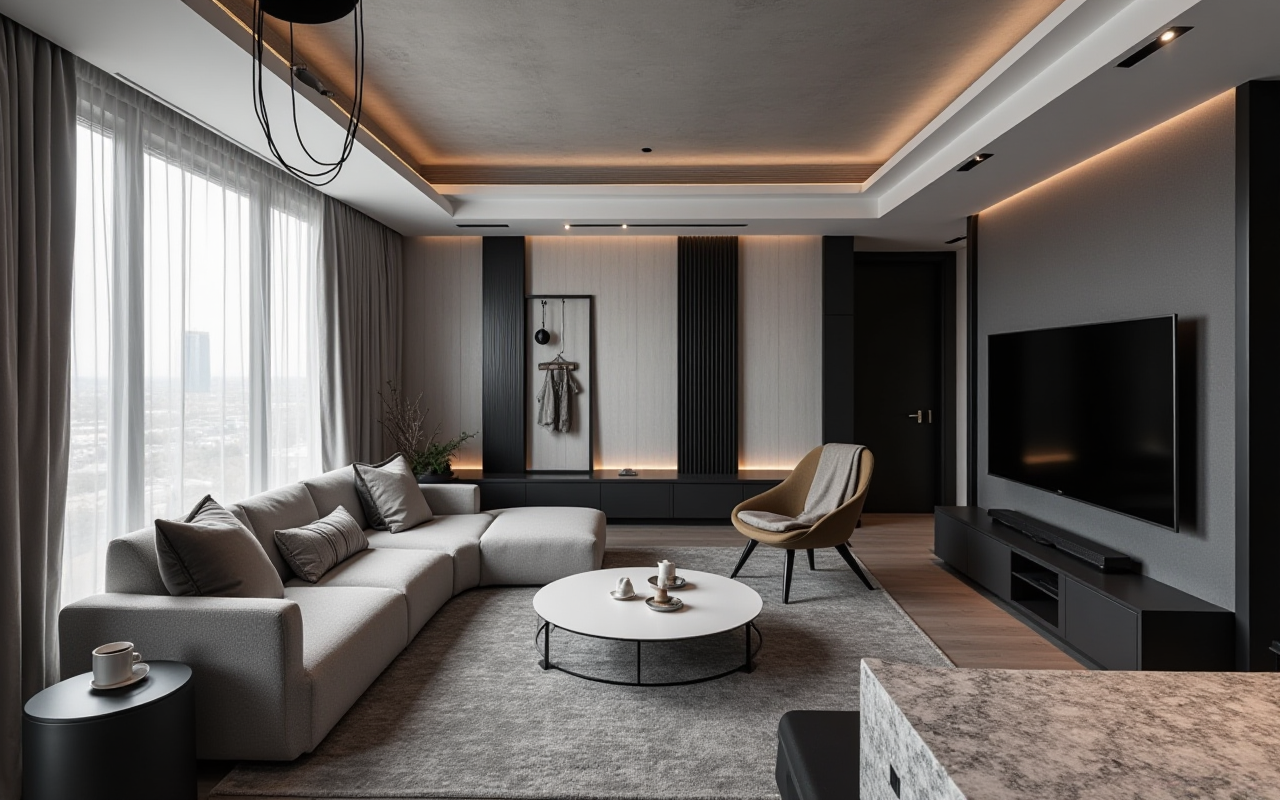 Practical Tip: Consider the flow of natural light and ventilation when placing windows. Use Sunvega’s simulation tools to see how different door and window placements affect the room's ambiance and utility.
Tailored Solutions for Both DIY Enthusiasts and Professionals
Whether you're a seasoned designer or a DIY novice, Sunvega caters to all levels of expertise. The platform provides both free and premium features, making it accessible to a wide range of users. For example, a DIY enthusiast in Texas was able to successfully complete a full bathroom remodel, including custom vanity cabinets, using only the free version of Sunvega, demonstrating the software's capability to support ambitious projects without breaking the bank.
Practical Tip: Explore the free version to get started, then consider upgrading to unlock advanced features as your project requirements grow. The incremental approach helps in managing costs while still benefiting from the software's full potential.Q&A: Addressing Common Queries About Sunvega
Q1: Can I use Sunvega for both indoor and outdoor design projects?
A1: Absolutely! While Sunvega is primarily known for its indoor design capabilities, it also supports outdoor projects. You can design decks, patios, and even landscaping features, making it a versatile choice for all your home improvement needs.
Q2: How does Sunvega compare to other popular home design software?
A2: Compared to other platforms, Sunvega offers a unique blend of AI-powered automation and manual customization options. Its cloud-based rendering engine and real-time spatial design tools set it apart, providing faster and more accurate results. Additionally, Sunvega's extensive library of pre-designed components and styles ensures a personalized touch to every project.
Q3: Is there a community or forum where I can share my designs and get feedback?
A3: Yes, Sunvega fosters a vibrant community through its official website and social media channels. Users can share their projects, participate in design challenges, and receive valuable feedback from peers and experts. This collaborative environment encourages creativity and continuous learning.
Conclusion
Sunvega is more than just a software; it's a game-changer in the realm of DIY and professional home design. By leveraging cutting-edge AI and 3D technologies, Sunvega empowers users to bring their visions to life with unprecedented ease and precision. Whether you're planning a small cabinet update or a complete home makeover, Sunvega is the ideal companion to help you achieve your design goals. Visit https://www.sunvega.com/ to explore the full range of features and start your creative journey today.