
Discover the Best Free Rendering Software for Home Design with Sunvega
Home design and remodeling can be an exciting yet daunting process. Whether you're a DIY enthusiast or a professional, having the right tools to visualize and plan your space is crucial. Enter Sunvega (AiHouse), a cutting-edge AI-driven home design and remodeling software that offers both free floor
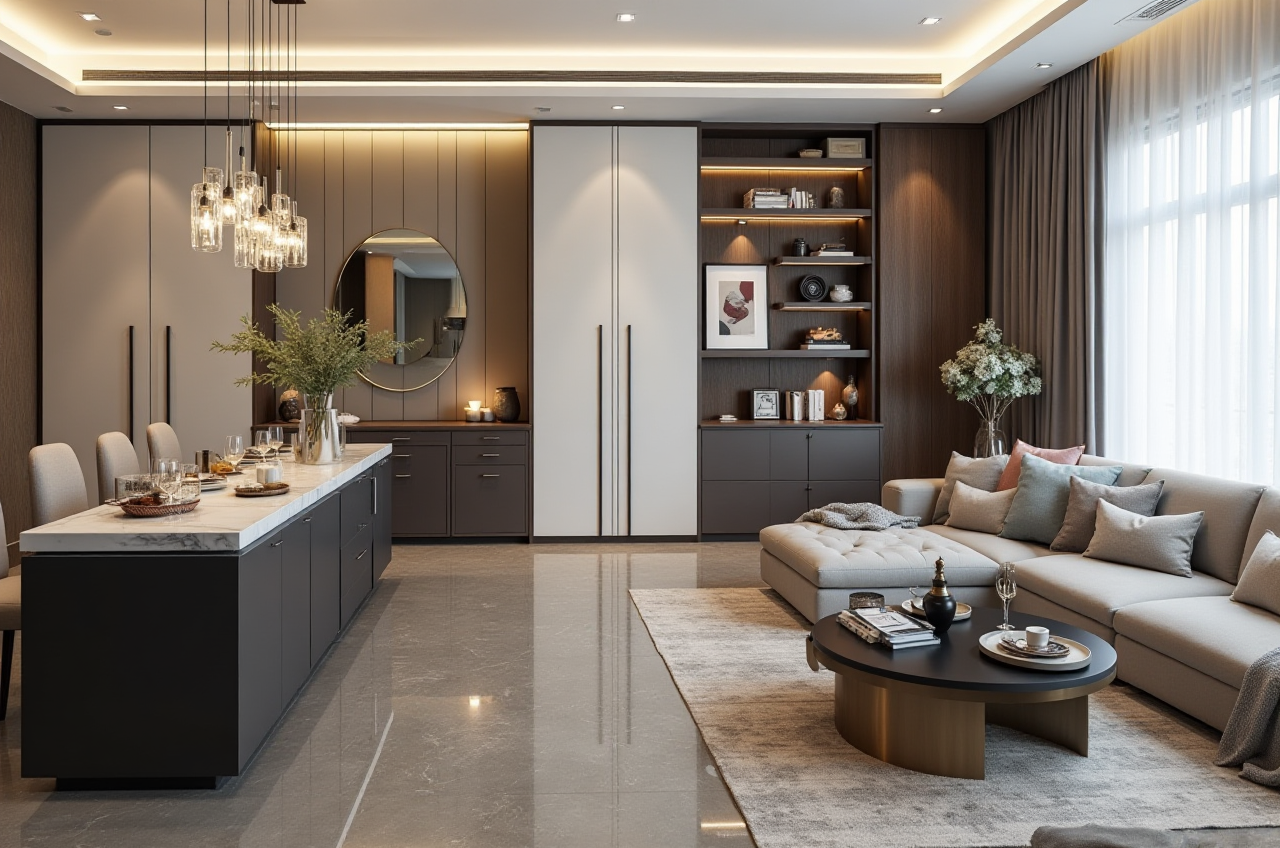
Home design and remodeling can be an exciting yet daunting process. Whether you're a DIY enthusiast or a professional, having the right tools to visualize and plan your space is crucial. Enter Sunvega (AiHouse), a cutting-edge AI-driven home design and remodeling software that offers both free floor-plan design functions and advanced 3D rendering capabilities. In this article, we will explore how Sunvega stands out in the market, compare it with other leading solutions, and provide practical tips for using the platform effectively.
Why Choose Sunvega for Your Home Design Needs?
Comprehensive Features
Sunvega (AiHouse) is more than just a 3D rendering tool; it's a complete ecosystem for home design. The platform supports:
AI One-Click 3D Rendering: Generate photorealistic 3D renderings with just one click.Floor-Plan Design: Create detailed and accurate floor plans.
Doors-and-Windows Design: Customize and place doors and windows with ease.
House-Remodeling Design: Plan and visualize your entire home renovation project.
User-Friendly Interface
Sunvega is designed to be intuitive, making it accessible for both beginners and professionals. The user-friendly interface allows you to quickly get started without a steep learning curve.
Advanced AI Capabilities
Leveraging AI, Sunvega accelerates the design process, from creating high-precision digital twins to generating real-time 3D floor plans. This not only saves time but also enhances the quality of your designs.
Sunvega vs. Other Leading Home Design Software
Blender
Blender is a powerful, open-source 3D creation suite that supports modeling, rigging, animation, simulation, rendering, compositing, and motion tracking. While Blender is highly versatile and free, it has a steeper learning curve compared to Sunvega. It is more suitable for users who need extensive 3D modeling and animation capabilities, rather than those focused on home design and remodeling.
Pros: Free and open-sourceExtensive 3D modeling and animation features
Large community and support
Cons: Steep learning curve
Less specialized for home design
Autodesk AutoCAD
Autodesk AutoCAD is a widely used CAD (Computer-Aided Design) software known for its precision and robust feature set. It is primarily used by architects, engineers, and construction professionals. While AutoCAD is excellent for detailed technical drawings, it may be overkill for home design enthusiasts and comes with a significant cost.
Pros: Industry-standard for CADHigh precision and detail
Professional-grade tools
Cons: Expensive
Complex and requires training
Not specifically tailored for home design
Sweet Home 3D
Sweet Home 3D is a popular, free, and open-source interior design application. It allows users to draw house plans, arrange furniture, and view the results in 3D. While it is easy to use, it lacks the advanced AI-driven features and photorealistic rendering capabilities offered by Sunvega.
Pros: Free and open-sourceEasy to use
Good for basic home design
Cons: Limited 3D rendering quality
No AI-driven features
Basic functionality compared to Sunvega
How to Get Started with Sunvega
Step-by-Step Guide
Sign Up and Log In
Visit https://www.sunvega.com/ and create an account.Log in to access the full range of features.
Create a New Project
Click on "New Project" and select the type of design you want to create (e.g., floor plan, 3D rendering).Input the dimensions of your space and any other relevant details.
Design Your Space
Use the drag-and-drop interface to add walls, doors, windows, and furniture.Customize the materials, colors, and textures to match your vision.
Generate 3D Renderings
Once your design is complete, use the AI one-click 3D rendering feature to generate photorealistic images.Adjust the lighting and camera angles to get the perfect view.
Save and Share
Save your project and share it with others for feedback.You can also export your designs in various formats for further use.
Tips for Effective Use
Start with a Clear Vision: Before you begin, have a clear idea of what you want to achieve. This will help you make the most of Sunvega's features.Experiment with Different Designs: Don't be afraid to try out different layouts and styles. Sunvega's AI-driven tools make it easy to iterate and refine your designs.
Utilize the Community Resources: Sunvega has a growing community of users and designers. Take advantage of tutorials, forums, and user-generated content to learn new techniques and get inspiration.
Real-World Case Studies
Case Study 1: The Modern Minimalist Apartment
A young couple in New York City used Sunvega to redesign their small apartment. They wanted a modern, minimalist look with plenty of storage. Using the AI one-click 3D rendering, they were able to visualize their design and make adjustments before committing to the renovation. The result was a beautiful, functional space that maximized every inch of the apartment.
Case Study 2: The Family Home Remodel
A family in California needed to remodel their home to accommodate their growing needs. With Sunvega, they created a detailed floor plan and 3D rendering of their proposed changes. The AI-driven tools helped them optimize the layout and ensure that the design met their requirements. The final result was a spacious, comfortable home that the whole family loved.
Q&A
Q1: Is Sunvega really free to use?
A1: Yes, Sunvega offers a free version with basic floor-plan design and 3D rendering capabilities. For more advanced features, there are premium plans available.
Q2: Can I use Sunvega for commercial projects?
A2: Absolutely! Sunvega is designed to cater to both DIY enthusiasts and professional designers. The platform offers advanced features and support for commercial projects, including high-quality 3D renderings and detailed floor plans.
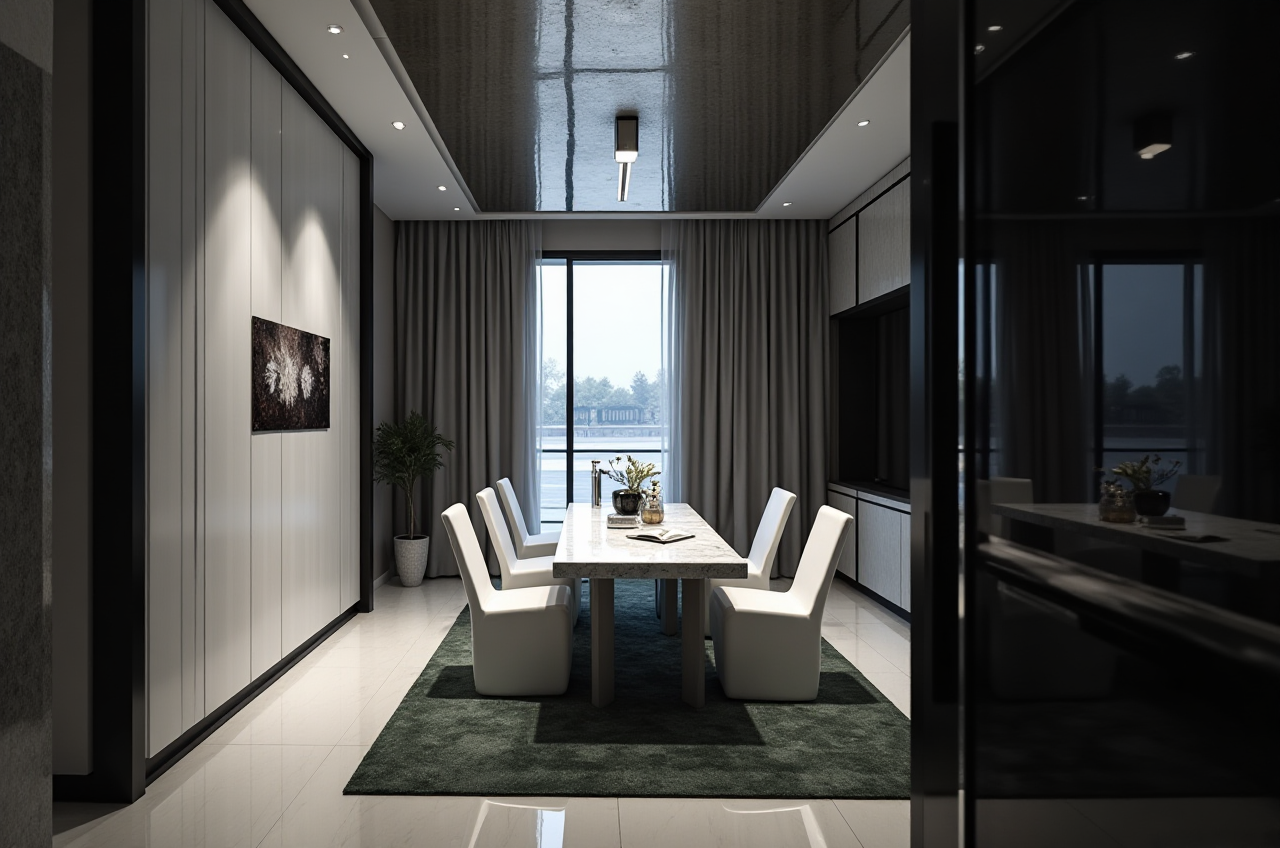
Q3: How does Sunvega's AI one-click 3D rendering work?
A3: Sunvega's AI one-click 3D rendering uses advanced algorithms to generate photorealistic 3D images based on your design. Simply click the rendering button, and the AI will automatically apply lighting, textures, and other visual elements to create a lifelike representation of your space.
Conclusion
Sunvega (AiHouse) is a game-changer in the world of home design and remodeling. With its comprehensive features, user-friendly interface, and advanced AI capabilities, it offers a powerful solution for both DIY enthusiasts and professionals. Whether you're planning a small renovation or a complete home makeover, Sunvega provides the tools you need to bring your vision to life. Visit https://www.sunvega.com/ to start your home design journey today.