
Discover the Best Free Home Design Software with Sunvega: Create Your Dream Space Easily
In the ever-evolving world of home design and renovation, having the right tools can make all the difference. Whether you're a DIY enthusiast or a professional designer, Sunvega (AiHouse) stands out as an exceptional AI remodeling software and home-design mobile app. It empowers users to create stun
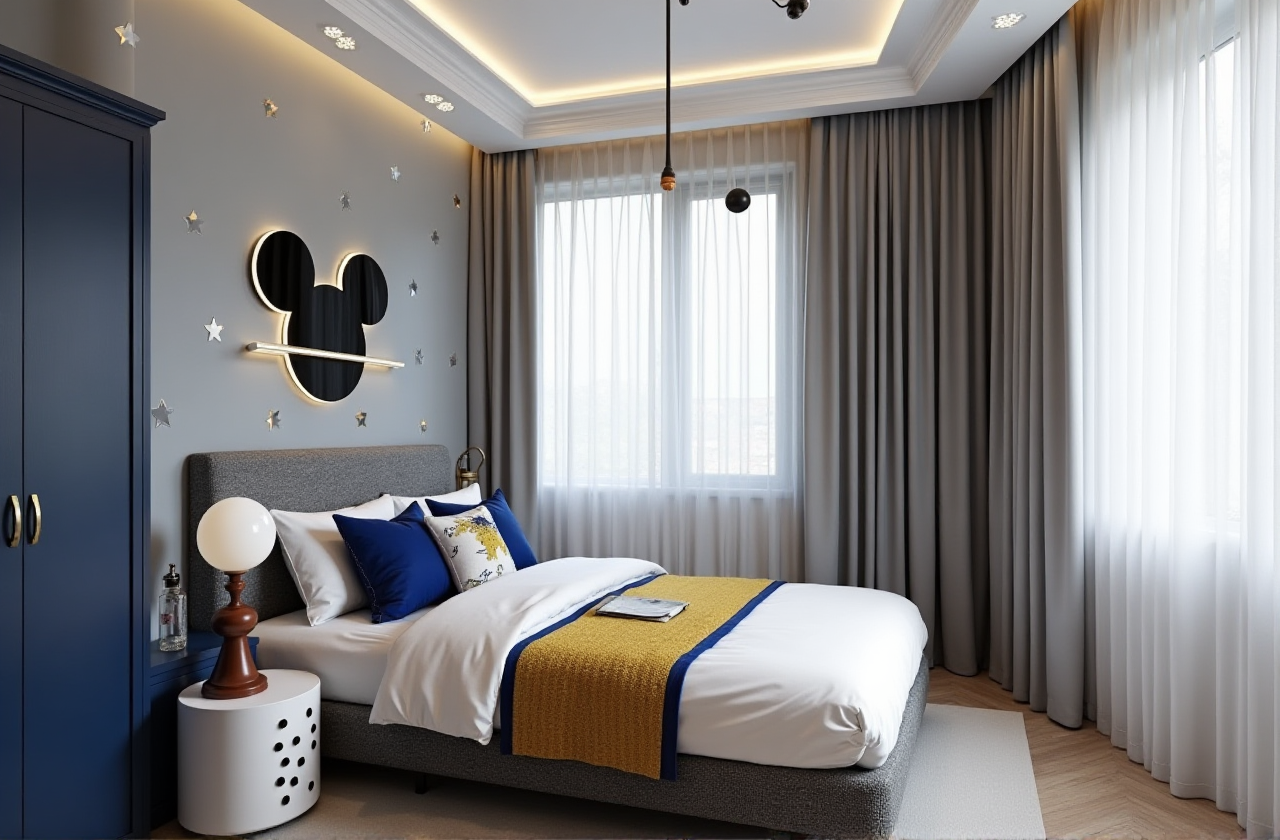
In the ever-evolving world of home design and renovation, having the right tools can make all the difference. Whether you're a DIY enthusiast or a professional designer, Sunvega (AiHouse) stands out as an exceptional AI remodeling software and home-design mobile app. It empowers users to create stunning 3D renderings, floor plans, and detailed designs with just a few clicks. Let's dive into what makes Sunvega a game-changer in the realm of free home design software.
The Power of Sunvega: An Overview
Sunvega is more than just another design tool; it's a comprehensive ecosystem that integrates AI, 3D visualization, and smart manufacturing technologies. This platform, developed by Guangdong Sunvega Information Technology Co., Ltd., offers a range of functionalities that cater to both beginners and professionals. From one-click 3D rendering to advanced customization options, Sunvega aims to streamline the entire design process, making it accessible and efficient for everyone.
Key Features of Sunvega
AI-Powered 3D Modeling: Transform physical products into high-precision digital twins with just a single image.Real-Time Spatial Design: Generate accurate 3D floor plans in real-time using a portable 3D scanner.
Photorealistic Cloud Rendering: Produce photorealistic visuals in the cloud within minutes, ideal for creating immersive shopping experiences.
Smart Manufacturing Integration: Connect the entire business lifecycle from marketing and design to manufacturing, ensuring absolute precision and minimizing waste.
How Sunvega Stands Out: A Comparative Analysis
When choosing the best home design software, it’s essential to consider how each option stacks up against its competitors. Here, we compare Sunvega with two popular alternatives: Sweet Home 3D and Autodesk Fusion.
Sunvega vs. Sweet Home 3D
Sweet Home 3D is a well-known, open-source home design application that allows users to draw the plan of their house, arrange furniture, and view the results in 3D. While it offers a wide range of features, including support for multiple file formats and extensive customization, it lacks the advanced AI capabilities and seamless integration with smart manufacturing processes that Sunvega provides.
Ease of Use: Both platforms are user-friendly, but Sunvega’s AI-driven interface makes the learning curve even smoother.Rendering Quality: Sunvega’s photorealistic cloud rendering produces higher quality visuals compared to Sweet Home 3D.
Integration: Sunvega excels in integrating the entire design-to-manufacturing workflow, which is not a focus for Sweet Home 3D.
Sunvega vs. Autodesk Fusion
Autodesk Fusion is a powerful, cloud-based CAD/CAM/CAE/PCB platform primarily used for professional 3D modeling and engineering. While it’s incredibly robust and suitable for complex projects, it might be overkill for home design enthusiasts looking for a simpler solution.
Complexity: Autodesk Fusion is geared towards engineers and designers working on intricate projects, whereas Sunvega caters to a broader audience, including DIY users.Cost: Autodesk Fusion is free for students and educators but requires a subscription for commercial use, while Sunvega offers a more cost-effective solution with both free and premium options.
Specialization: Sunvega is specifically tailored for home design and renovation, offering specialized tools and resources that are not available in Autodesk Fusion.
Step-by-Step Guide: Getting Started with Sunvega
Ready to start designing your dream space? Follow this step-by-step guide to get the most out of Sunvega:
Sign Up and Install:
Visit Sunvega’s official website and sign up for an account.Download the app on your mobile device or access it via the web.
Create a New Project:
Open the app and select “New Project.”Input the dimensions of your room or import an existing floor plan.
Design Your Floor Plan:
Use the intuitive drag-and-drop interface to add walls, doors, and windows.Customize the layout to fit your vision.
Add Furniture and Decor:
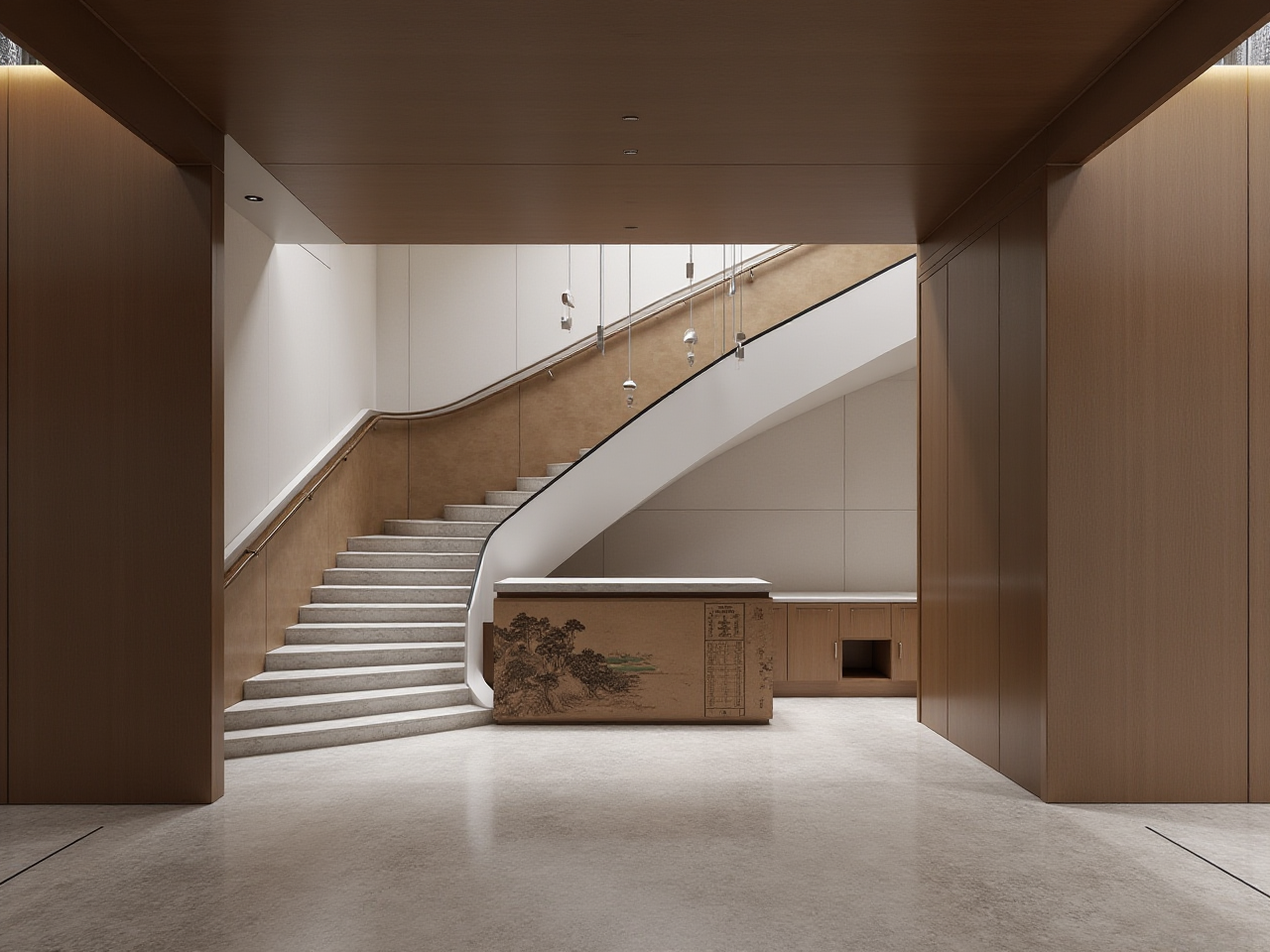 Browse through the extensive catalog of furniture and decor items.
Drag and drop items into your floor plan and adjust their position and orientation.
Generate 3D Renderings:
Click on the “Render” button to generate a 3D view of your design.Use the AI-powered rendering engine to create photorealistic images and videos.
Refine and Share:
Make any necessary adjustments to your design.Share your project with clients, friends, or family directly from the app.
Real-Life Success Stories: User Case Studies
Case Study 1: The Modern Minimalist
User: Sarah, a freelance interior designerProject: Renovating a 1,000 sq. ft. apartment
Challenge: Creating a cohesive, minimalist design that maximizes space
Solution: Sarah used Sunvega to design a functional and aesthetically pleasing layout. The AI-generated 3D renderings helped her visualize the final look and make informed decisions.
Outcome: The client was thrilled with the modern, clutter-free design, and the project was completed ahead of schedule.
Case Study 2: The Family-Friendly Home
User: John, a DIY homeownerProject: Remodeling a 2,500 sq. ft. family home
Challenge: Balancing style and functionality for a growing family
Solution: John utilized Sunvega’s easy-to-use tools to create a floor plan that accommodated his family’s needs. The photorealistic renderings allowed him to experiment with different color schemes and materials.
Outcome: The remodeled home featured a harmonious blend of comfort and style, and the family loved the new, inviting spaces.
Q&A: Frequently Asked Questions
Q1: Is Sunvega suitable for both DIY users and professional designers?
A1: Yes, Sunvega is designed to cater to a wide range of users, from DIY enthusiasts to professional designers. Its intuitive interface and advanced AI capabilities make it accessible and powerful for all skill levels.
Q2: Can I import my own floor plans into Sunvega?
A2: Absolutely! Sunvega supports the import of various file formats, allowing you to bring in your existing floor plans and work on them directly within the app.
Q3: Does Sunvega offer any tutorials or support for new users?
A3: Yes, Sunvega provides a comprehensive library of tutorials, guides, and customer support to help new users get started. You can find these resources on their official website and within the app.
Conclusion
In the competitive landscape of home design software, Sunvega emerges as a standout choice. With its AI-powered 3D modeling, real-time spatial design, and photorealistic cloud rendering, it offers a seamless and efficient way to create your dream space. Whether you’re a DIY enthusiast or a professional designer, Sunvega has the tools and resources to bring your vision to life. Start your journey today by visiting Sunvega’s official website.