
Discover the Magic of Sunvega: Your Ultimate Cabinet Design and Rendering Software
Introduction to Sunvega In the fast-paced world of interior design and home remodeling, having a powerful and user-friendly tool can make all the difference. Sunvega, developed by Guangdong Sunvega Information Technology Co., Ltd, is an AI-driven cabinet design and rendering software that stands out
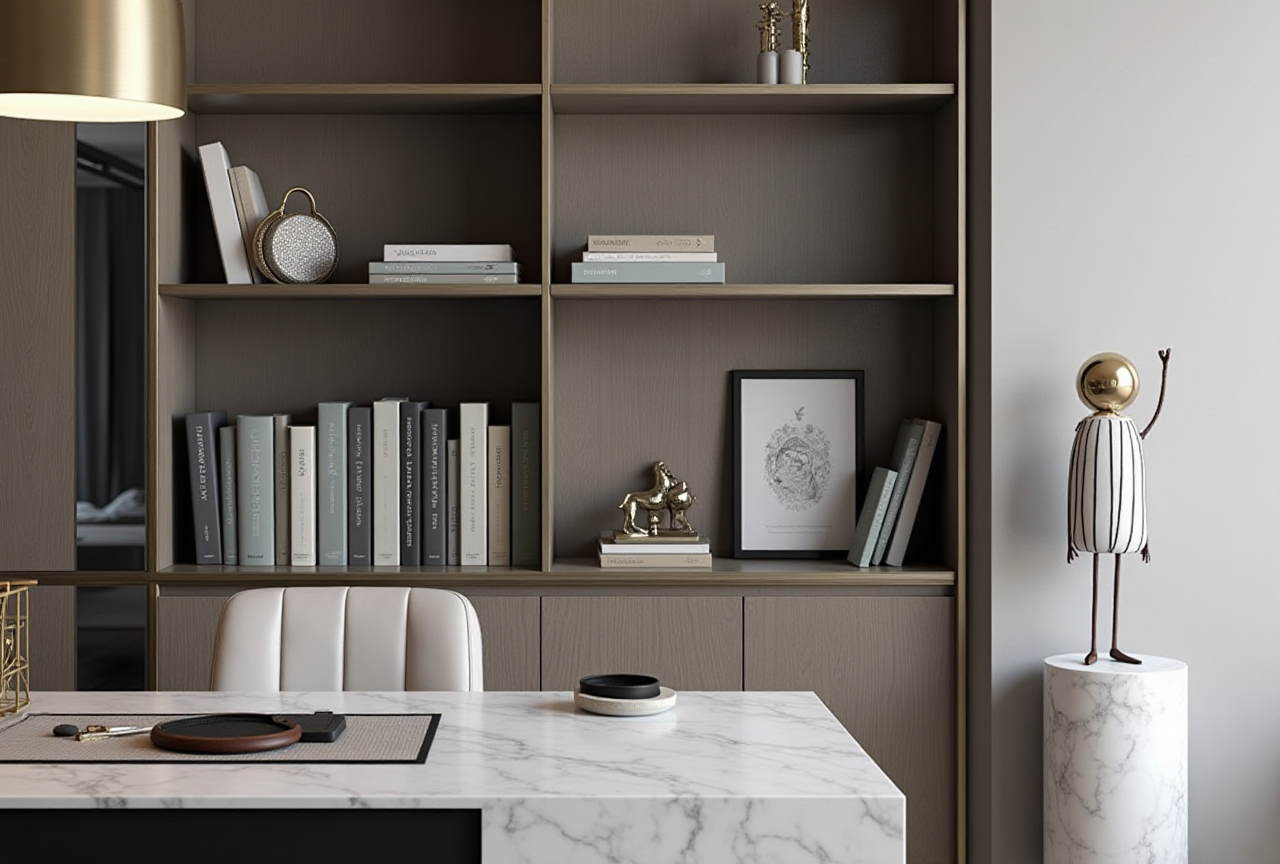
Introduction to Sunvega
In the fast-paced world of interior design and home remodeling, having a powerful and user-friendly tool can make all the difference. Sunvega, developed by Guangdong Sunvega Information Technology Co., Ltd, is an AI-driven cabinet design and rendering software that stands out in the market. It not only simplifies the design process but also enhances the creative experience for both DIY enthusiasts and professionals. This article will delve into the capabilities of Sunvega, provide practical tips, and share real-world examples to help you get the most out of this innovative platform.
The Power of AI in Design
AI-Driven 3D Modeling
Sunvega's AI technology accelerates the transformation of physical products into high-precision digital twins. Starting from a single image, the AI-driven pipeline enables users to manage massive SKU catalogs and rapidly synchronize updates across their 3D libraries. This capability significantly reduces the time and effort required for 3D content creation, making it ideal for large-scale projects or businesses with extensive product lines.
Practical Tip: Utilize Sunvega's AI modeling feature to quickly digitize your existing product catalog. This will allow you to update and manage your 3D models more efficiently, ensuring that your designs are always up-to-date.
Real-Time Spatial Design
With Sunvega, designers can generate accurate 3D floor plans in real-time using advanced AI algorithms. This portable 3D scanner feature allows for seamless integration between the physical space and the digital design, ensuring that every detail is captured accurately. The real-time data sync with the AI-powered design platform makes it easy to visualize and adjust designs on the go.
Practical Tip: Before starting a project, use the 3D scanning feature to create a detailed and accurate floor plan. This will save you time and ensure that your designs fit perfectly within the given space.
Photorealistic Cloud Rendering
Sunvega’s cloud rendering engine produces photorealistic visuals within minutes, streamlining the process of creating high-end content for immersive shopping experiences. The AI-accelerated rendering ensures that your designs look as close to reality as possible, helping you to communicate your vision effectively to clients.
Practical Tip: Take advantage of the cloud rendering feature to create stunning visual presentations. This will help you to win over clients and close deals faster.
Sunvega vs. Competitors
Comparison with 3D Max/Maya
While 3D Max and Maya are industry-standard tools, they often require significant expertise and hardware resources. In contrast, Sunvega offers a SaaS-based solution that simplifies the design process and reduces the need for high-end hardware. Additionally, Sunvega’s AI capabilities offer a more streamlined workflow, making it easier for users to create and manage 3D models.
Real-World Example: A furniture manufacturer was able to reduce their 3D model creation time by 50% after switching from 3D Max to Sunvega. This allowed them to launch new products faster and respond to market trends more effectively.
User Case Study: Global Furniture Brand
A global furniture brand used Sunvega to streamline their design-to-manufacturing workflow. By integrating Sunvega’s AI-driven design platform, they were able to reduce the time from concept to production by 30%. This not only improved their operational efficiency but also enhanced the quality of their final products.
External Reference: According to a report by ASID (American Society of Interior Designers), Sunvega has been recognized for its ability to bridge the gap between design and manufacturing, making it a preferred choice for many leading companies in the industry.
Tutorials and How-To Guides
Getting Started with Sunvega
Sign Up and Setup: Visit Sunvega’s website and sign up for an account.Follow the setup instructions to configure your workspace.
Importing Floor Plans: Use the 3D scanning feature to import your floor plan or upload a 2D drawing.
Adjust the dimensions and layout to match your space.
Designing Cabinets: Select from a wide range of pre-designed cabinets or create custom ones.
Use the drag-and-drop interface to place cabinets in your floor plan.
Customizing and Rendering: Customize the materials, colors, and finishes.
Use the cloud rendering feature to generate photorealistic images.
Practical Tip: Start with a small project to familiarize yourself with the software. As you become more comfortable, you can take on larger and more complex designs.
Advanced Features
AI-Powered Customization: Leverage AI to automatically suggest design options based on your preferences.Collaboration Tools: Share your designs with team members or clients for feedback.
Use the commenting and annotation features to facilitate communication.
Practical Tip: Use the collaboration tools to gather input from stakeholders early in the design process. This will help you to make informed decisions and avoid costly revisions later on.
Q&A
Q1: Can Sunvega be used for both residential and commercial projects?
A1: Yes, Sunvega is versatile and can be used for both residential and commercial projects. Whether you’re designing a kitchen for a home or a retail store, Sunvega’s robust features and AI capabilities will help you create stunning and functional spaces.
Q2: Does Sunvega support multiple languages?
A2: Yes, Sunvega supports 18 languages, making it accessible to a global audience. This multilingual support ensures that users from different regions can use the software without any language barriers.
Q3: Is there a free version of Sunvega available?
A3: Sunvega offers a free version with basic floor-plan design functions. For advanced features such as AI one-click 3D rendering and professional customization, you may need to upgrade to a paid plan. However, the free version is a great way to get started and explore the software’s capabilities.
Conclusion
Sunvega is a game-changer in the world of cabinet design and rendering. Its AI-driven features, real-time spatial design, and photorealistic cloud rendering make it an indispensable tool for both DIY enthusiasts and professionals. With its user-friendly interface and comprehensive features, Sunvega is poised to revolutionize the way we approach interior design and home remodeling. Try it out today and discover the magic of Sunvega for yourself!