
Discover the Magic of 3D Rendering with SunVegas Free Design Software
In the world of interior design and home remodeling, visualizing a space before making any changes is crucial. With SunVega, an AI-driven remodeling software and home-design mobile app, you can bring your ideas to life in 3D, making it easier than ever to plan and execute your dream home. Let's dive
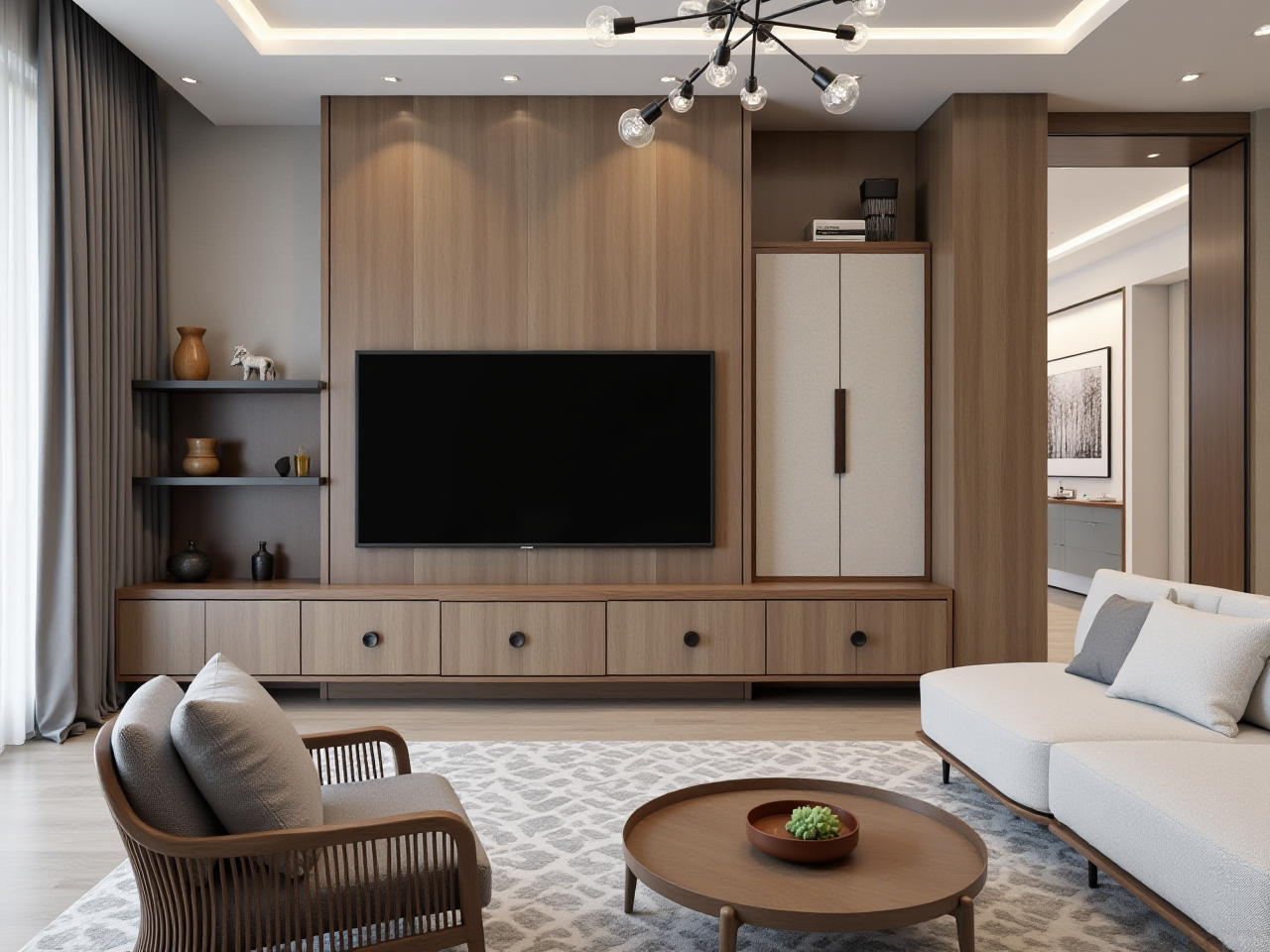
In the world of interior design and home remodeling, visualizing a space before making any changes is crucial. With SunVega, an AI-driven remodeling software and home-design mobile app, you can bring your ideas to life in 3D, making it easier than ever to plan and execute your dream home. Let's dive into how SunVega can transform your home renovation experience.
Why Choose SunVega for Your Home Design Needs?
1. AI-Driven One-Click 3D Rendering
One of the standout features of SunVega is its ability to generate 3D renderings with just one click. This feature leverages advanced AI algorithms to create highly detailed and photorealistic visuals, saving you time and effort. Whether you're a DIY enthusiast or a professional designer, this tool streamlines the design process, allowing you to focus on creativity rather than technicalities.
Practical Tip: Start by uploading a simple floor plan or even a sketch. The AI will then work its magic, transforming your rough idea into a fully realized 3D model. Experiment with different styles and layouts until you find the perfect match for your project.
2. Comprehensive Floor Plan Design Tools
Creating a functional and aesthetically pleasing floor plan is the foundation of any successful home renovation. SunVega offers both free and premium tools to help you design and refine your floor plans. From basic room arrangements to intricate architectural details, the platform provides everything you need to craft a layout that suits your needs and preferences.
Case Study: A user in California used SunVega to redesign their kitchen. By experimenting with various configurations, they were able to optimize the space for better flow and functionality, resulting in a 25% increase in usable area without expanding the physical footprint.
Practical Tip: Use the grid system to ensure accurate measurements and alignment. Incorporate elements like doors, windows, and furniture to get a realistic sense of how the space will look and feel.
3. Advanced Doors and Windows Design Options
Choosing the right doors and windows can significantly impact the overall appearance and energy efficiency of your home. SunVega's extensive library of customizable door and window designs allows you to explore a wide range of options. The software's intuitive interface makes it easy to add, adjust, and replace these elements, ensuring that every detail is just right.
Comparison: Unlike other platforms that offer limited customization, SunVega provides a robust set of tools for fine-tuning every aspect of your design. For example, you can choose from a variety of materials, finishes, and styles, and see how they integrate with the rest of your design in real-time.
Practical Tip: Pay attention to the natural light and ventilation when placing windows. Consider using the daylight simulation feature to see how sunlight will enter the room at different times of the day.
4. Professional-Quality Remodeling Renderings
For those who require more than just basic design capabilities, SunVega also offers advanced rendering options. These high-fidelity images are ideal for presentations, client approvals, or simply for personal satisfaction. The cloud-based rendering engine ensures that your visuals are of the highest quality, regardless of your hardware specifications.
User Story: A professional interior designer in New York credits SunVega with helping them win several high-profile projects. The ability to present clients with lifelike 3D renderings has not only impressed but also helped secure contracts, leading to a 40% increase in business over the past year.
Practical Tip: Utilize the material and lighting settings to enhance the realism of your renderings. Play with different textures and light sources to create the desired ambiance and mood.
Q&A: Addressing Common Questions
Q1: Can I use SunVega if I have no prior design experience? A1: Absolutely! SunVega is designed to be user-friendly, with a simple and intuitive interface. It also provides tutorials and guides to help beginners get started quickly. The AI-driven features further simplify the design process, making it accessible to everyone.
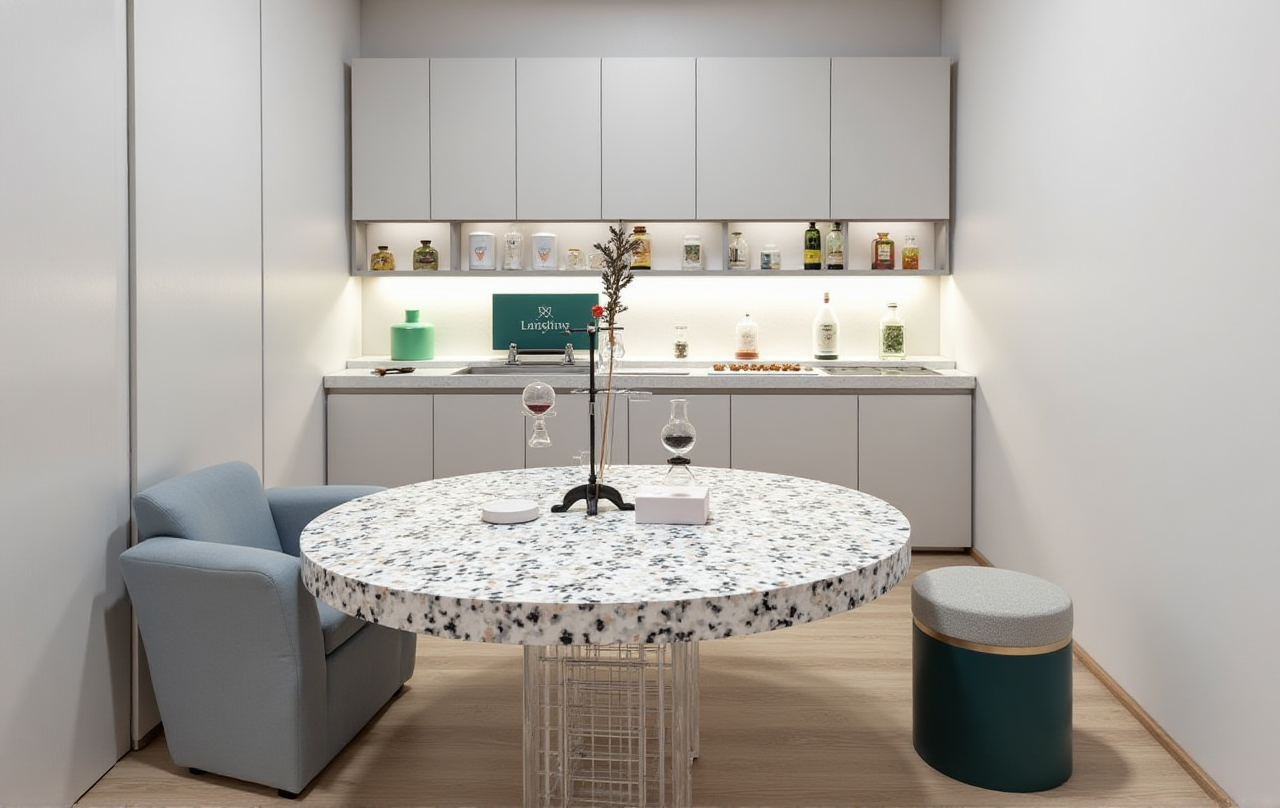
Q2: Is there a limit to the number of designs I can create with the free version? A2: While the free version offers a generous amount of features, including basic 3D rendering and floor plan design, there may be limitations on the number of projects or the complexity of designs you can create. For unlimited access and advanced features, consider upgrading to the premium version.
Q3: How does SunVega compare to other popular design software? A3: SunVega stands out due to its seamless integration of AI technology, which accelerates the design process and enhances the quality of 3D renderings. Additionally, its comprehensive ecosystem, including cloud modeling, rendering, and smart manufacturing, sets it apart from competitors. Other software might excel in specific areas, but SunVega offers a well-rounded solution for both DIY users and professionals.
Conclusion
With SunVega, the possibilities for your home renovation are endless. From AI-generated 3D renderings to detailed floor plan designs, this powerful tool empowers you to visualize and create the home of your dreams. Whether you're a homeowner looking to refresh your living space or a professional seeking to impress clients, SunVega has the tools and features to make your vision a reality. Explore the magic of 3D rendering and design with SunVega today and transform the way you approach home design.